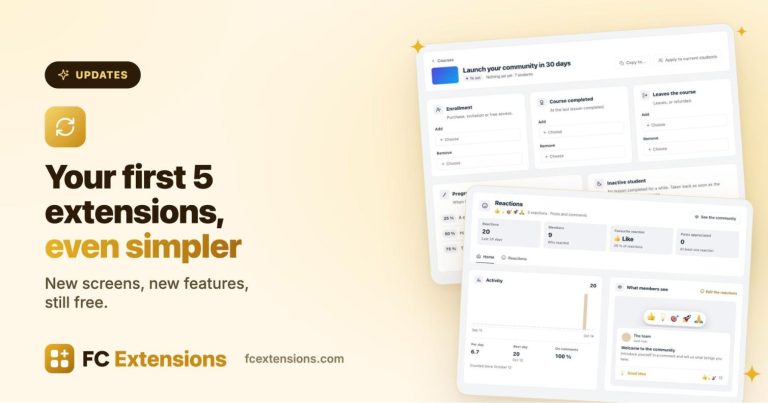

A week ago, FC Extensions arrived with its first extensions. Today, I’m handing you everything that’s ready: every free extension, the first premium extensions, and an FC Extensions completely rebuilt to welcome them.
Why all at once?
At first, I planned to release the extensions little by little, over the coming weeks. Then I asked myself a simple question: why make you wait? They’re ready, they look great, and they can already help you.
There’s another reason too. These extensions are no longer separate tools. Together, they form a complete ecosystem for Fluent Community. So I changed the plan: less marketing, more substance. That’s what matters to me, and I believe it’s what matters to you as well.
Not a pile of extensions, an ecosystem
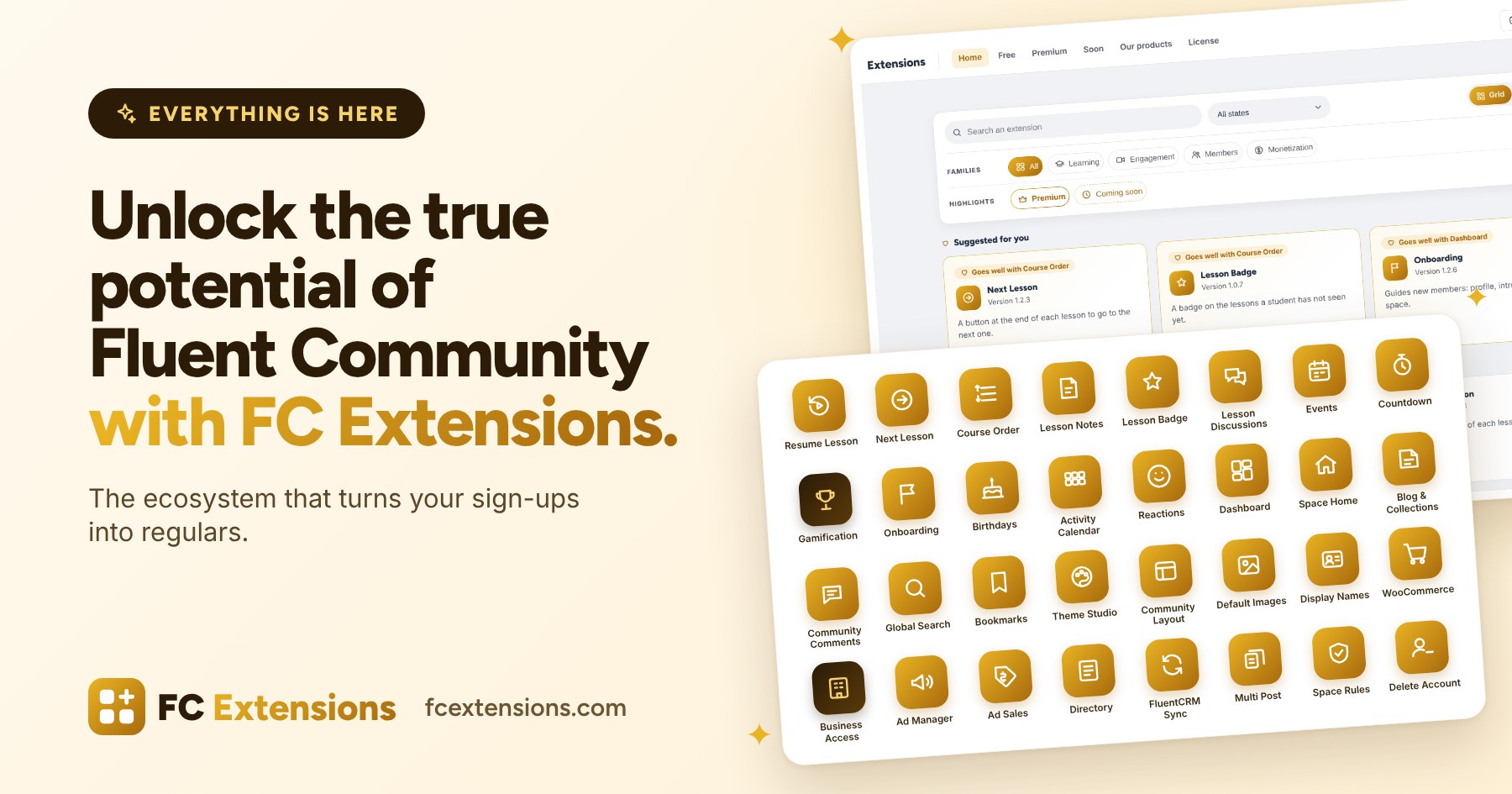
While building each extension, I always asked myself how it would talk to the others. An event shows up in the Dashboard. A completed lesson goes to FluentCRM. Gamification rewards what happens everywhere, and Theme Studio dresses everything in your logo’s colors.
For you, it stays simple. You install FC Extensions once, you switch on what you need, and everything is set up in one place, in the Fluent Community settings. Same screens, same gestures, everywhere.
These extensions also power FC Pulse, your community’s mobile app. An update is coming very soon so your members find the directory, the events, their points and badges, their notes, their bookmarks, and a search that finds everything, right in the app.
A tour of the ecosystem
Let me show you around, depending on what you want to do with your community.
For your courses
These extensions walk your students from the first click to the last lesson. And they pass the baton: Lesson Badge points out what’s new, Next Lesson leads to what comes next, and Resume Lesson brings back anyone who stopped along the way.
- Next Lesson: at the end of a lesson, a clear button leads to the next one. Your students go through lessons like episodes of a series.
- Resume Lesson: a student who takes a break finds their lesson again, right down to the second of the video. Nobody gets lost along the way.
- Lesson Notes: a notebook next to every lesson. The student saves a moment of the video in one click, and finds everything on their profile.
- Lesson Discussions: every lesson gets its own discussion in the course space, and unanswered questions no longer go unnoticed.
- Lesson Badge: a badge on what the student hasn’t seen yet: a new lesson, an updated lesson, a new course. Nothing slips past them.
- Course Order: you choose the order of your courses, and you showcase the ones you want to sell.
To bring your community to life
A community comes alive when something is happening. Countdown builds anticipation, Events brings everyone together on the big day, and Onboarding makes sure every newcomer finds their place from day one.
- Events: a real calendar for the community and for each space, with registrations, reminders and paid seats.
- Countdown: you announce a course launch, your members ask to be notified, and on launch day, everyone is there.
- Onboarding: the new member completes their profile, introduces themselves and joins their first space, guided step by step.
- Birthdays: on their birthday, the whole community thinks of them.
- Activity Calendar: the profile shows the days the member was active. Hard to break the streak after that.
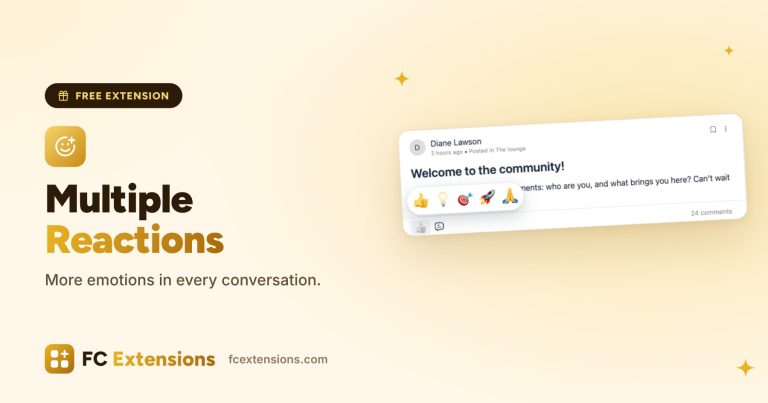
- Reactions: your members say much more than a simple “Like”.
To organize your content
The Dashboard is a bit like the heart of the ecosystem: most extensions add their blocks to it, and every member sees at a glance what they missed. Around it, everything is designed so your members find what they’re looking for.
- Dashboard: one page that sums up everything happening in the community, in each space and in each course, with “Since your last visit” and ready-made templates.
- Space Home: the right welcome page when someone arrives in a space or in the community. And sub-spaces, at last.
- Blog & Collections: your blog and your WordPress content come into the community, sorted into collections, with members-only content if you wish.
- Community Comments: the comments on your articles become community discussions. Your readers become members.
- Global Search: one search to find everything, courses included.
- Bookmarks: your members keep the best of the community, neatly sorted into folders.
To make it yours
Your community should look like you, from day one.
- Theme Studio: a beautiful theme in two minutes, in light and dark. The colors come from your logo, and readability is guaranteed.
- Community Layout: you set the widths and the layout of your community, page by page.
- Default Images: a photo and a cover for those who don’t have one yet. Your community looks great from day one.
- Display Names: everyone introduces themselves as they like: with their name, a nickname or their brand.
To earn a living from your community
Your community can also support you. These extensions help you sell, and get what you build funded.
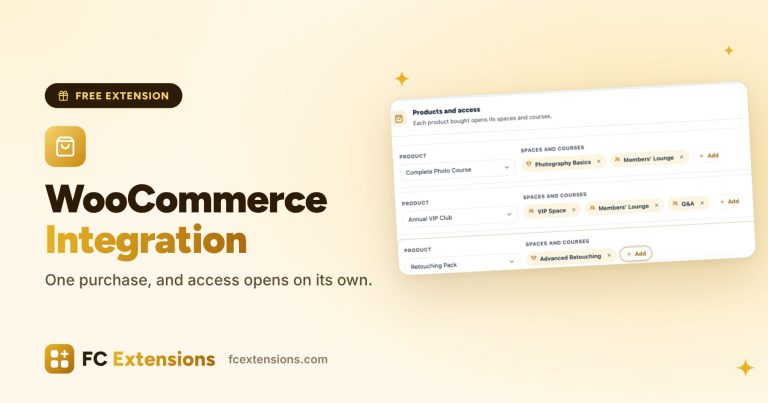
- WooCommerce: you sell access to your courses and spaces. After payment, access opens on its own.
- Ad Manager: placements for your sponsors, with their statistics.
- Ad Sales: your sponsors book and pay for their placements online, with a media kit. It completes the Ad Manager.
- Directory: listings for businesses, tools or job offers, with paid featuring.
To make your life easier
And for everyday work, a few extensions that save you time.
- FluentCRM Sync: every step of your students goes to FluentCRM. What happens next is up to you.
- Multi Post: you write a message once, then publish or schedule it in several spaces.
- Space Rules: members accept the rules before posting. Your community stays calm.
- Delete Account: your members delete their account themselves, with confidence. Their profile and personal data are erased, as the GDPR requires, and their conversations stay in the community under an anonymous profile. Discussions keep all their meaning.
I chose to give these extensions away, even though many could easily have been paid. For each one, I went as far as I could so it truly serves your business, not just to look nice. For you and for the community, it’s a gift.
The first premium extensions
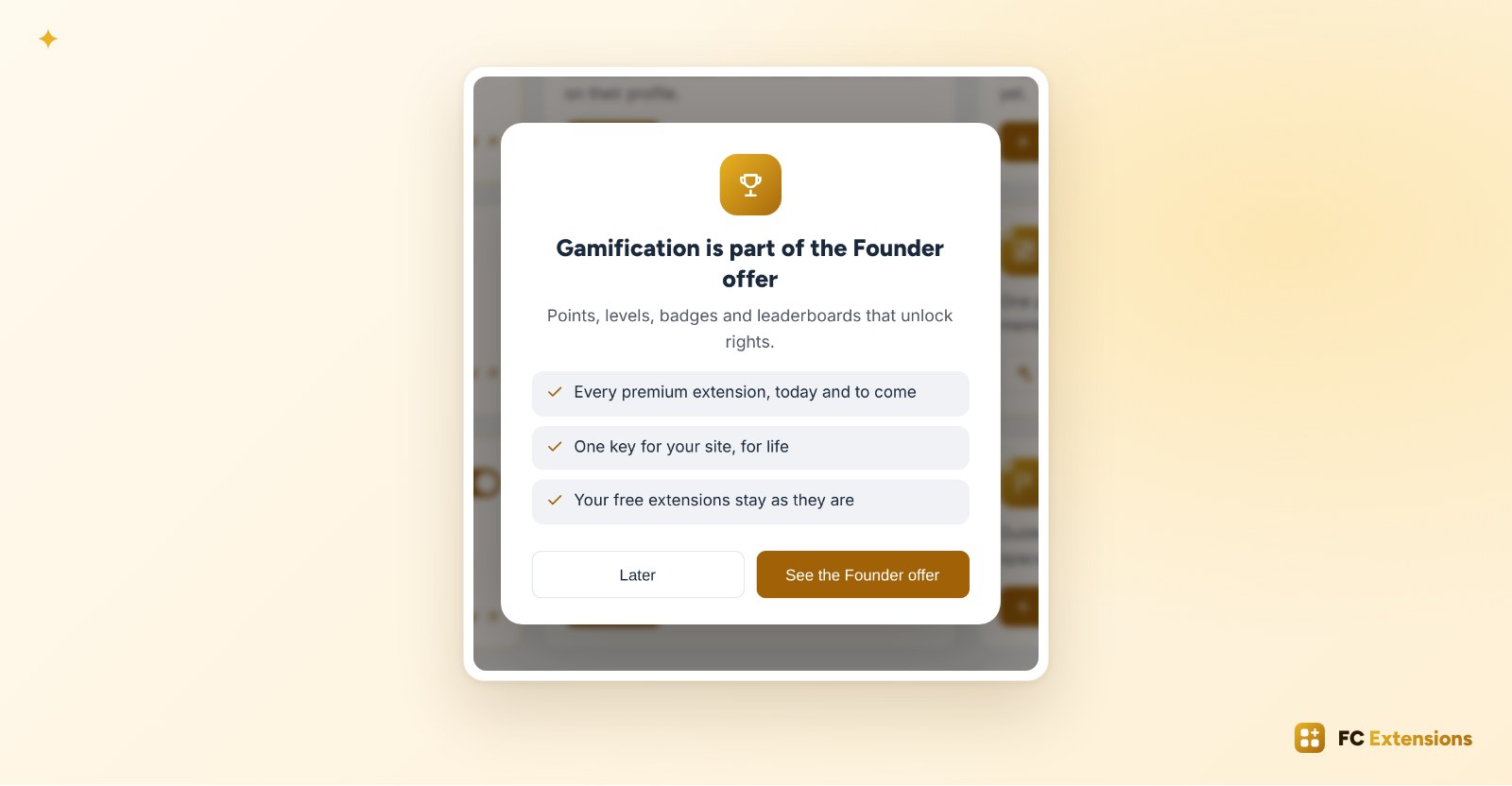
They are included in the Founder offer.
- Gamification: points for more than 170 actions in your community, your courses and WordPress. Levels unlock rights (posting, commenting, sending messages, adding links) and open access to spaces. With its badges and leaderboards, it’s the best way to bring your members back.
- Business Access: a company buys seats for its employees. Its manager enrolls them, follows their progress, sends reminders and gets a completion certificate. You can finally sell your courses to companies, not just to individuals.
Every premium extension, today’s and those still to come, is part of the Founder offer.
The Founder offer, still this weekend
With Gamification and Business Access, premium extensions are now very real. That was the plan from the start: when the second premium extension comes out, the Founder price moves to the next step.
Still, I’m giving you the weekend. Until Sunday evening, the Founder offer stays at €99 for one site, a single payment, for life. On Monday, October 19, it goes up to €199.
This price is my way of thanking those who trust me from the very beginning. You get every premium extension, today’s and all the ones to come, with lifetime updates. You try new versions before anyone else, you have your own Founder space in the community, and you vote on the order of the next releases.
Above all, you directly support the project. Founders are the reason I can keep building, and keep giving so many extensions to everyone. If the ecosystem speaks to you, now is the right time. If not, no worries: your free extensions stay yours, forever.
An FC Extensions rebuilt to welcome everything
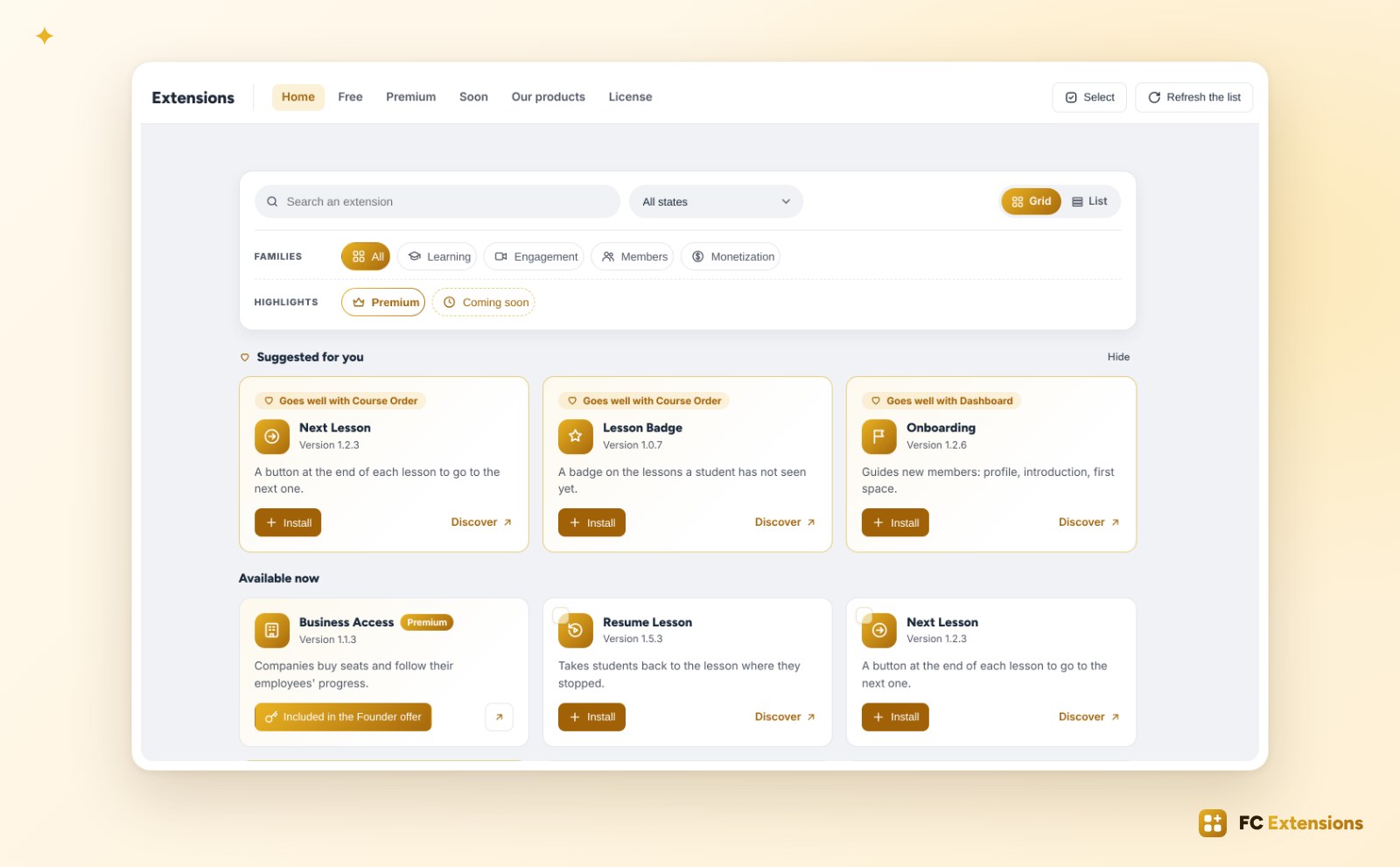
With so many extensions, it needed a screen to match. So I rebuilt FC Extensions from top to bottom.
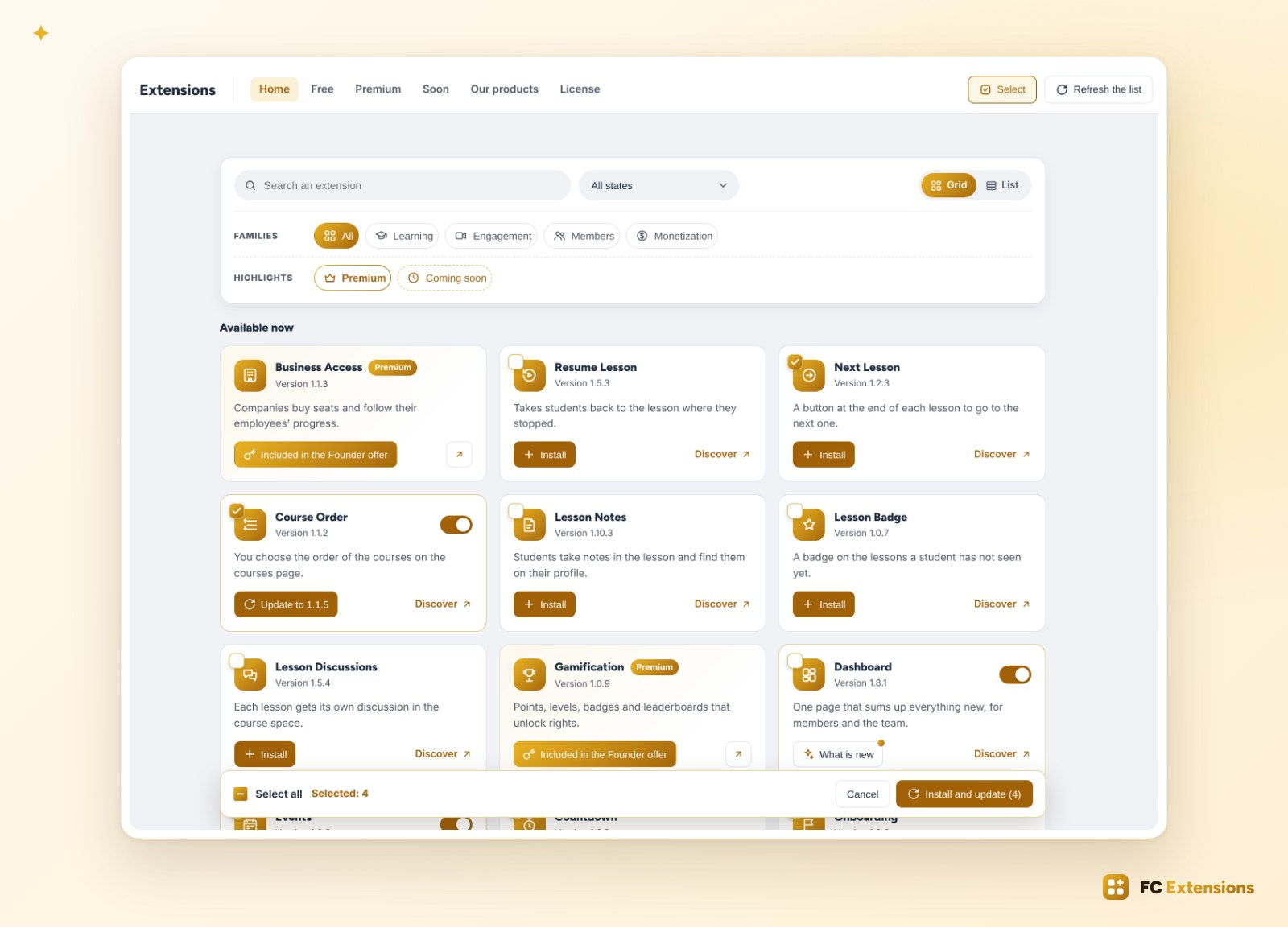
- Families and search: you find the right extension in seconds, in a grid or a list.
- “Suggested for you”: FC Extensions suggests the extensions that complete the ones you already use, and tells you why.
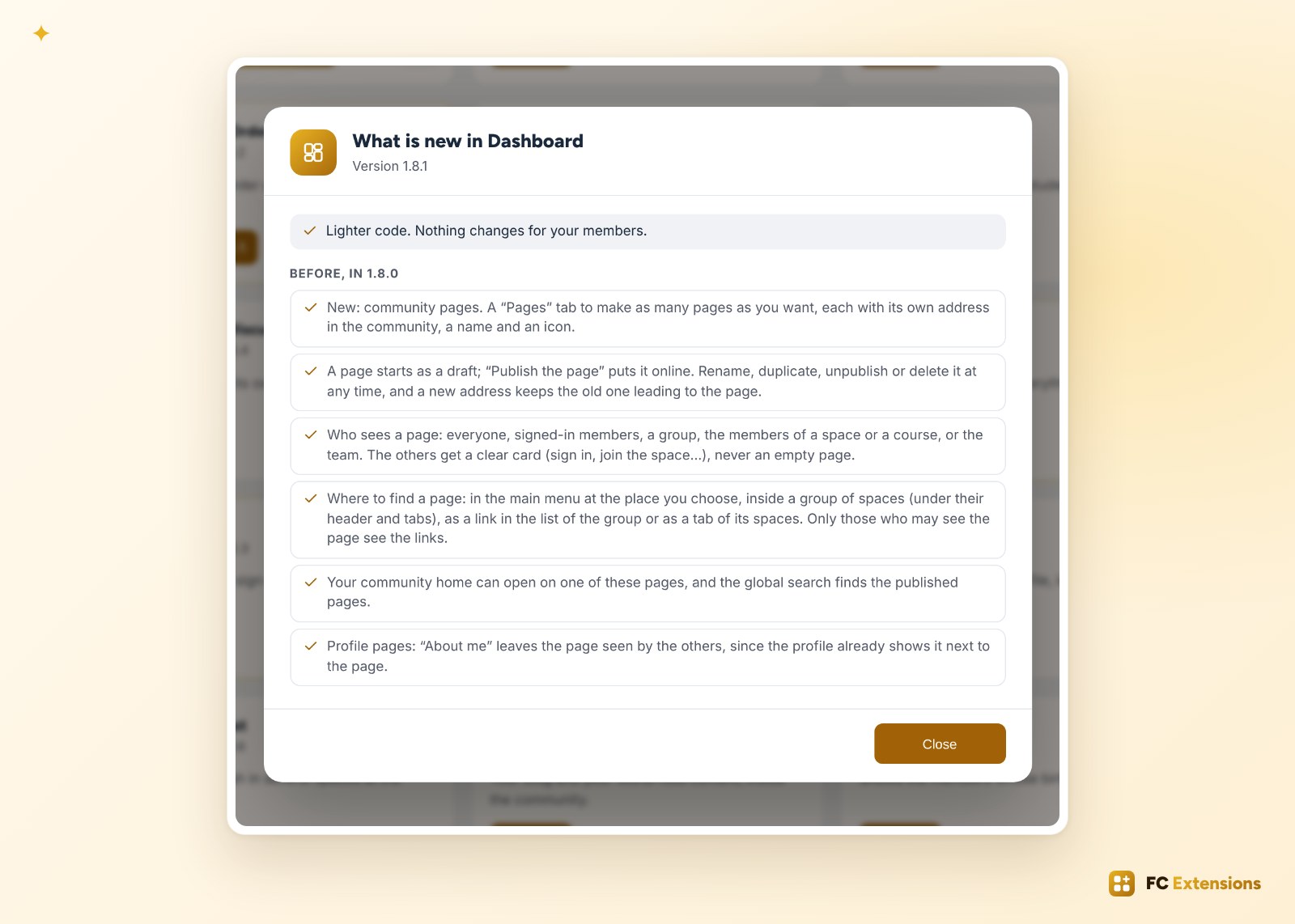
- “What is new”: one click on an extension’s card, and you read what changed in its new version.
- “Select”: you tick several extensions, then install or update them in one go.
A little indulgence, please
I tested every extension, one by one. But there will always be small things I couldn’t see. So I ask for a little indulgence: I gave it my very best.
All these extensions will get updates, and they will also grow thanks to you. They’re already at a very good level, and your feedback will make them even better over time.
And this is just the beginning
More premium extensions are already in the works, like Learning Paths, with its paths, assignments and certificates, Translation, or Live & Webinars. They will join the Founder offer as soon as they’re out. You can follow their progress, and share your ideas, on the roadmap.
How to get everything
- Update FC Extensions: a banner offers it at the top of your admin.
- Open FC Extensions and click “Refresh the list”: every extension shows up.
- Install the ones you like in one click, or tick several and install them in one go. Your extensions already installed update the same way.
The FC Extensions ecosystem
Everything your Fluent Community needs
One free key opens every free extension, with its updates.
✓ Native to Fluent Community
✓ Built to work together
✓ Installed and updated in one click
✓ Free, forever
Thank you for being here since the beginning. Try everything, and tell me what works and what doesn’t in the FC Extensions space of the Sdravobiz community. Your questions also have their answers in the FAQ.
Frequently asked questions
Do the extensions work together?
Yes, that’s the whole point. They add their blocks to the Dashboard, FluentCRM Sync follows your students’ steps, Gamification counts what happens in the others, and they all take on Theme Studio’s colors. Each one also works perfectly on its own.
Do I have to install every extension?
No. Each extension is a separate WordPress plugin, and only the ones you switch on are loaded. Start with what your community needs, and add the rest whenever you like.
Are the free extensions really free?
Yes, forever, with their updates. Your first name and e-mail are enough to get your free key.
How do I get Gamification and Business Access?
They are included in the Founder offer, with every premium extension, as soon as it comes out.
Until when does the Founder price stay at €99?
Until Sunday evening. With the first premium extensions out, it goes up to €199 for one site on Monday, October 19. It’s a single payment, for life, with every premium extension to come.
Are my settings kept after the update?
Yes. Your extensions, their settings and your key stay in place.
How do I update several extensions at once?
In the list of extensions, choose the “Update available” state, then click “Select”, “Select all” and “Update”.