
FreeAvailable
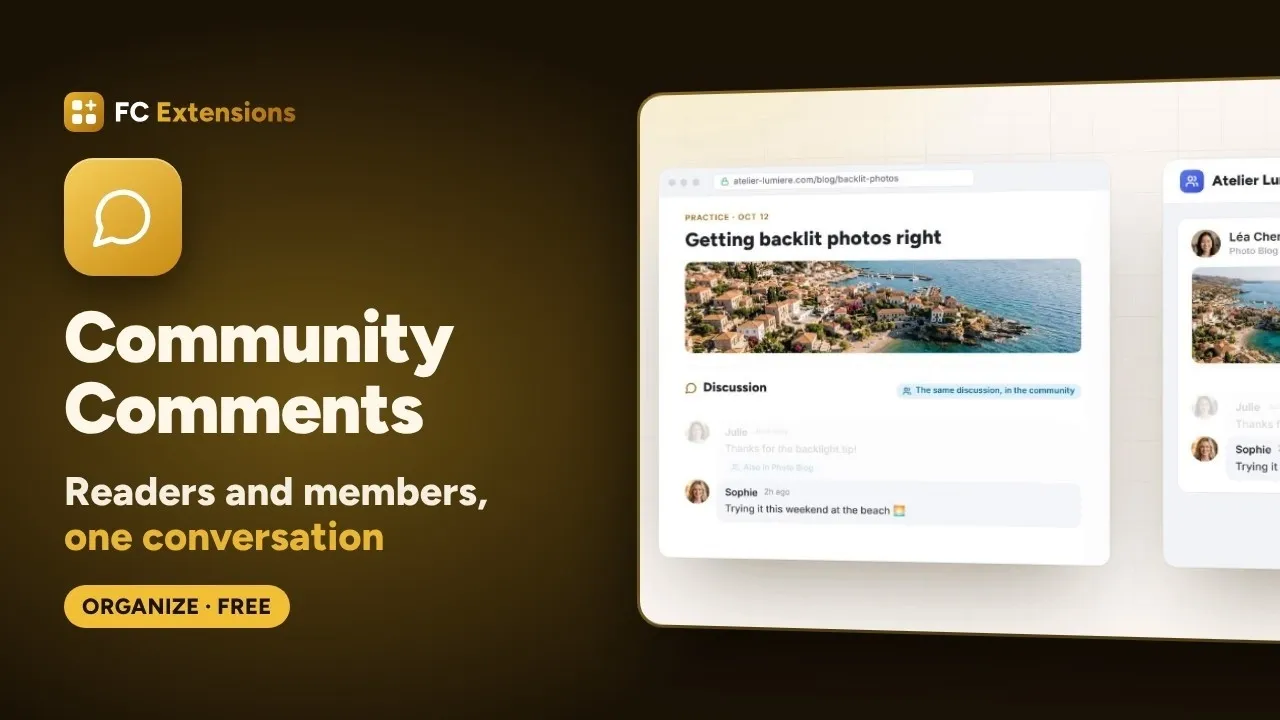
Community Comments
Your articles become conversations, and your readers become members.
Watch it in action1:30
What it brings you
Community Comments, for you and your members.
Comments on your blog stay under the article, far from the community. Community Comments turns them into a discussion in a space: comment under the article or in the community, it is the same conversation.
- One discussion per article, in a space
- One account to comment everywhere
- Articles that bring in new members
In pictures
See it in action.
What your members see, and what you set up in the admin.
Public side

Admin side
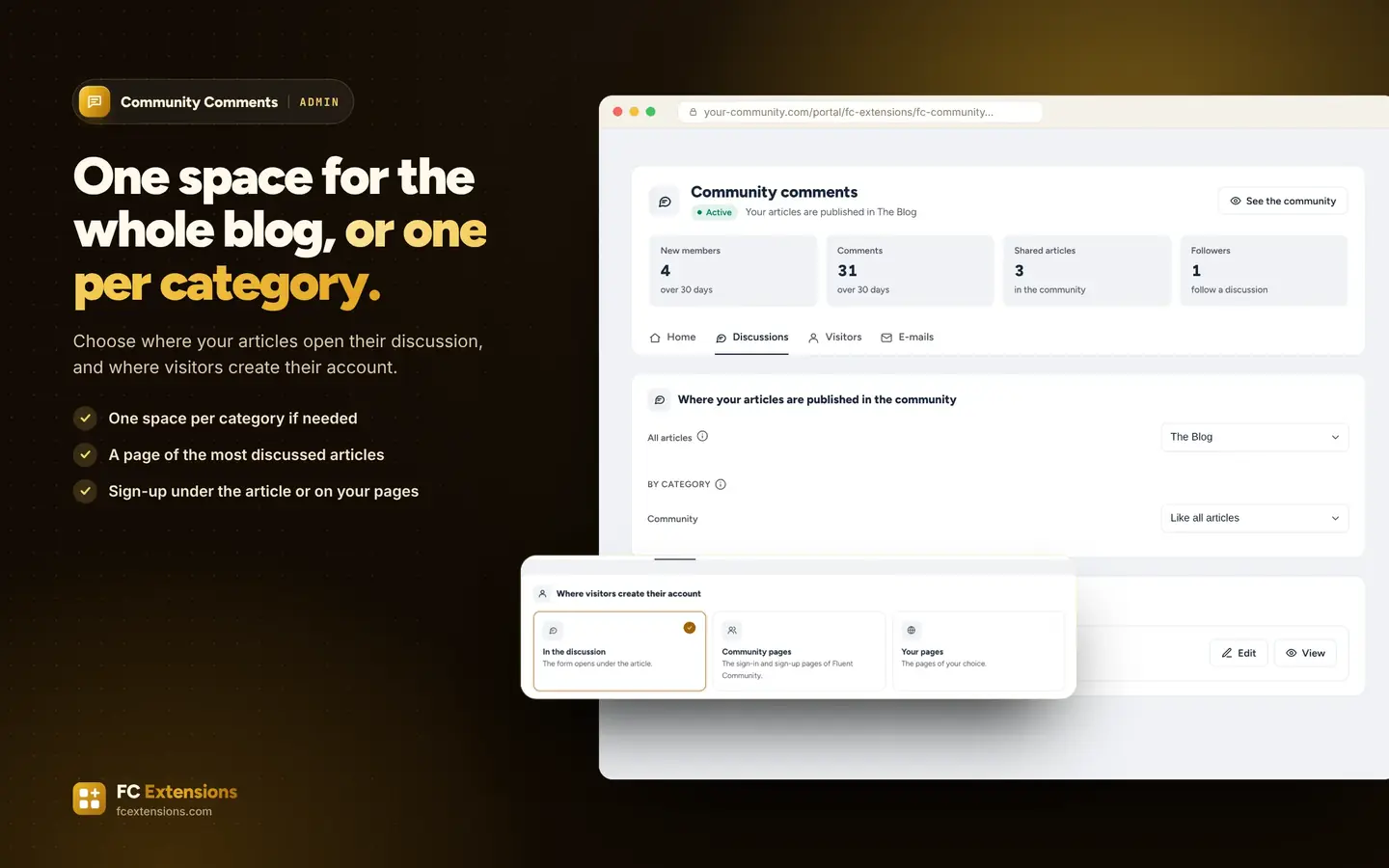
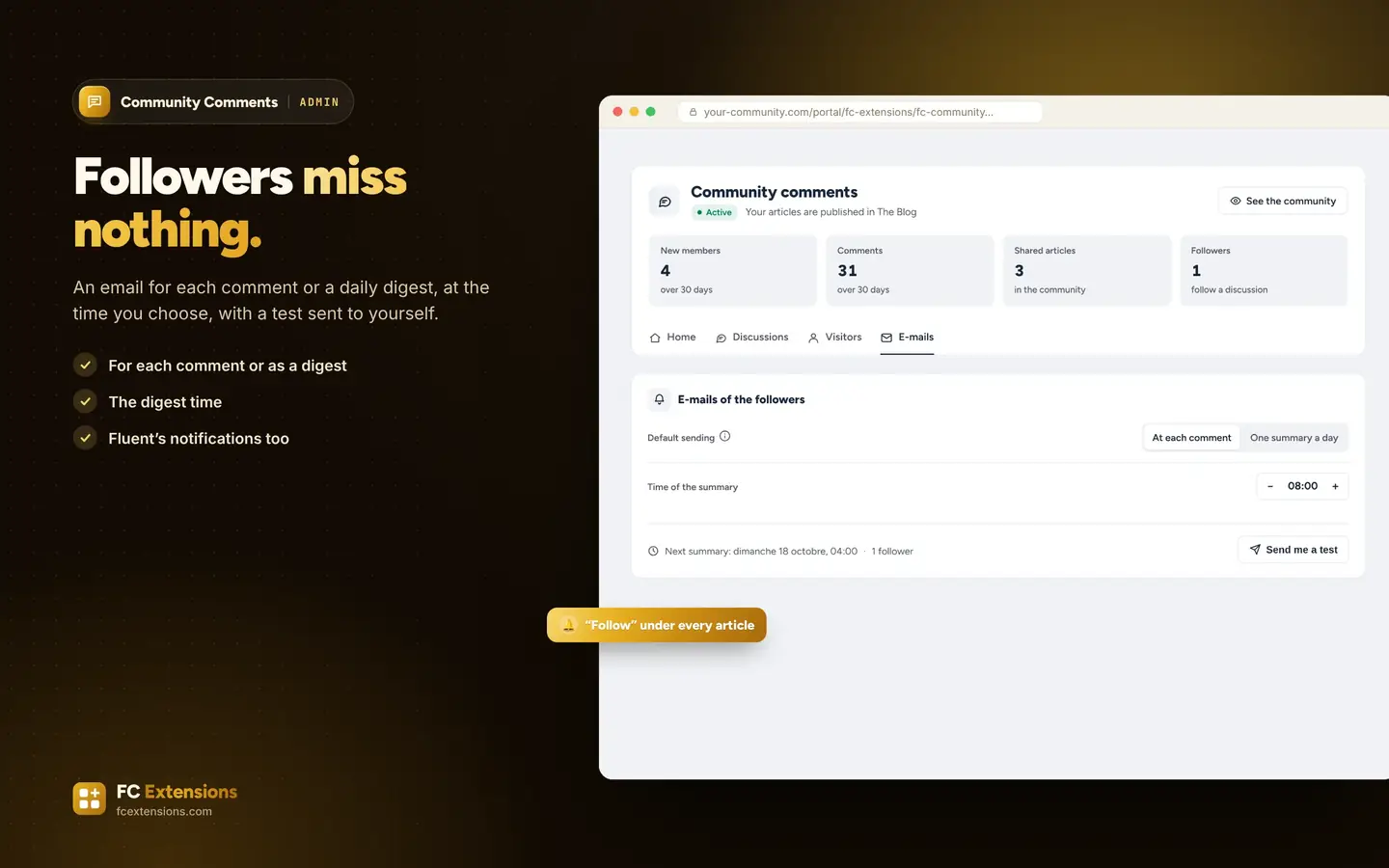
Click a visual to open it full size. Real screens of the extension, with sample data.
In detail
Everything it does for you.
- Every article has its discussion in a space. Commenting under the article or in the community is the same thread.
- A new article posts its card in its space: title, image, excerpt and link.
- Under the article: replies, likes, edits, pinned comments.
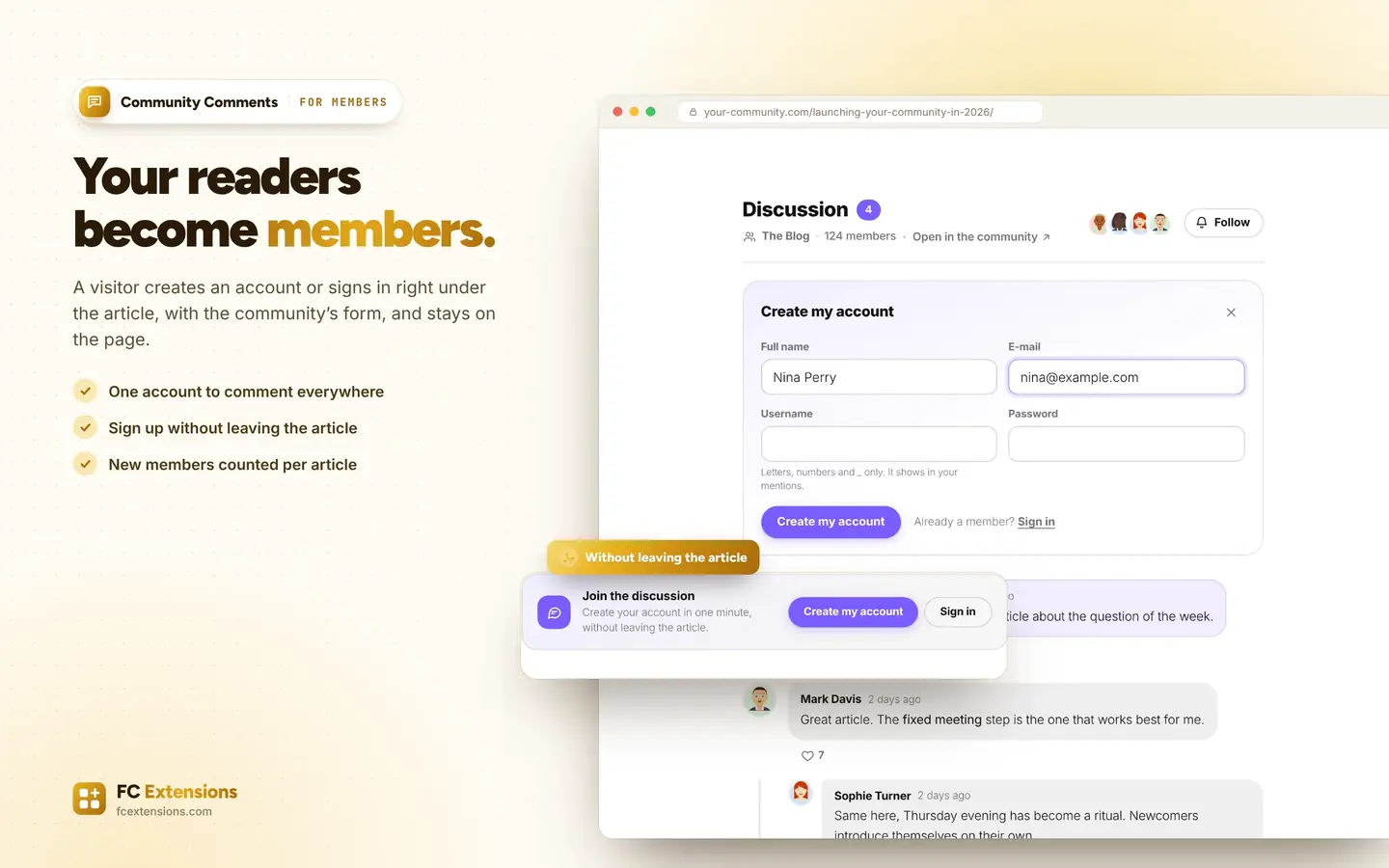
- Visitors create their account or sign in under the article, with the community’s own form.
- Fluent Community’s rights, moderation, notifications and points apply everywhere.
- The discussion is written in the page itself: search engines read it.
- Older comments join the discussion when their author is a member.
- One space for all articles, or one space per category.
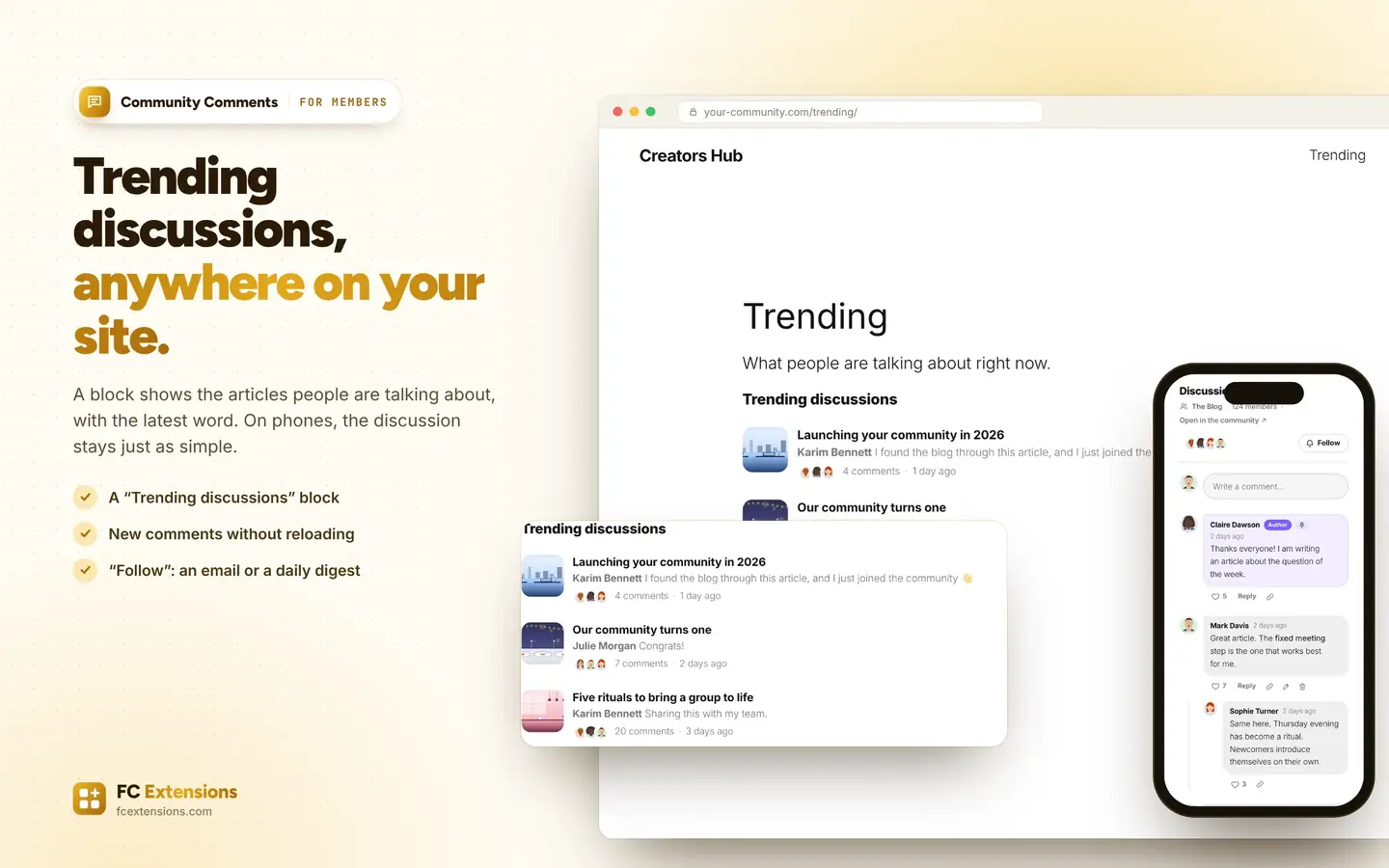
- “Follow”: a notification and an e-mail for every comment, or one summary a day.
- New comments arrive without reloading the page.
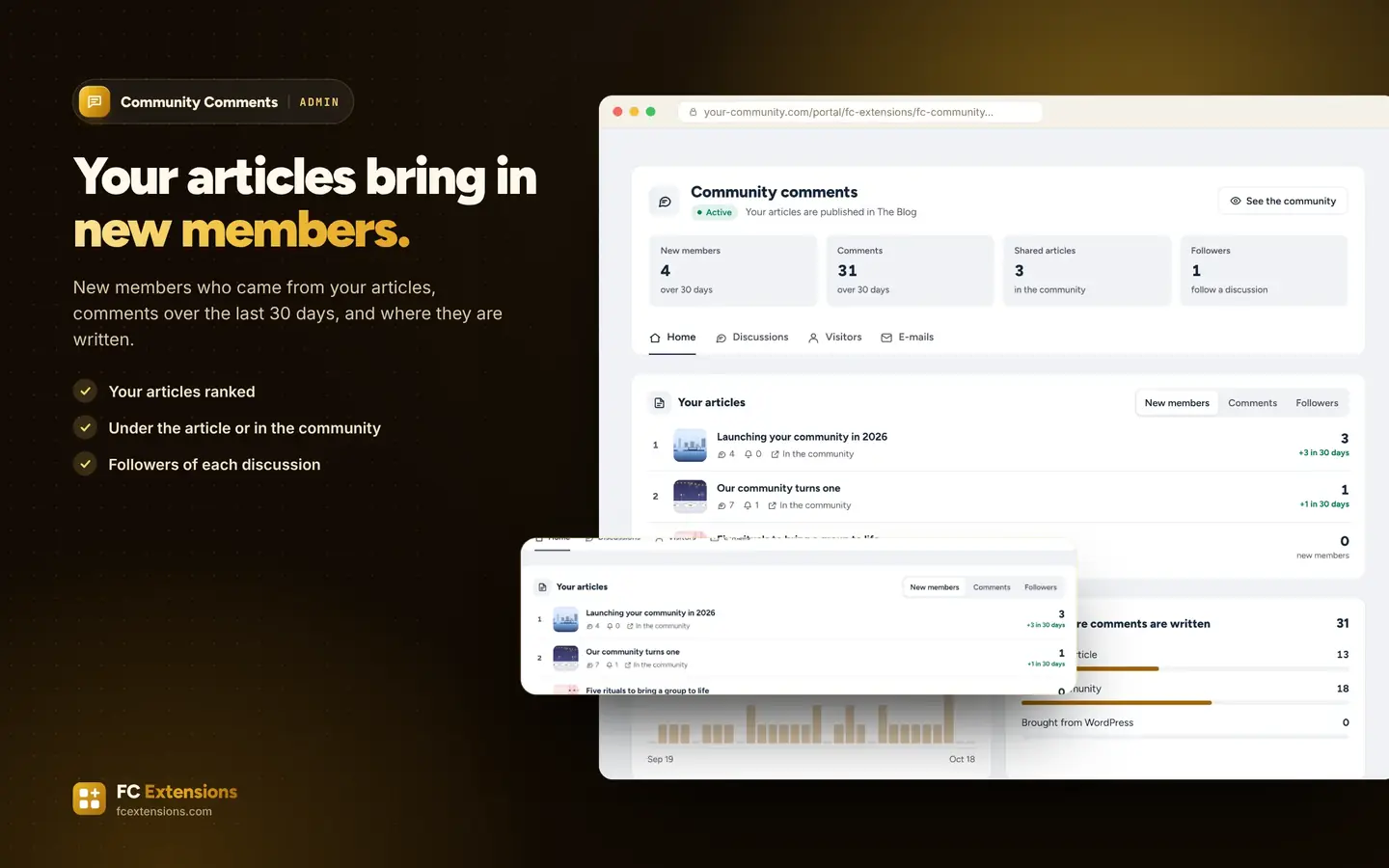
- The number of new members each article brings.
- Switched off, WordPress shows its comments again: nothing is deleted.
How to turn it on
Three steps, and you are off.
- 1Get your free key
Your first name and email are all it takes: FC Extensions and your key arrive right away.
Get my key - 2Install FC Extensions
A single WordPress plugin with everything inside. Paste your key on the License page.
- 3Turn on Community Comments
One switch in the Fluent Community settings, and you are ready.
In the same family
We also recommend.
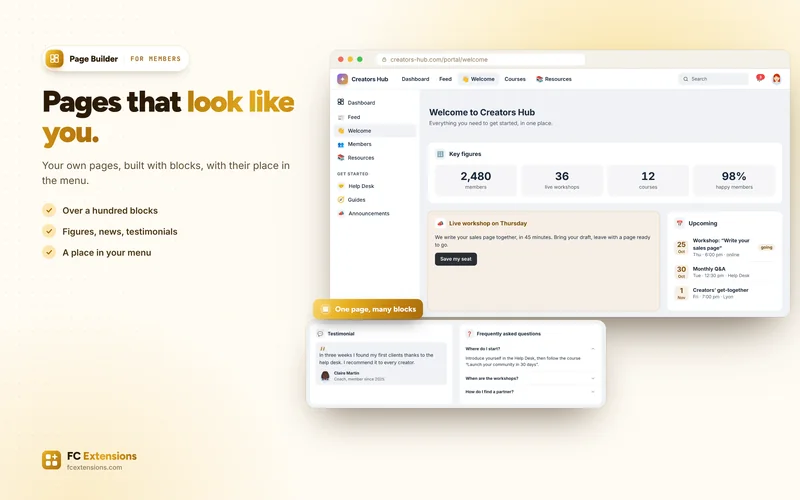
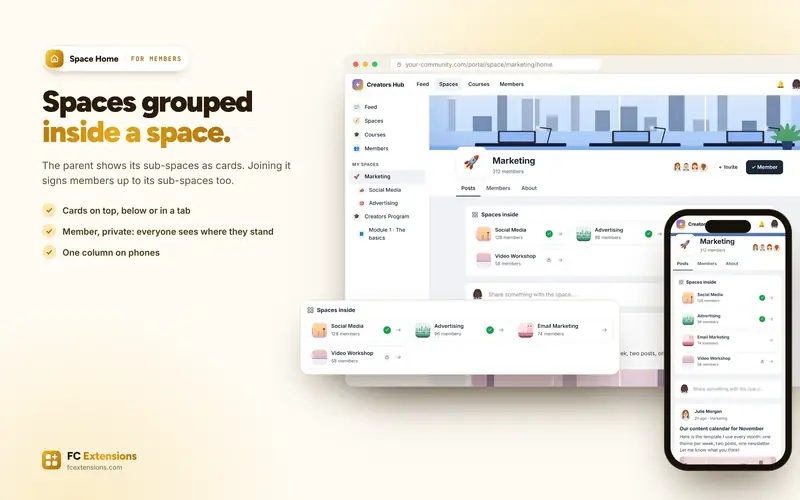
More extensions from the “Organize” family, to go further.

It works with
Even better with these extensions.
FC Extensions know each other: switched on together, they complete each other.
