PremiumAvailable
Events
Events in your style, from ticket to certificate.
Overview2:02
Events 2.012:12
What it brings you
Events, for you and your members.
Events gives each of your gatherings its own page, calendar and tickets, in the community and in every space. With version 2.0, you design them on screen, you sell them the way you want, and your members enjoy a polished experience before, during and after.
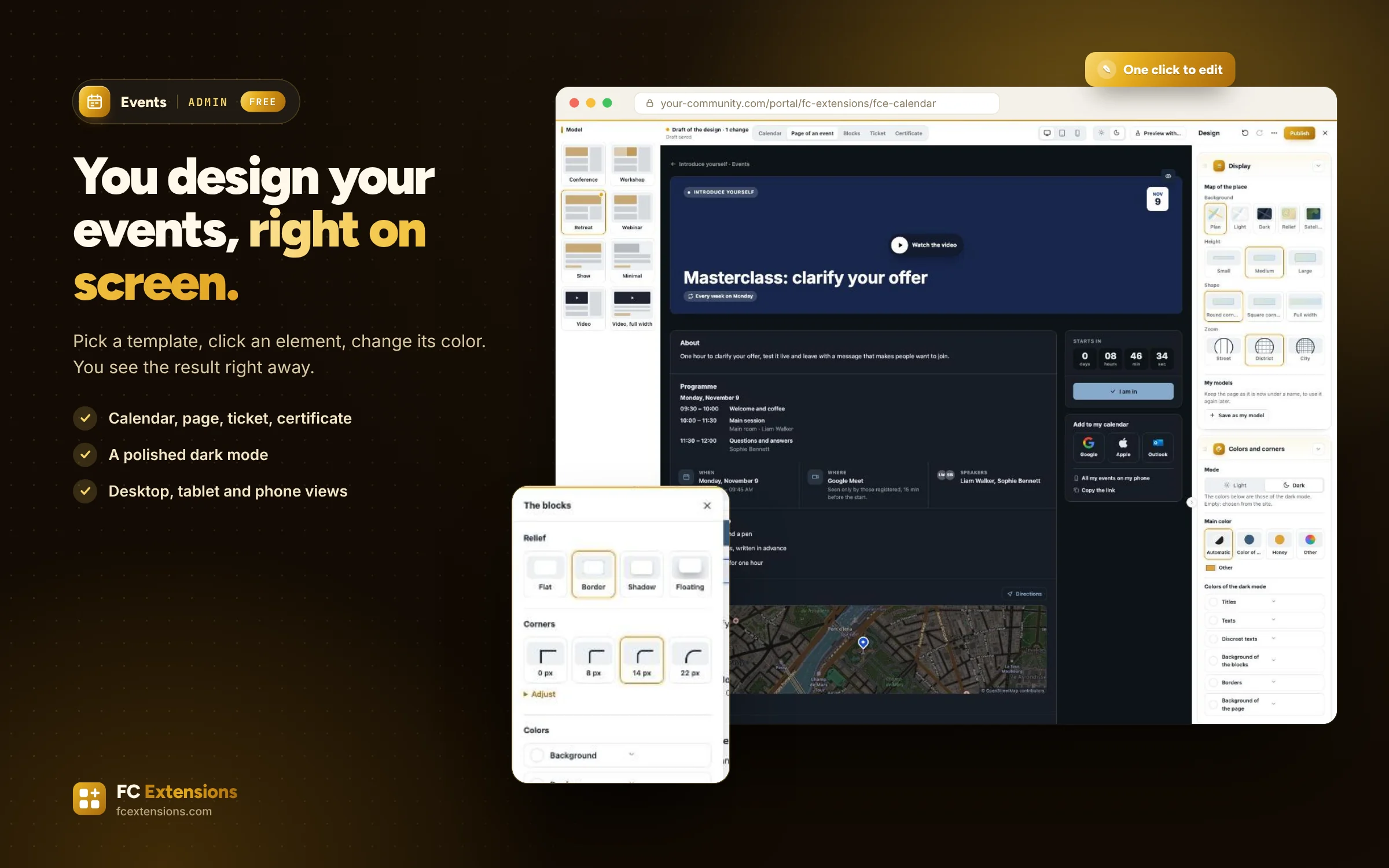
- A visual editor to customize everything
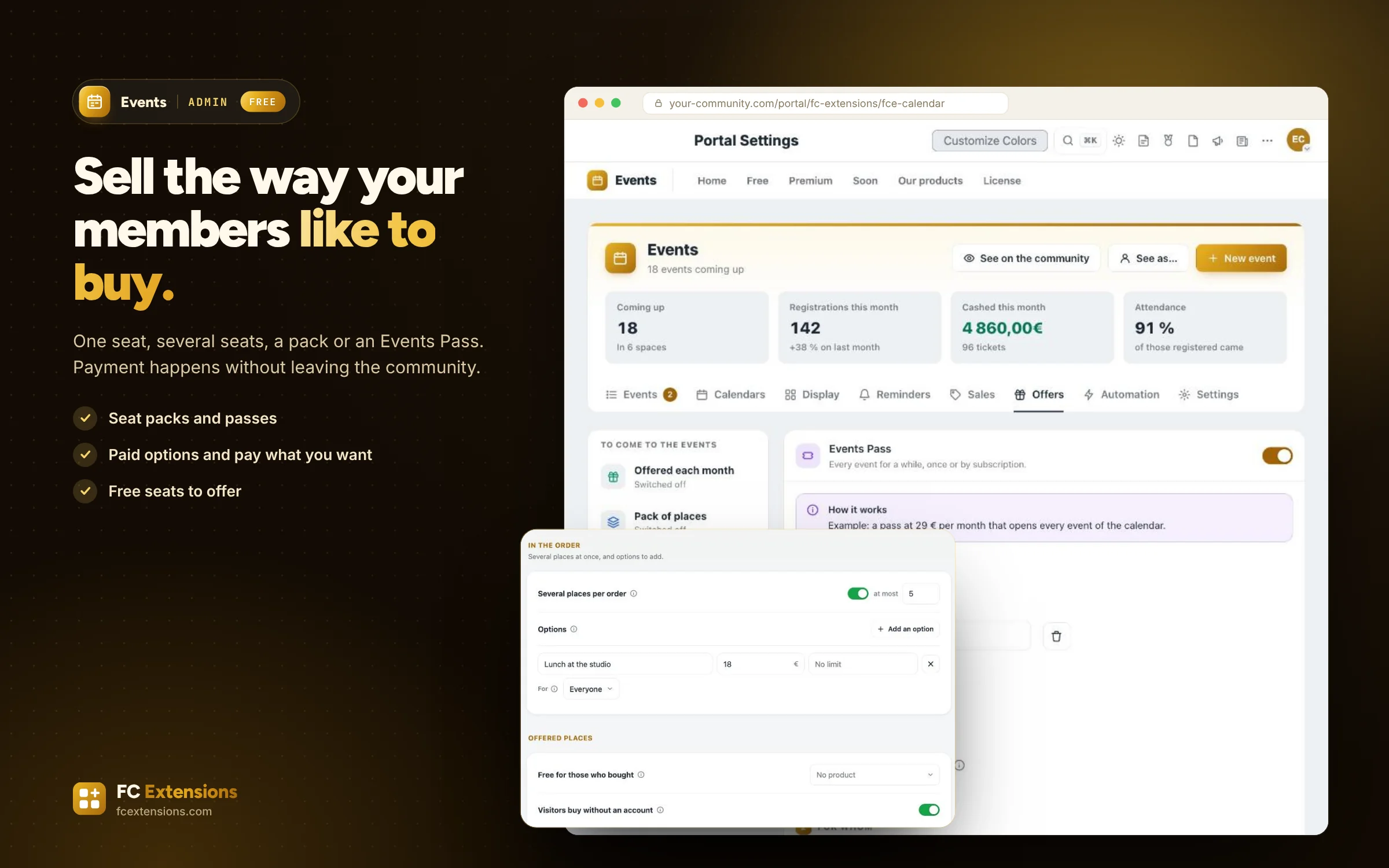
- Seats, packs and passes, paid in the window
- QR code tickets, reviews and certificates
In pictures
See it in action.
What your members see, and what you set up in the admin.
Public side
Admin side
Click a visual to open it full size. Real screens of the extension, with sample data.
In detail
Everything it does for you.
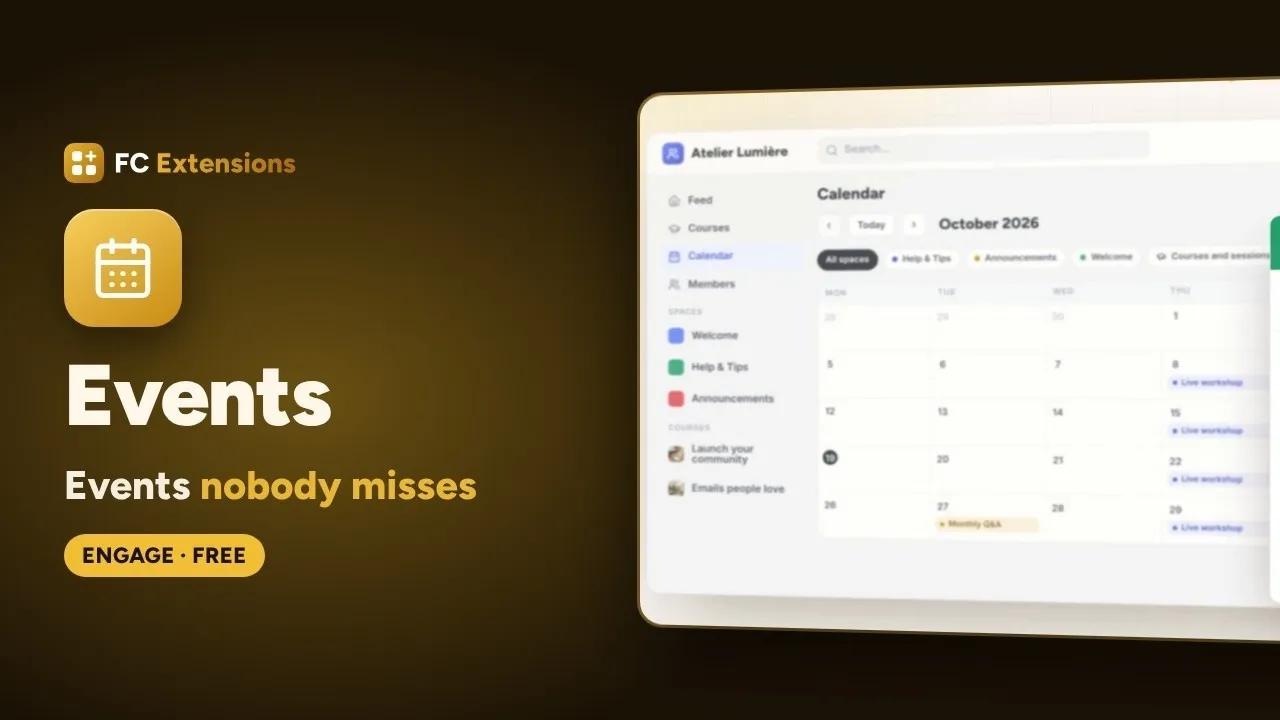
- A calendar in the community and in the spaces you choose: month, week, list, map and “My events”.
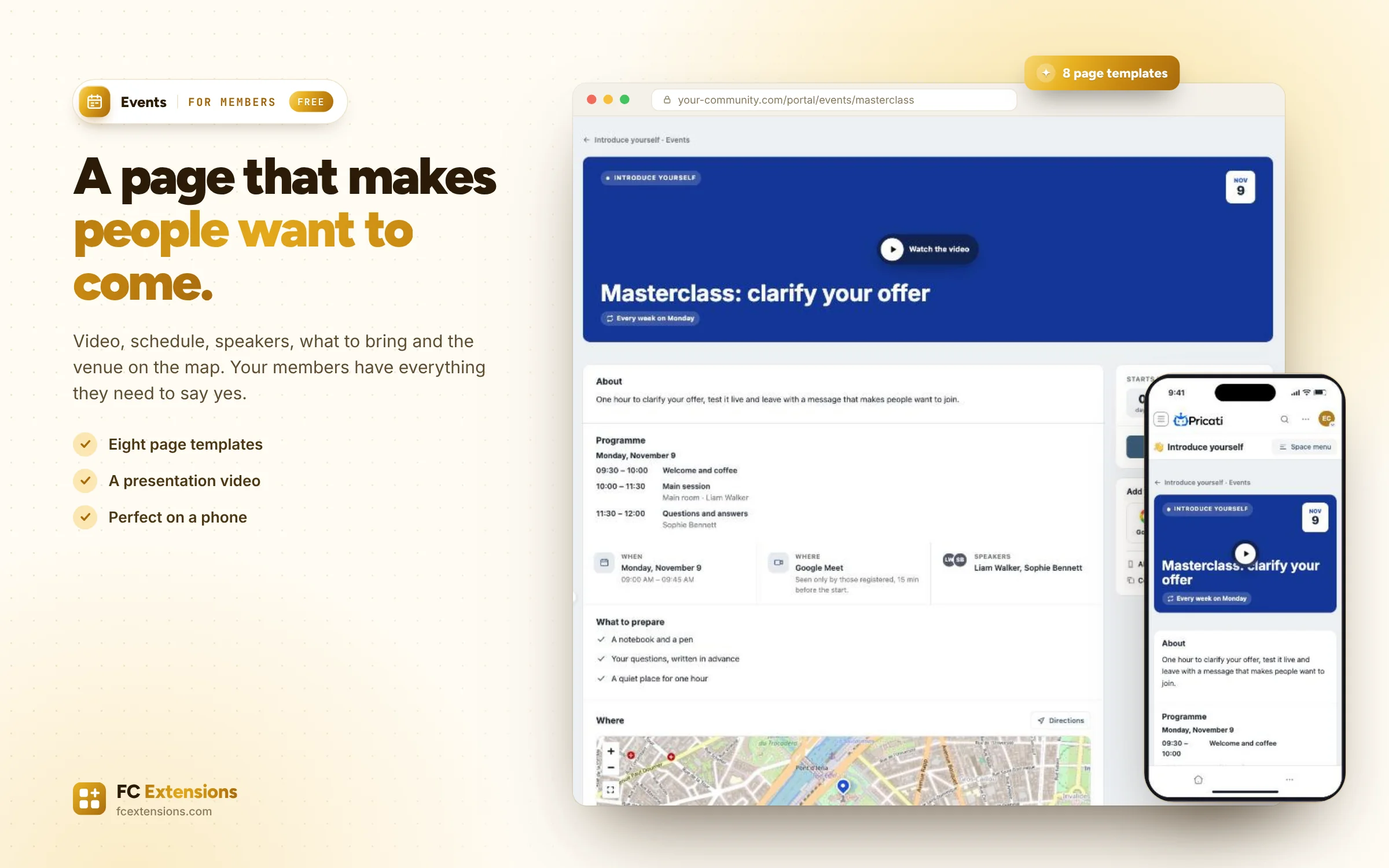
- A visual editor: the event page, lists, calendar, tickets and certificate are edited right on screen, on desktop, tablet and phone.
- Ready-made templates for every view, your community’s colors or Theme Studio’s, and a polished dark mode.
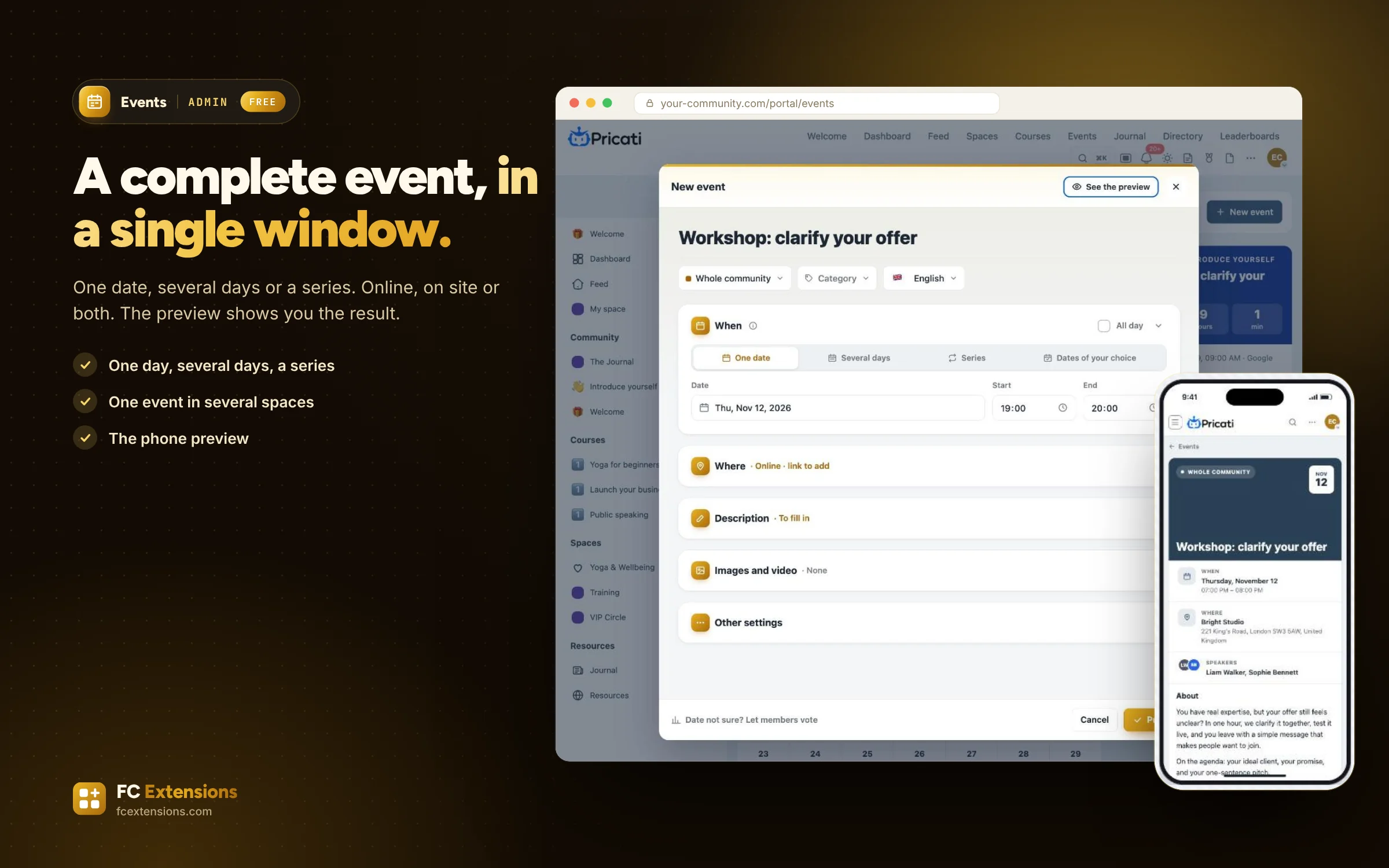
- A clear creation window with a live preview: one date, several days, a series or dates of your choice, online, on site or both. Date not sure? Your members vote.
- A complete page: presentation video, schedule, speakers, FAQ, what to bring, files, venue map and replay.
- One event shown in several spaces at once, and co-organizers to help you.
- Registrations with seats, a waiting list and access by space, course, FluentCRM tag or list, purchase or level.
- Sales with FluentCart, without leaving the community: several seats per order, paid options, pay what you want and a full series in a single payment.
- Seat packs, an Events Pass, free seats, and pay later in cash or by bank transfer.
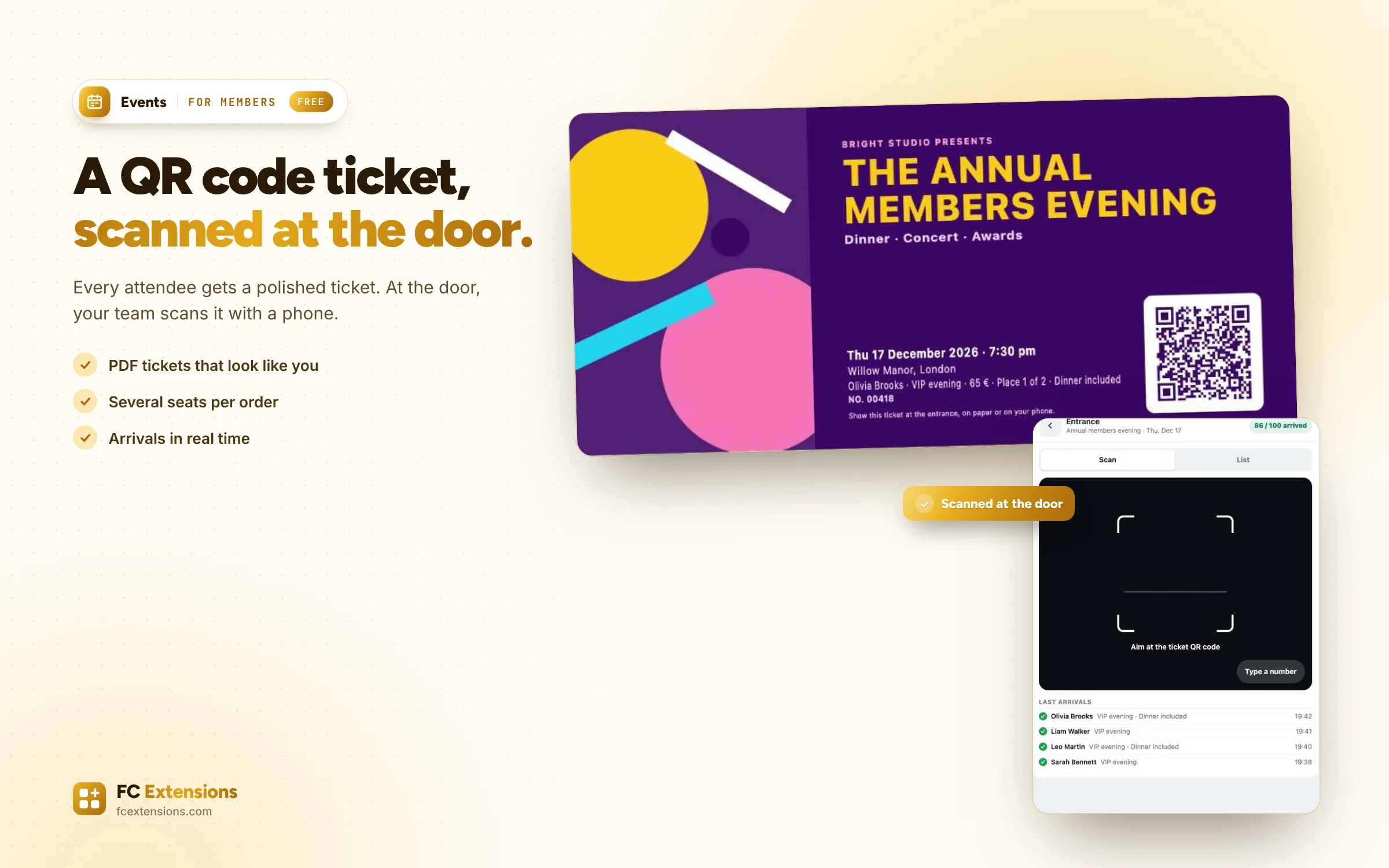
- PDF tickets with a QR code, scanned at the door from a simple phone.
- Reminders by e-mail and notification, the live link that shows up at the right time, and each member’s calendar on their phone.
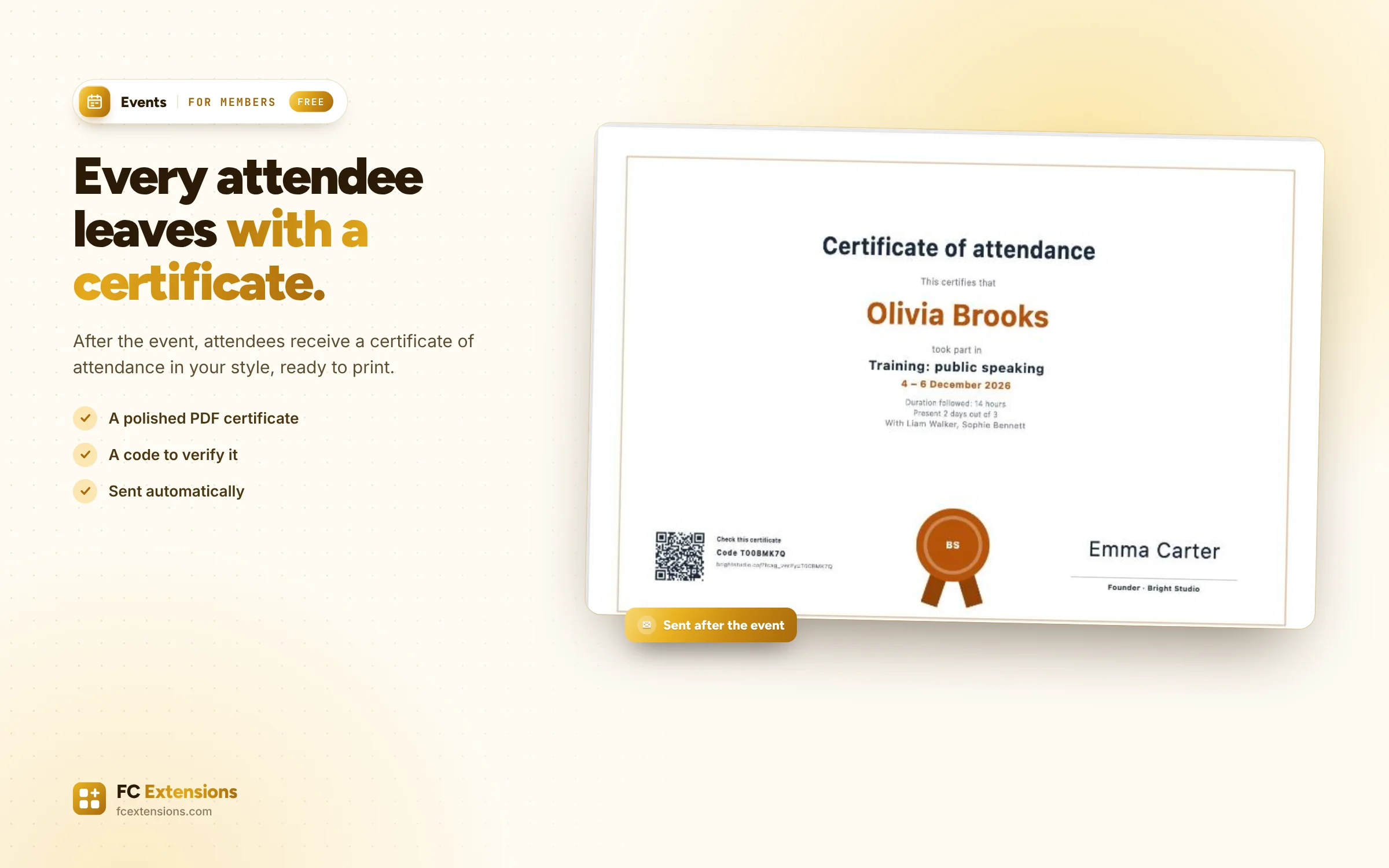
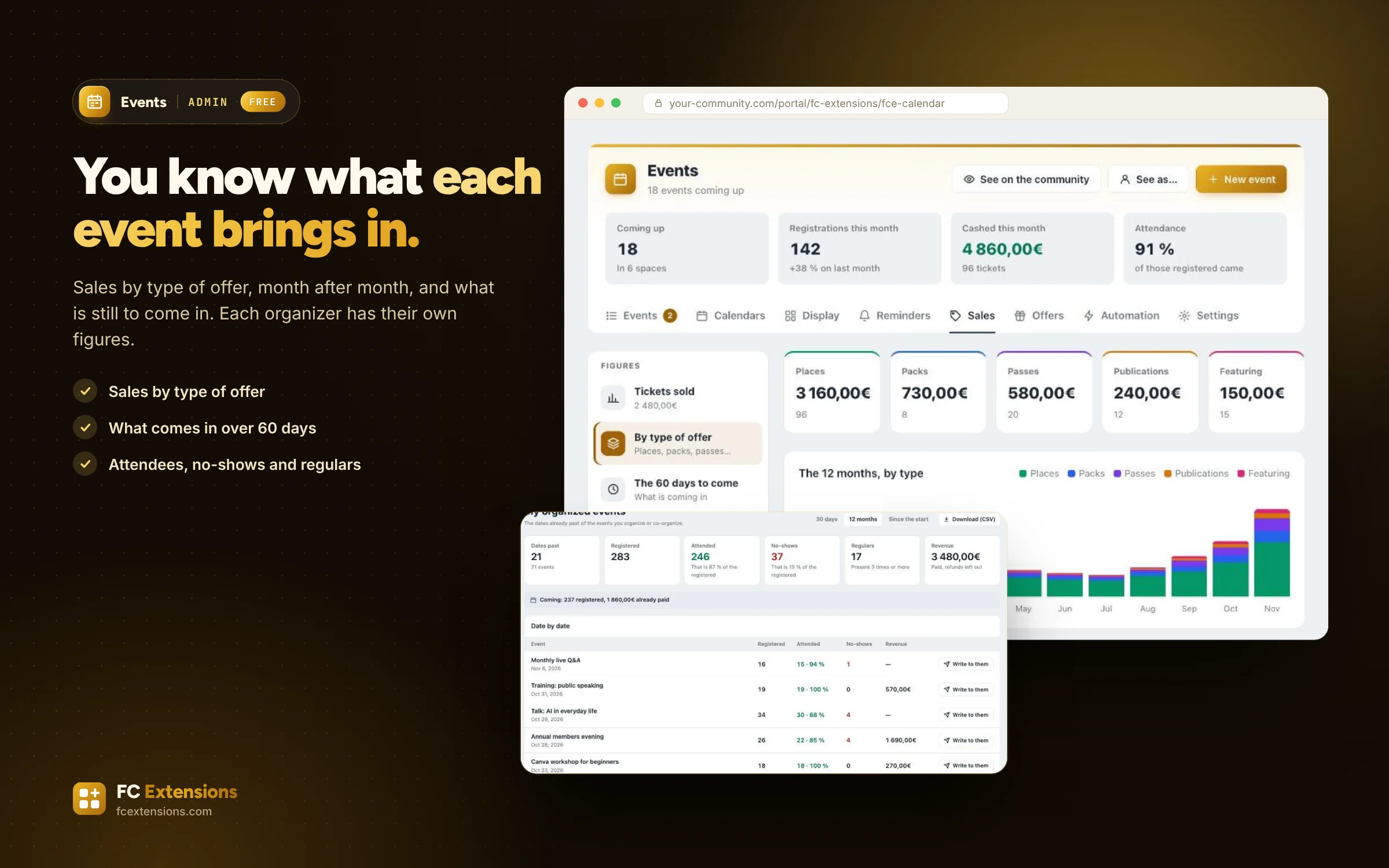
- After the event: reviews from attendees, the certificate of attendance and each organizer’s figures.
- Sales by type of offer, what comes in over the next 60 days, and “View as” to see the calendar through a member’s eyes.
How to turn it on
Three steps, and you are off.
- 1Choose your plan
This extension alone, or a pack. Yearly or for life.
See pricing - 2Install FC Extensions
A single WordPress plugin. Paste your key on the License page.
- 3Turn on Events
One switch in the Fluent Community settings, and you are ready.
To go further
Often taken with Events.