FreeAvailable
Voice & Video Messages
Your members talk, show and reply, everywhere in the community.
Watch it in action7:07
What it brings you
Voice & Video Messages, for you and your members.
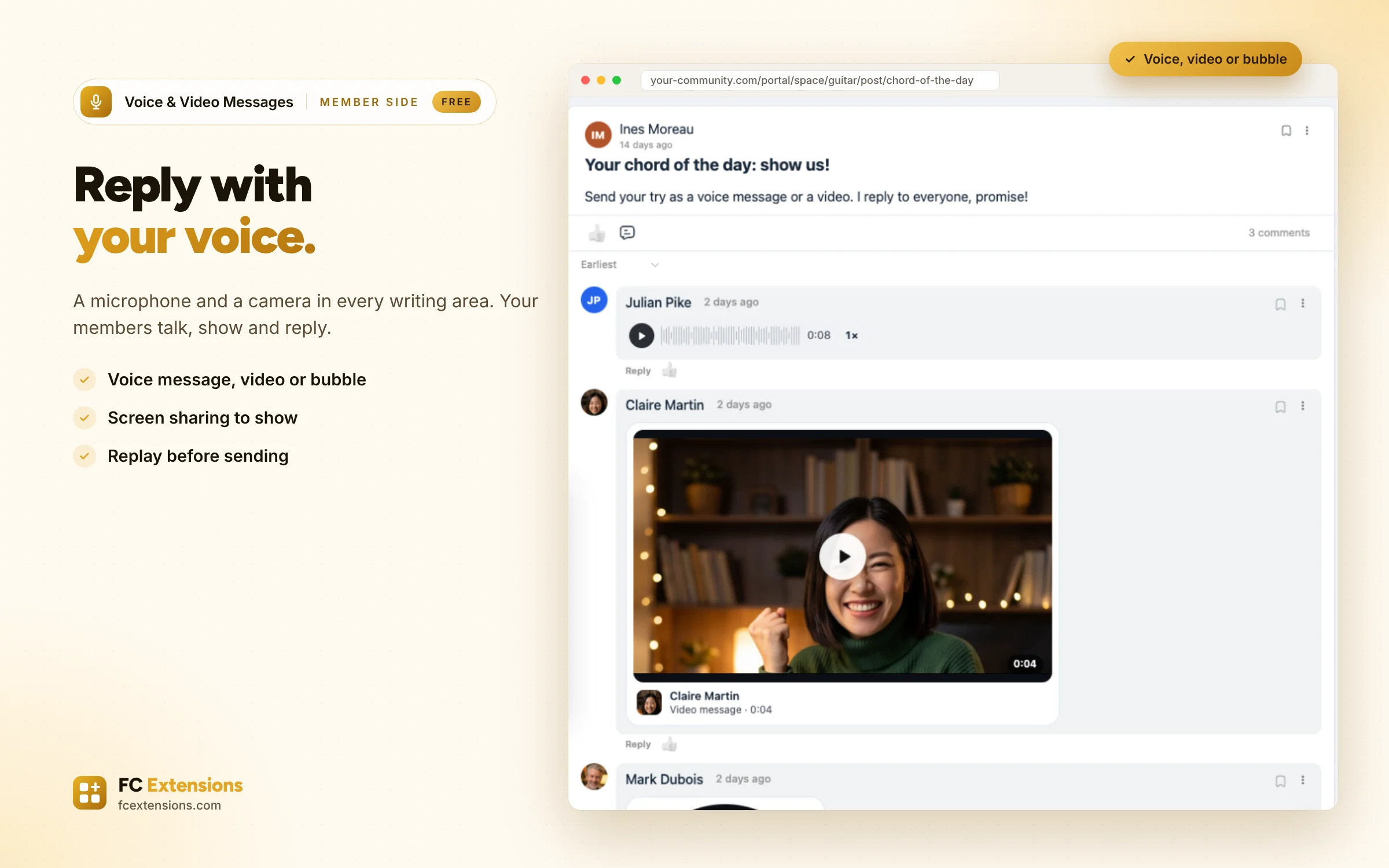
Some things are better said than written. Voice & Video Messages adds a microphone and a camera to every writing area: your members reply with their voice, their face or their screen, and the community feels closer.
- A voice message, a video or the screen, in one move
- Everywhere people talk
- A team that stays in control
In pictures
See it in action.
What your members see, and what you set up in the admin.
Public side
Admin side
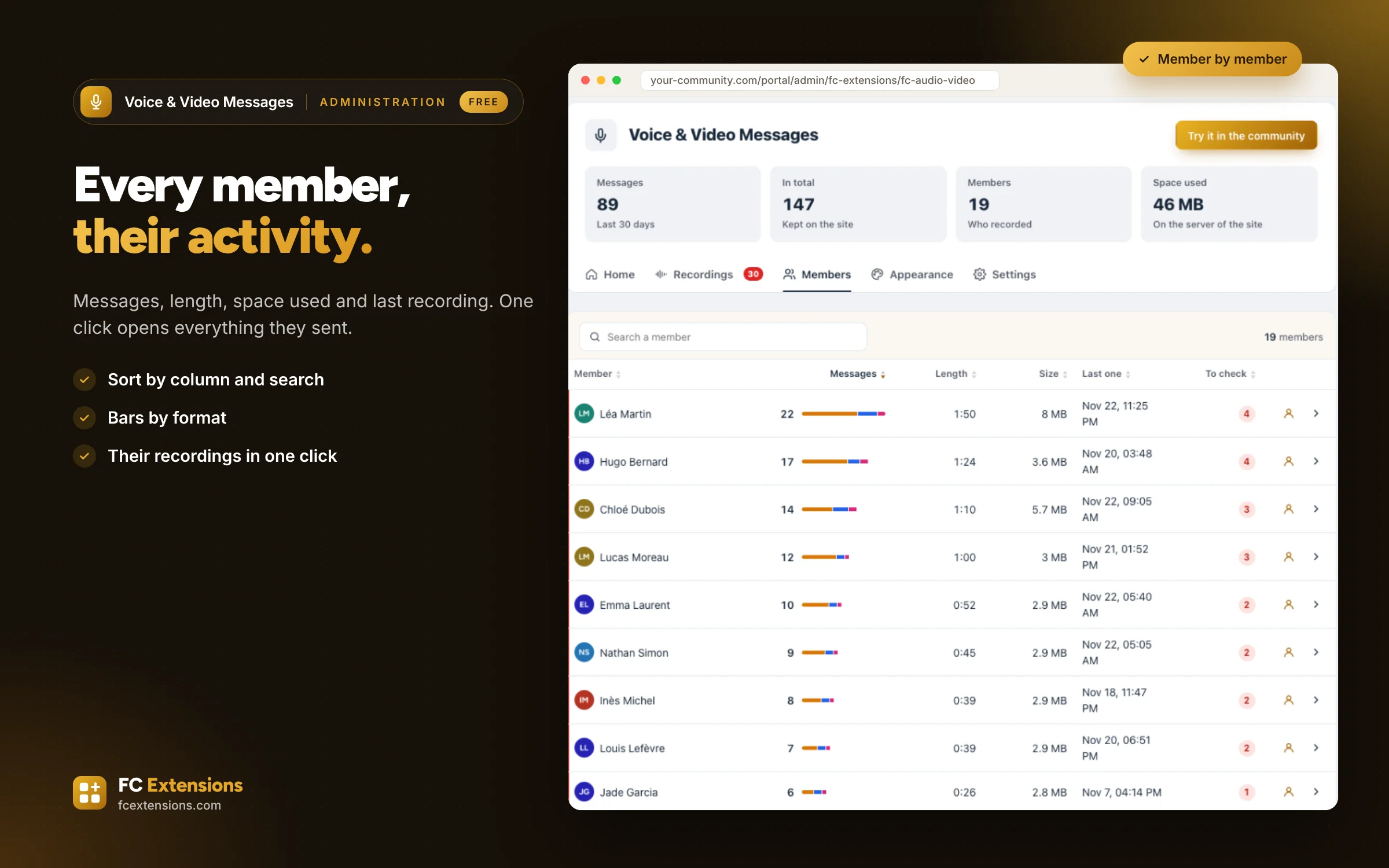
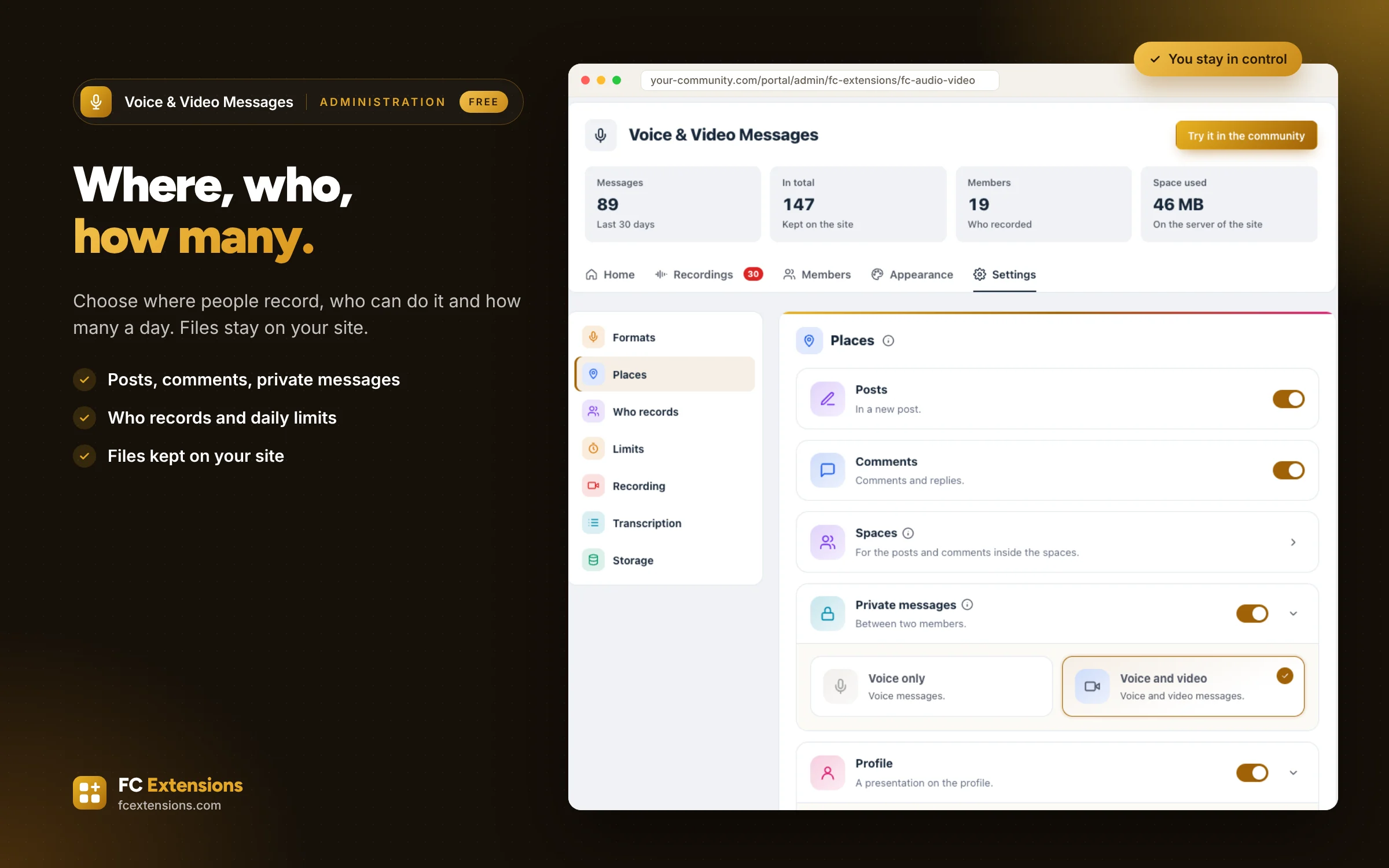
Click a visual to open it full size. Real screens of the extension, with sample data.
In detail
Everything it does for you.
- A microphone and a camera in every writing area: posts, comments, replies and private messages.
- Three ways to film: full size, in a round bubble, or by sharing the screen.
- A countdown to get ready, then a replay before sending, or sending right away.
- A player that stays at the bottom of the screen while members read the feed, with adjustable speed.
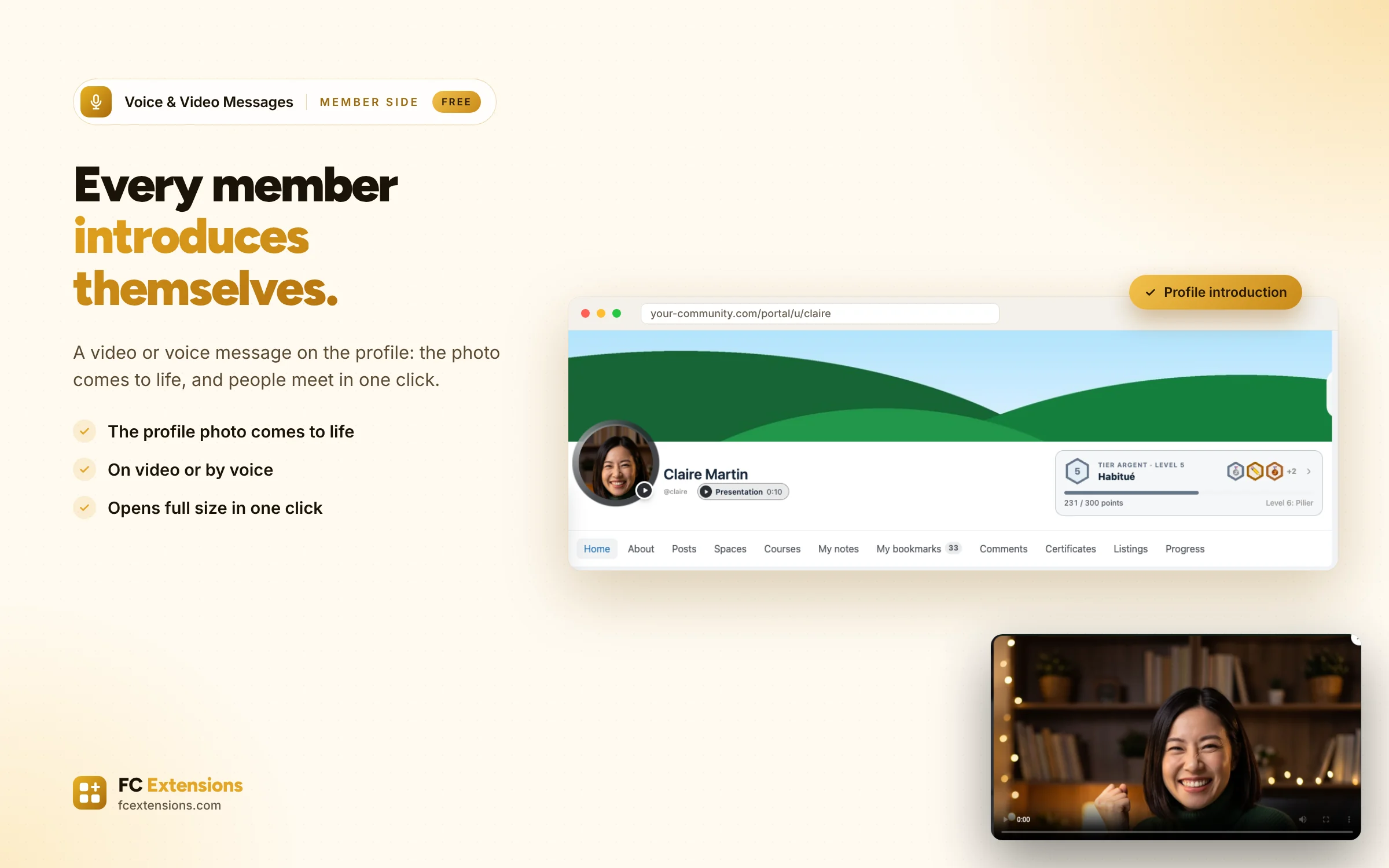
- A voice or video introduction on each member’s profile: their photo comes to life.
- Inside FC Extensions: events, directory, blog, videos and podcasts, birthdays and many more.
- A private voice note in Lesson Notes and in Bookmarks.
- A welcome message in your own voice, with Onboarding.
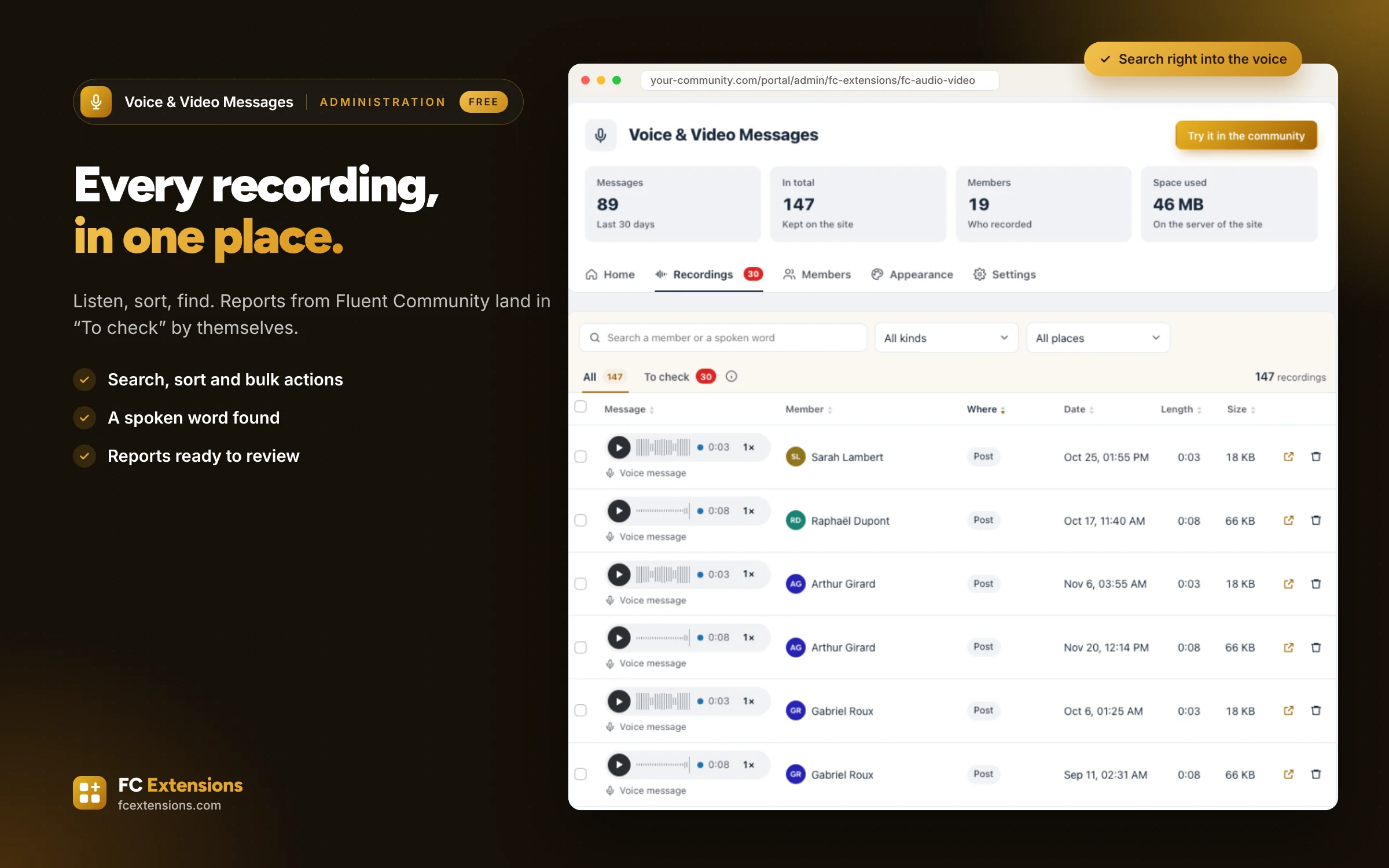
- Every message turned into text with your OpenAI or ElevenLabs key: subtitles and search.
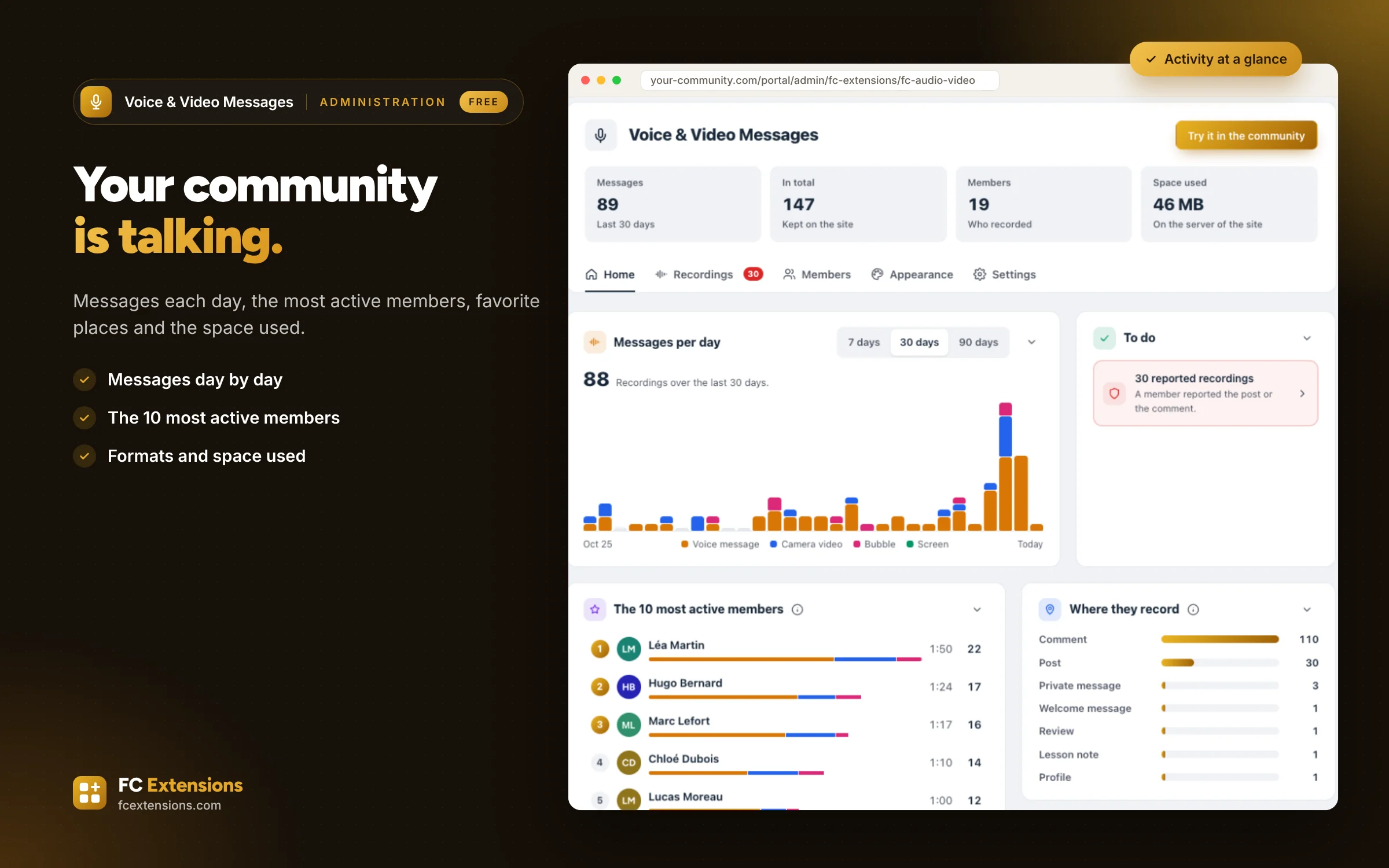
- A clear home screen: activity, the most active members and the space used.
- Every recording, every member and their page, and reports taken from Fluent Community moderation.
- Who can record, where, how many a day, in your community colors. Files stay on your site.
How to turn it on
Three steps, and you are off.
- 1Get your free key
Your first name and email are all it takes: FC Extensions and your key arrive right away.
Get my key - 2Install FC Extensions
A single WordPress plugin with everything inside. Paste your key on the License page.
- 3Turn on Voice & Video Messages
One switch in the Fluent Community settings, and you are ready.
In the same family
We also recommend.
More extensions from the “Engage” family, to go further.