
FreeAvailable
Onboarding
A new member who feels welcome is a member who stays.
Watch it in action1:36
What it brings you
Onboarding, for you and your members.
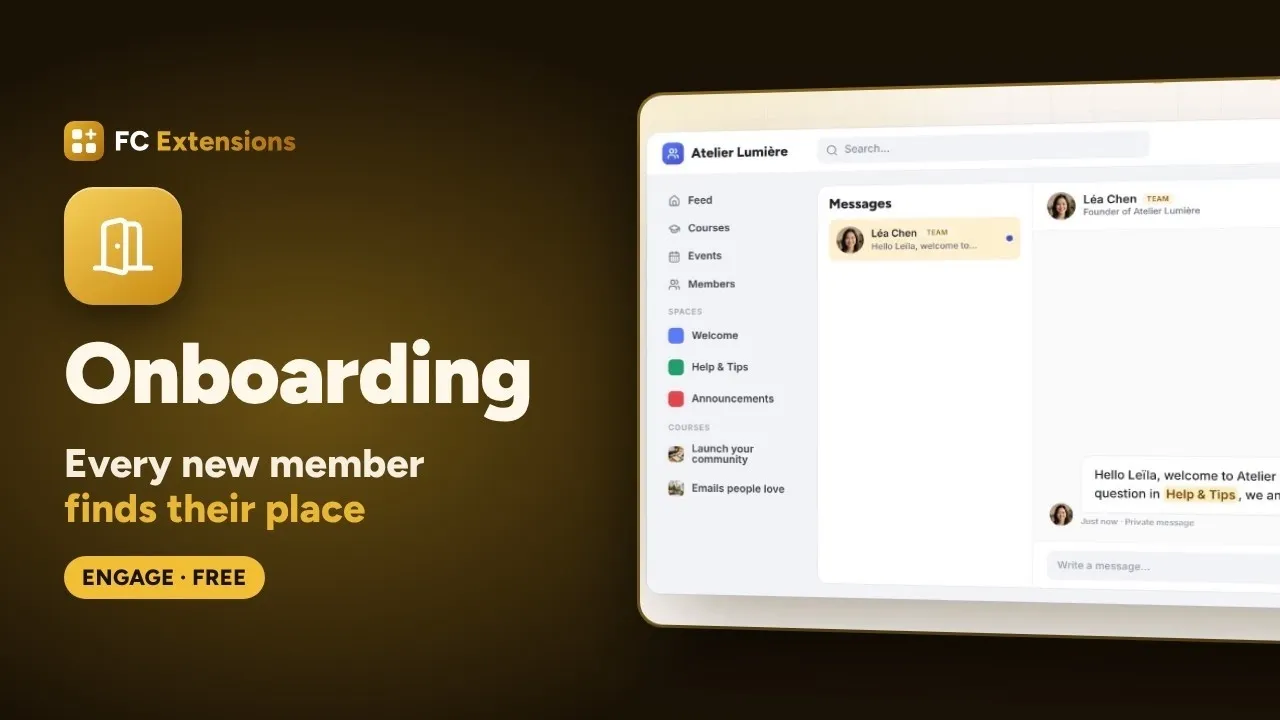
A new member who doesn’t know where to start often leaves without a word. Onboarding gives them a few simple first steps and shows them where to click, without a long tutorial.
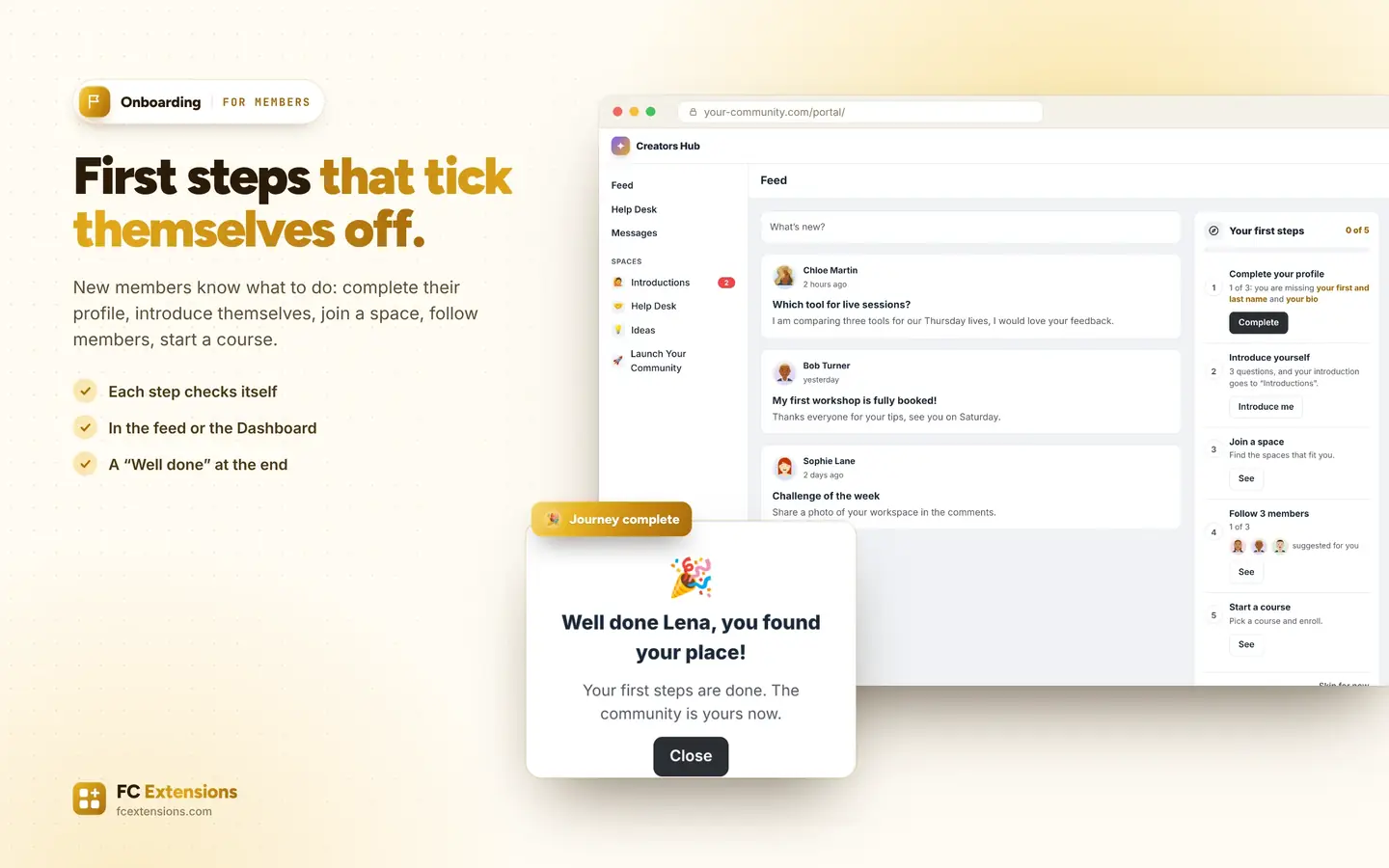
- First steps that tick themselves
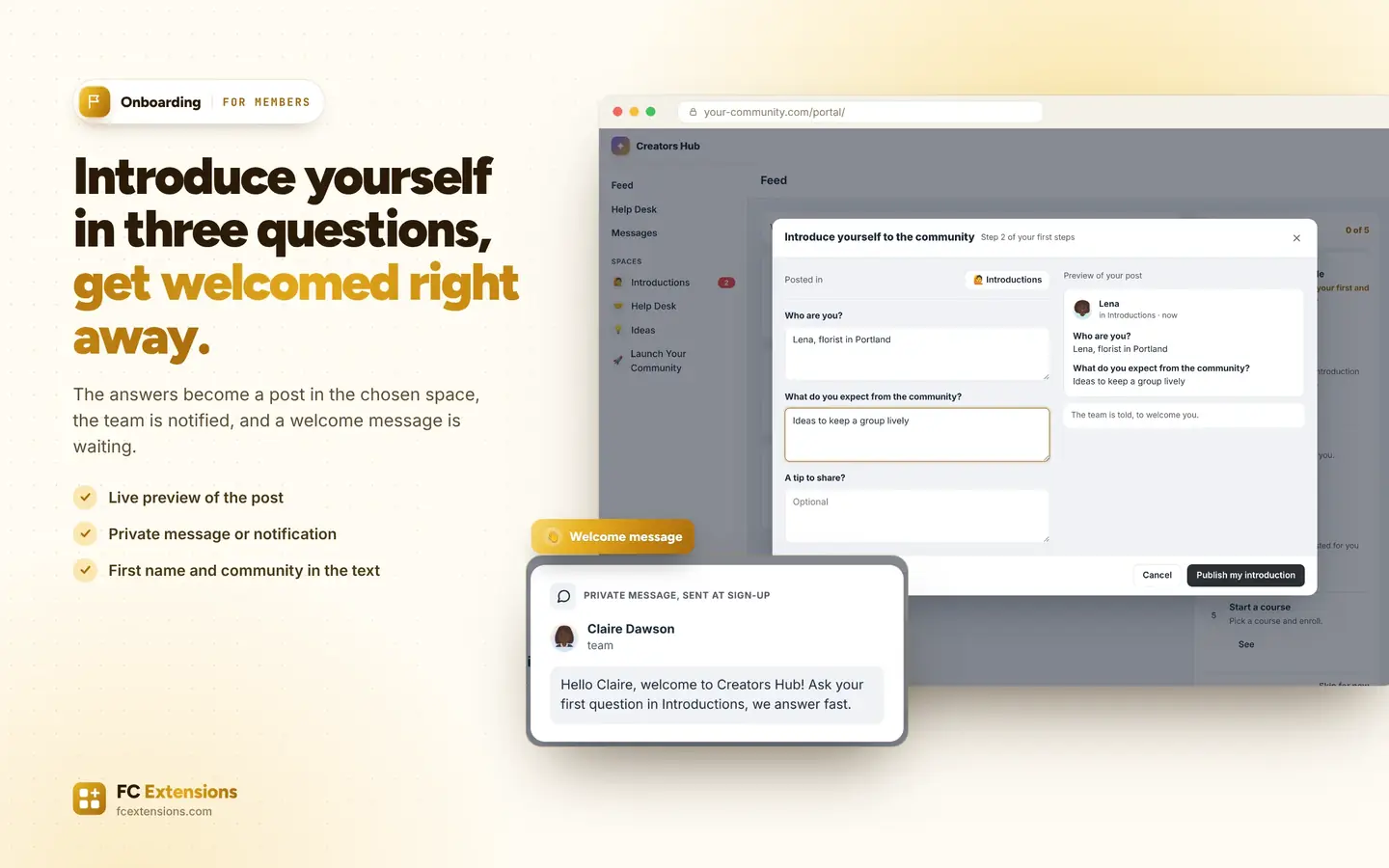
- A guided introduction
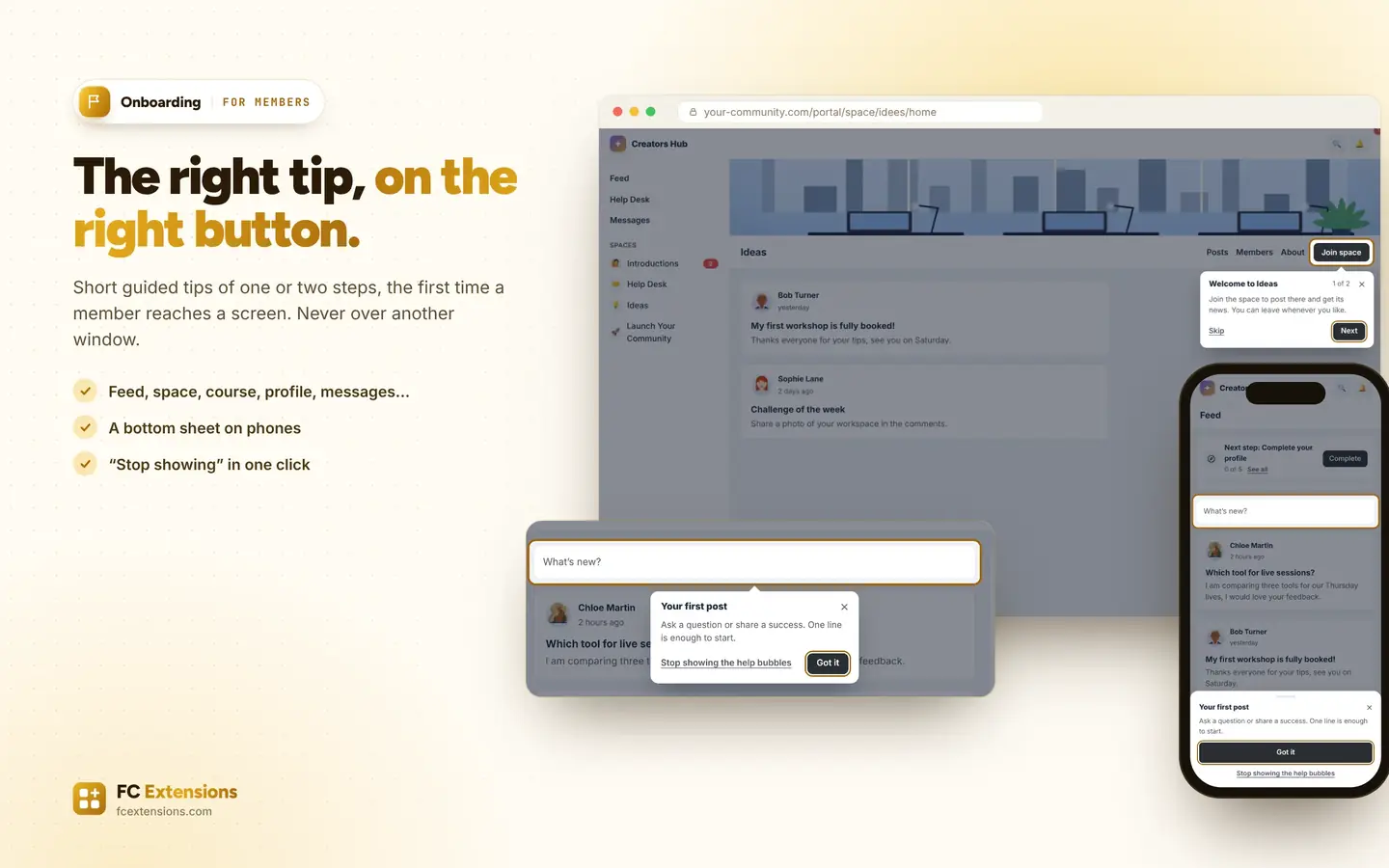
- Small tours, at the right moment
In pictures
See it in action.
What your members see, and what you set up in the admin.
Public side
Admin side
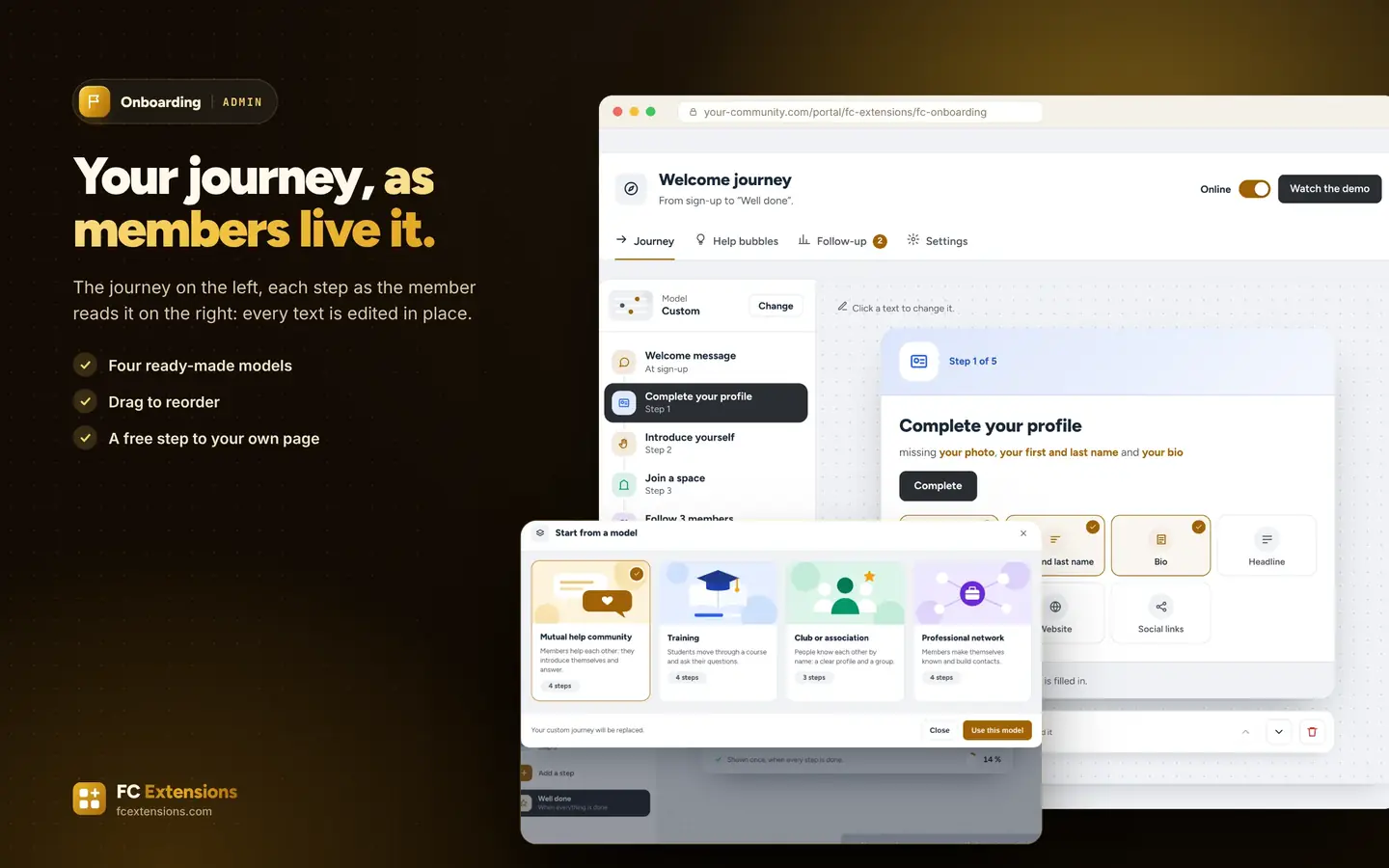
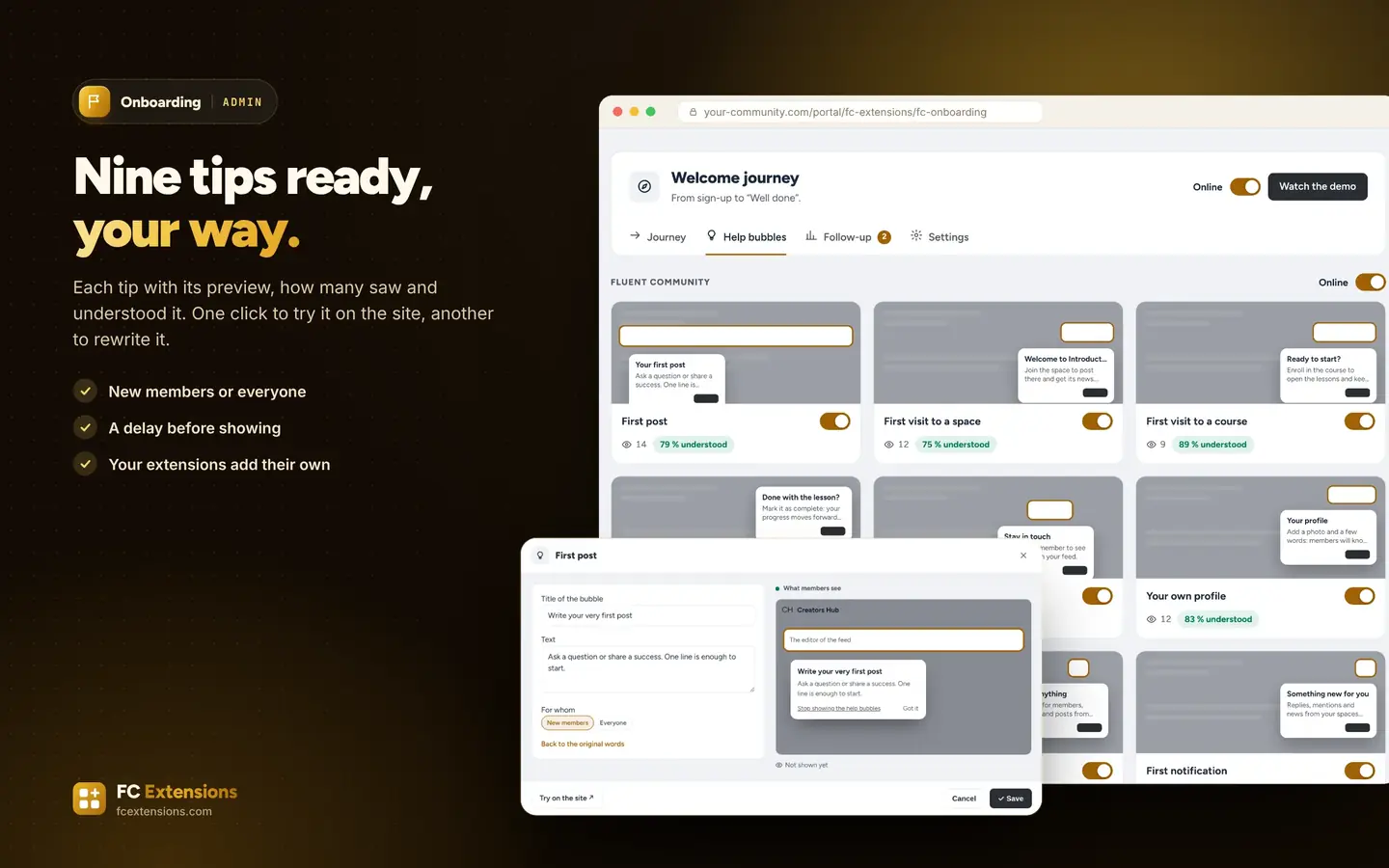
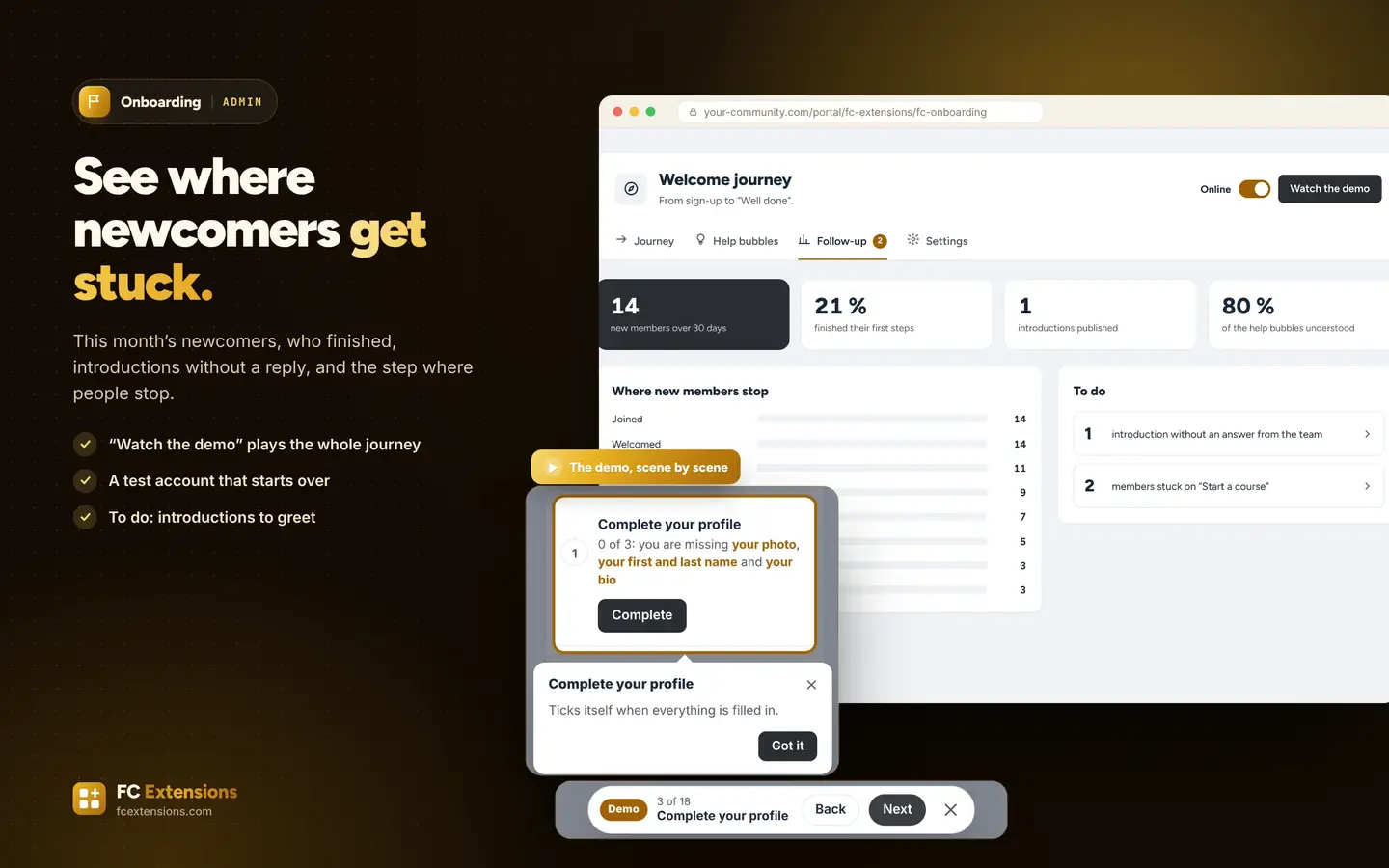
Click a visual to open it full size. Real screens of the extension, with sample data.
In detail
Everything it does for you.
- First steps that tick themselves: complete the profile, introduce yourself, join a space, follow members, start a course, answer a discussion, install the app.
- A guided introduction: two or three questions, and the answers become a post. The team is told.
- A welcome message from a team member, as a private message or a notification.
- Small guided tours: one bubble of one or two steps, on the right button, the first time.
- Shown in the Page Builder’s member dashboard when it is there, otherwise in the feed.
How to turn it on
Three steps, and you are off.
- 1Get your free key
Your first name and email are all it takes: FC Extensions and your key arrive right away.
Get my key - 2Install FC Extensions
A single WordPress plugin with everything inside. Paste your key on the License page.
- 3Turn on Onboarding
One switch in the Fluent Community settings, and you are ready.
In the same family
We also recommend.
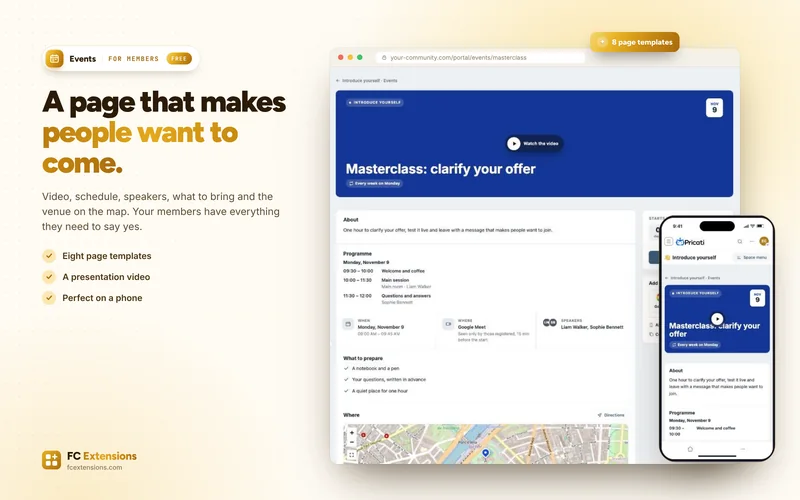
More extensions from the “Engage” family, to go further.
It works with
Even better with these extensions.
FC Extensions know each other: switched on together, they complete each other.
Page Builder
Make your pages even better, block by block.
Space Home
Every space welcomes your members on the right page.
Default Images
A beautiful community from day one, even without photos.
Space Rules
Rules accepted by everyone, a calmer community.
