
FreeAvailable
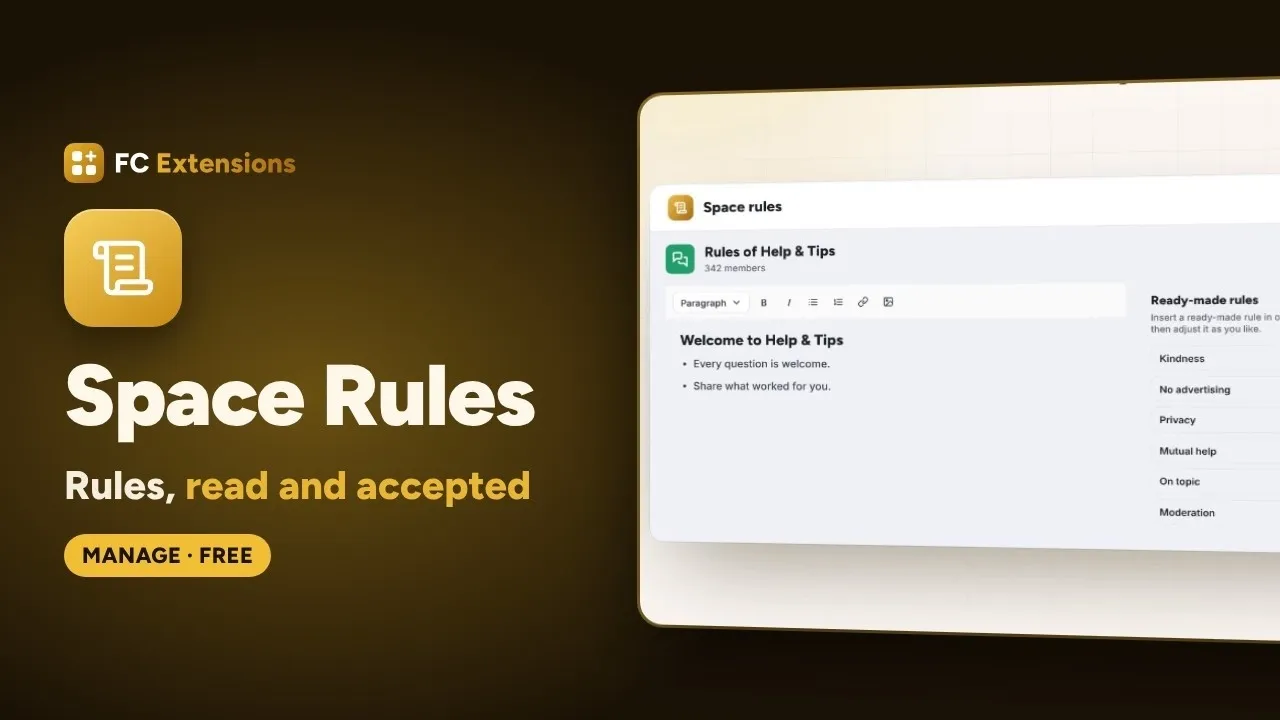
Space Rules
Rules accepted by everyone, a calmer community.
Watch it in action1:34
What it brings you
Space Rules, for you and your members.
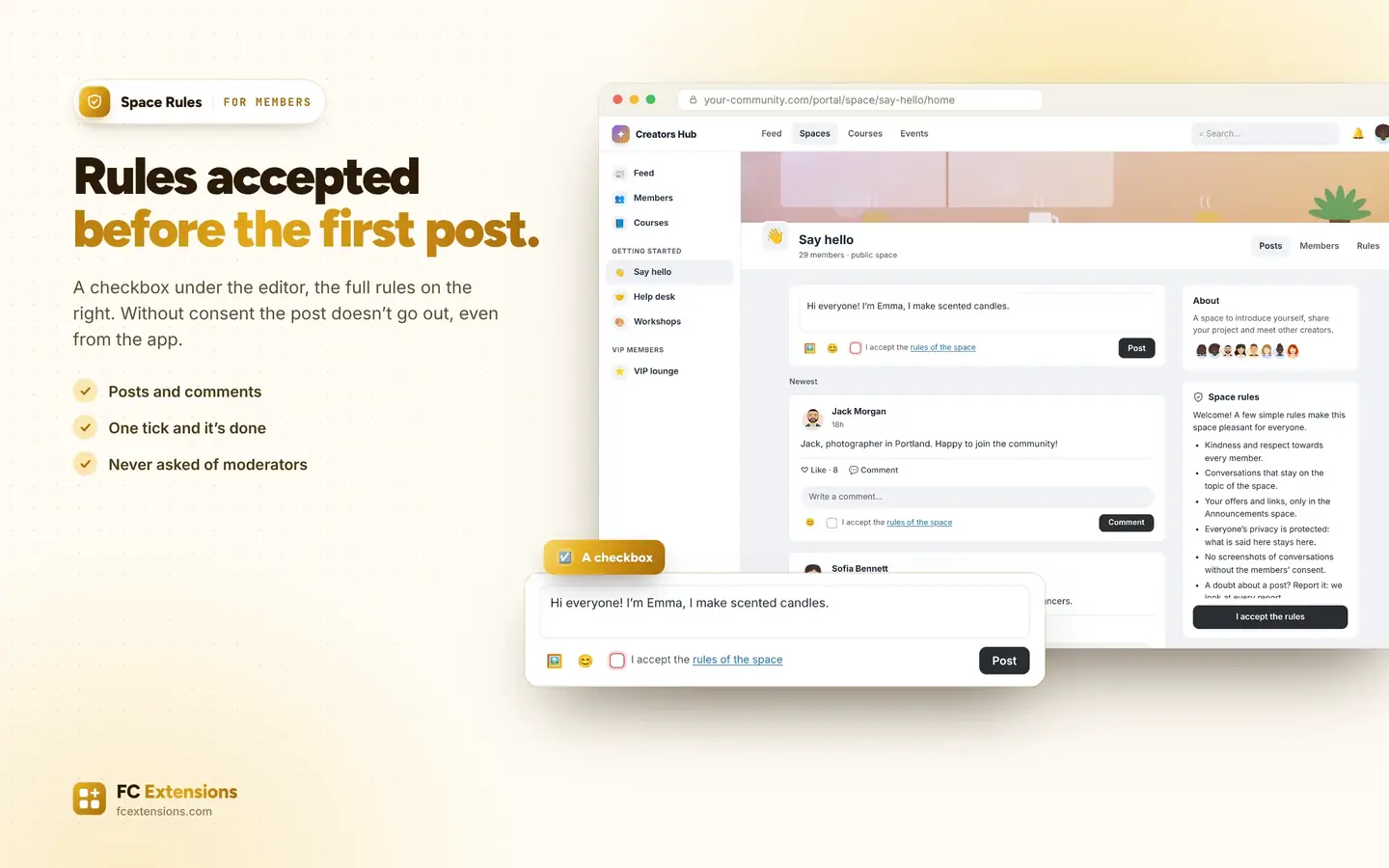
Rules nobody reads don’t help moderation. Space Rules has them accepted before the first post, and again when they change.
- Shared rules or rules per space
- Six ways to show them
- Who accepted, when and which version
In pictures
See it in action.
What your members see, and what you set up in the admin.
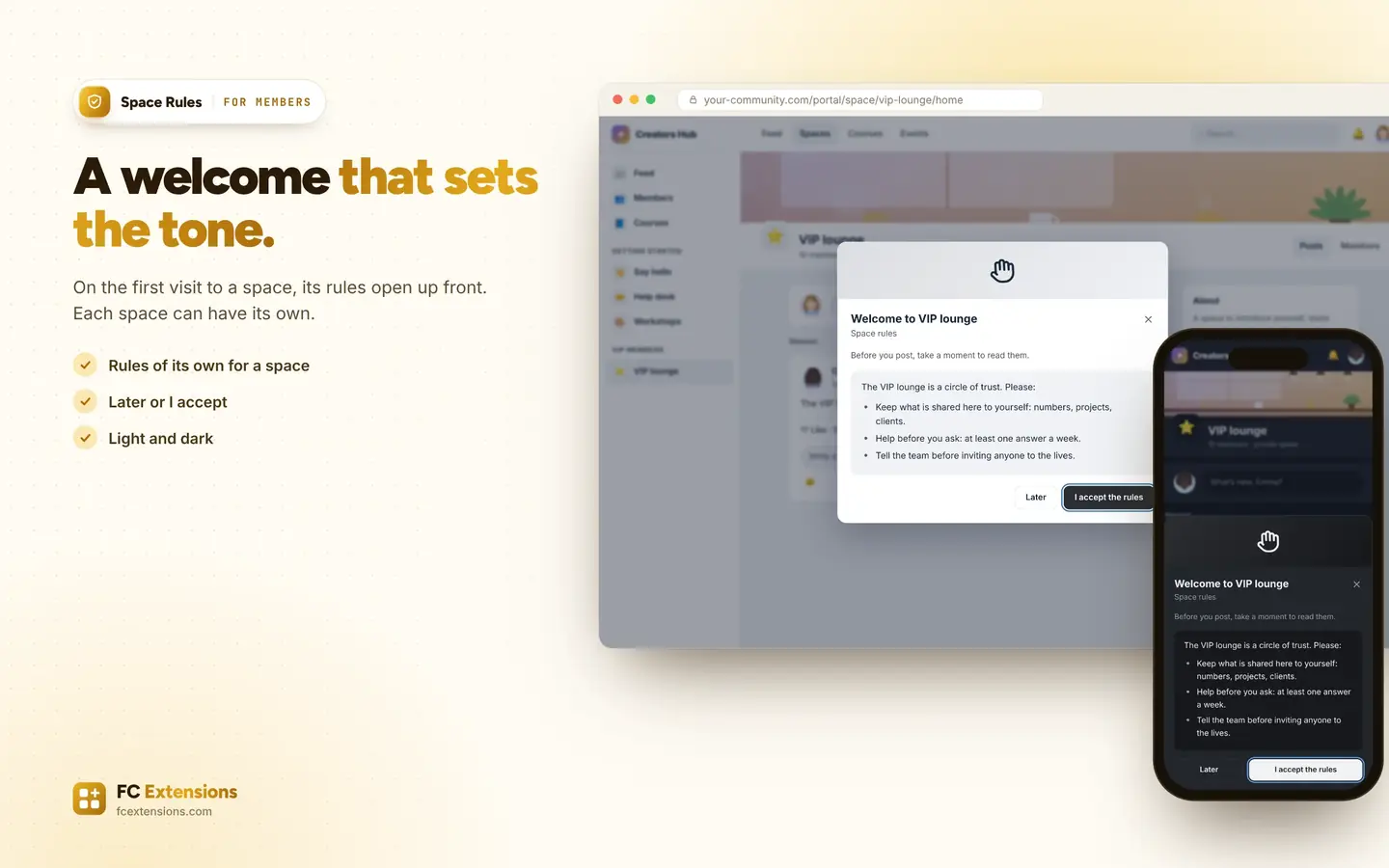
Public side

Admin side
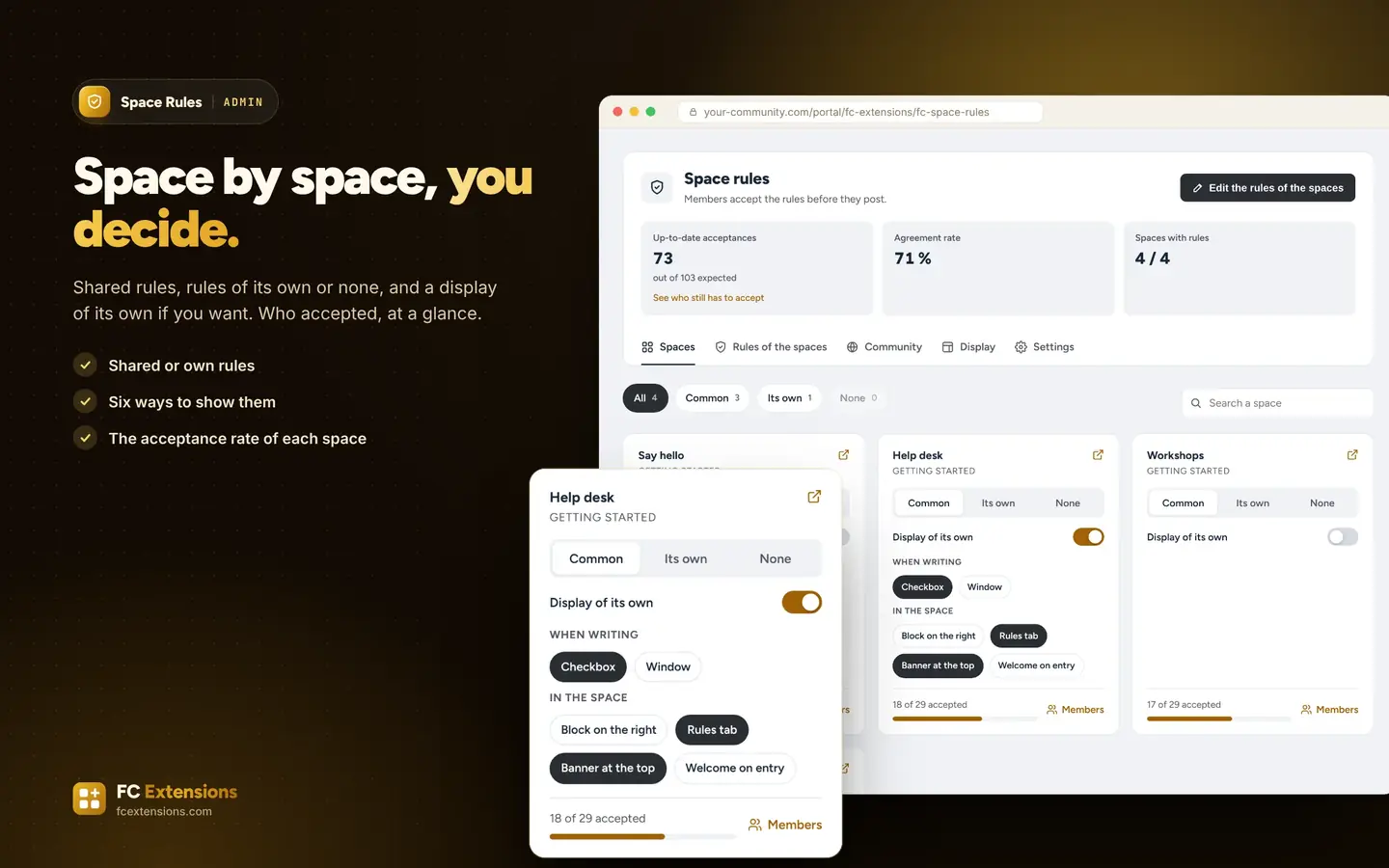
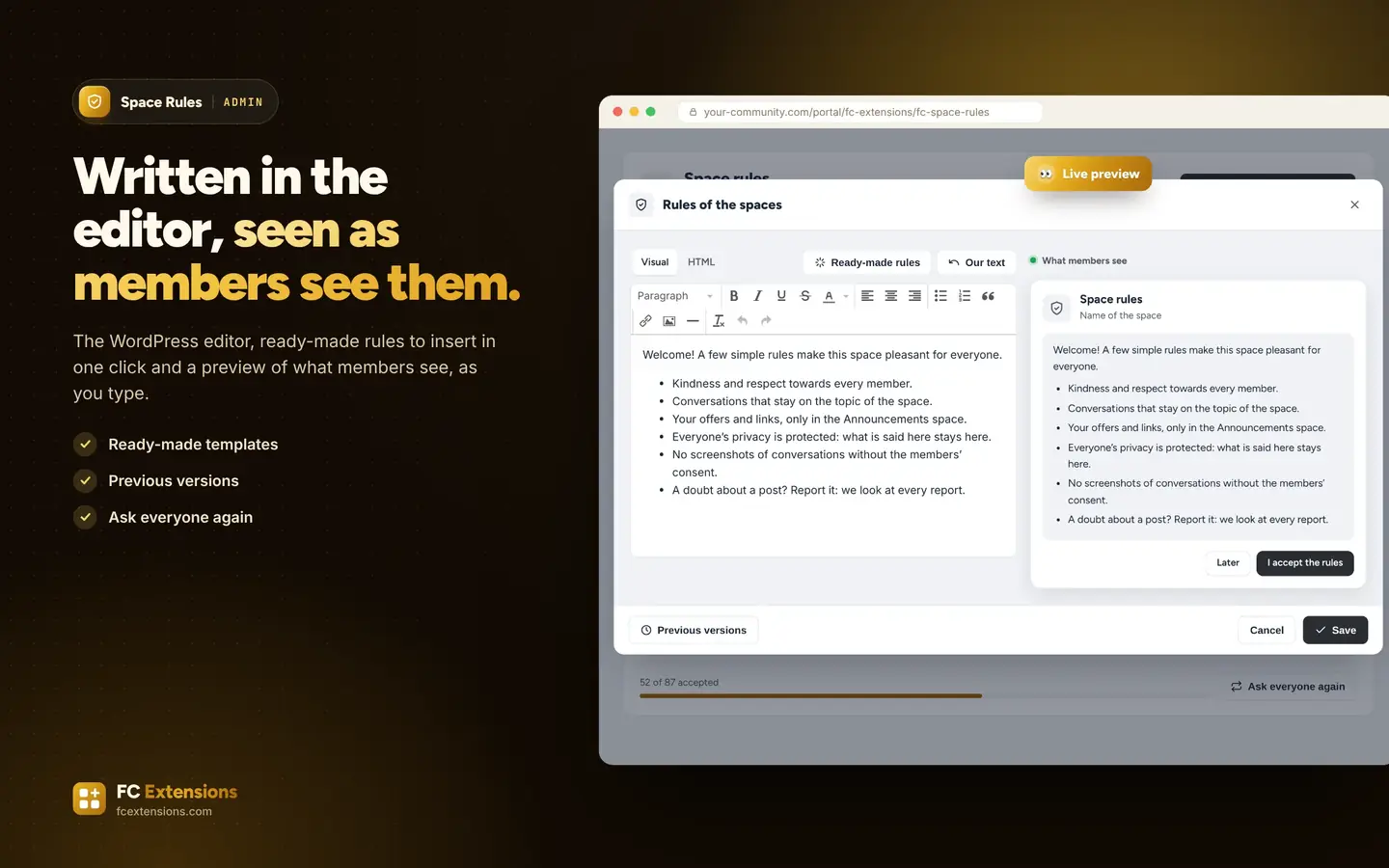
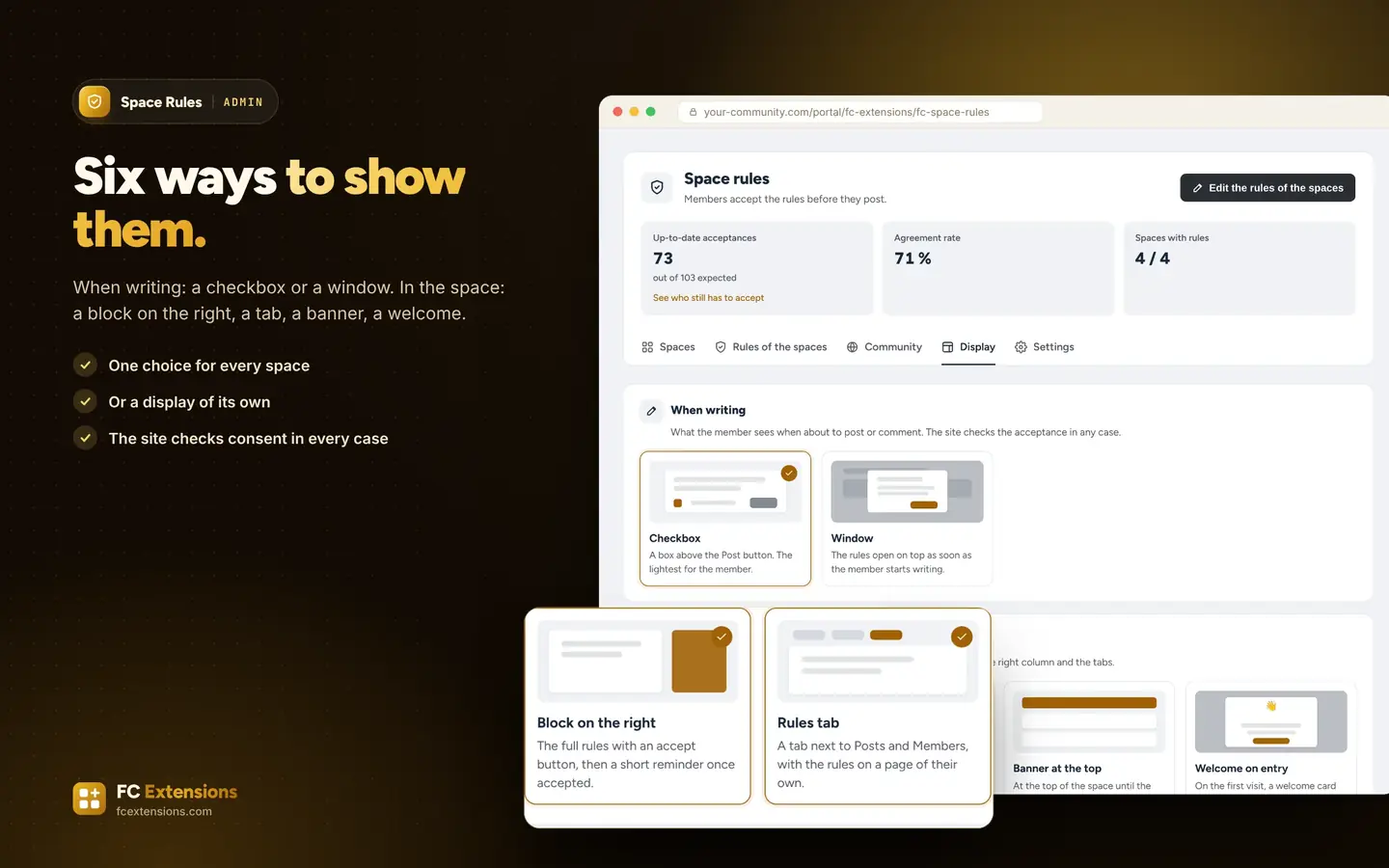

Click a visual to open it full size. Real screens of the extension, with sample data.
In detail
Everything it does for you.
- Rules shared by all spaces, specific to a space, or none.
- Written in the WordPress editor, with a preview of what members see.
- Six displays: a checkbox, a window when writing starts, a block on the right, a Rules tab, a banner, a welcome on the first visit.
- The site checks acceptance before saving a post or a comment, FC Pulse app included.
- Changed rules are accepted again, with “What changed” first.
- Rules for the whole community, or asked when joining a private space.
- Ready-made rules to insert in one click.
- Who accepted, when and which version, space by space, with an export.
- Administrators and moderators are never asked.
How to turn it on
Three steps, and you are off.
- 1Get your free key
Your first name and email are all it takes: FC Extensions and your key arrive right away.
Get my key - 2Install FC Extensions
A single WordPress plugin with everything inside. Paste your key on the License page.
- 3Turn on Space Rules
One switch in the Fluent Community settings, and you are ready.
In the same family
We also recommend.
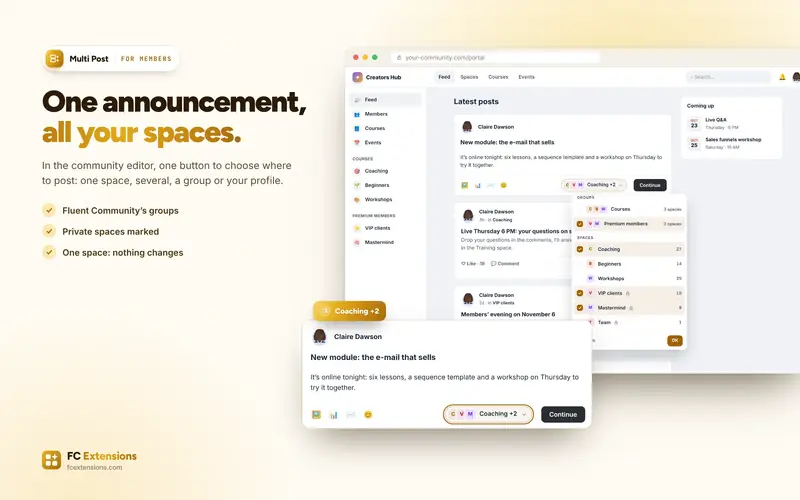
More extensions from the “Manage” family, to go further.


It works with
Even better with these extensions.
FC Extensions know each other: switched on together, they complete each other.
