FreeAvailable
Page Builder
Make your pages even better, block by block.
Watch it in action1:48
What it brings you
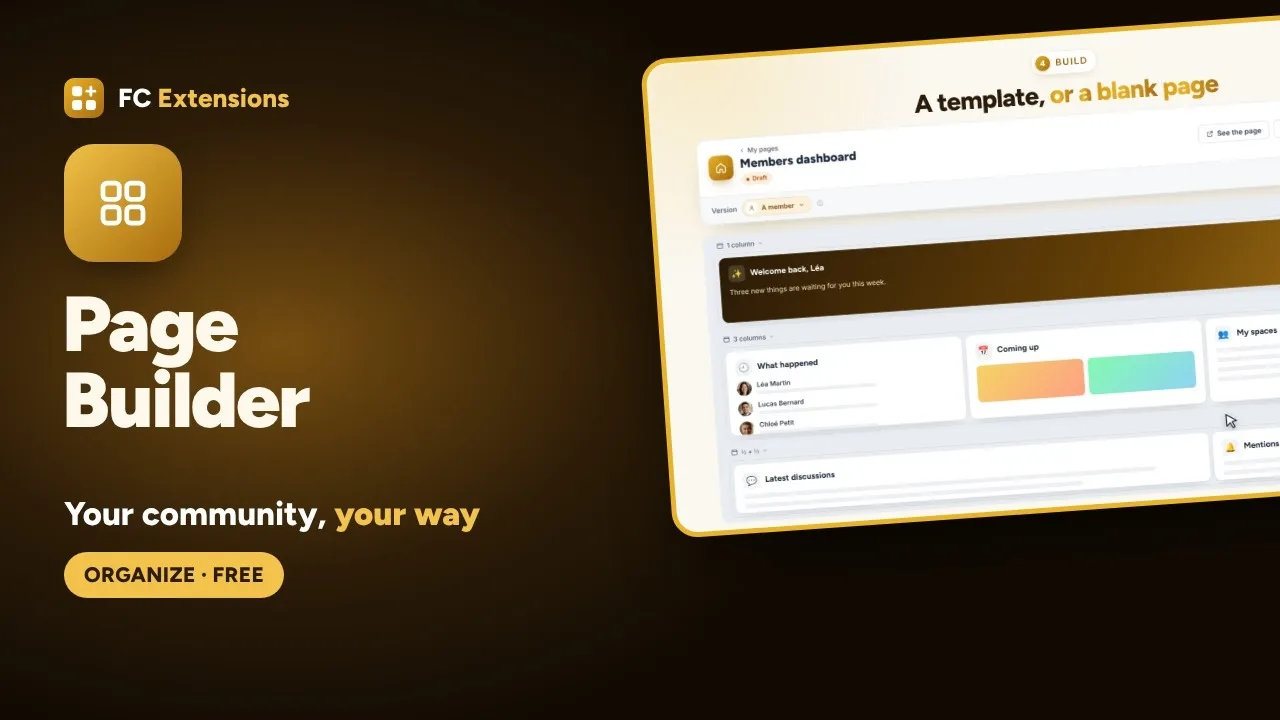
Page Builder, for you and your members.
Fluent Community is an excellent base: the Page Builder makes it yours. It doesn’t replace your pages, it makes them even better. You build with more than a hundred blocks, and everyone sees the page made for them.
- Your pages, the community’s and the extensions’
- Over a hundred blocks, from every source
- Every page for the right audience
In pictures
See it in action.
What your members see, and what you set up in the admin.
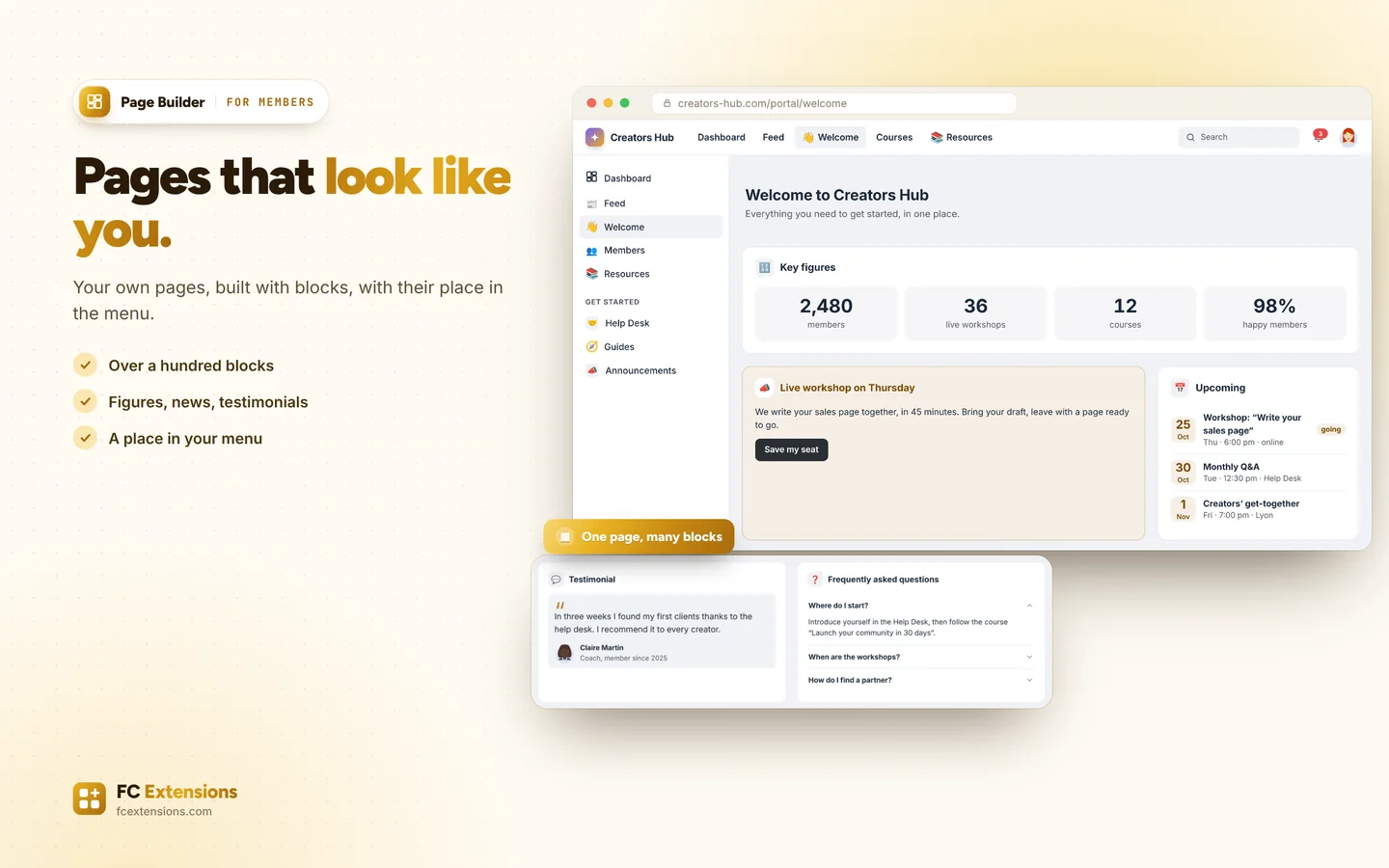
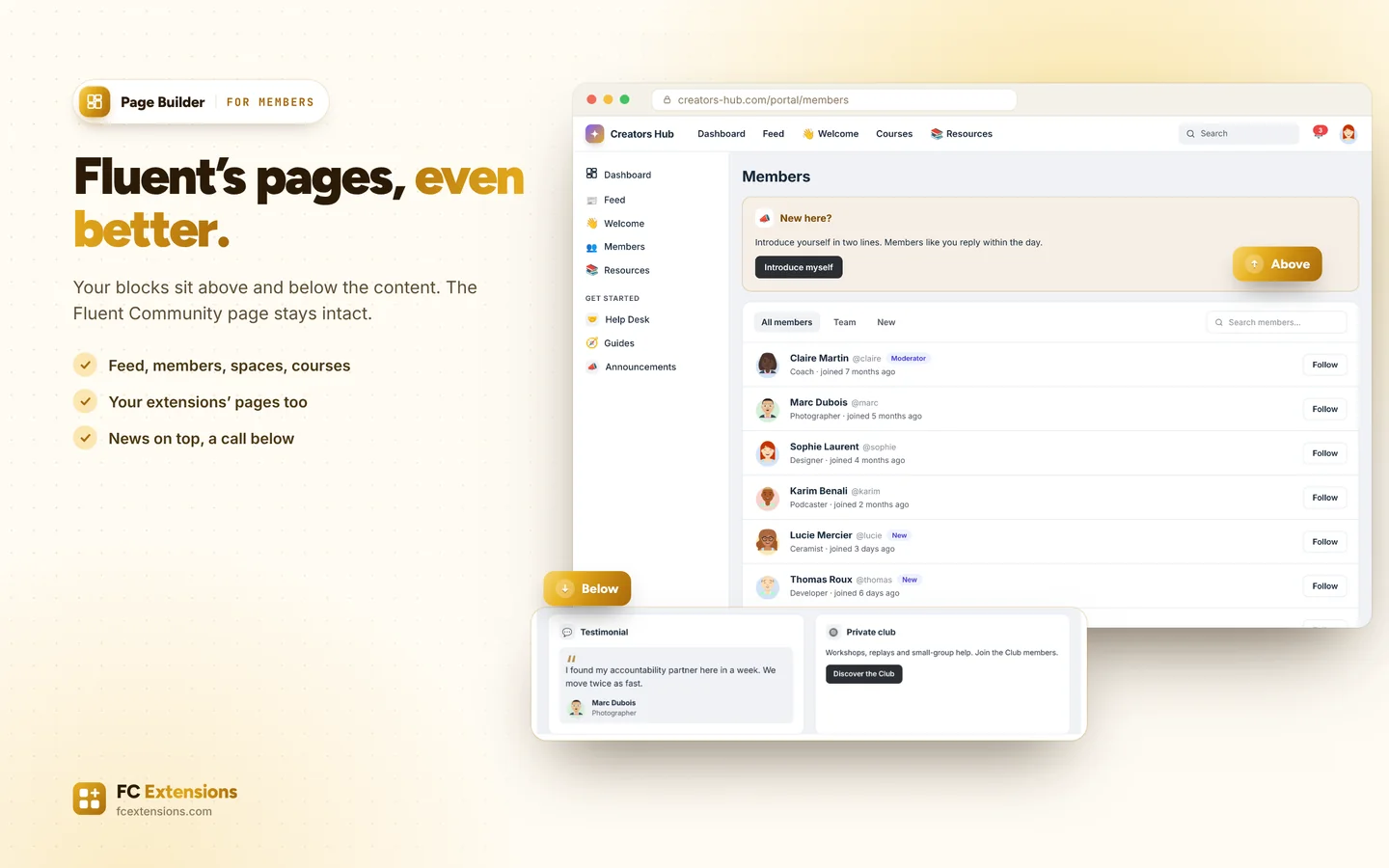
Public side
Admin side
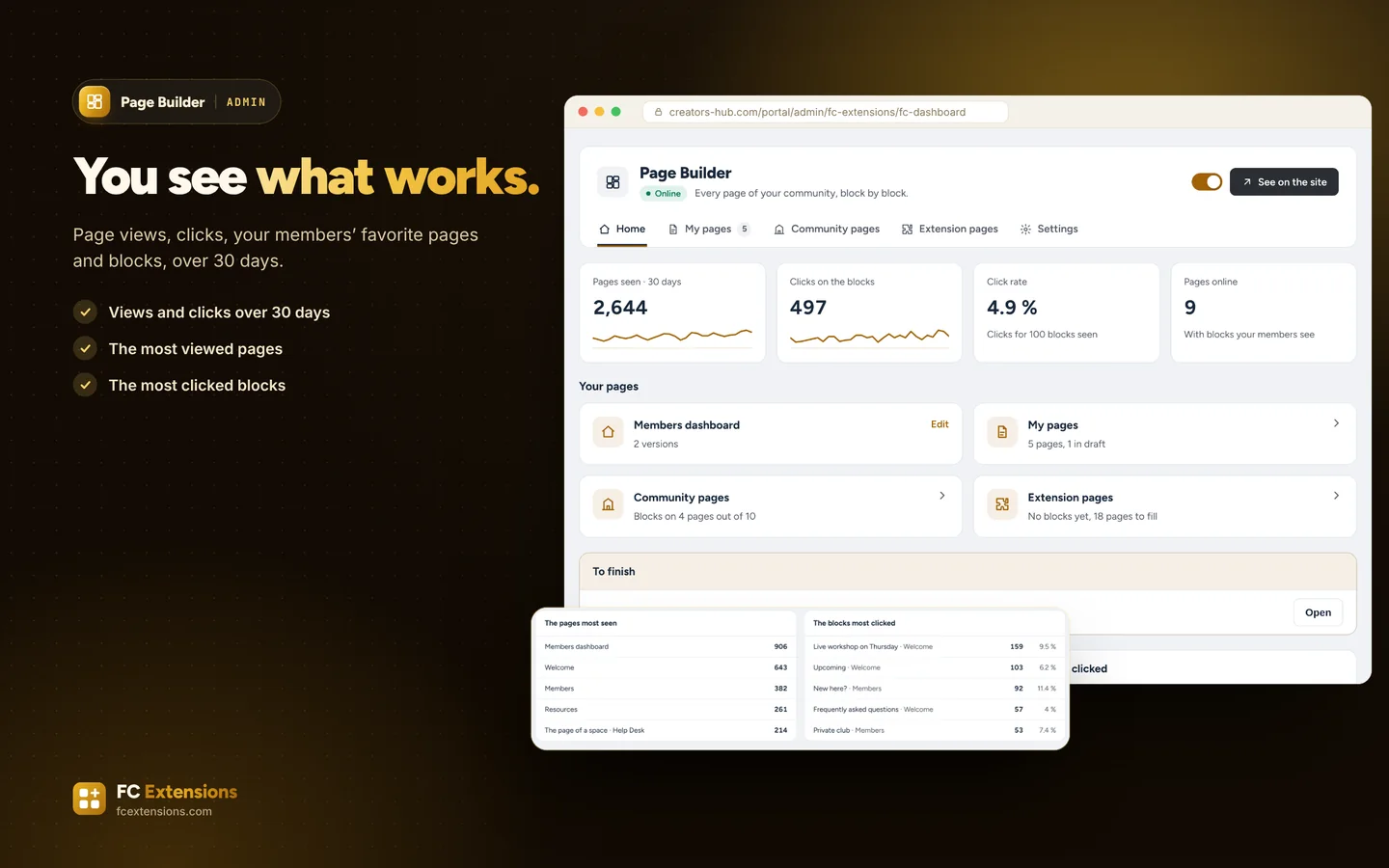
Click a visual to open it full size. Real screens of the extension, with sample data.
In detail
Everything it does for you.
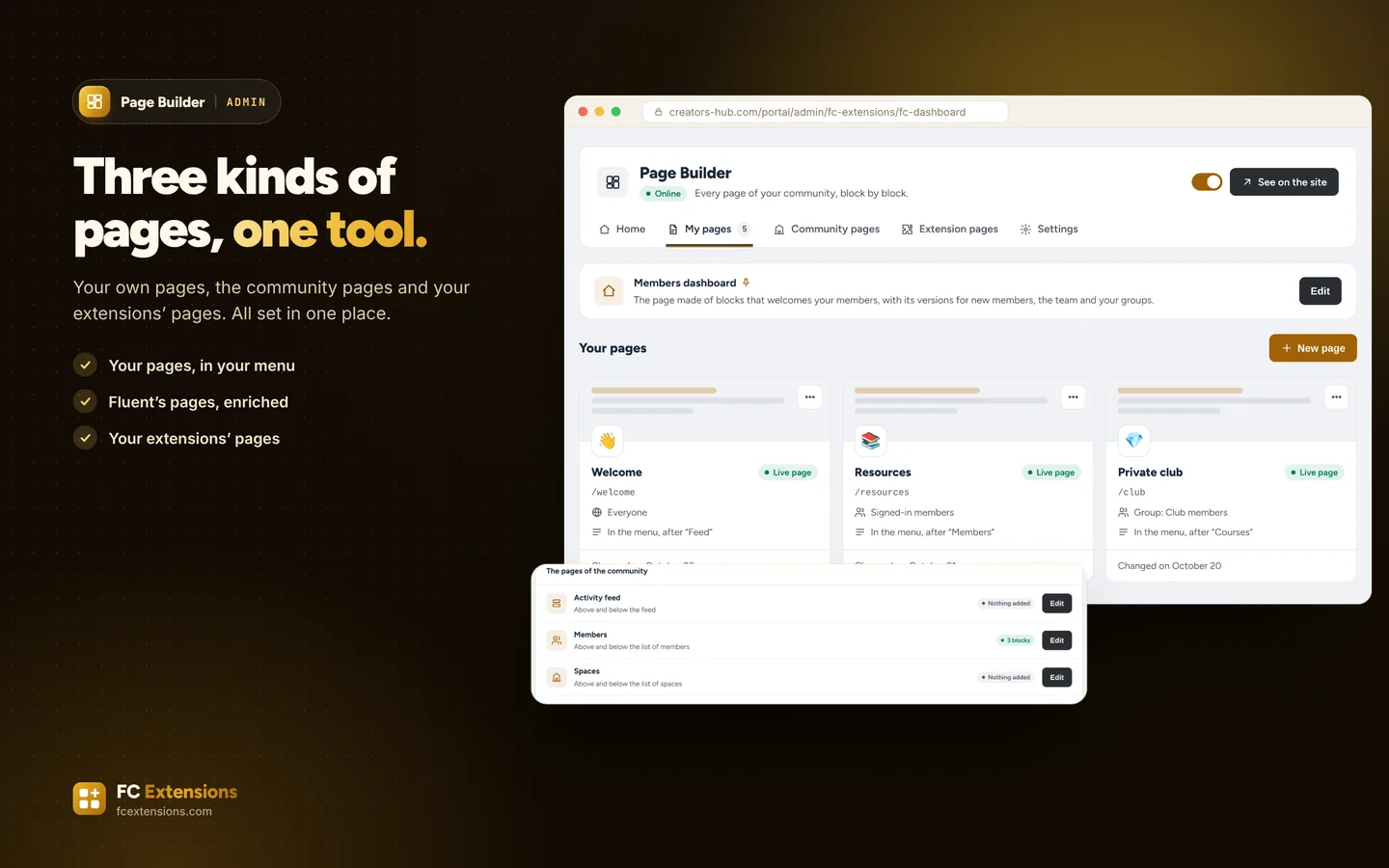
- Three kinds of pages: your own pages, the community pages and the pages of your FC Extensions add-ons.
- Your own pages, built from scratch, each with its address, its icon and its place in the menu.
- Fluent Community’s pages stay in place: your blocks sit above and below their content. Feed, members, spaces, courses, profile, notifications.
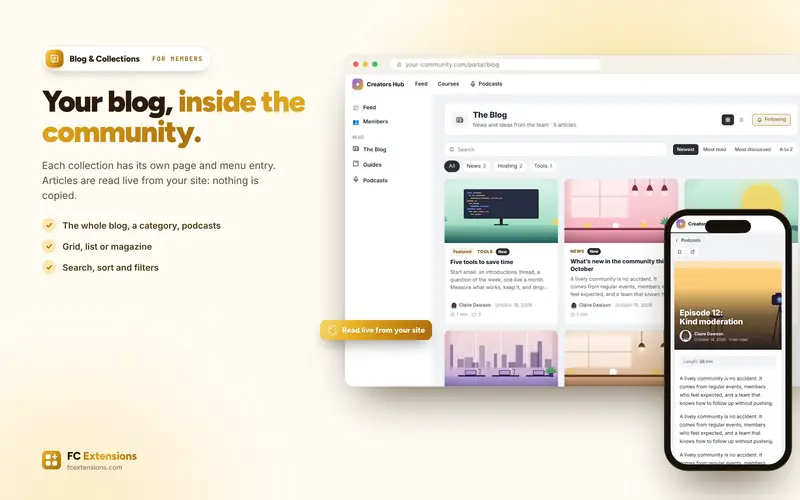
- Your extensions’ pages get the same treatment: directory, calendar, blog collections, search, leaderboards.
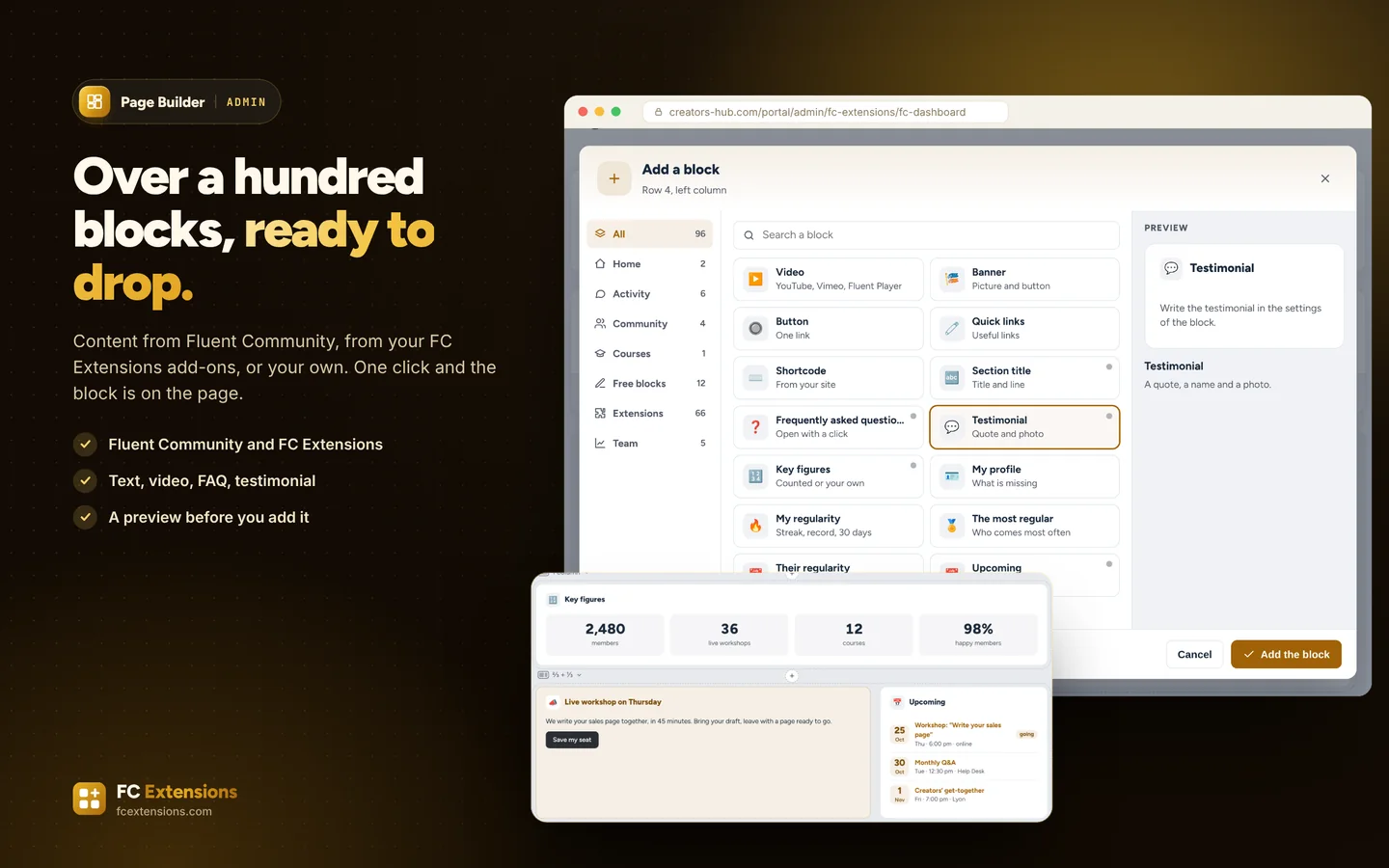
- A page in a few clicks: a ready-made template or a blank page, a row, its columns, then your blocks, which you move as you like.
- Over a hundred blocks: Fluent Community, FC Extensions, Fluent Forms, WP Social Ninja and your own content (text, image, video, button, FAQ, testimonial, key figures, shortcode).
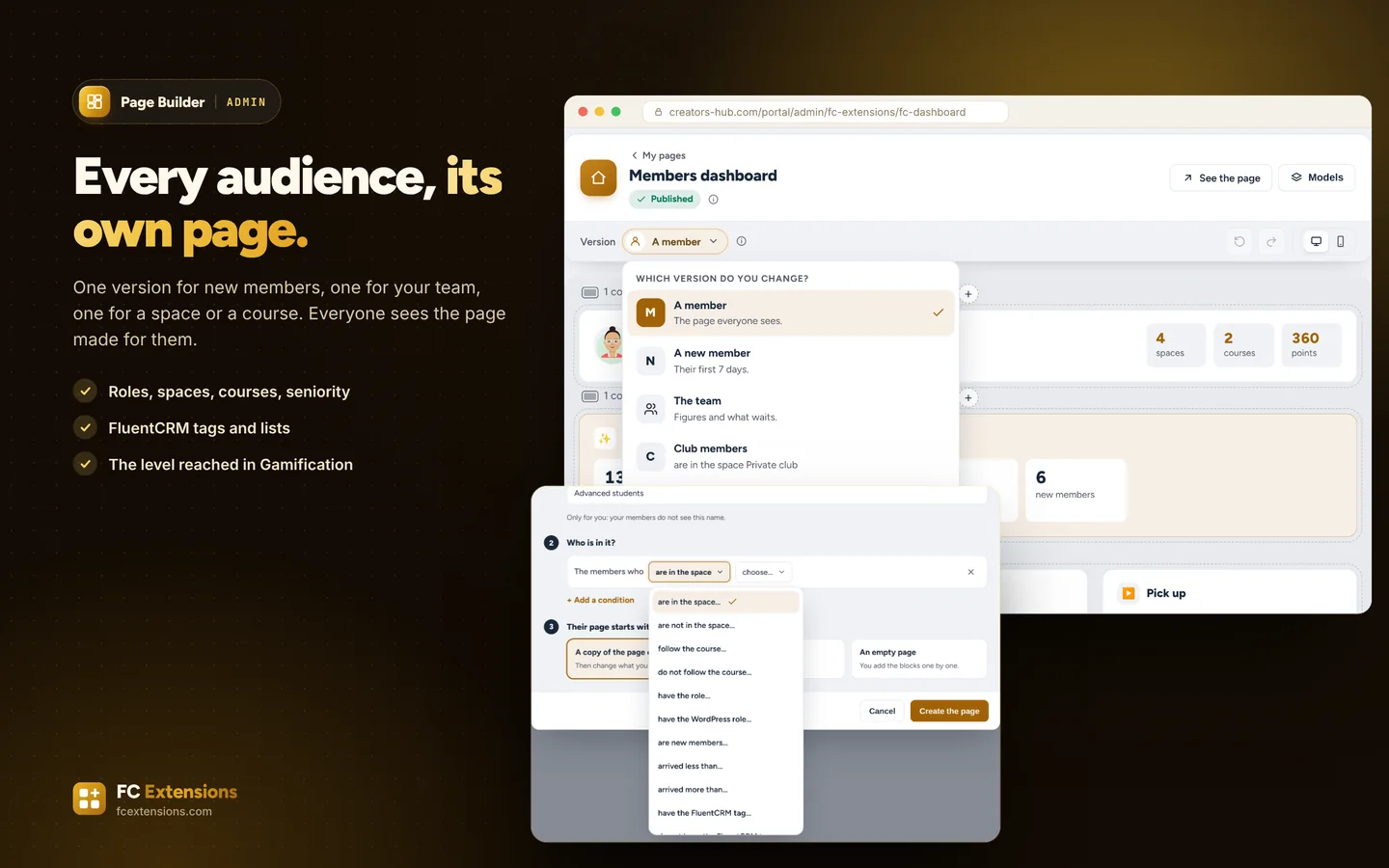
- Every page and every block picks its audience: community or WordPress role, space, course, seniority, FluentCRM tag or list, new members, visitors. With Gamification, the level reached.
- One version per audience for the member dashboard: your new members, your team and your groups each see their own.
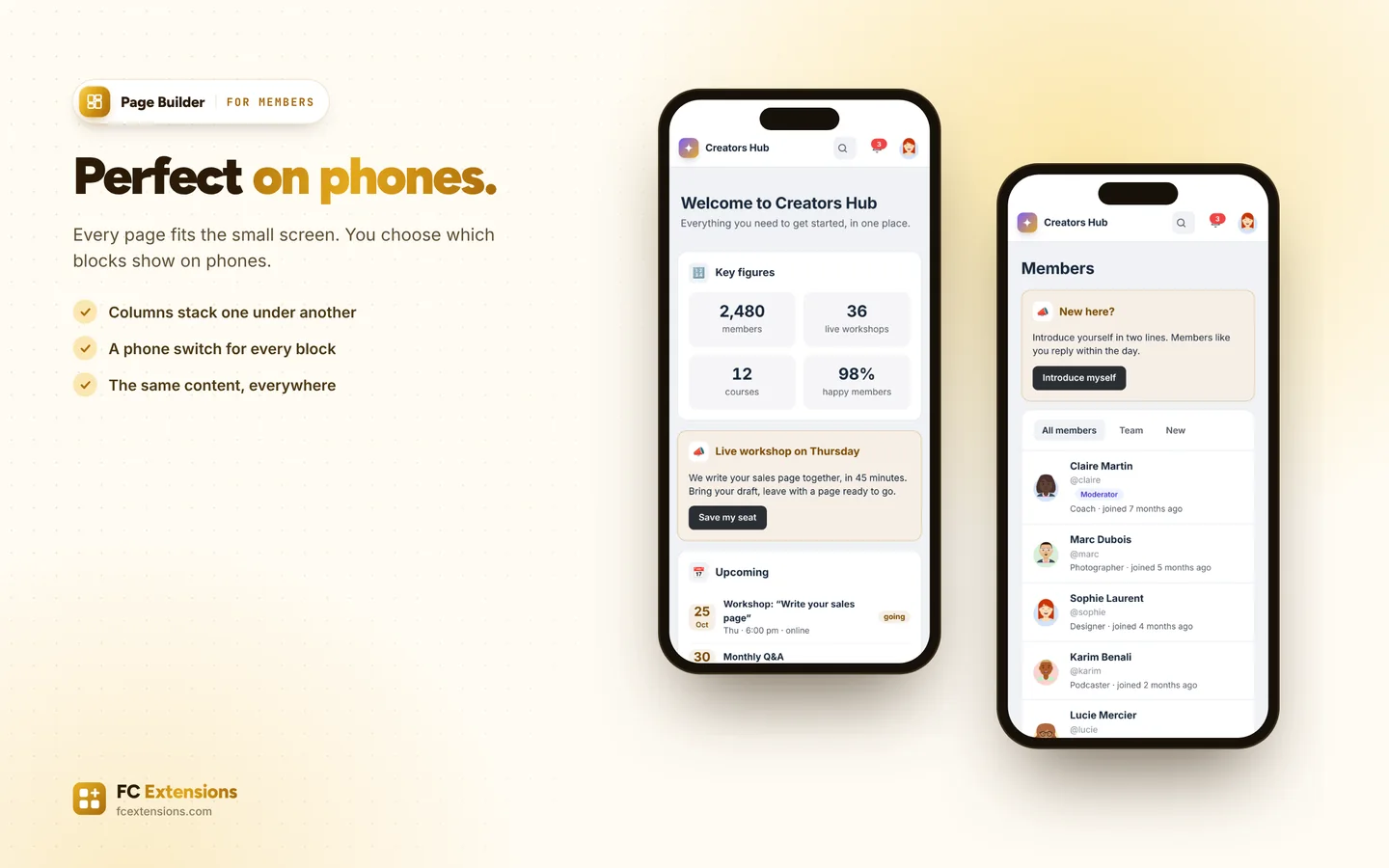
- Start and end dates for every block, and a choice for phones.
- The preview as your members will see it, on computer and phone. Your changes stay a draft until “Publish”.
- Statistics over 30 days: page views, block clicks, click rate, most viewed pages, most clicked blocks.
- A ready-made member dashboard, which can become the community’s home page.
How to turn it on
Three steps, and you are off.
- 1Get your free key
Your first name and email are all it takes: FC Extensions and your key arrive right away.
Get my key - 2Install FC Extensions
A single WordPress plugin with everything inside. Paste your key on the License page.
- 3Turn on Page Builder
One switch in the Fluent Community settings, and you are ready.
In the same family
We also recommend.
More extensions from the “Organize” family, to go further.
It works with
Even better with these extensions.
FC Extensions know each other: switched on together, they complete each other.
