
FreeAvailable
Quick Access
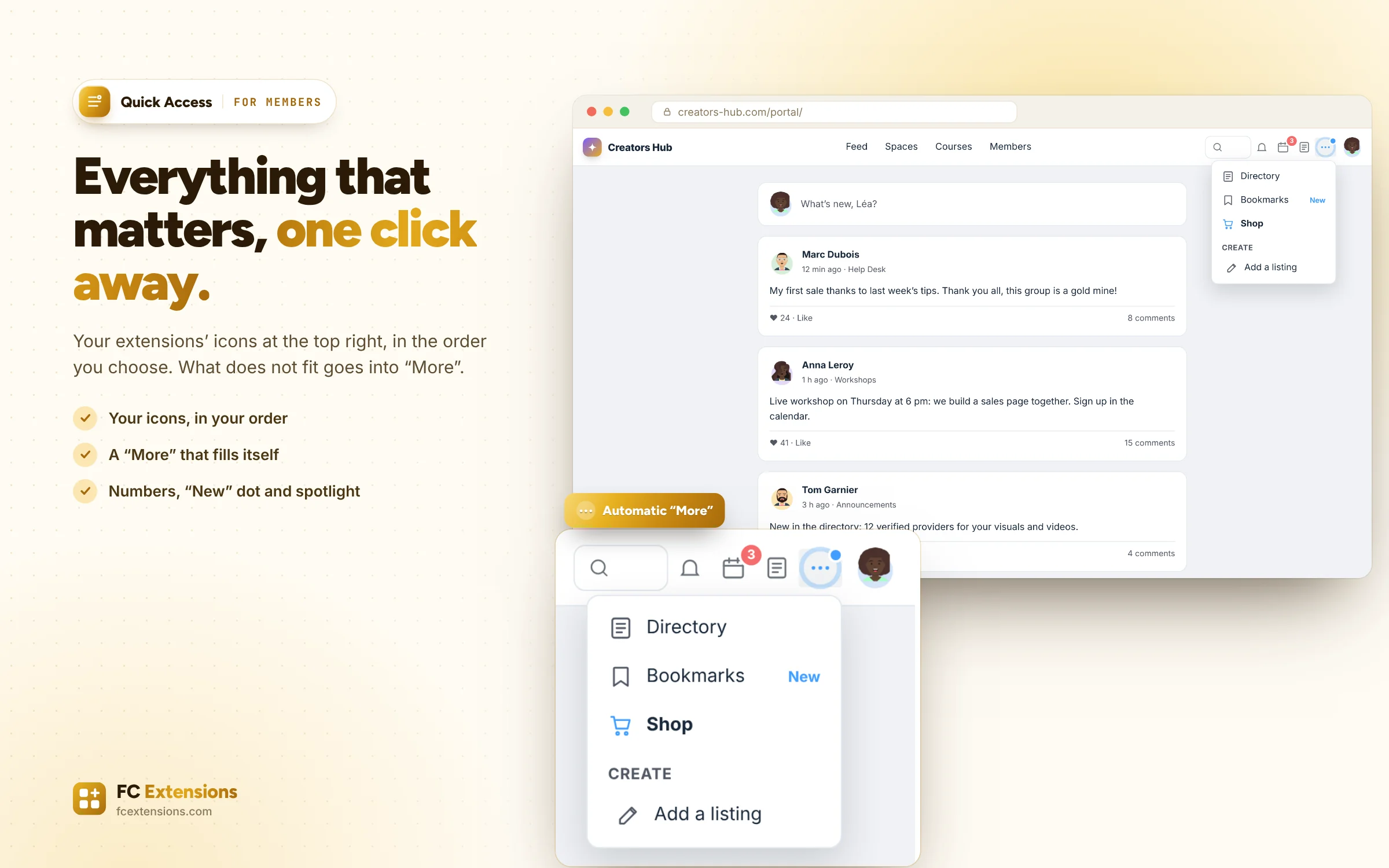
Your members reach what matters in one click, on computers and phones.
Watch it in action2:25
What it brings you
Quick Access, for you and your members.
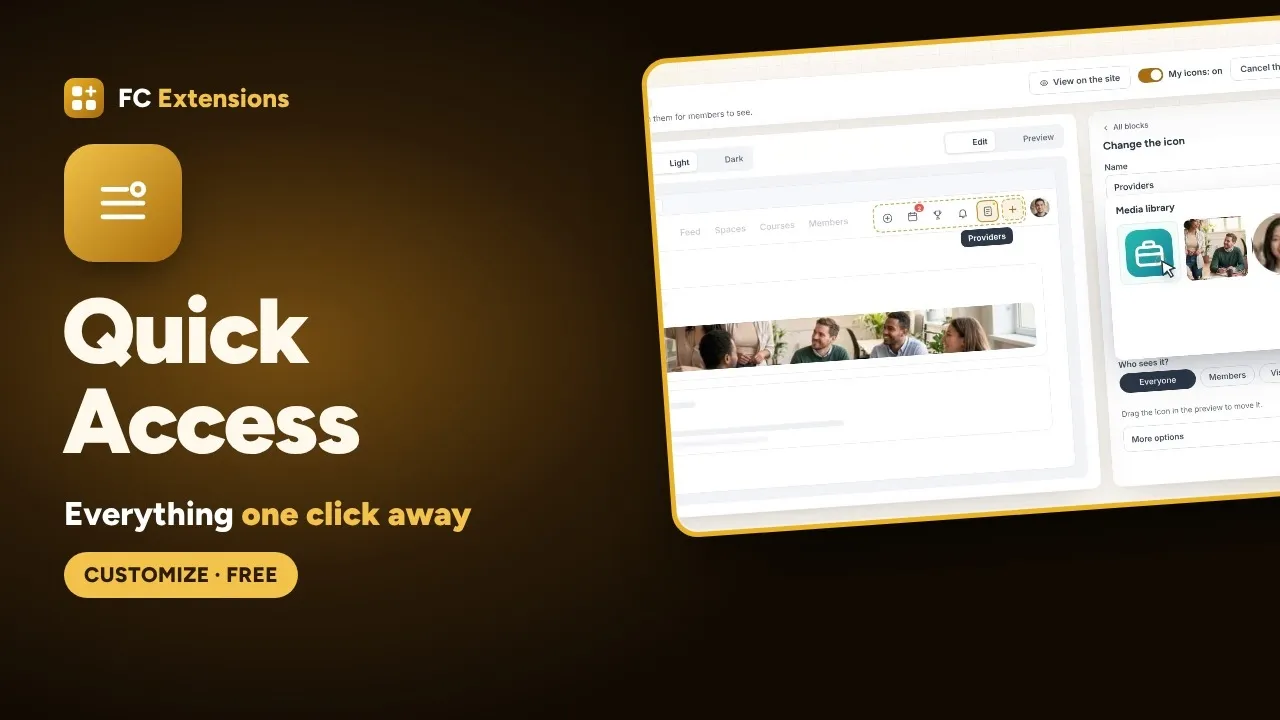
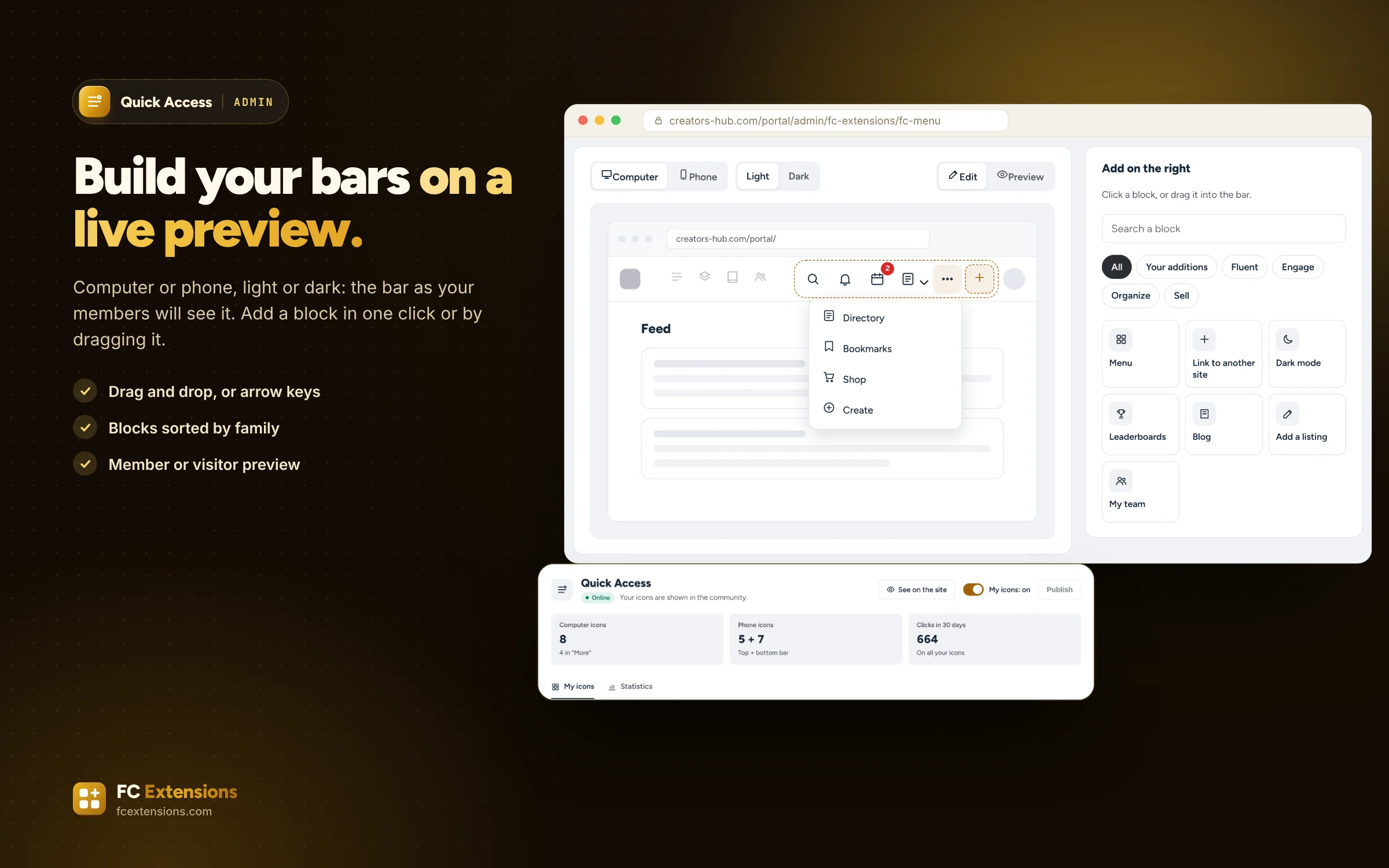
Every extension adds its icon to the top bar, with no order and no choice. Quick Access lets you build the top bar and the phone’s bottom bar on a preview of your community, then publish when everything is ready.
- Top and bottom bars, on computers and phones
- A live preview, published when ready
- All your extensions, ready as blocks
In pictures
See it in action.
What your members see, and what you set up in the admin.
Public side
Admin side
Click a visual to open it full size. Real screens of the extension, with sample data.
In detail
Everything it does for you.
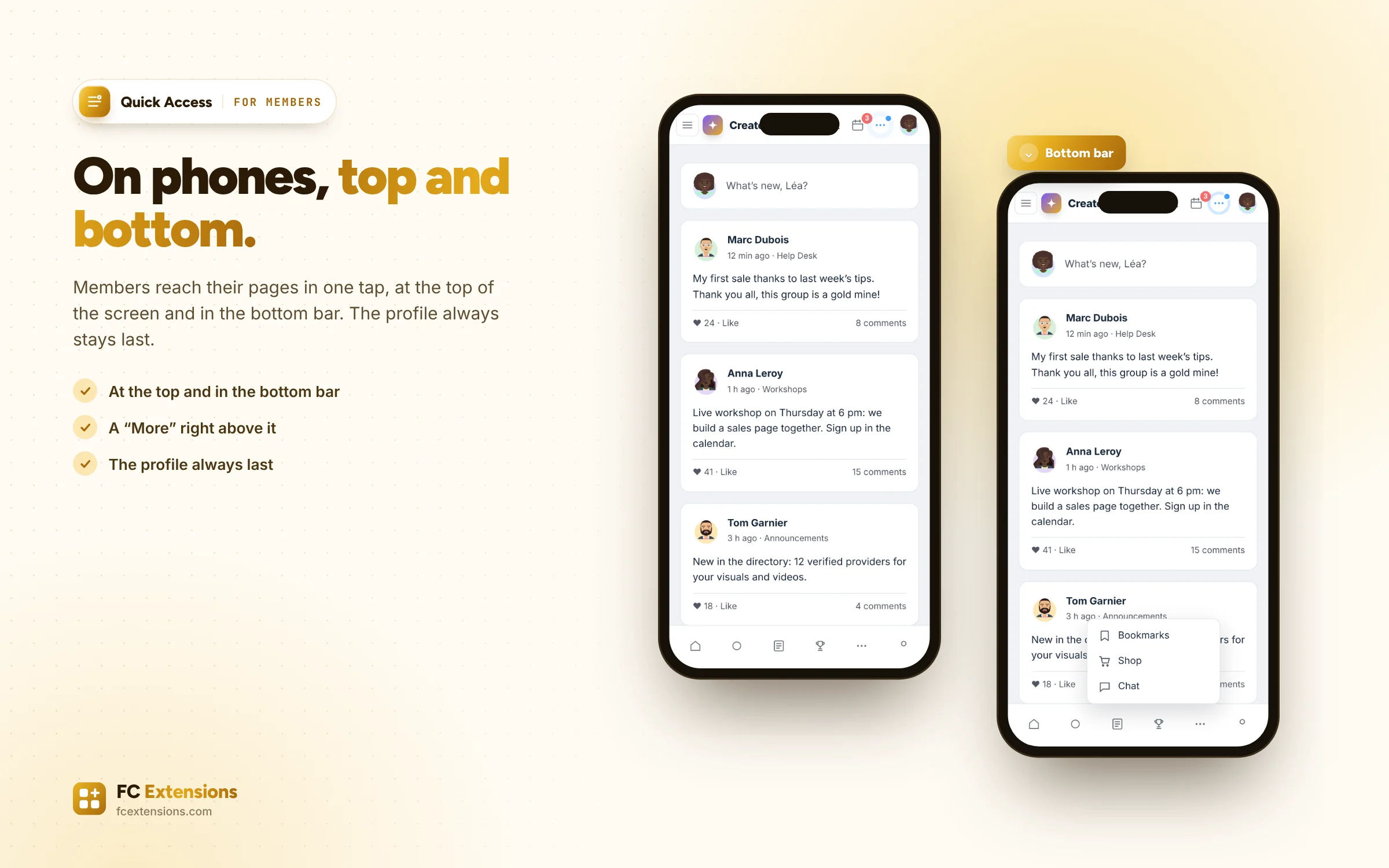
- The icons on the right of the top bar on computers, at the top and in the bottom bar on phones.
- A preview of your community: add a block in one click or by dragging it, move icons with the mouse or the keyboard.
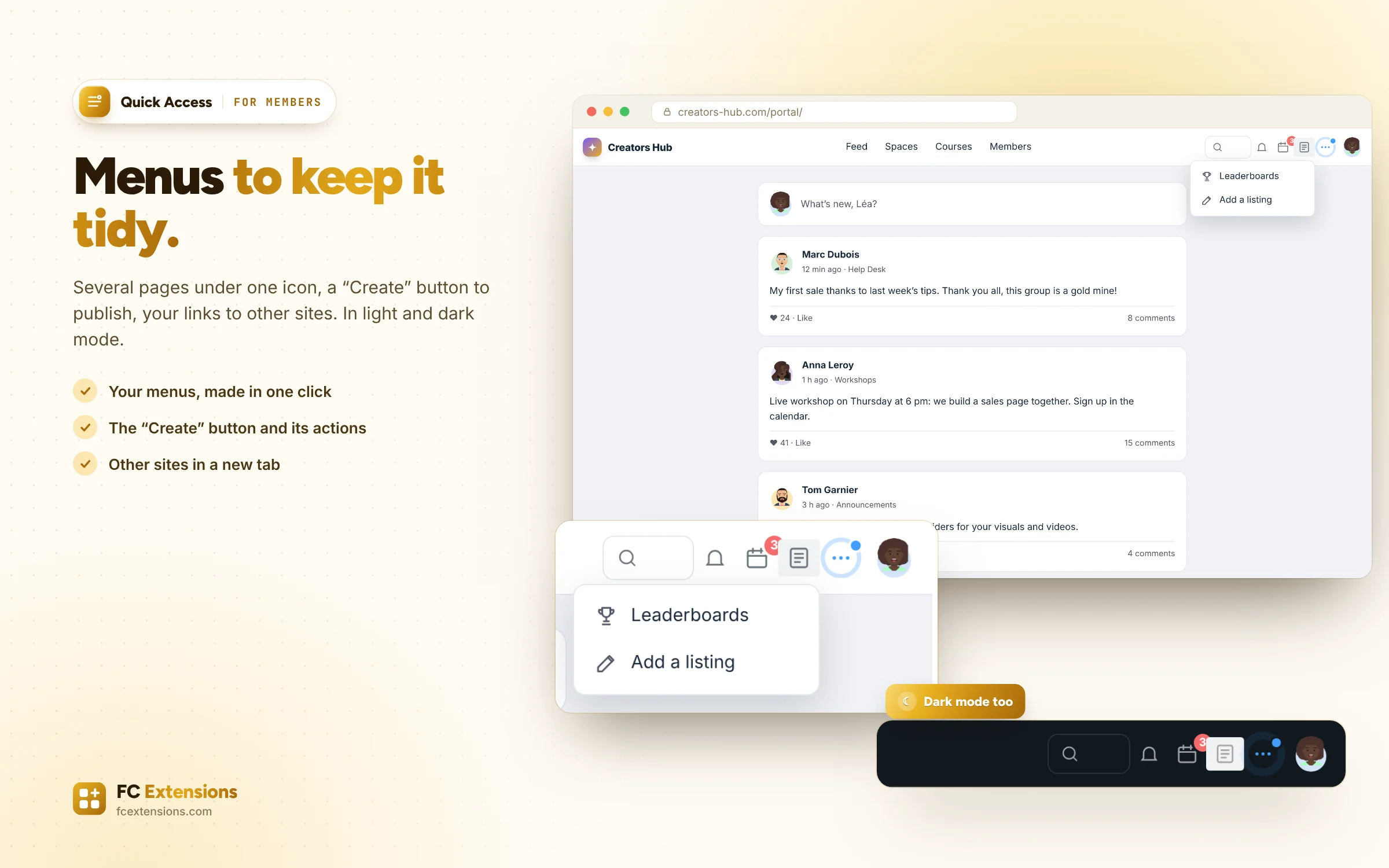
- Blocks sorted by family: the pages and buttons of your extensions, Fluent Community’s notifications, dark mode and search, your menus, your links and a “Create” button.
- A “More” button gathers by itself the icons that do not fit in the bar.
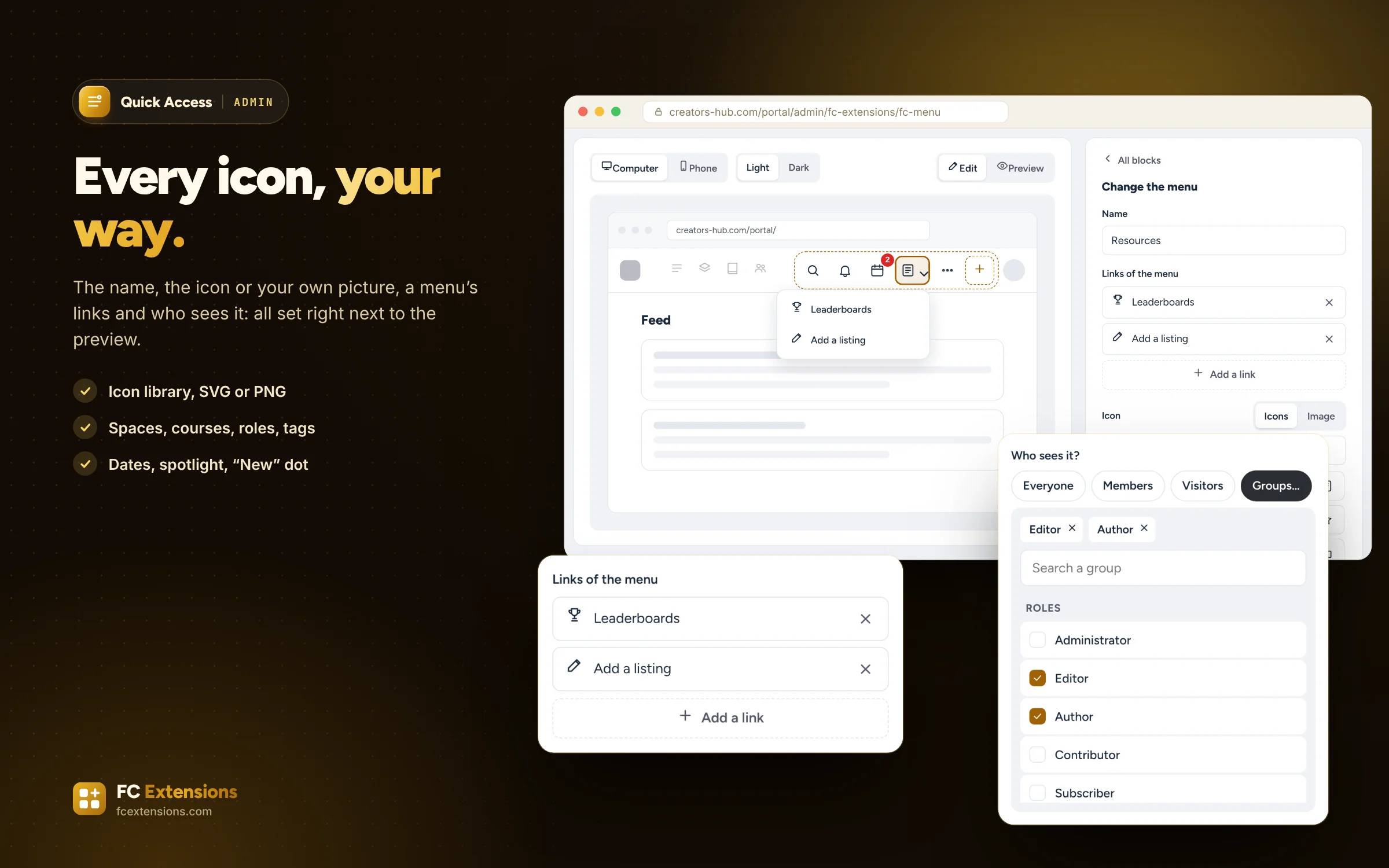
- The name and icon of each block: an icon library, or your own SVG or PNG picture.
- Who sees it: everyone, members, visitors, or some spaces, courses, roles and FluentCRM tags.
- Display dates, a spotlight, a “New” dot and a number on the icon.
- Four presets in one click: Training, Community, Shop, Minimal.
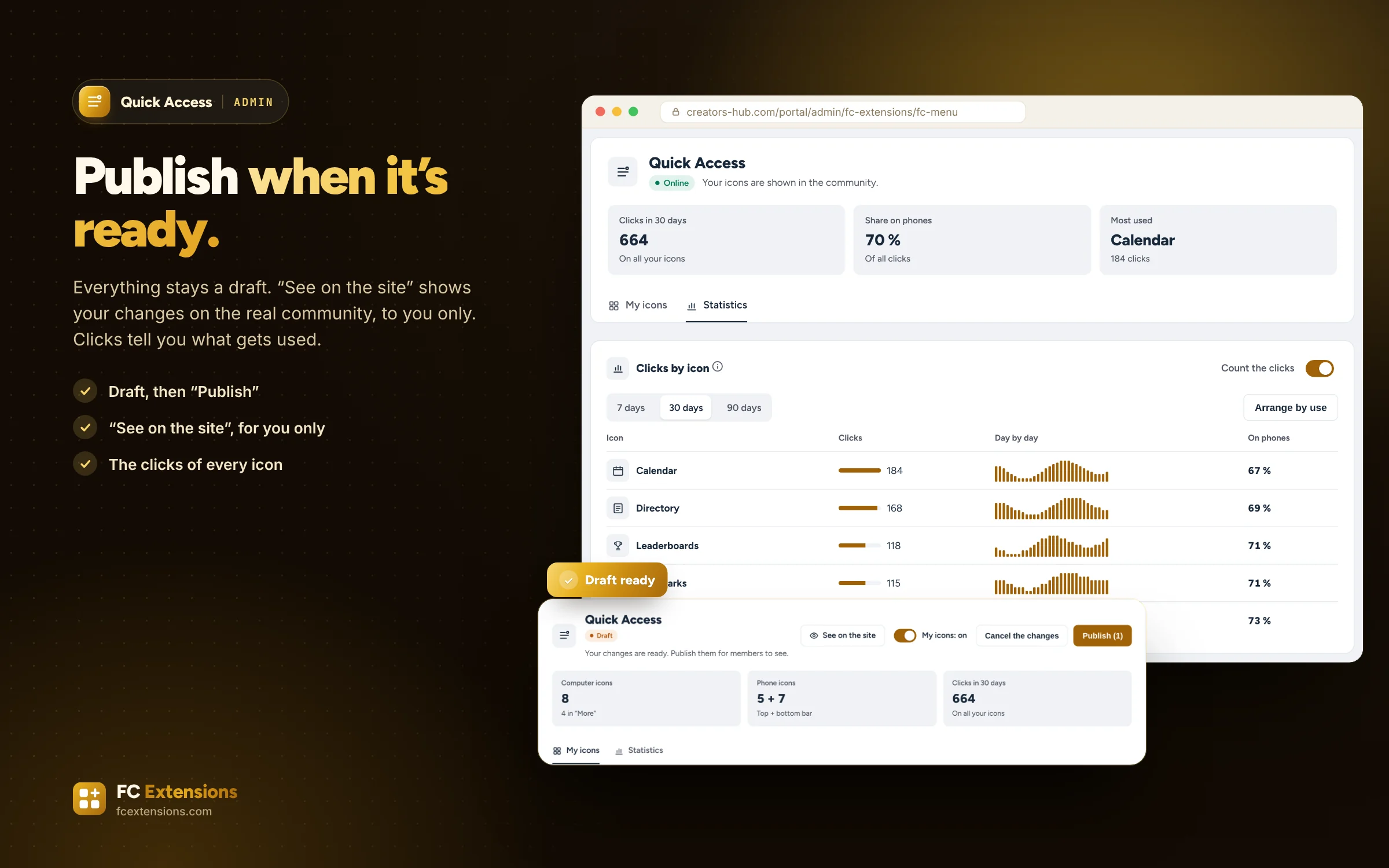
- Everything stays a draft until you publish. “See on the site” shows the draft on your real community.
- The clicks of each icon, on phones and computers, and “Arrange by use” in one click.
How to turn it on
Three steps, and you are off.
- 1Get your free key
Your first name and email are all it takes: FC Extensions and your key arrive right away.
Get my key - 2Install FC Extensions
A single WordPress plugin with everything inside. Paste your key on the License page.
- 3Turn on Quick Access
One switch in the Fluent Community settings, and you are ready.
In the same family
We also recommend.
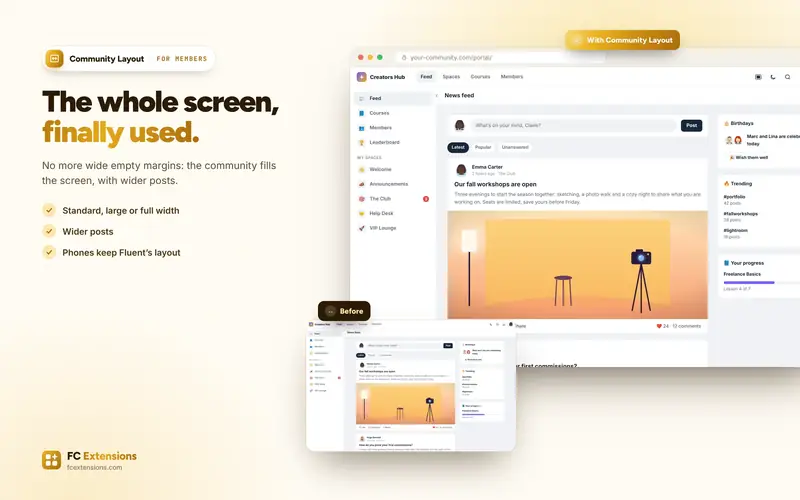
More extensions from the “Customize” family, to go further.
It works with
Even better with these extensions.
FC Extensions know each other: switched on together, they complete each other.
