
FreeAvailable
WooCommerce
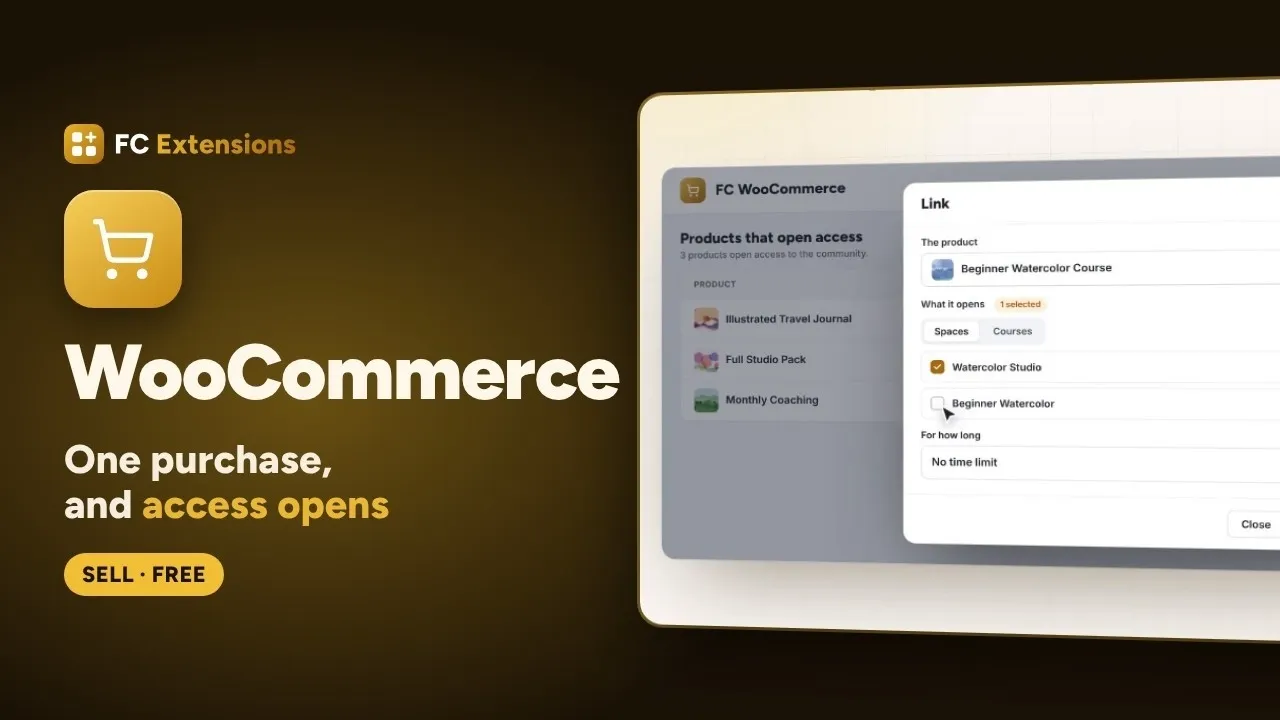
Sell your courses and spaces. Access opens by itself.
Watch it in action1:42
What it brings you
WooCommerce, for you and your members.
You already sell with WooCommerce, but community access is given by hand. With WooCommerce, the customer joins their spaces and courses as soon as they pay, and loses access if refunded.
- Access opened as soon as they pay
- Subscriptions and refunds followed
- Access for a chosen length of time
In pictures
See it in action.
What your members see, and what you set up in the admin.
Public side
Admin side

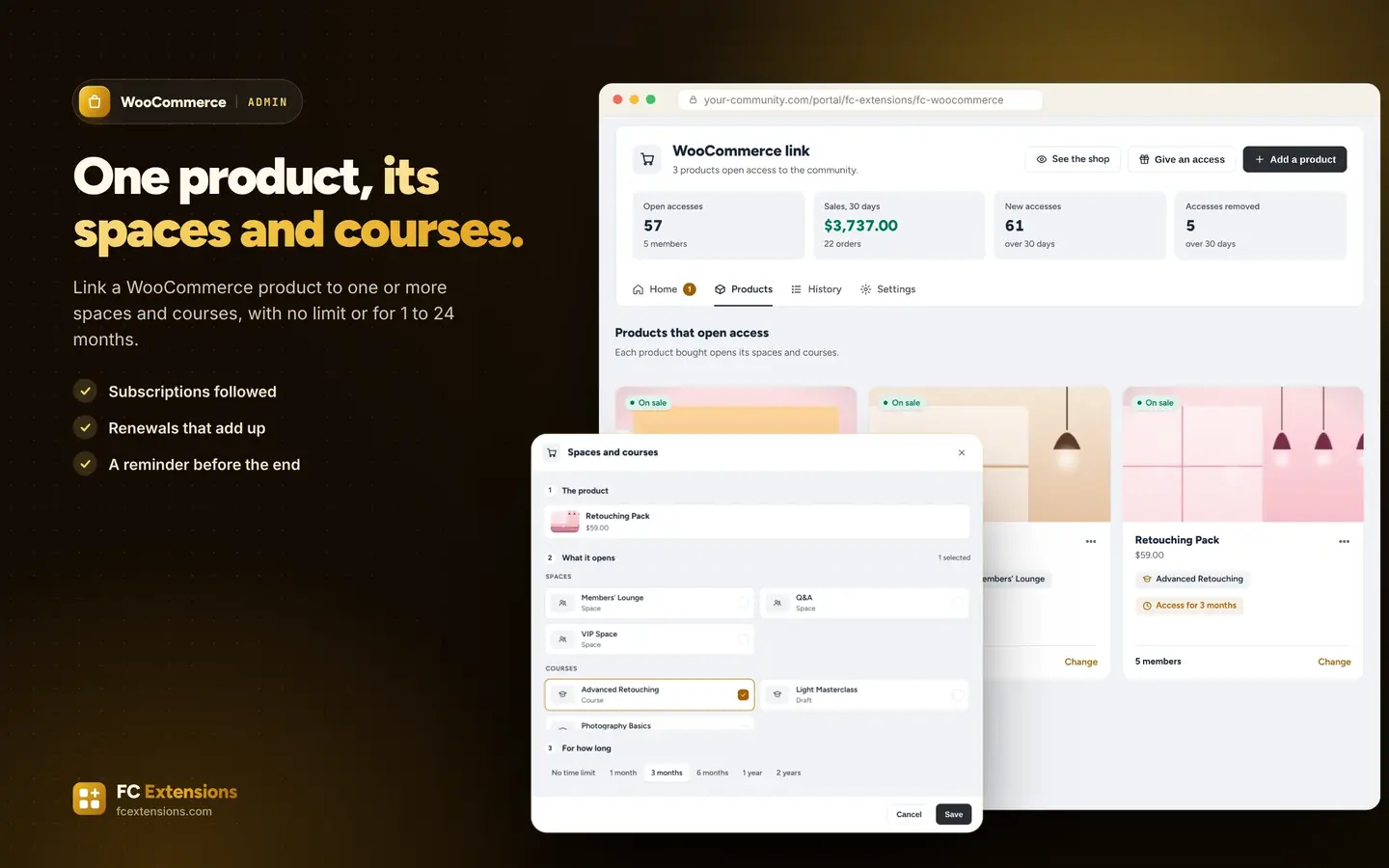
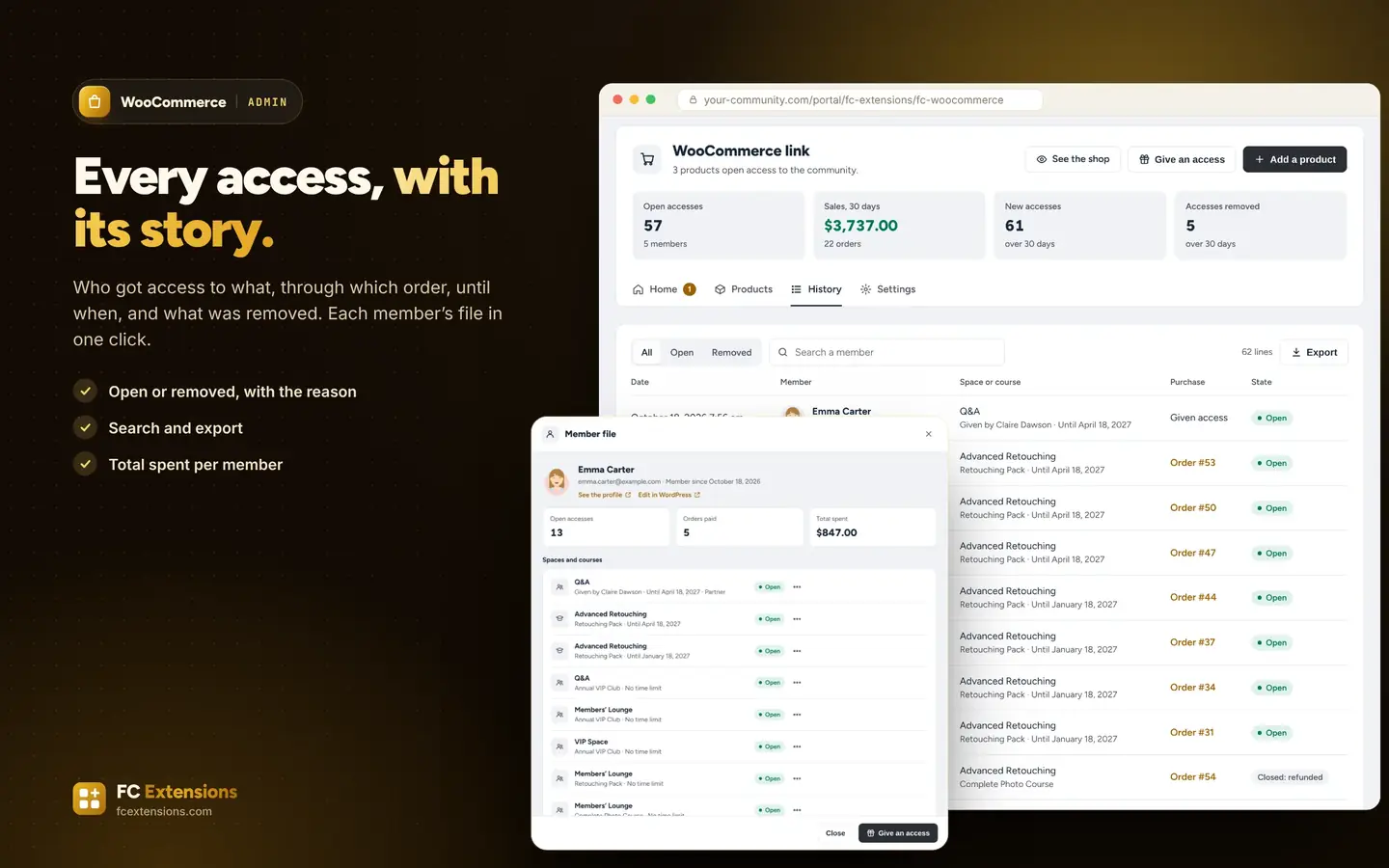
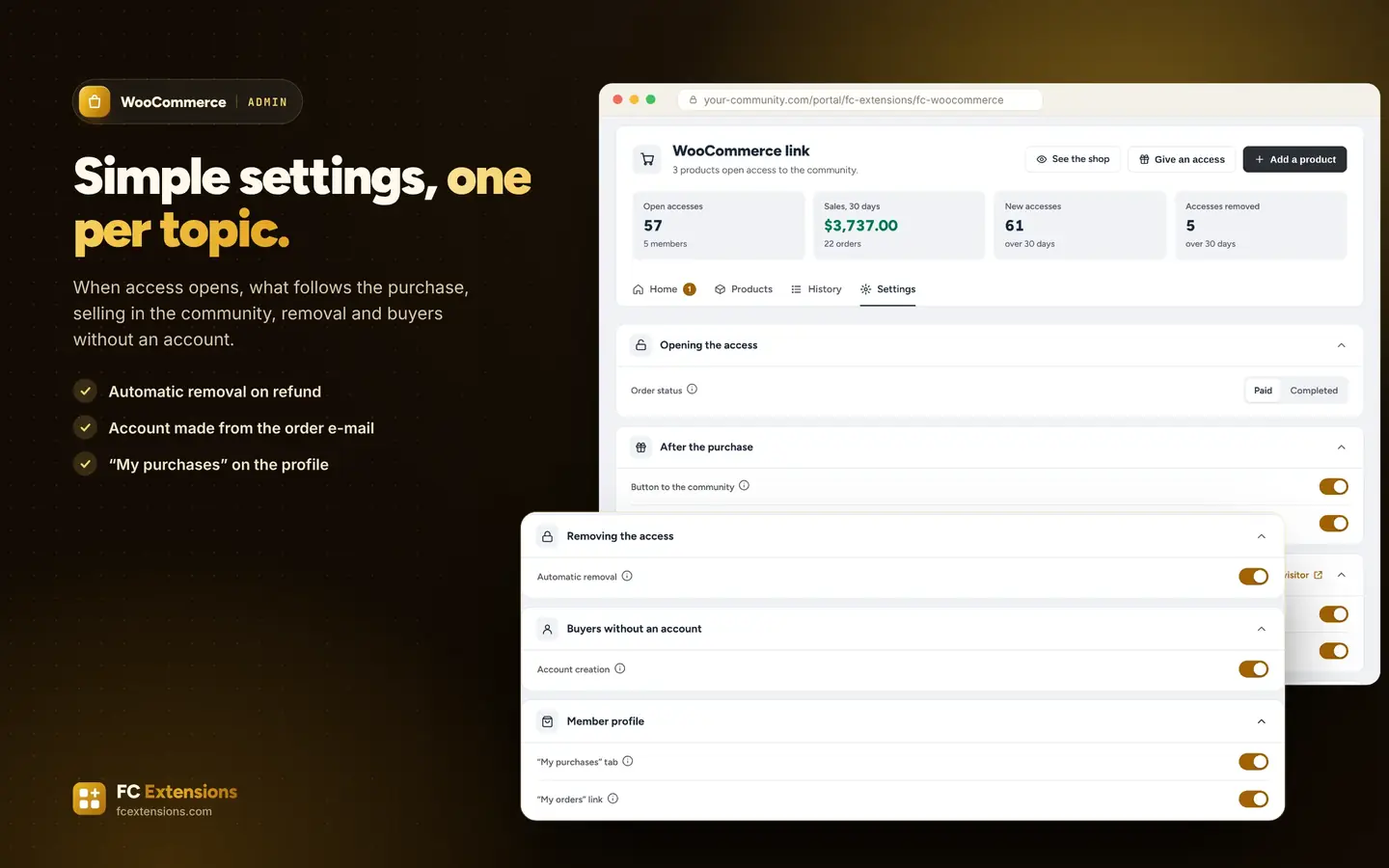
Click a visual to open it full size. Real screens of the extension, with sample data.
In detail
Everything it does for you.
Requires WooCommerce.
- A WooCommerce product linked to one or more spaces and courses.
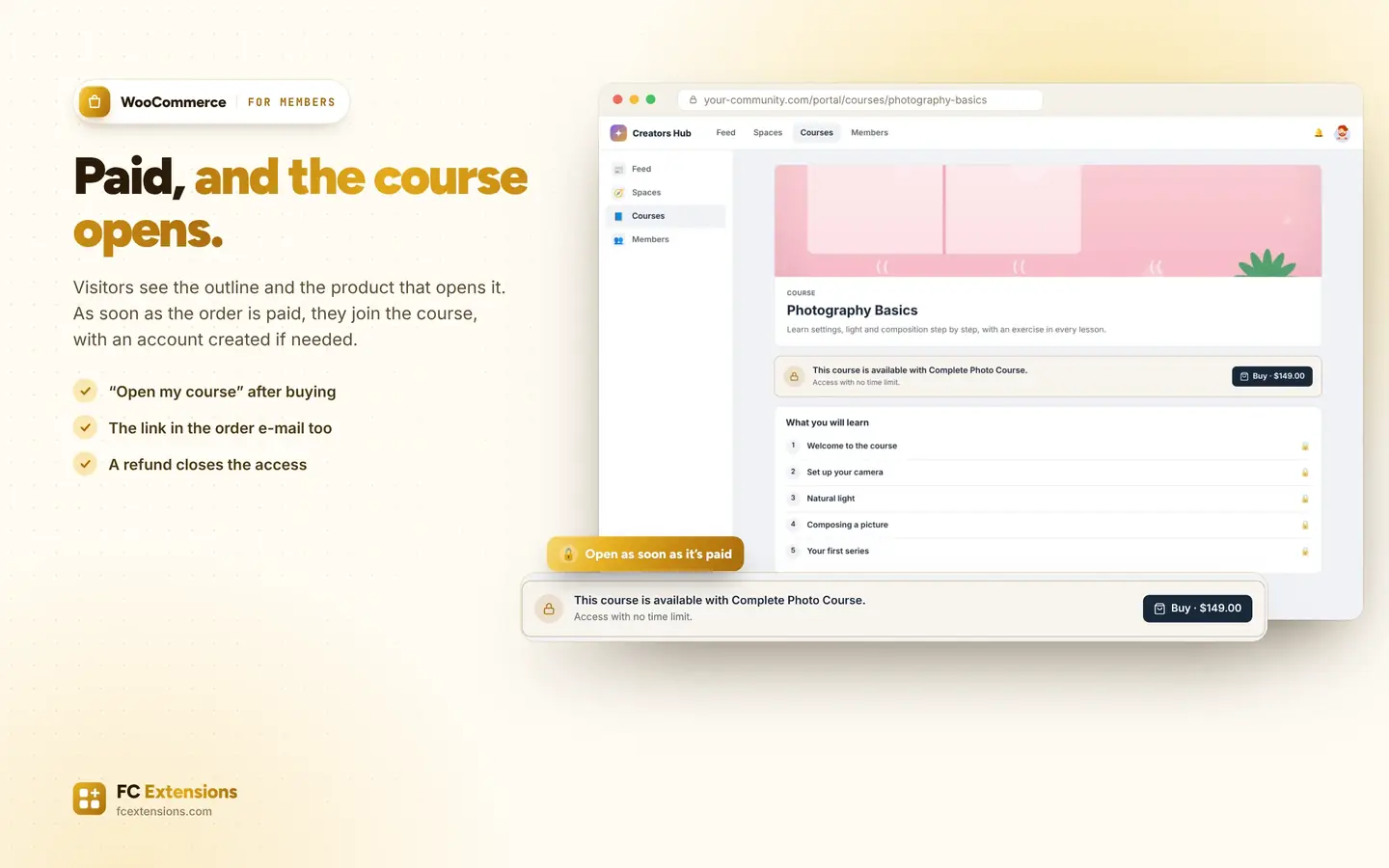
- A paid order: the customer joins the spaces and courses.
- A refund, a cancellation or a deleted order: access closes. A partial refund: only the refunded products.
- WooCommerce Subscriptions: active opens; on hold, cancelled or expired closes, with grace days if a payment fails.
- An order without an account: the account is created with the order e-mail.
- Access for 1, 3, 6, 12 or 24 months, renewals that add up, a reminder before the end.
- Past orders: one click opens access for customers who already bought.
- “Open my course” on the thank-you page and in the order e-mail.
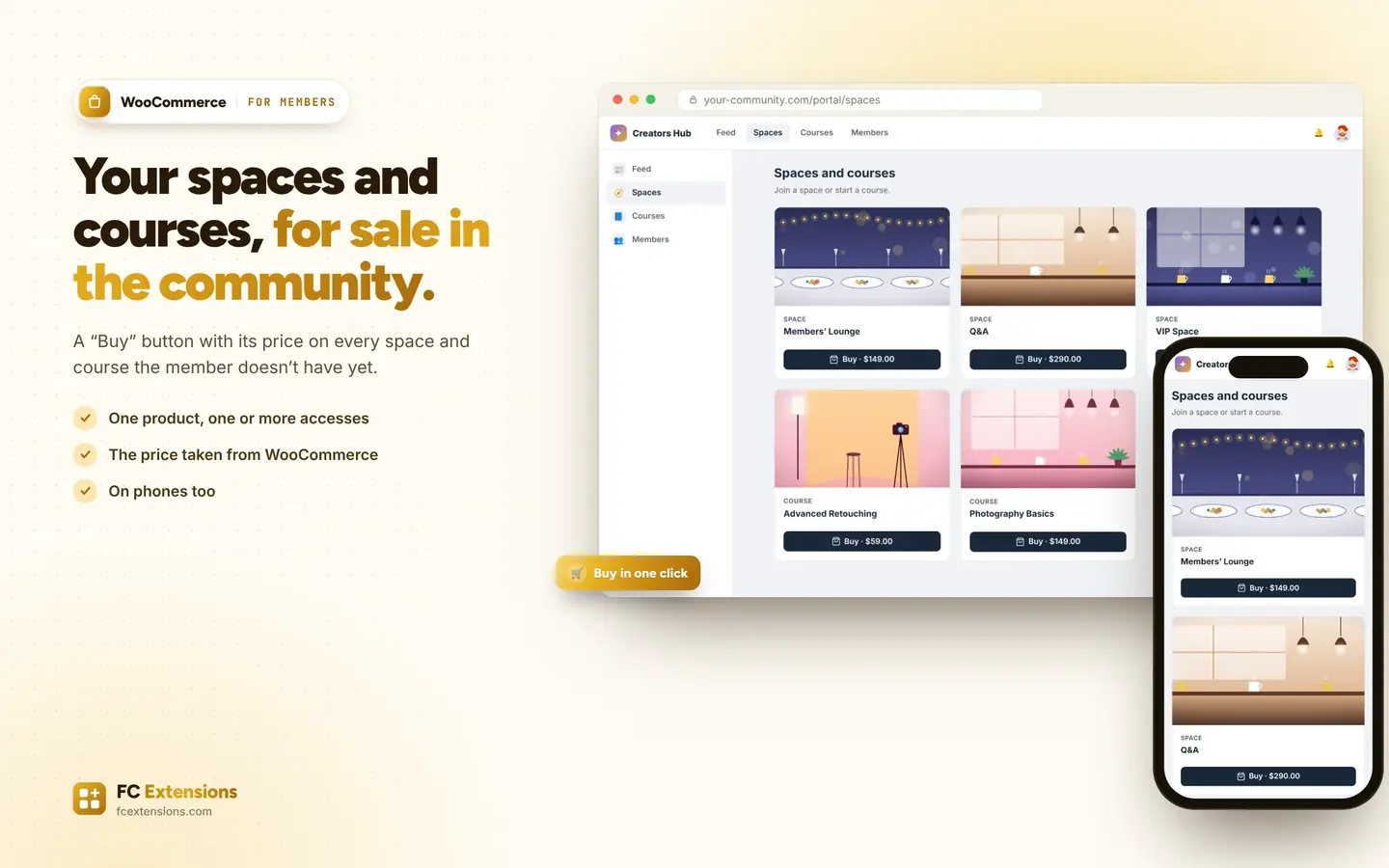
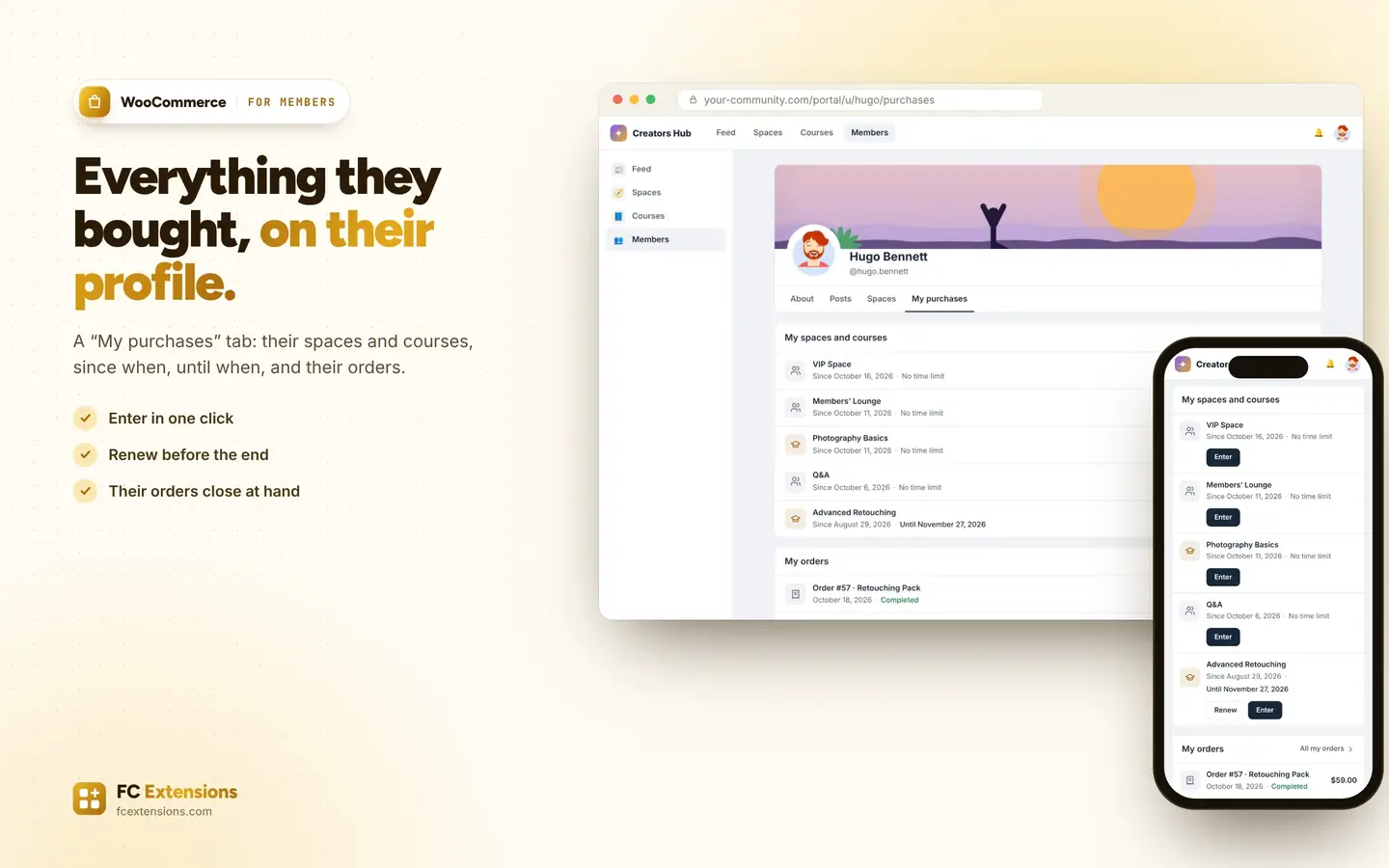
- “Buy” on the spaces and courses a member doesn’t have, “My purchases” in their profile.
- Access given, extended or removed by hand, with each member’s history.
How to turn it on
Three steps, and you are off.
- 1Get your free key
Your first name and email are all it takes: FC Extensions and your key arrive right away.
Get my key - 2Install FC Extensions
A single WordPress plugin with everything inside. Paste your key on the License page.
- 3Turn on WooCommerce
One switch in the Fluent Community settings, and you are ready.
In the same family
We also recommend.
More extensions from the “Sell” family, to go further.
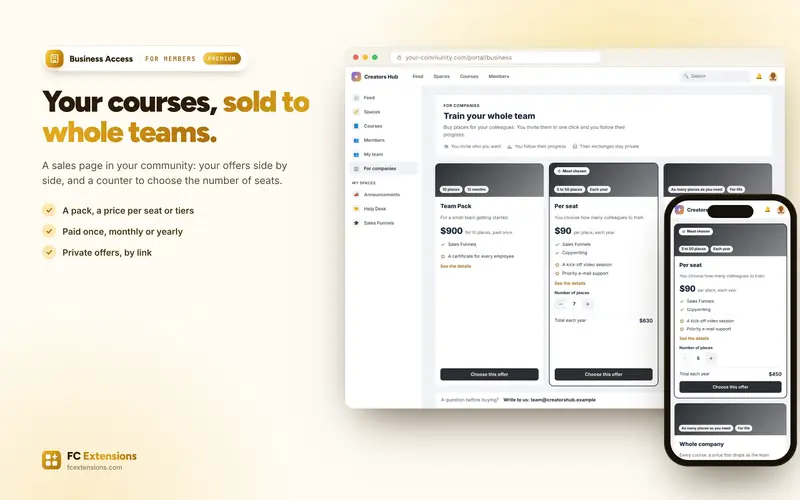

It works with
Even better with these extensions.
FC Extensions know each other: switched on together, they complete each other.
