PremiumAvailable
Ad Manager
Let sponsors fund your community.
Overview1:38
/
What's new2:44
/
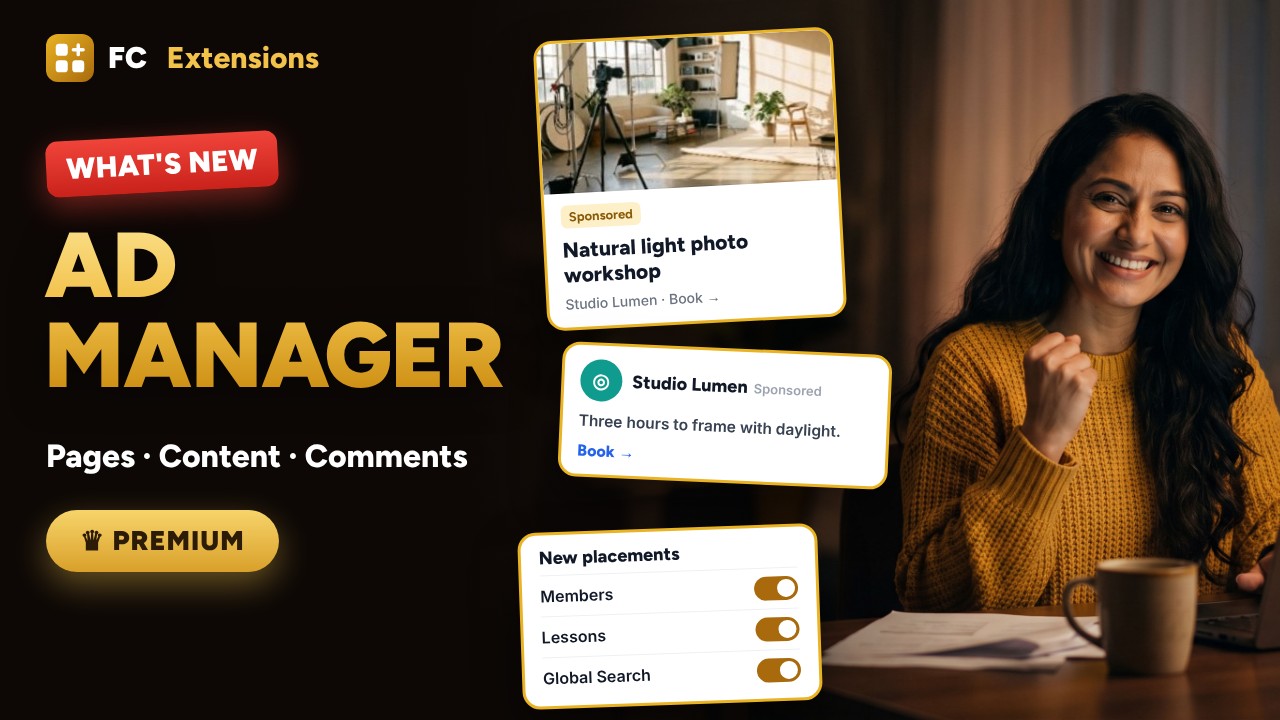
What it brings you
Ad Manager, for you and your members.
Your community has an audience sponsors want to reach, but managing ads by hand quickly gets heavy. Ad Manager organizes your campaigns, counts views and clicks, and accepts Google AdSense too.
- Campaigns with their ads and dates
- Real views and clicks of every ad
- Google AdSense and other networks
In pictures
See it in action.
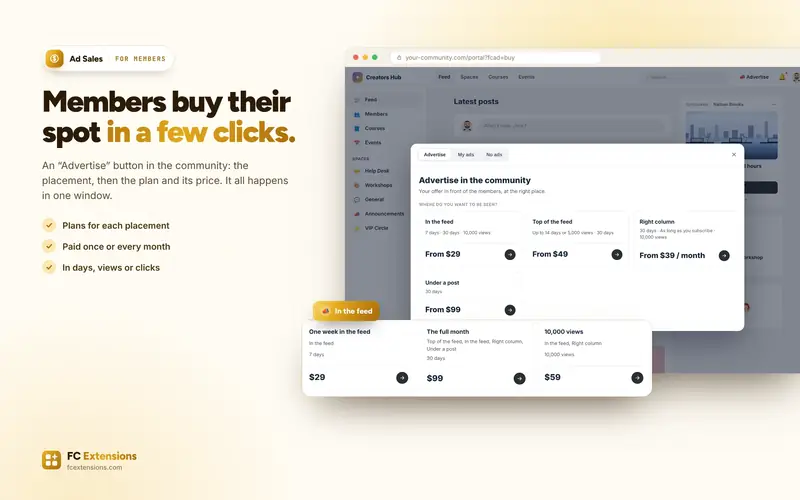
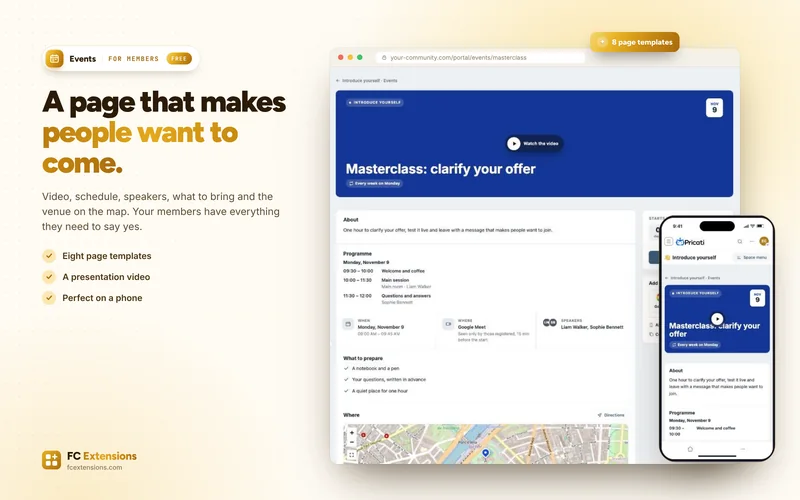
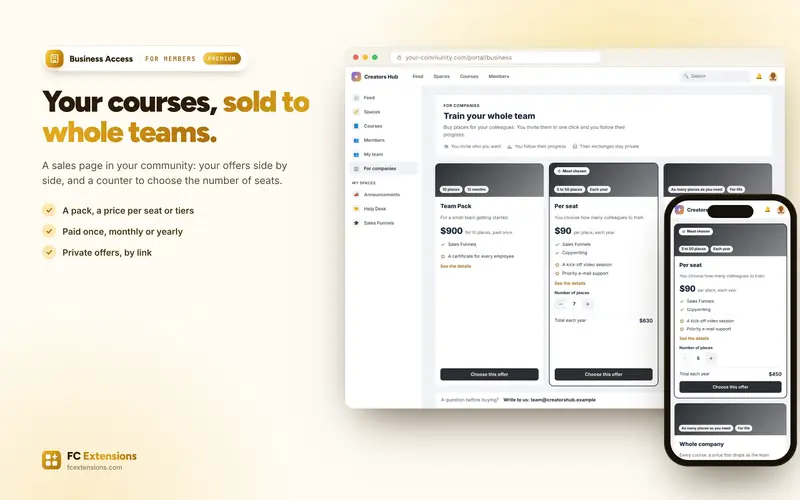
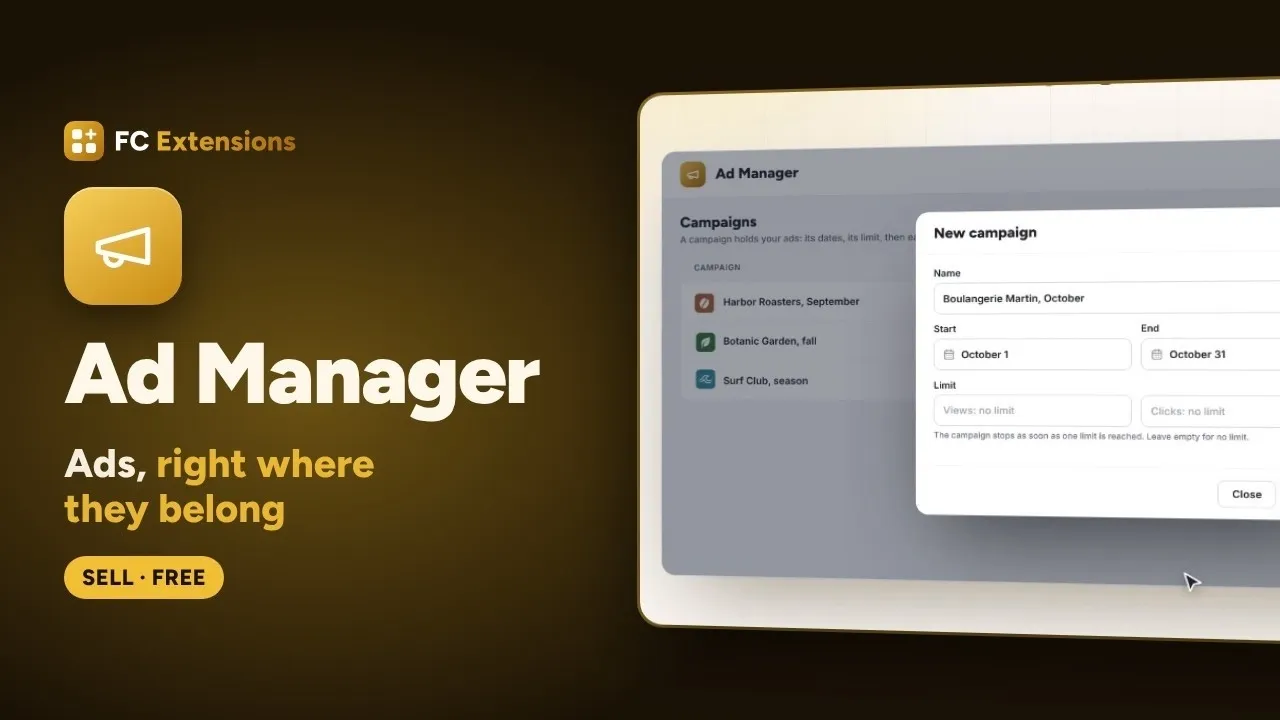
What your members see, and what you set up in the admin.
Public side



Admin side
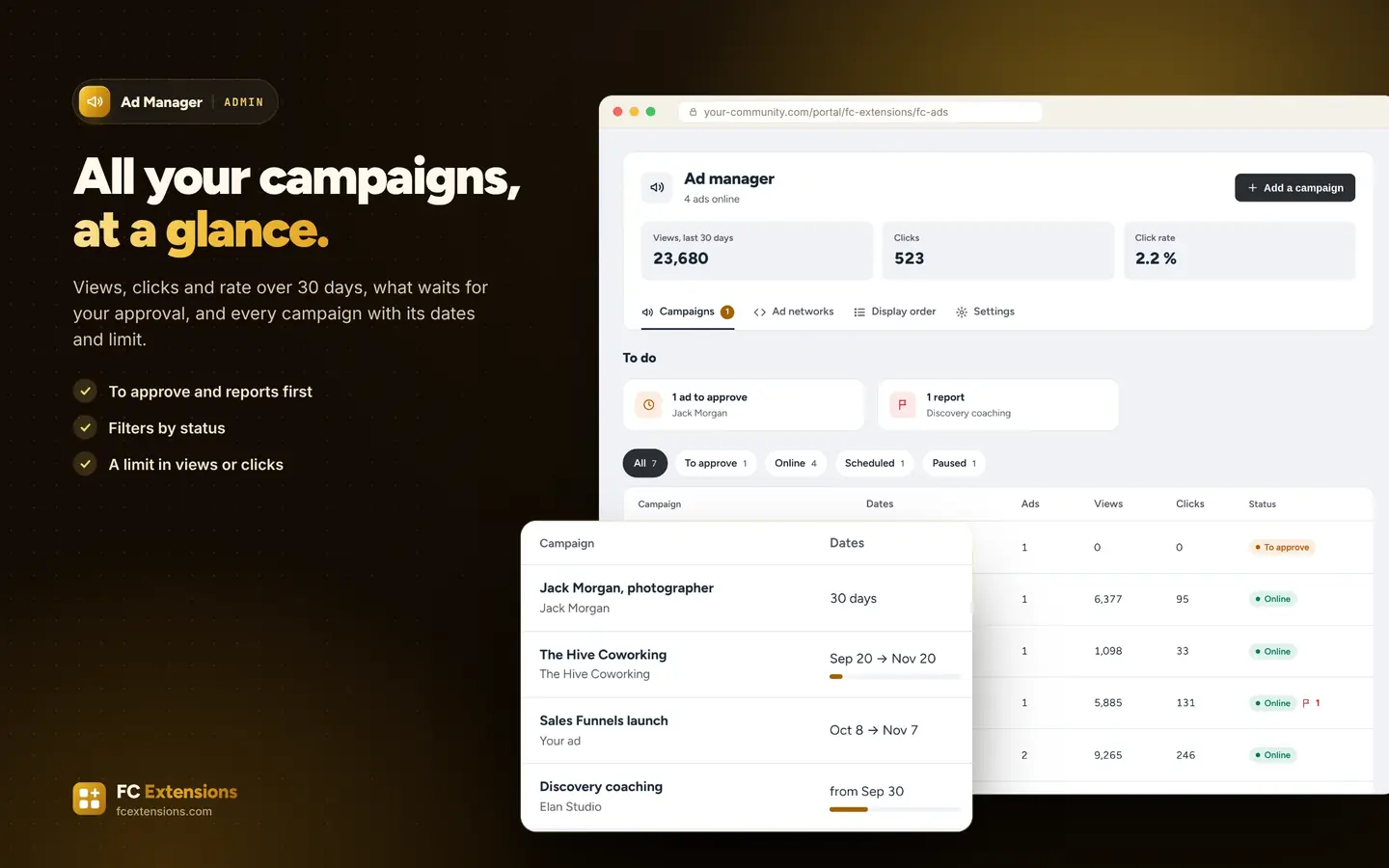
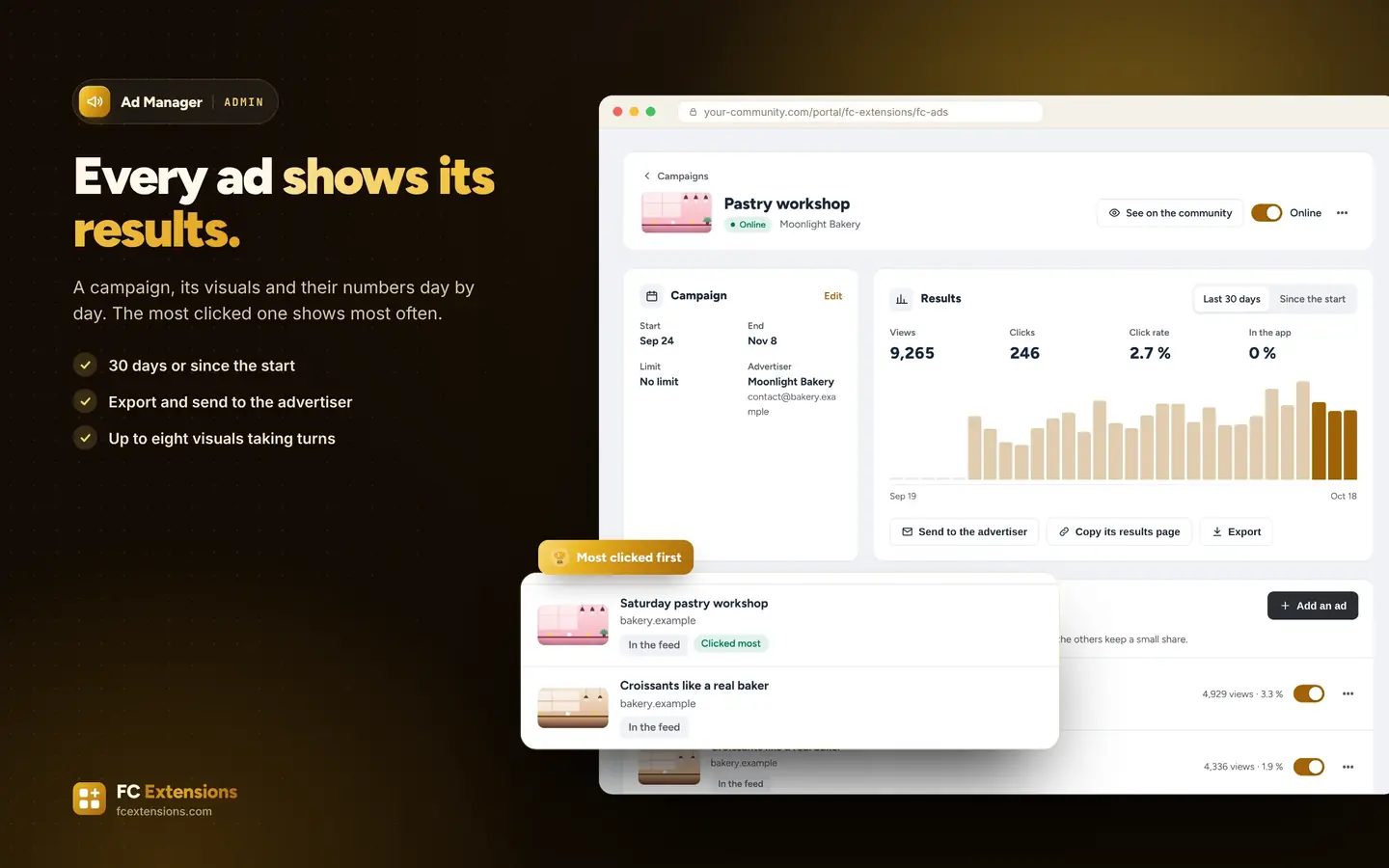
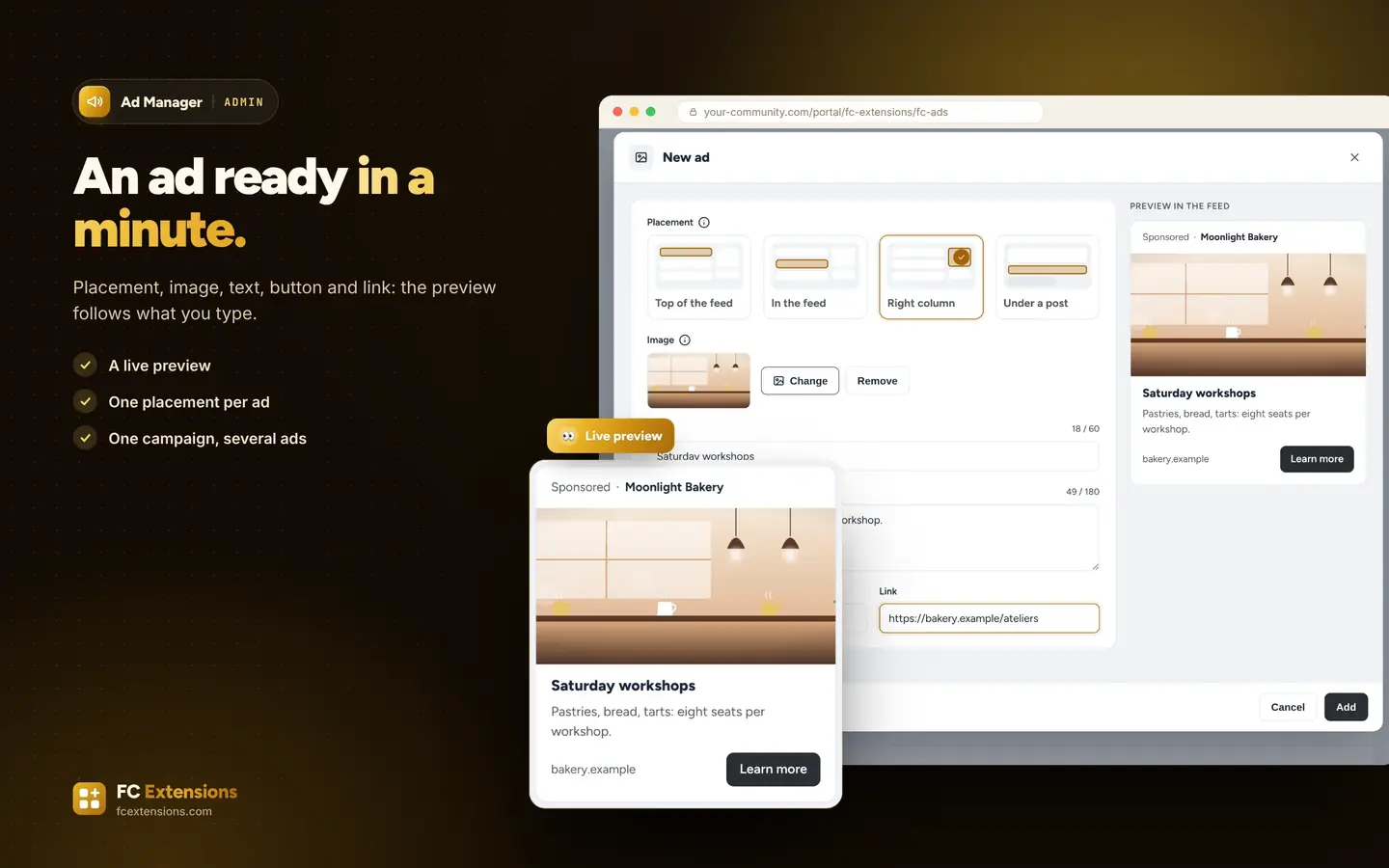
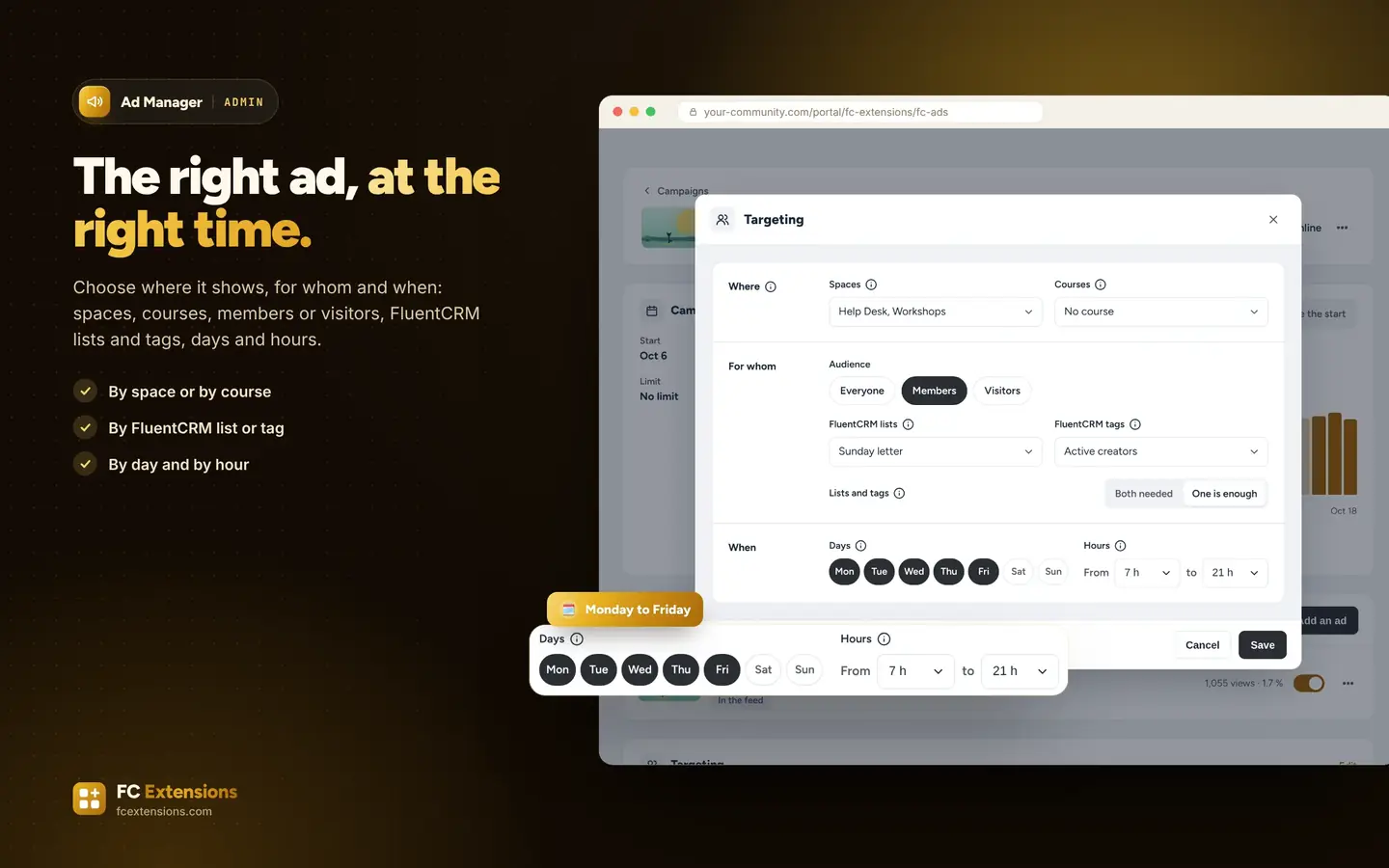
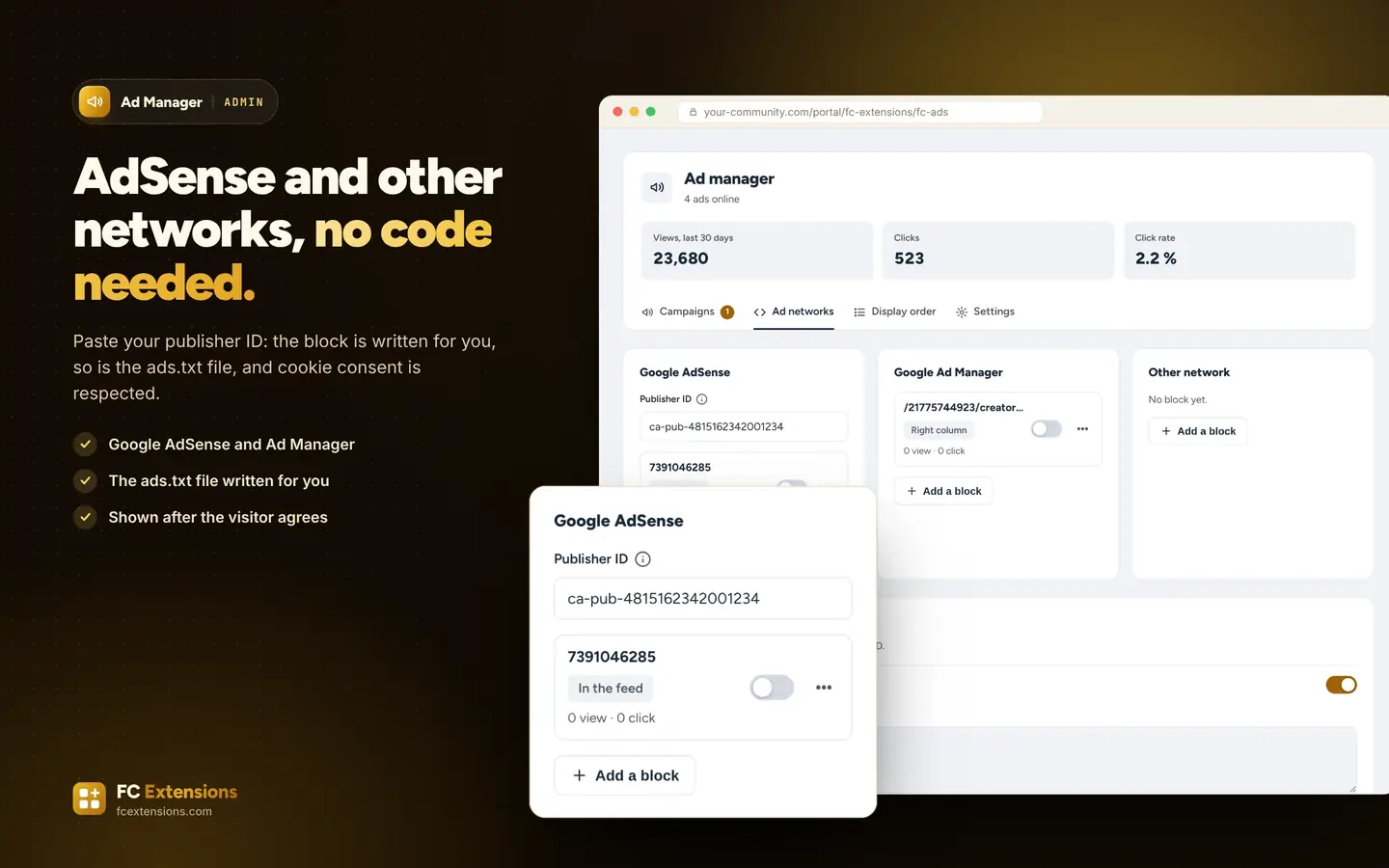
Click a visual to open it full size. Real screens of the extension, with sample data.
In detail
Everything it does for you.
- A campaign: a name, dates, a limit, and its ads with image, text and link.
- Four placements: top of the feed, in the feed, right column, under a post.
- Campaigns take turns in the order you choose.
- Ads drawn like posts, in light and dark mode.
- Google AdSense, Google Ad Manager or any other network, shown after cookie consent. The ads.txt file written for you.
- Targeting by audience, space, course, FluentCRM list or tag, day and hour.
- Real views (half of the ad on screen for one second) and clicks, per day, placement and ad, exportable.
- Results sent to every advertiser by e-mail.
- “No ads” for members on a dedicated FluentCart price.
How to turn it on
Three steps, and you are off.
- 1Choose your plan
This extension alone, or a pack. Yearly or for life.
See pricing - 2Install FC Extensions
A single WordPress plugin. Paste your key on the License page.
- 3Turn on Ad Manager
One switch in the Fluent Community settings, and you are ready.