
FreeAvailable
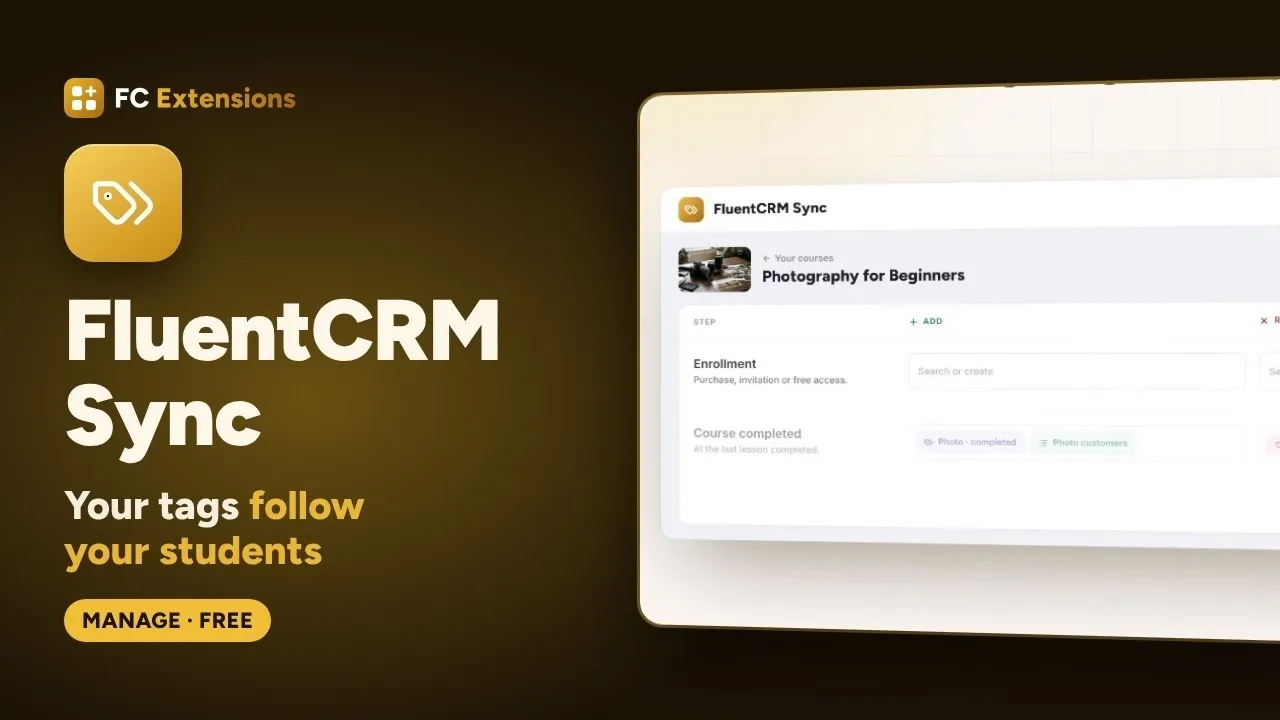
FluentCRM Sync
Every step of your students sets its FluentCRM tag. You decide what happens next.
Watch it in action1:42
What it brings you
FluentCRM Sync, for you and your members.
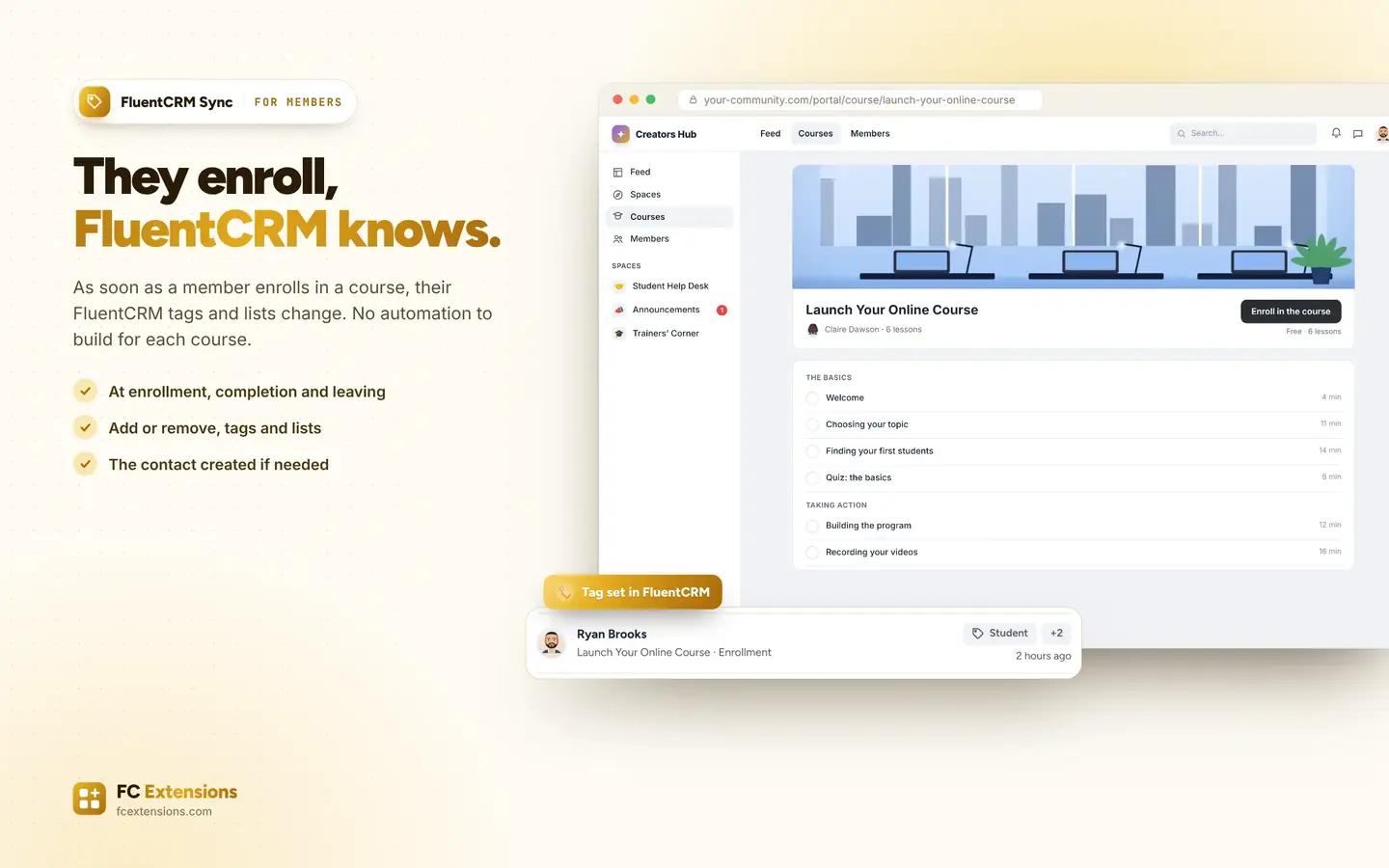
To act at the right time, you need to know where each student is. FluentCRM Sync sets tags and lists at every step (enrollment, lesson, quiz, progress, course end, space), with no automation to build. Then you plug in the action of your choice.
- Enrollment, lessons, quizzes, progress and completion
- Inactive students spotted
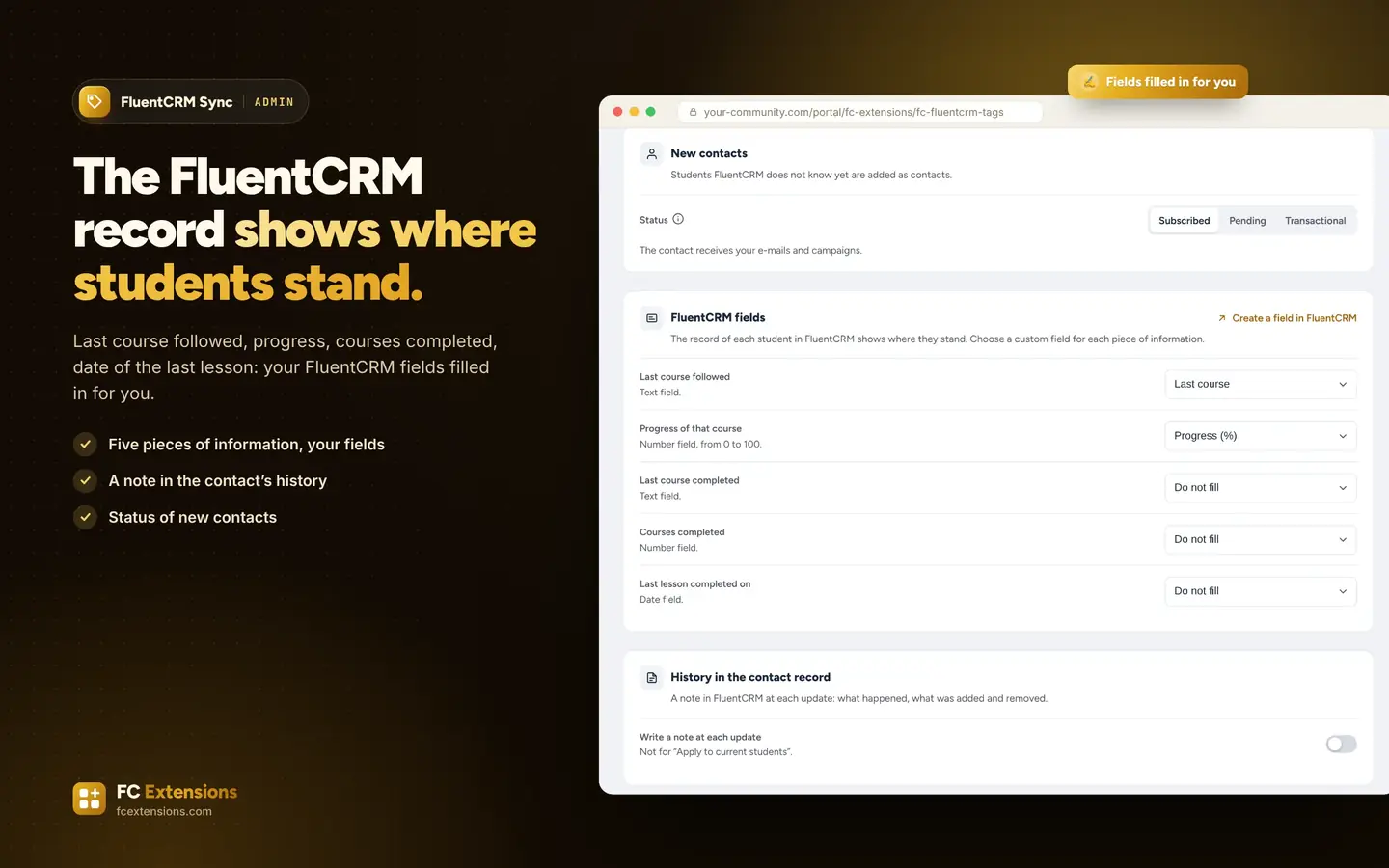
- FluentCRM fields filled in for you
In pictures
See it in action.
What your members see, and what you set up in the admin.
Public side
Admin side
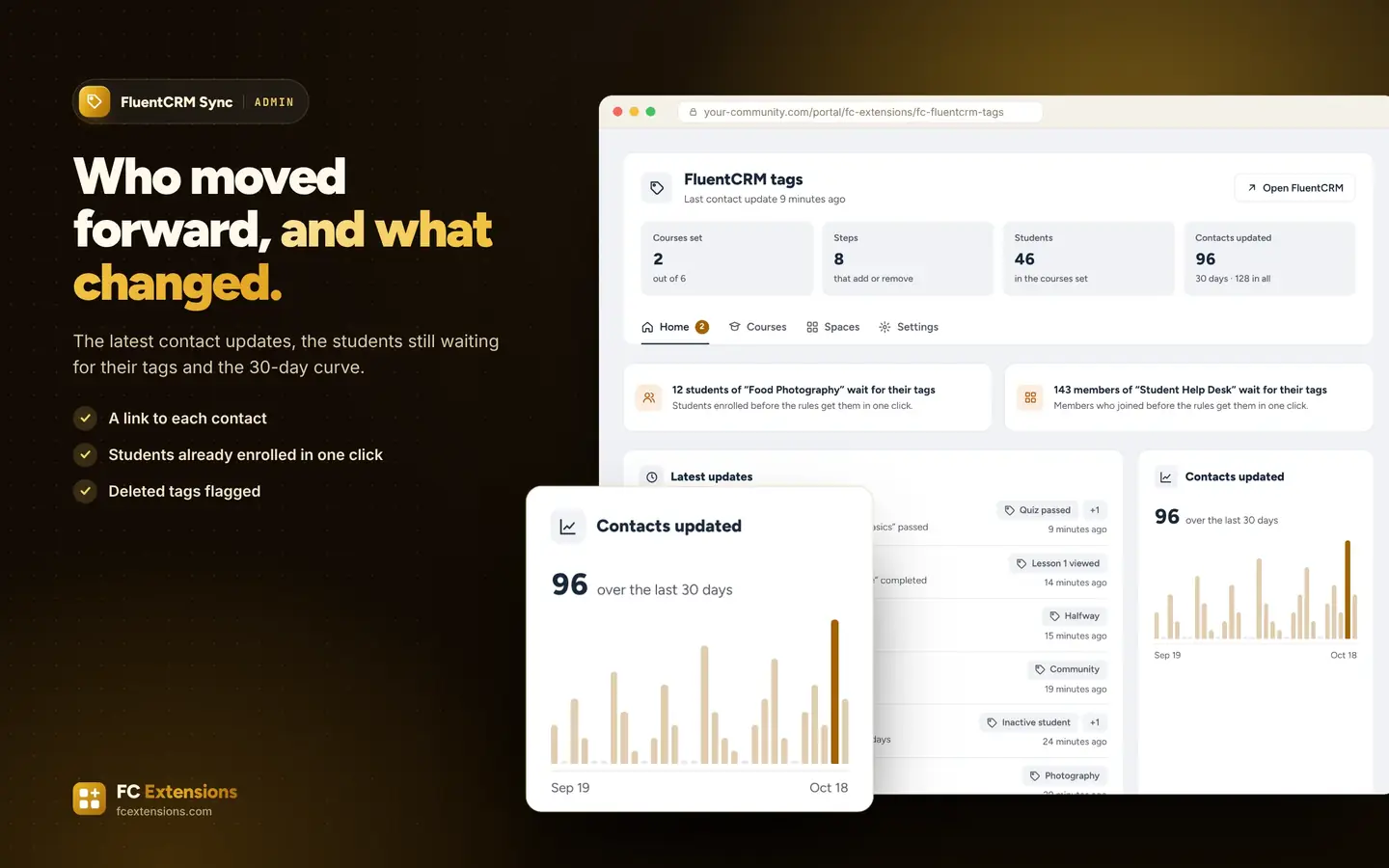
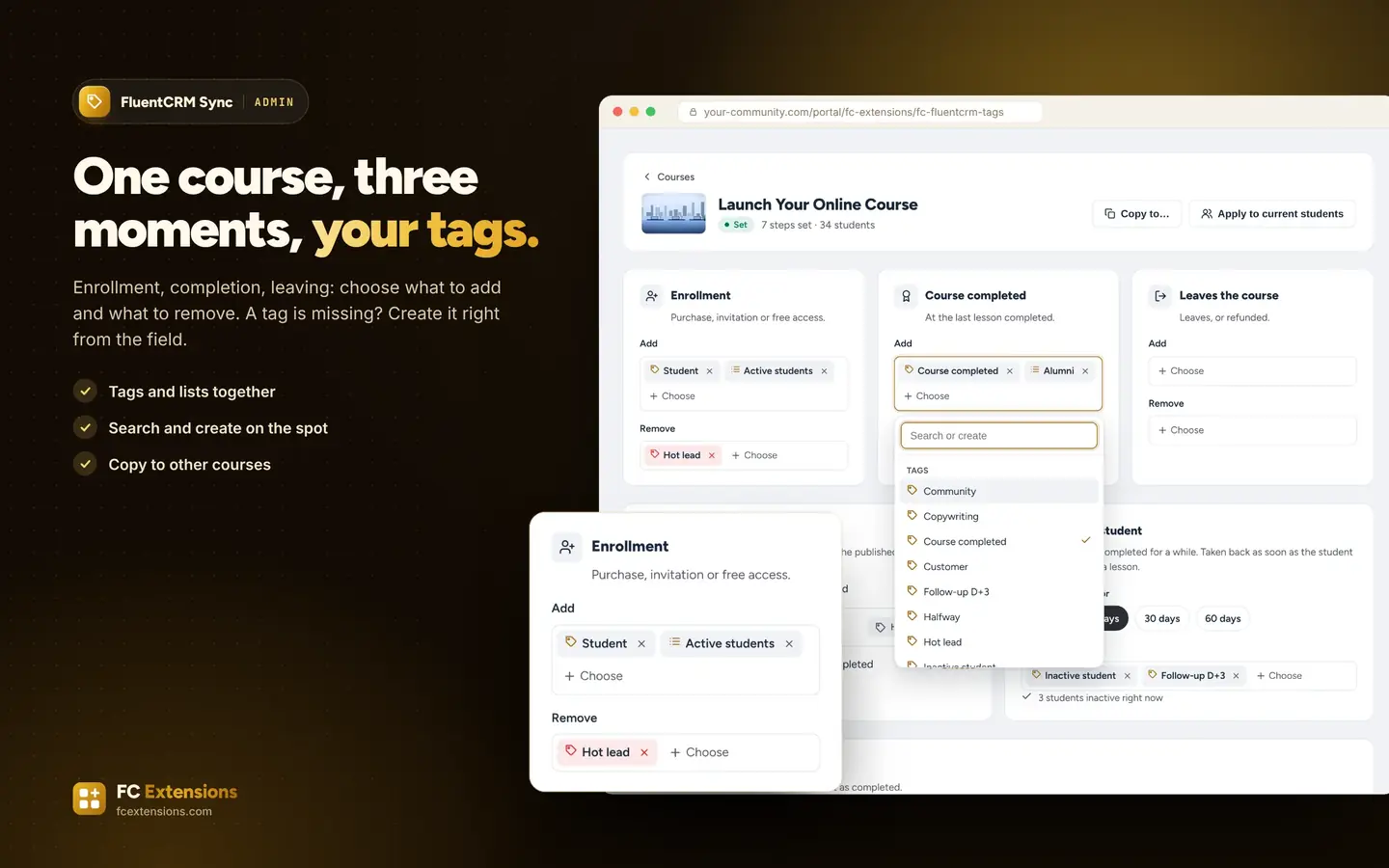
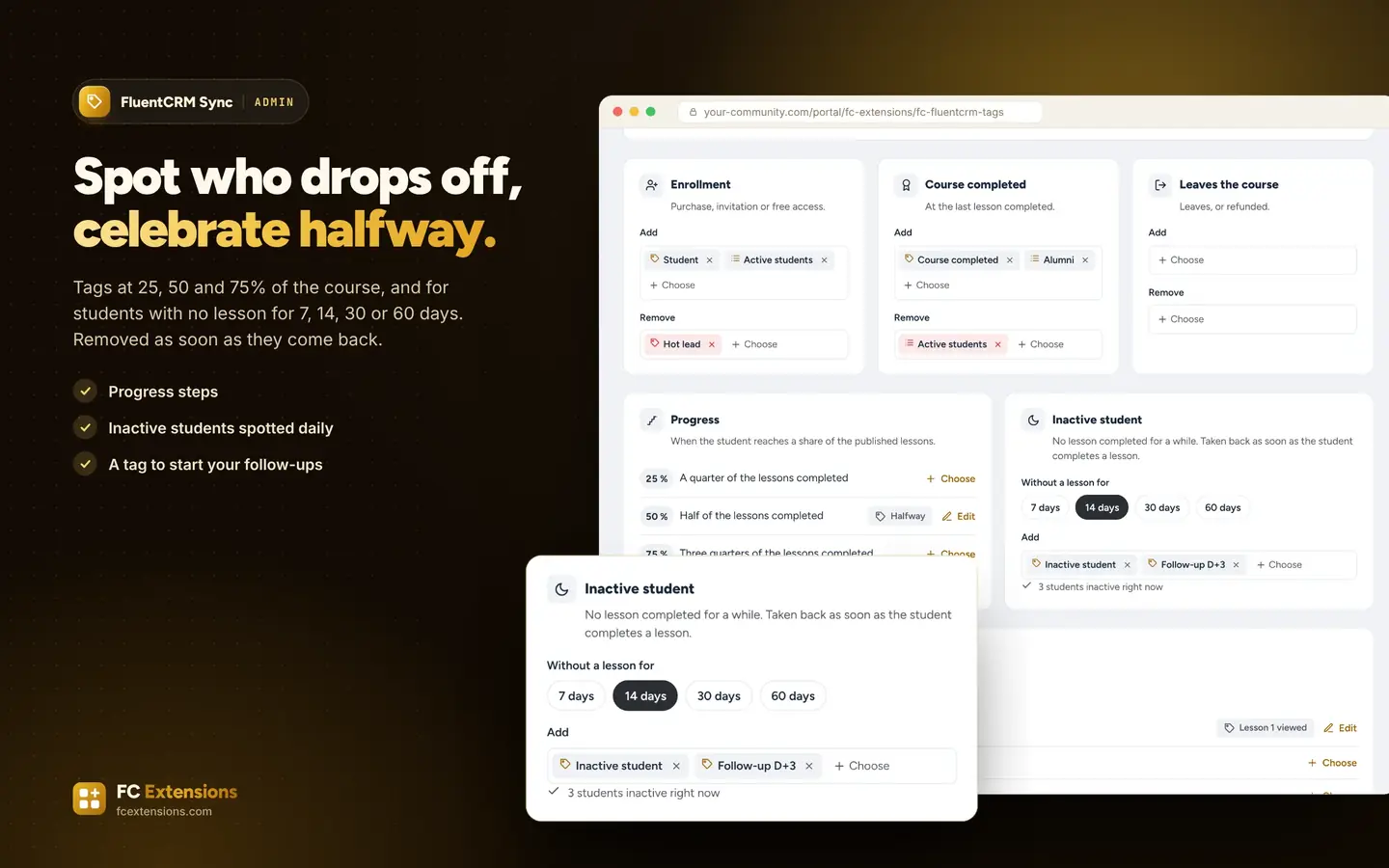
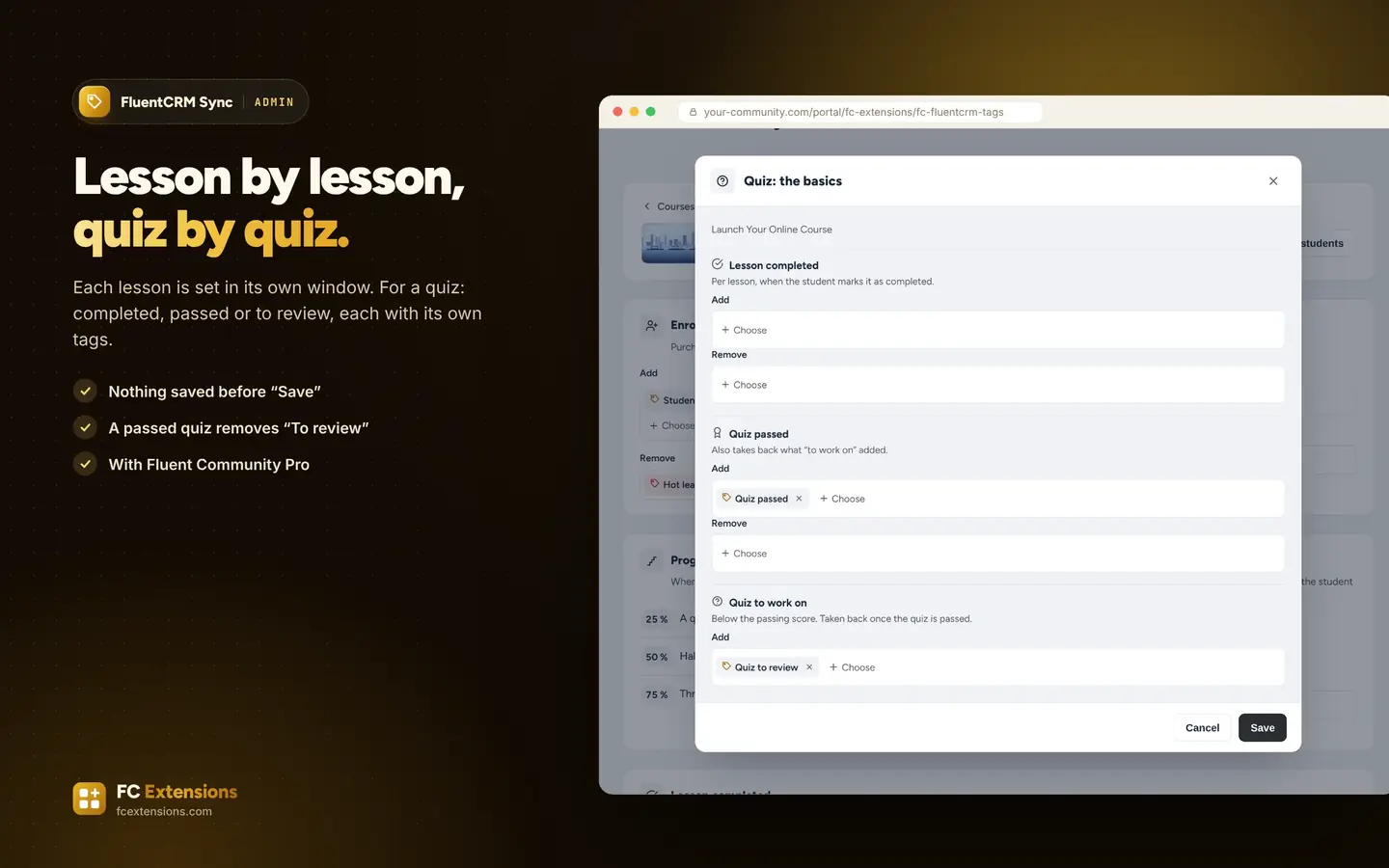
Click a visual to open it full size. Real screens of the extension, with sample data.
In detail
Everything it does for you.
Requires FluentCRM.
- For each course: tags and lists to add or remove at enrollment, at completion and when leaving.
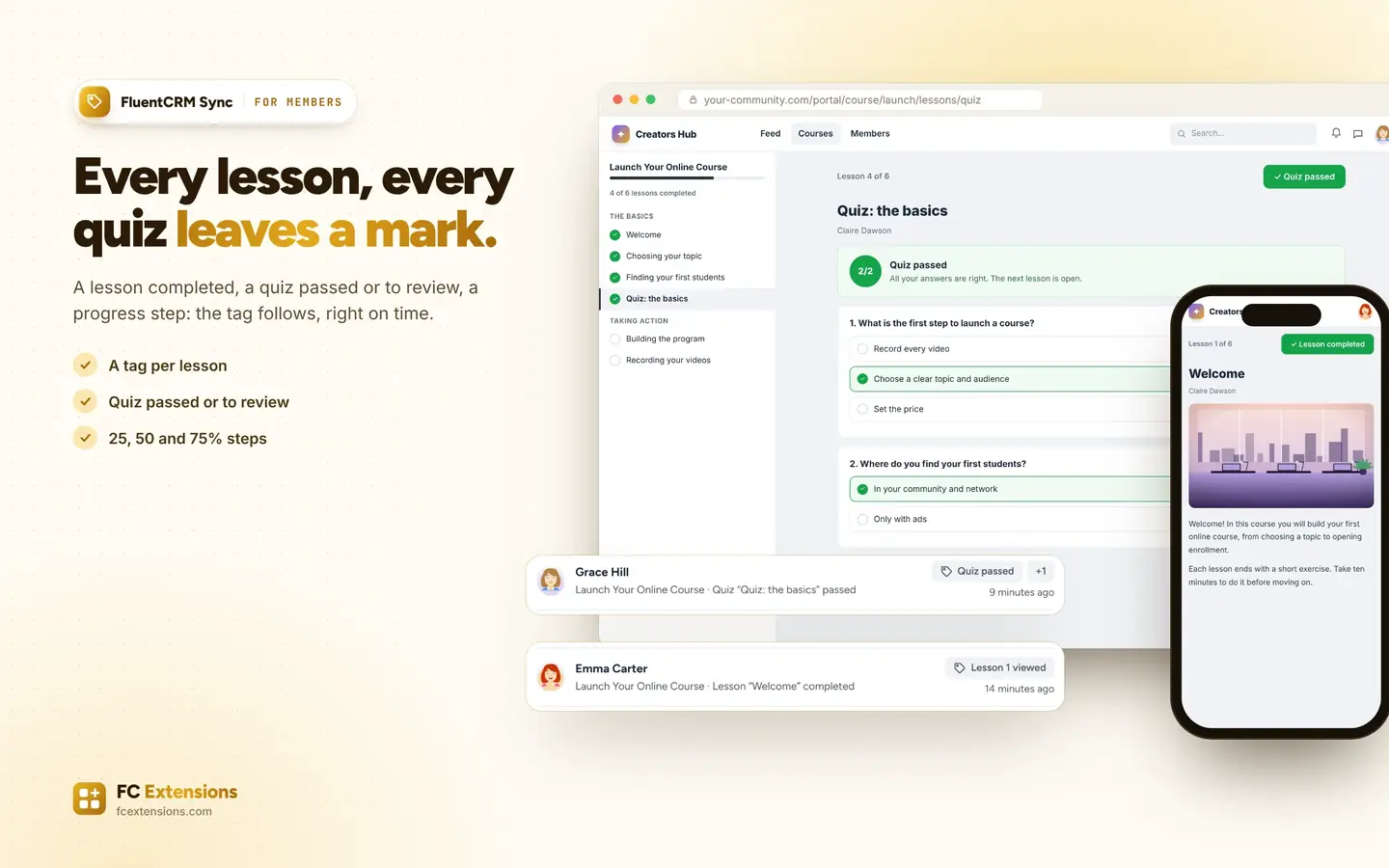
- For each lesson completed, and each quiz passed or to work on.
- Progress steps: 25, 50 and 75% of the course.
- Inactive students: no lesson for 7, 14, 30 or 60 days. Tags go away as soon as they come back.
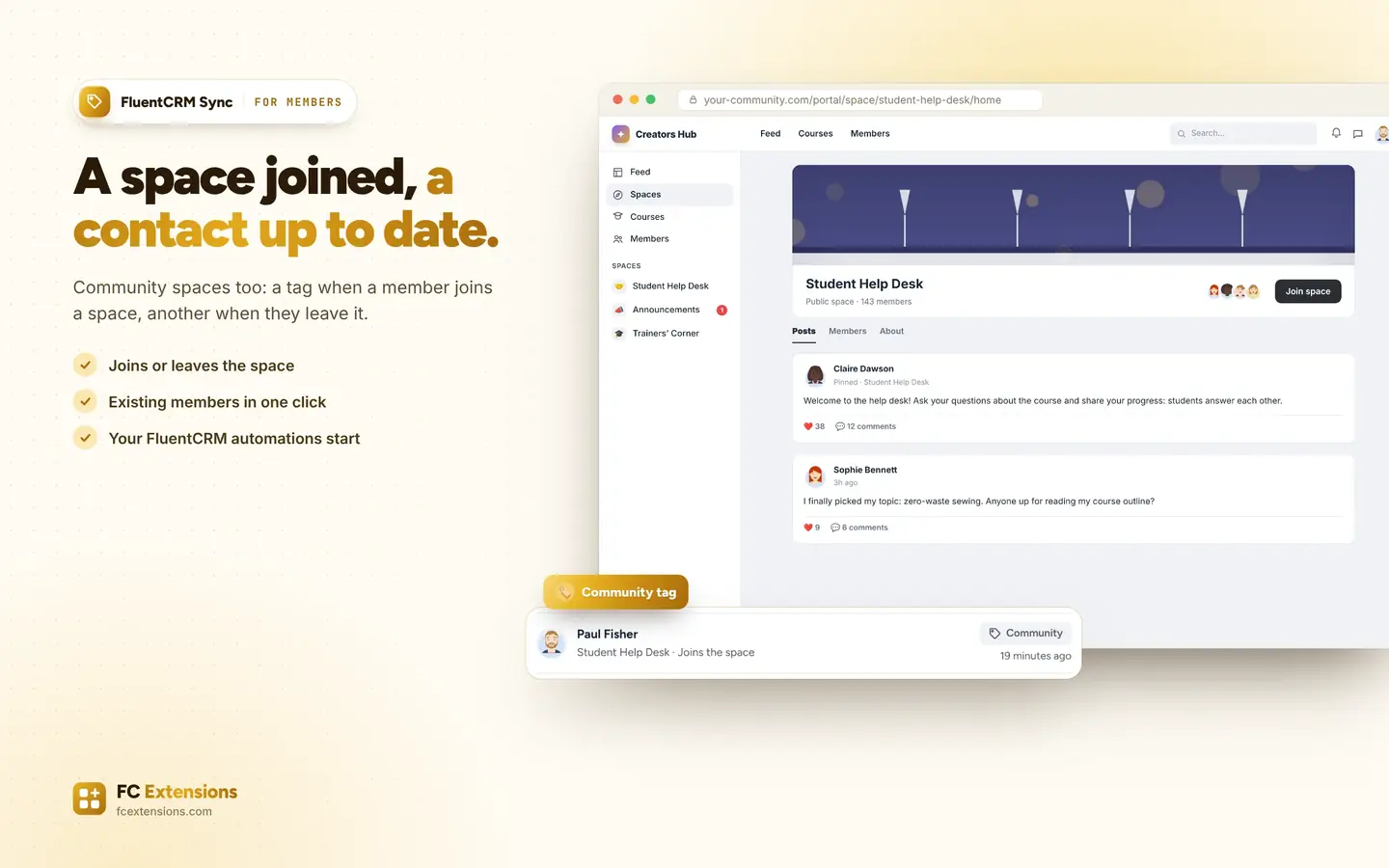
- Spaces: tags when a member joins or leaves a space.
- FluentCRM fields filled in: last course followed, progress, courses completed, date of the last lesson.
- Every update noted in the contact’s history, if you want.
- A course’s settings copied to others in one click.
- Students already enrolled get their tags in one click.
- FluentCRM automations that start on a tag or a list keep working.
How to turn it on
Three steps, and you are off.
- 1Get your free key
Your first name and email are all it takes: FC Extensions and your key arrive right away.
Get my key - 2Install FC Extensions
A single WordPress plugin with everything inside. Paste your key on the License page.
- 3Turn on FluentCRM Sync
One switch in the Fluent Community settings, and you are ready.
In the same family
We also recommend.
More extensions from the “Manage” family, to go further.
It works with
Even better with these extensions.
FC Extensions know each other: switched on together, they complete each other.
Resume Lesson
No student lost along the way.
Countdown
Build the excitement. On launch day, everyone is there.
Business Access
Sell your courses to companies, whole teams at once.
WooCommerce
Sell your courses and spaces. Access opens by itself.
