
FreeAvailable
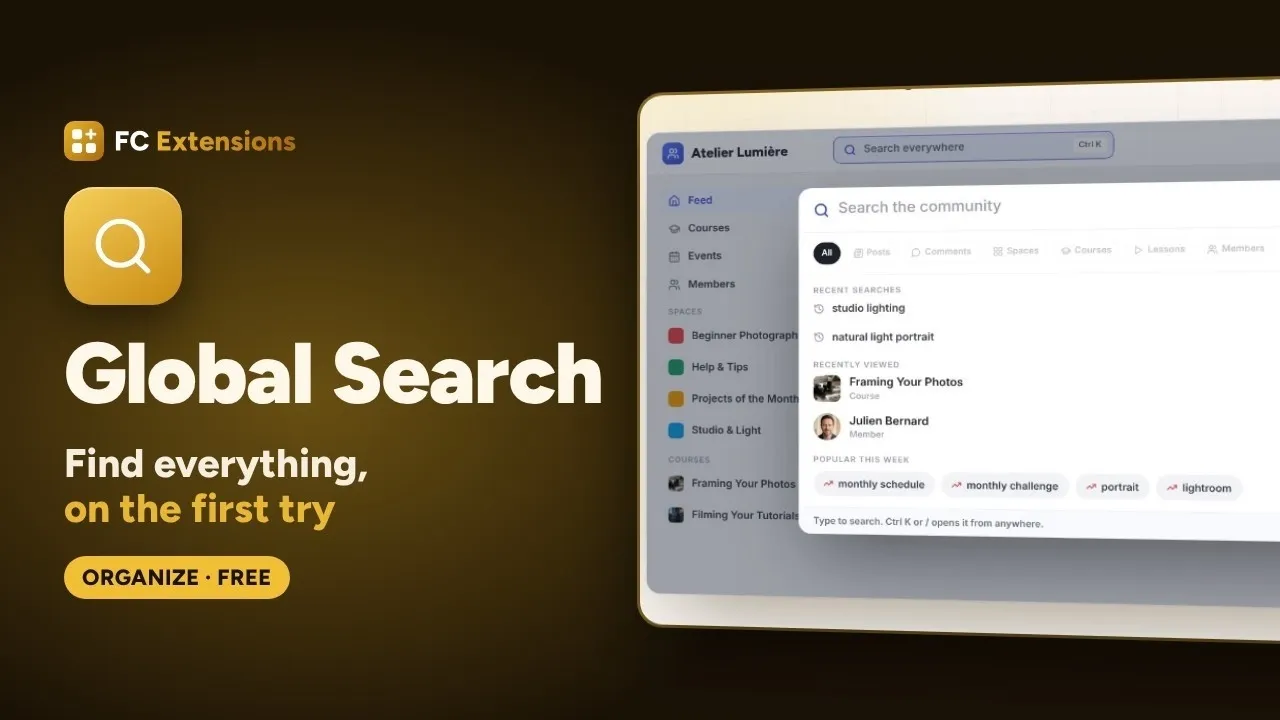
Global Search
Your members find everything, the first time.
Watch it in action1:38
What it brings you
Global Search, for you and your members.
When a member looks for an answer, they dig through the feed, the courses and the spaces one by one. Global Search finds everything at once, from the first letters, even with a typo.
- Posts, courses, lessons, members and pages
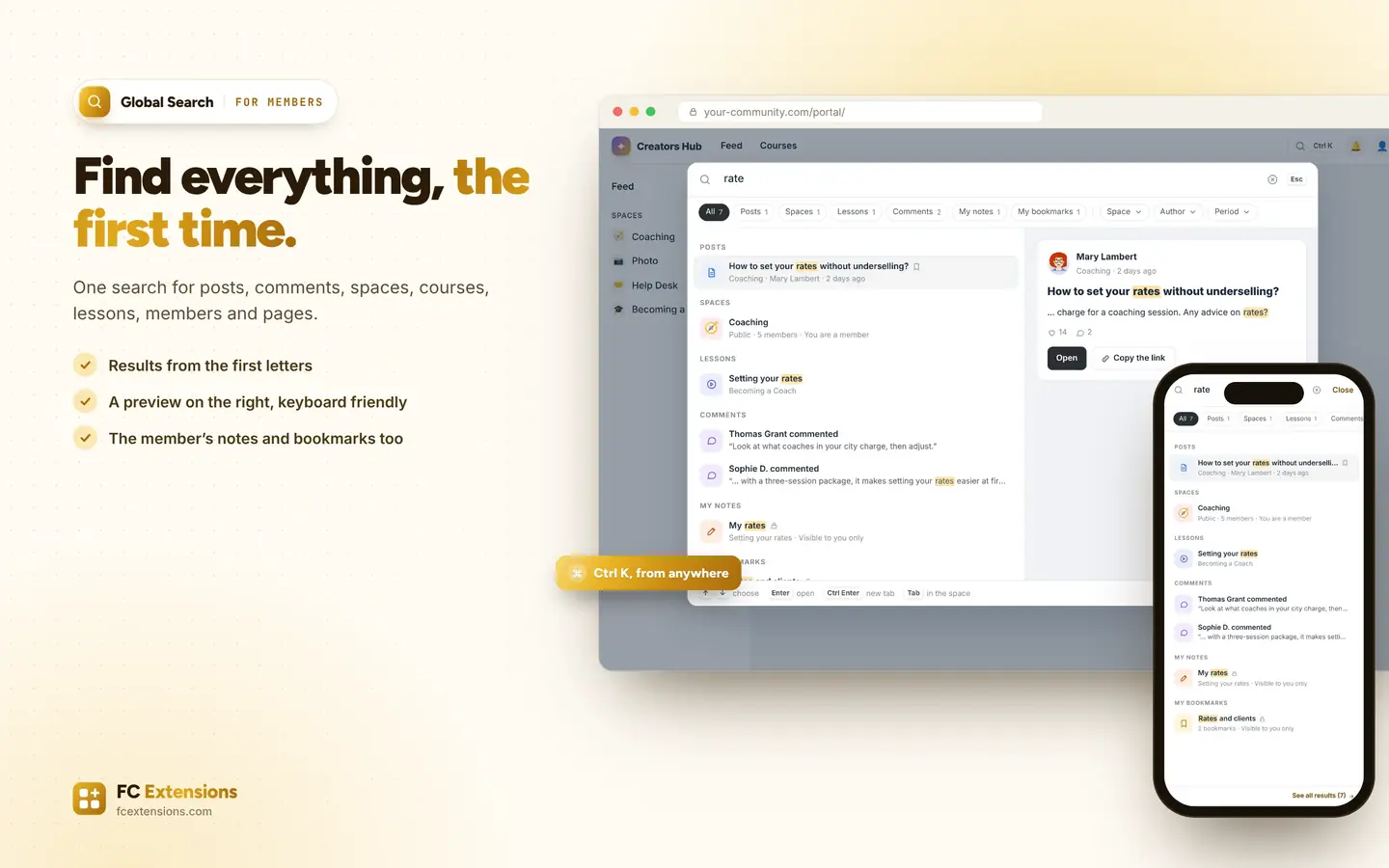
- Results from the first letters
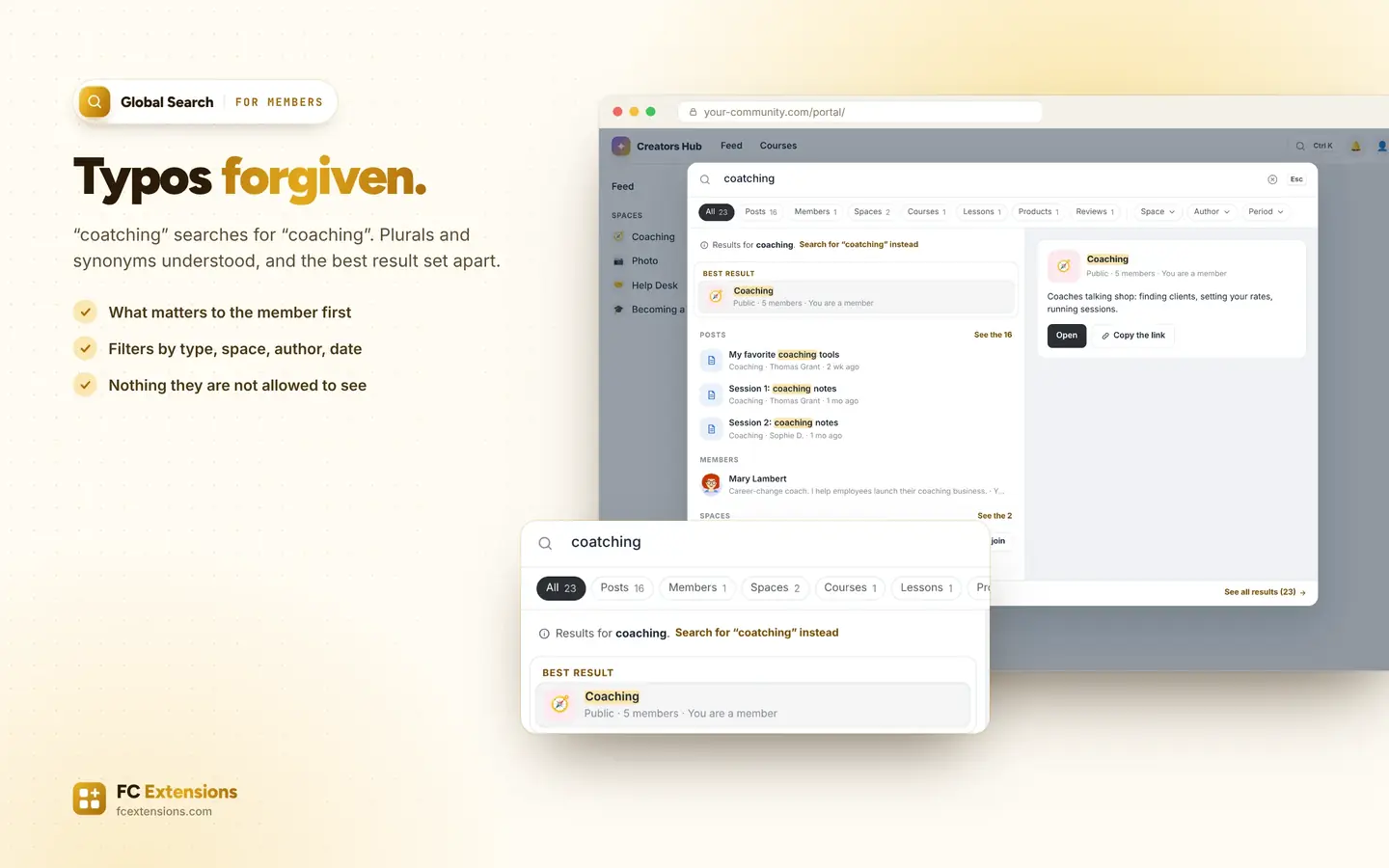
- Typos forgiven
In pictures
See it in action.
What your members see, and what you set up in the admin.
Public side
Admin side
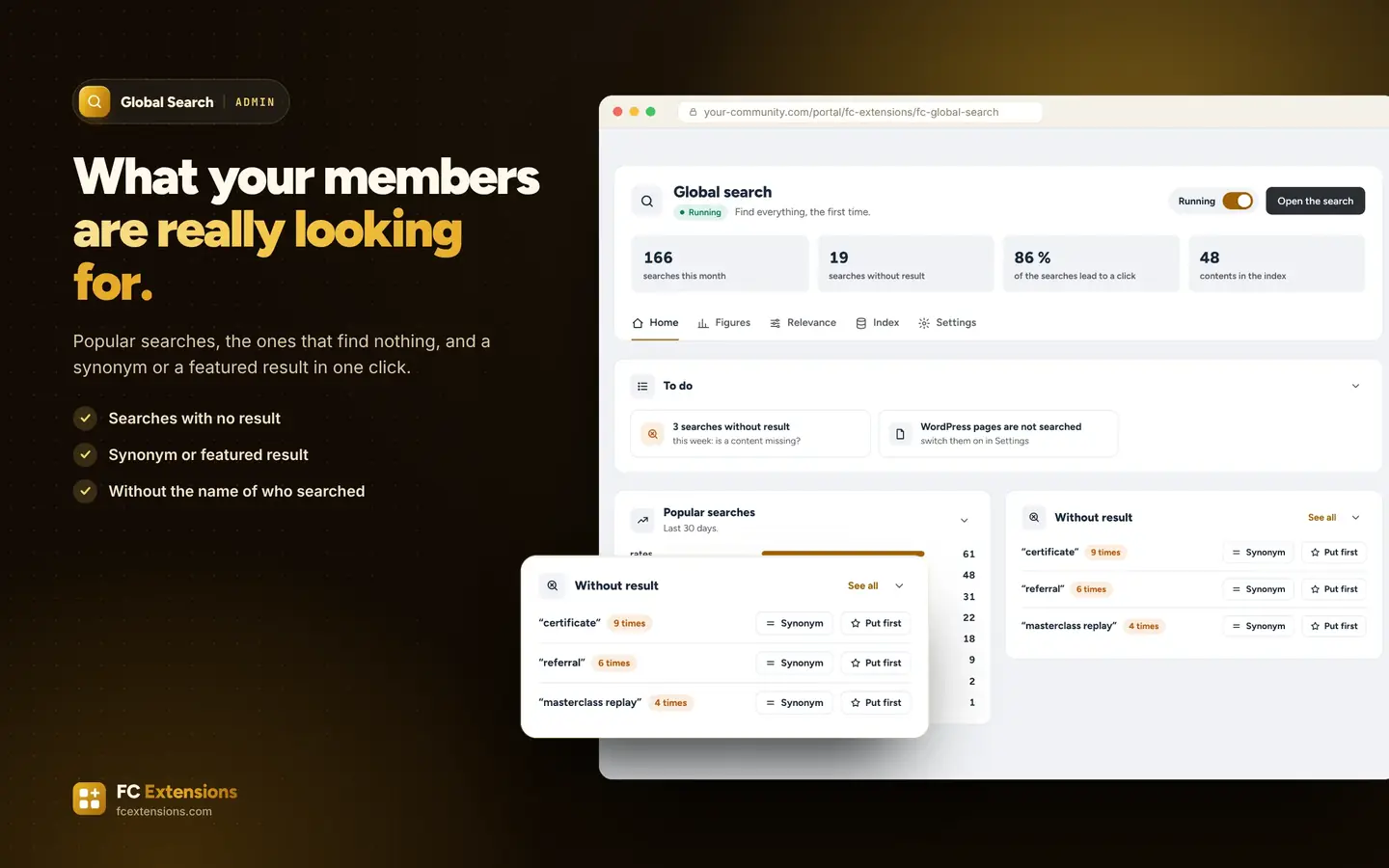
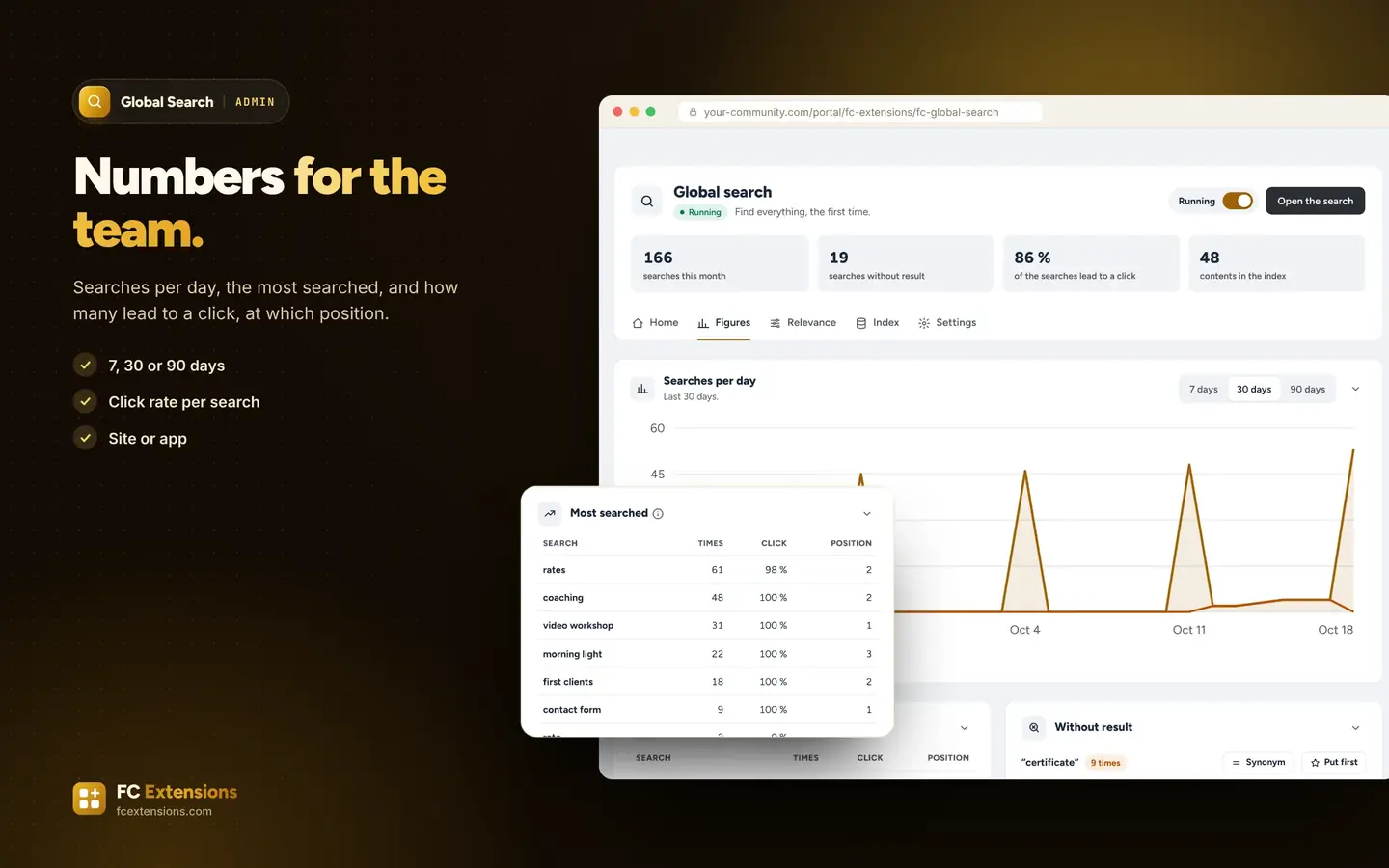
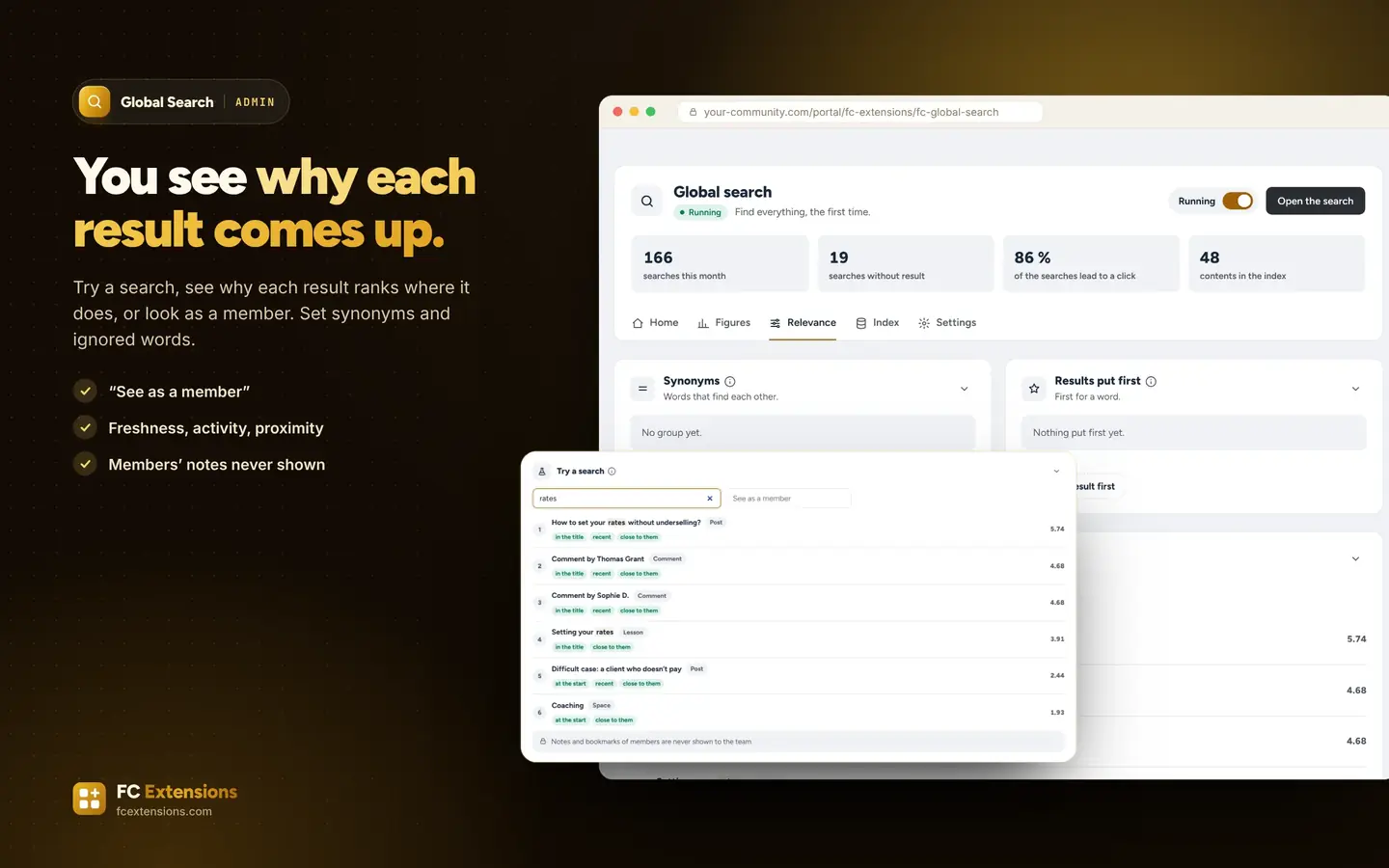
Click a visual to open it full size. Real screens of the extension, with sample data.
In detail
Everything it does for you.
- One search for posts, comments, spaces, courses, lessons, members and pages of the site.
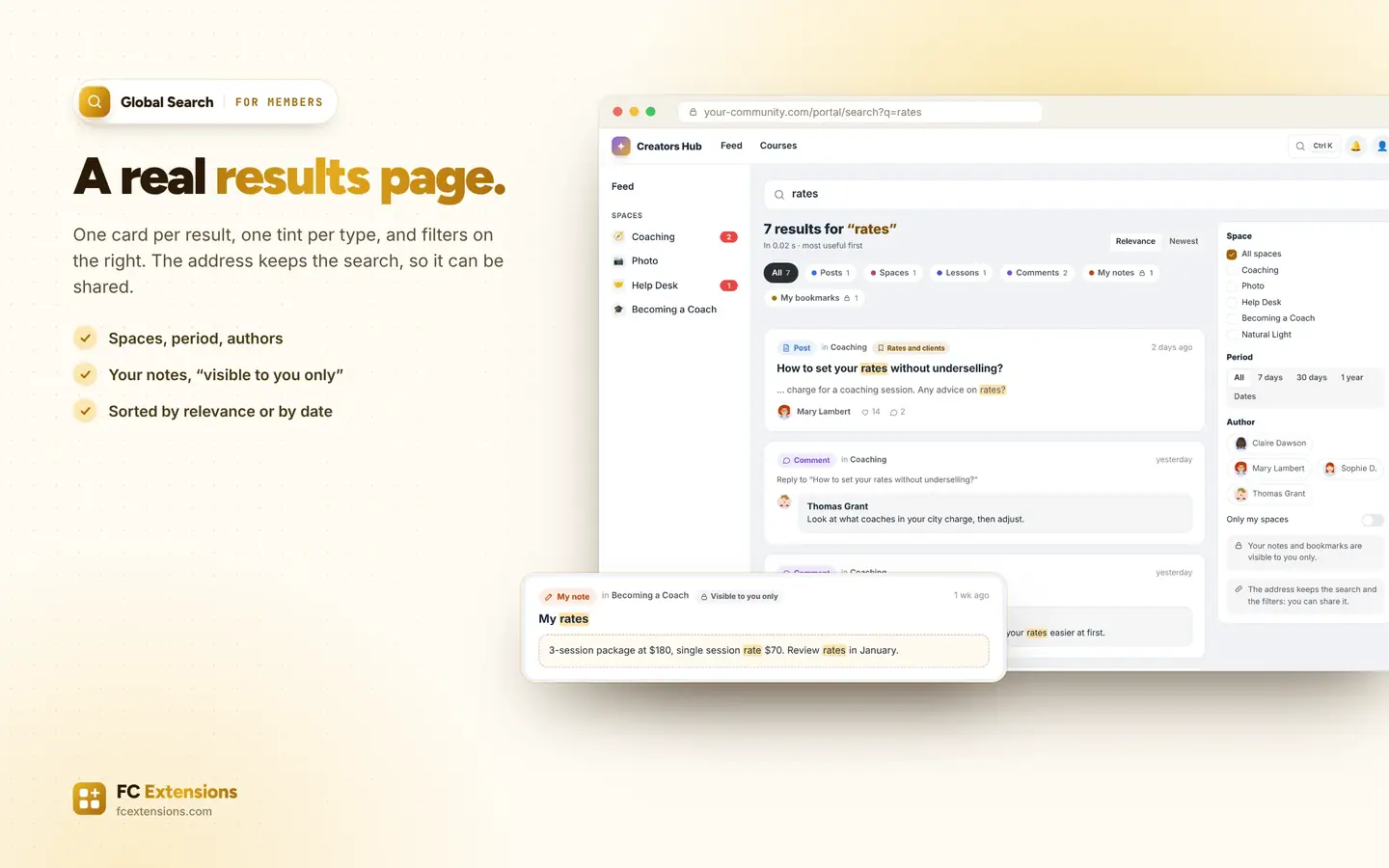
- It also finds what our extensions add: notes, bookmarks, free pages.
- Results from the first letters, typos forgiven, plurals and synonyms understood.
- What matters to each member comes first.
- A window in the center or a list under the bar, and a results page.
- Filters by type, space, author and date.
- Figures for the team: what members search for.
How to turn it on
Three steps, and you are off.
- 1Get your free key
Your first name and email are all it takes: FC Extensions and your key arrive right away.
Get my key - 2Install FC Extensions
A single WordPress plugin with everything inside. Paste your key on the License page.
- 3Turn on Global Search
One switch in the Fluent Community settings, and you are ready.
In the same family
We also recommend.
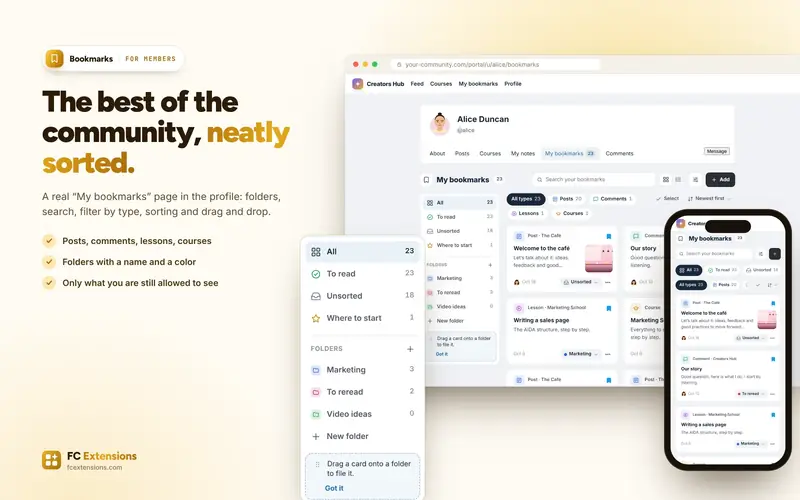
More extensions from the “Organize” family, to go further.

It works with
Even better with these extensions.
FC Extensions know each other: switched on together, they complete each other.
