PremiumAvailable
Writing
Create, approve, share. All your content, from your community.
Watch it in action

What it brings you
Writing, for you and your members.
Your members have so much to share, but turning it into real articles meant going through WordPress, and every kind of content was created in a different place. With Writing, everything happens in the community: your members write, your team approves, everyone creates and follows their content, and the newsletter spreads the word.
- Real articles written in the community
- Your editorial team is your community
- A newsletter that works for you
In pictures
See it in action.
What your members see, and what you set up in the admin.
Public side
Admin side
Click a visual to open it full size. Real screens of the extension, with sample data.
In detail
Everything it does for you.
The newsletter requires FluentCRM.
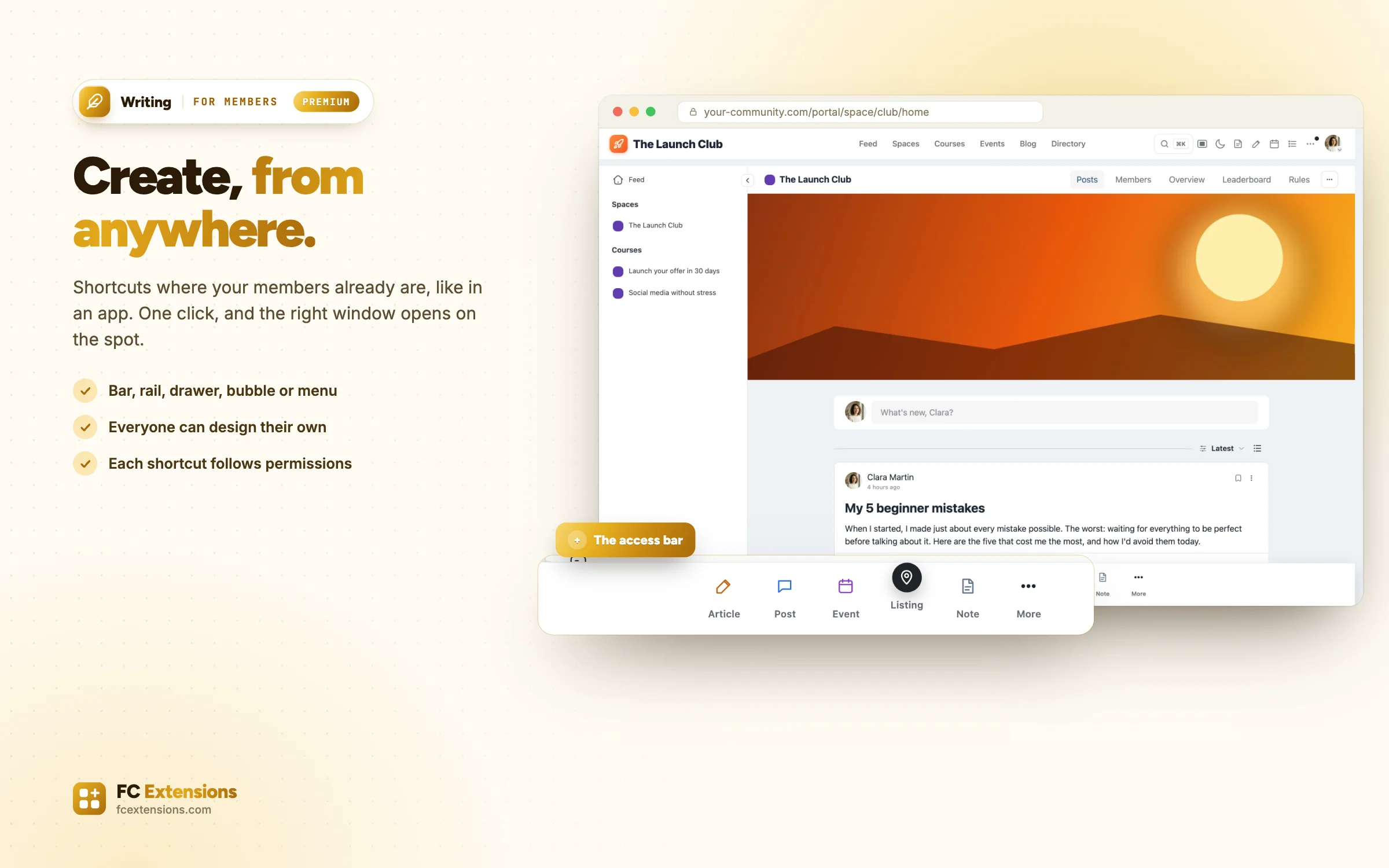
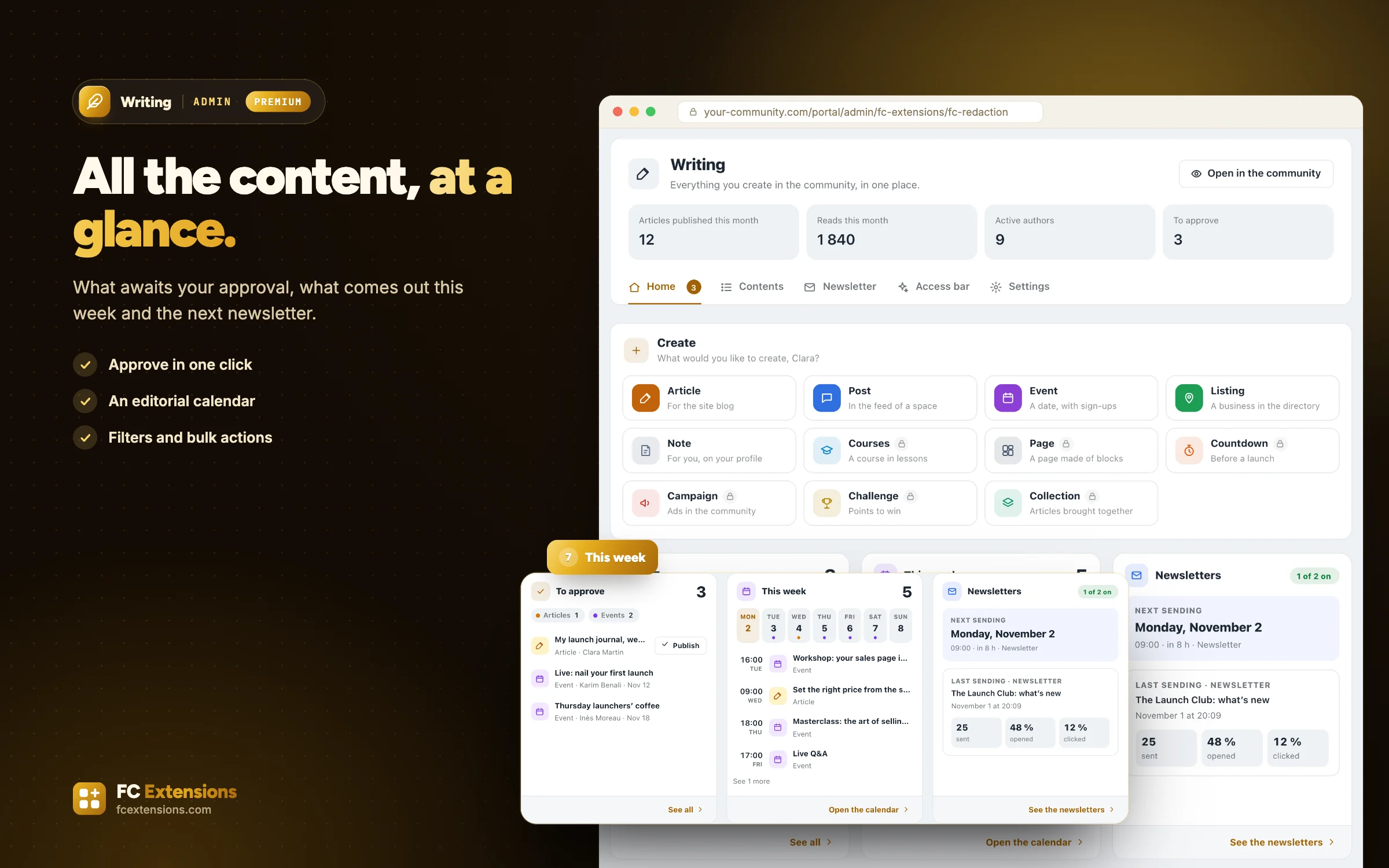
- Shortcuts to create everything, where your members already are: a bar at the bottom of the screen, a rail, a drawer, a bubble, a button in the header, the left menu, or the palette on the C key.
- An access bar designed in a studio: template, shape, theme, size, content and audience. Each member can also design their own.
- An article, a post, an event or a directory listing for your members. For your team, also a page, a countdown, an ad campaign, a challenge, a collection or a course. The right window opens on the spot.
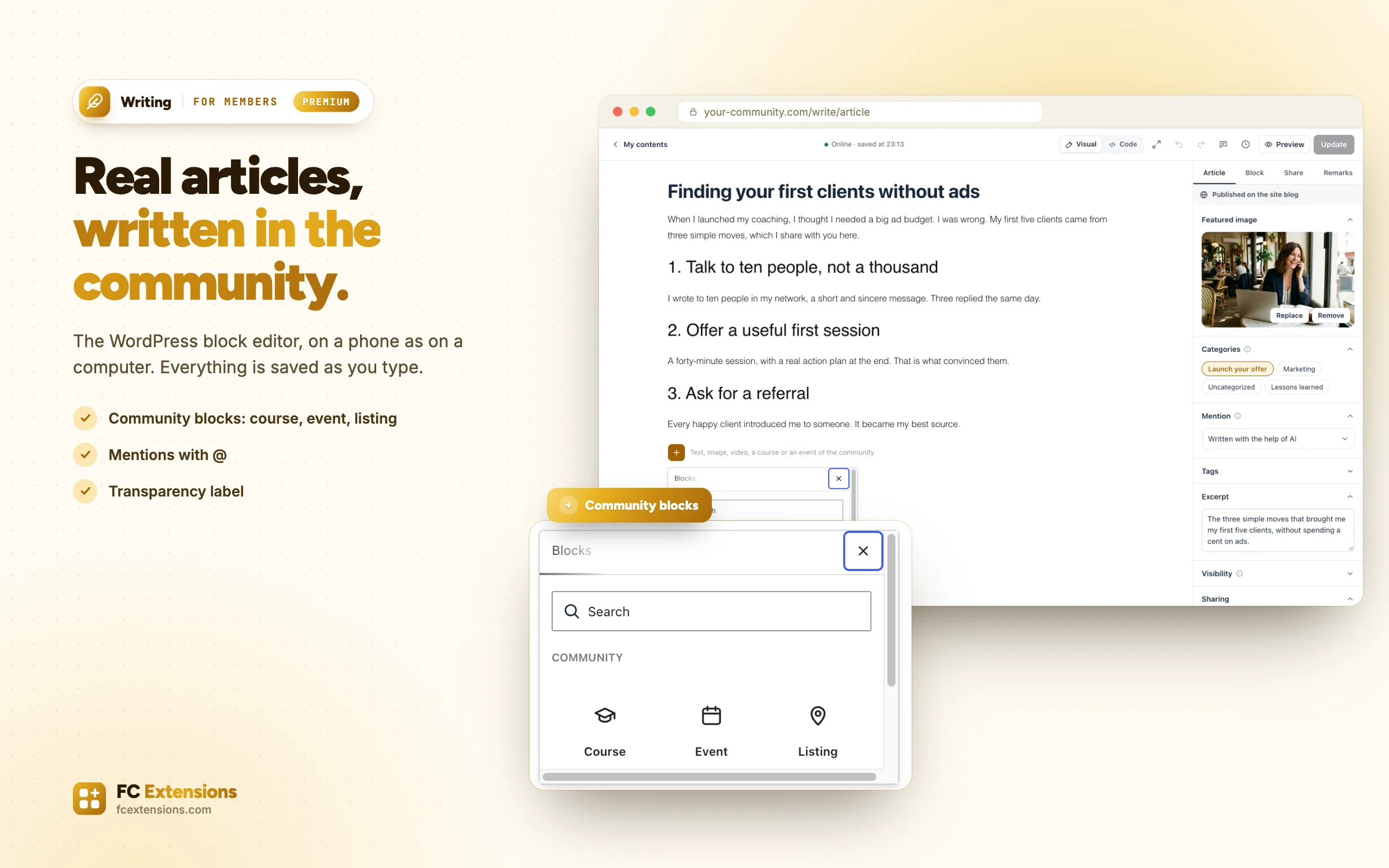
- The WordPress block editor, right inside the community, on a phone as on a computer. Everything is saved as you type.
- “Community” blocks to drop a course, an event, a listing or an article into the text. Mentions with @, and a feed post turned into an article.
- The category, the image, the SEO / GEO block, and a transparency label shown next to the date, such as “Written with the help of AI”.
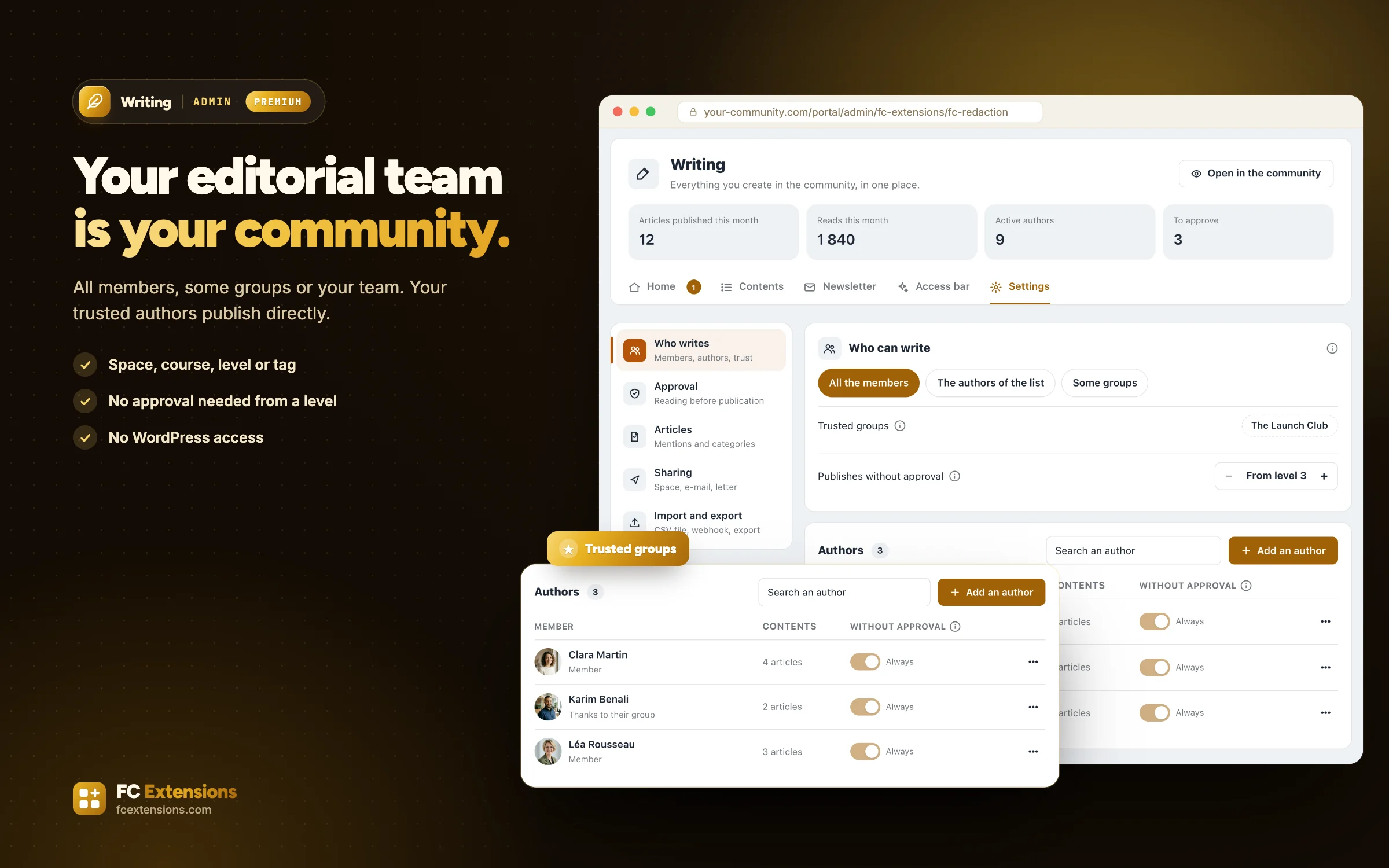
- Who can write: all members, some groups (space, course, Gamification level, FluentCRM tag) or your team. Your authors never enter the WordPress admin.
- Trusted authors who publish directly: chosen by hand, by group, or from a Gamification level.
- Clear steps (draft, pending, to touch up, published), remarks left on a passage, and changes to a live article waiting for your approval.
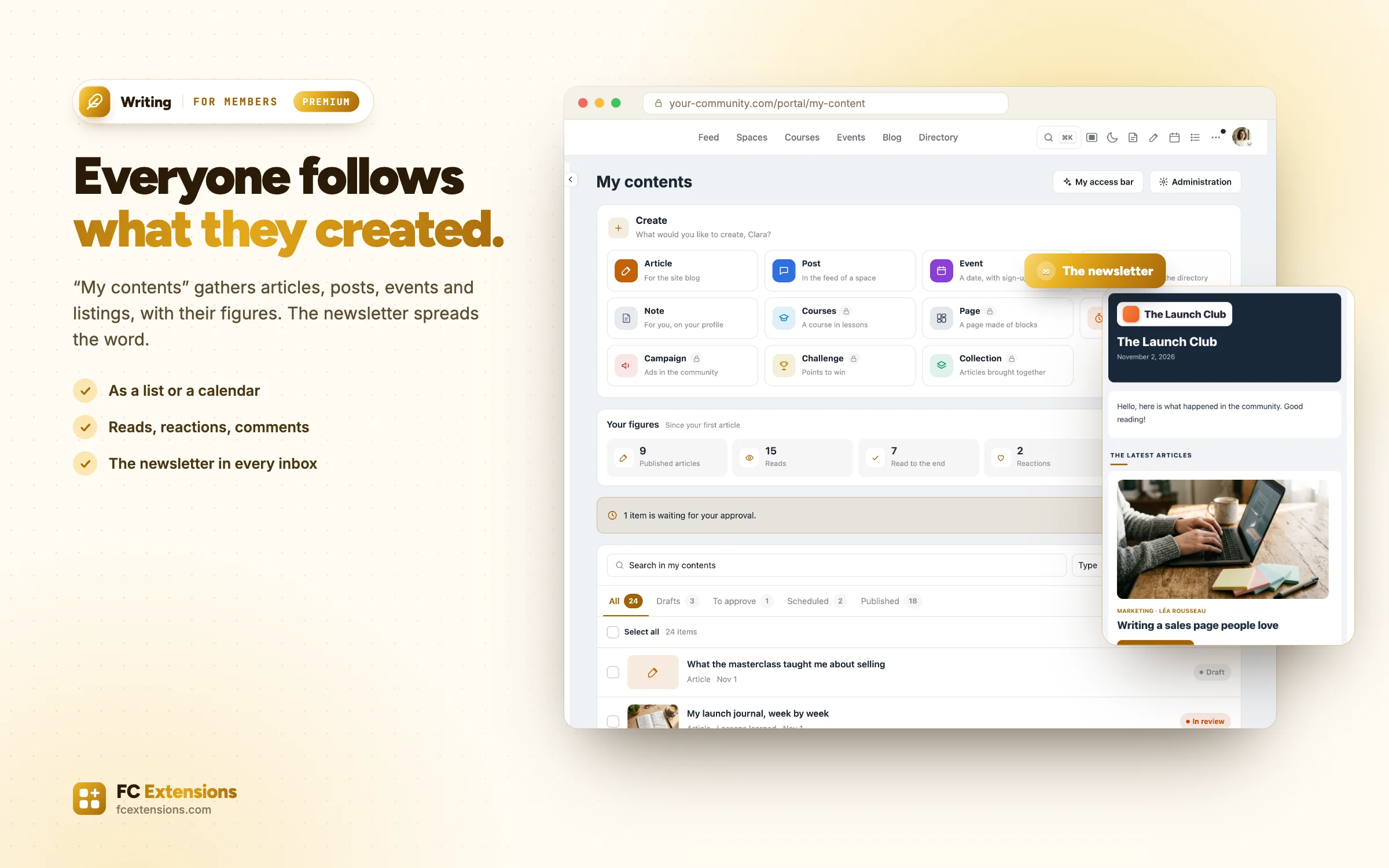
- “My contents” for each member, as a list or a calendar, with their figures. For your team, a home page, all the contents with filters and bulk actions, and a drag-and-drop editorial calendar.
- An article shared in a space, sent to a FluentCRM list or tag, and ready for LinkedIn, Facebook, X or Instagram.
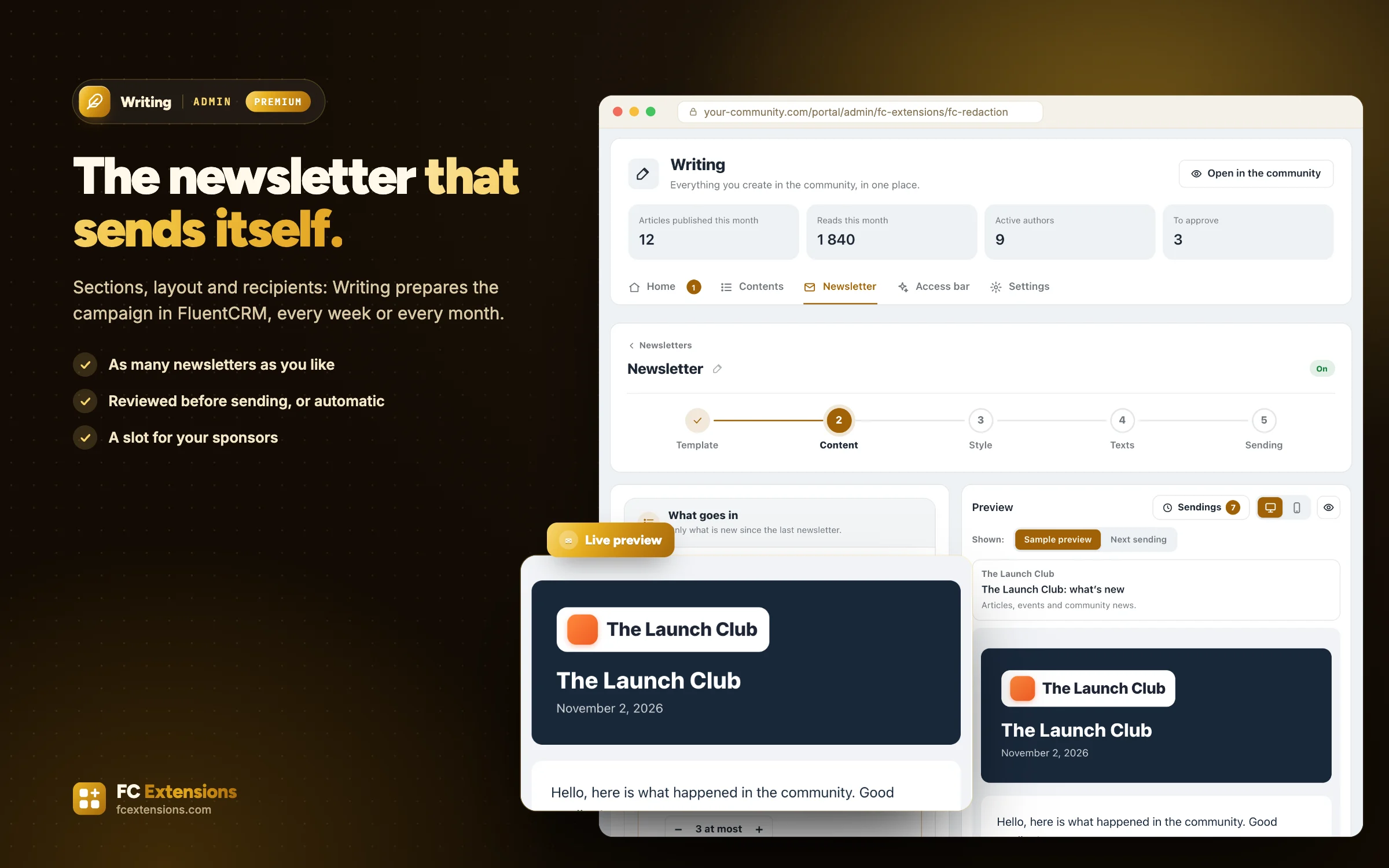
- Automatic newsletters prepared in FluentCRM: articles, events, listings, courses, upcoming launches, featured members and the most loved conversations. As many newsletters as you like, each with its own readers and rhythm.
- A sponsored slot in the newsletter, with the Ad Manager and Ad Sales.
How to turn it on
Three steps, and you are off.
- 1Become a Founder
A lifetime license unlocks every premium extension.
Become a Founder - 2Install FC Extensions
A single WordPress plugin. Paste your Founder key on the License page.
- 3Turn on Writing
One switch in the Fluent Community settings, and you are ready.
In the same family
We also recommend.
More extensions from the “Engage” family, to go further.
It works with
Even better with these extensions.
FC Extensions know each other: switched on together, they complete each other.
Directory
A directory that puts your members in the spotlight, and pays you.
Ad Manager
Let sponsors fund your community.
Ad Sales
Advertisers buy their spot themselves. You get paid.
Blog & Collections
Your blog joins the community, and can even become paid content.
