
FreeAvailable
Lesson Badge
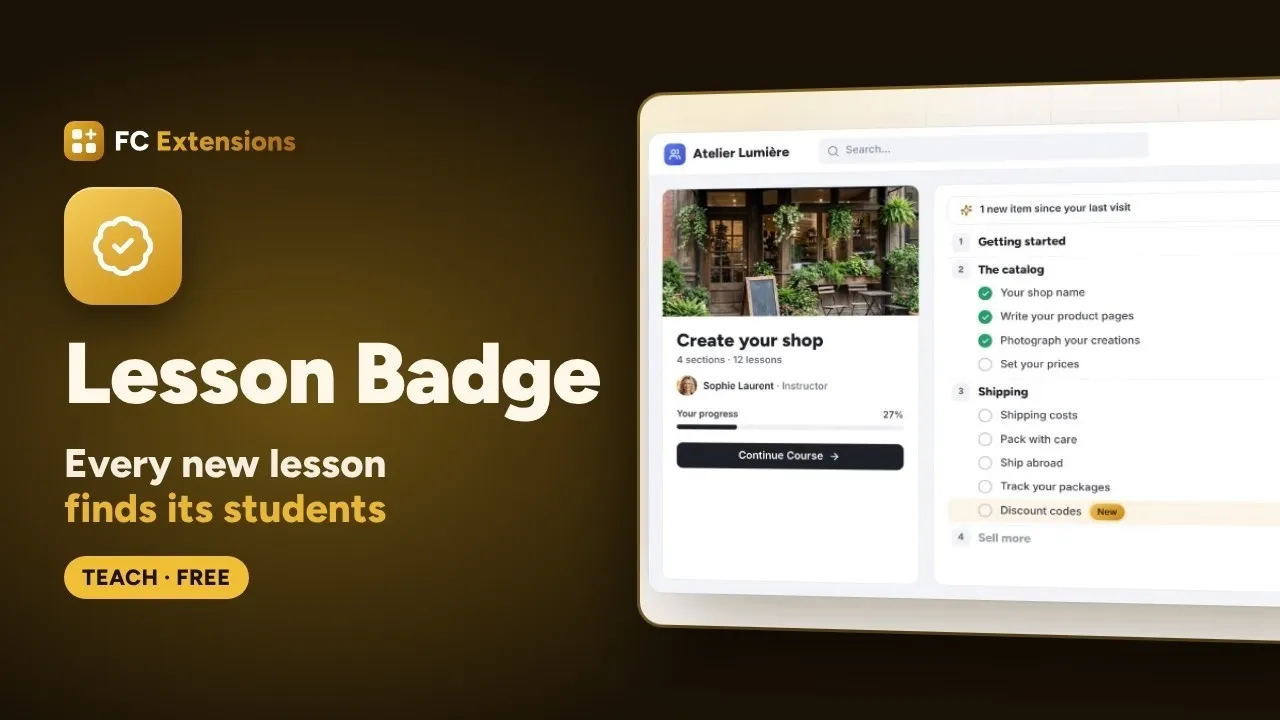
Every new lesson stands out. Your students never miss a thing.
Watch it in action1:27
What it brings you
Lesson Badge, for you and your members.
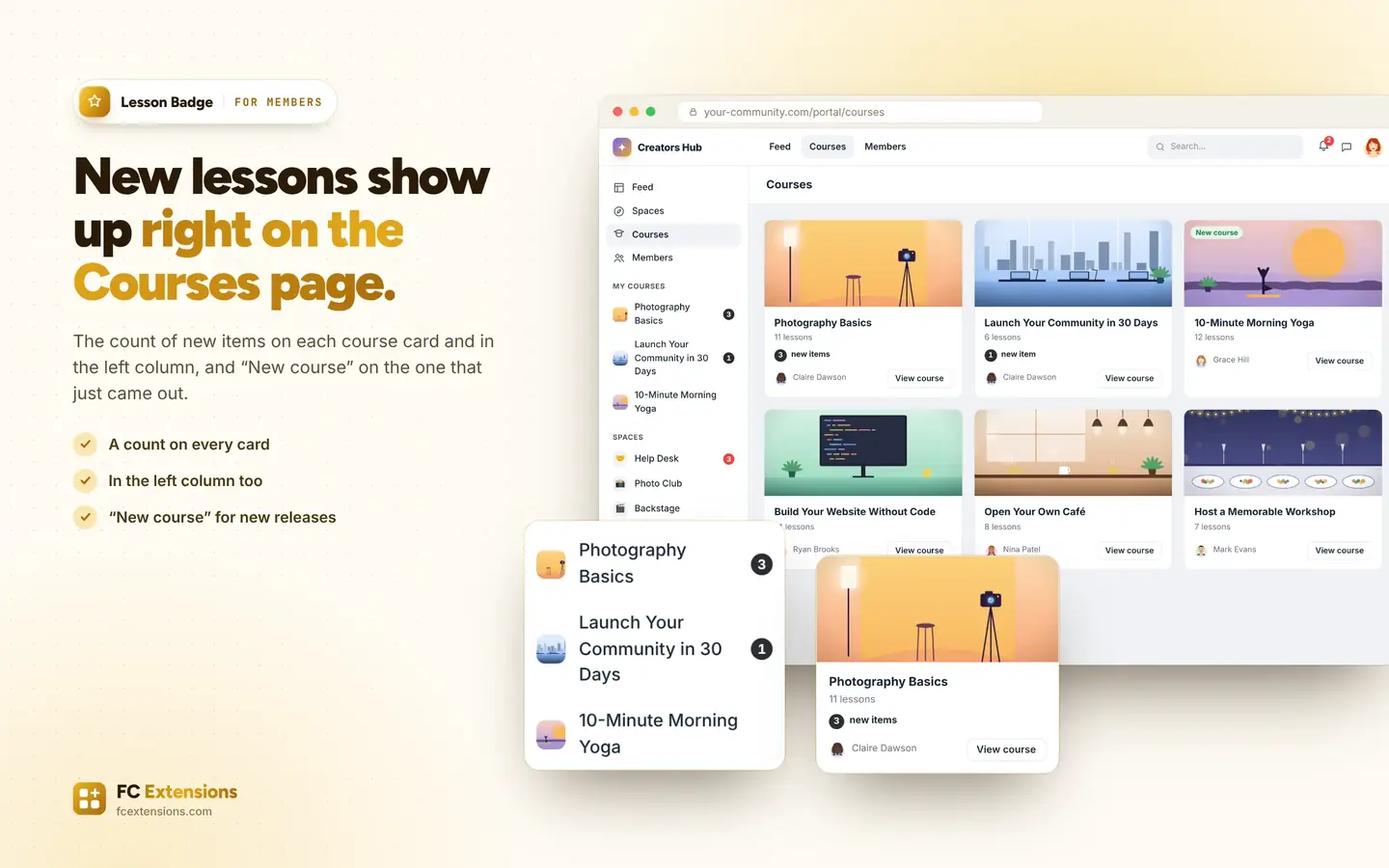
When you add a lesson to a course, your students don’t always notice. Lesson Badge puts a badge on what they haven’t opened yet: new lesson, updated lesson, chapter opening soon, new course.
- New, Updated, Coming soon, New course
- The badge disappears once the lesson is opened
- Nothing for a student who just enrolled
In pictures
See it in action.
What your members see, and what you set up in the admin.
Public side
Admin side
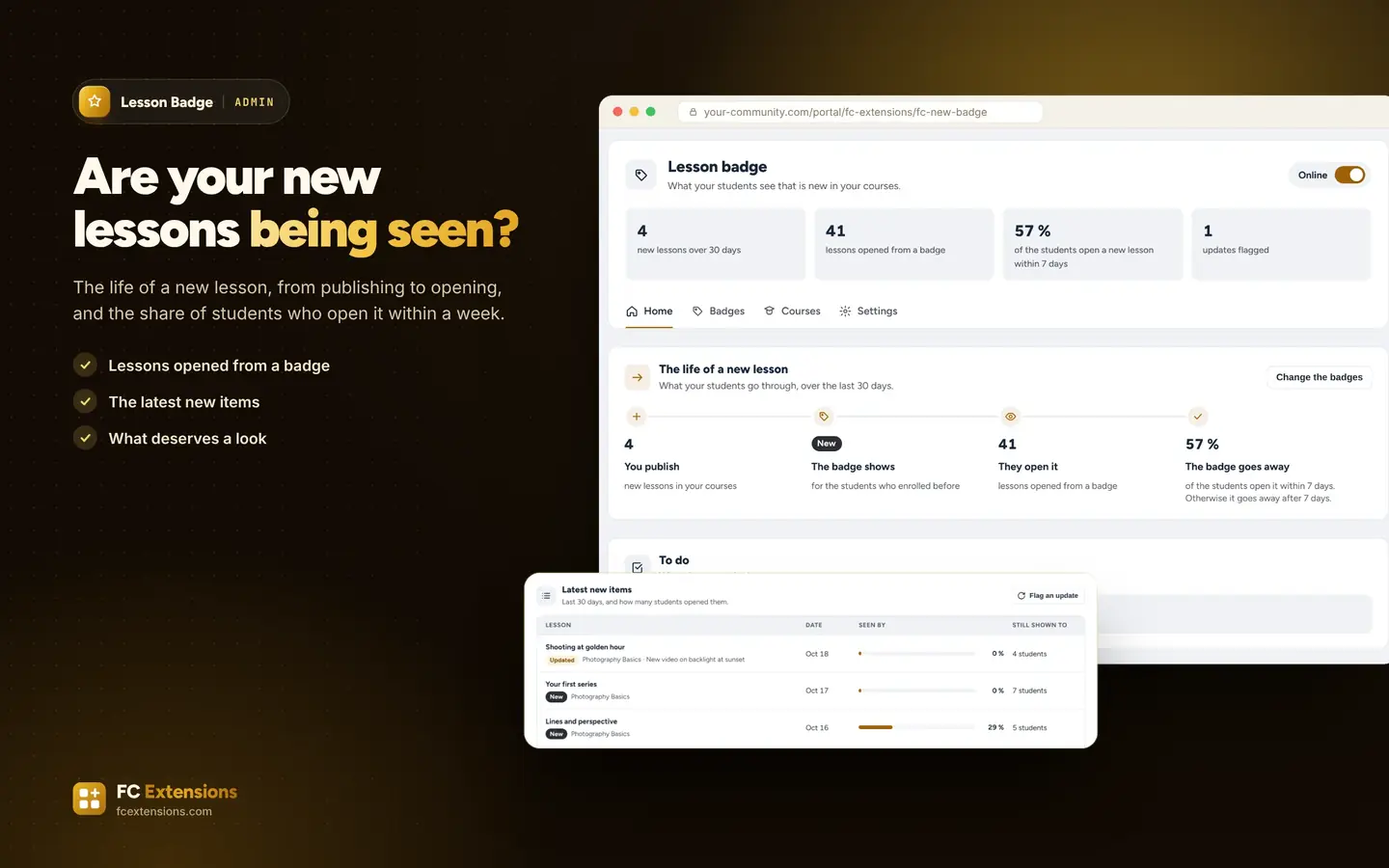
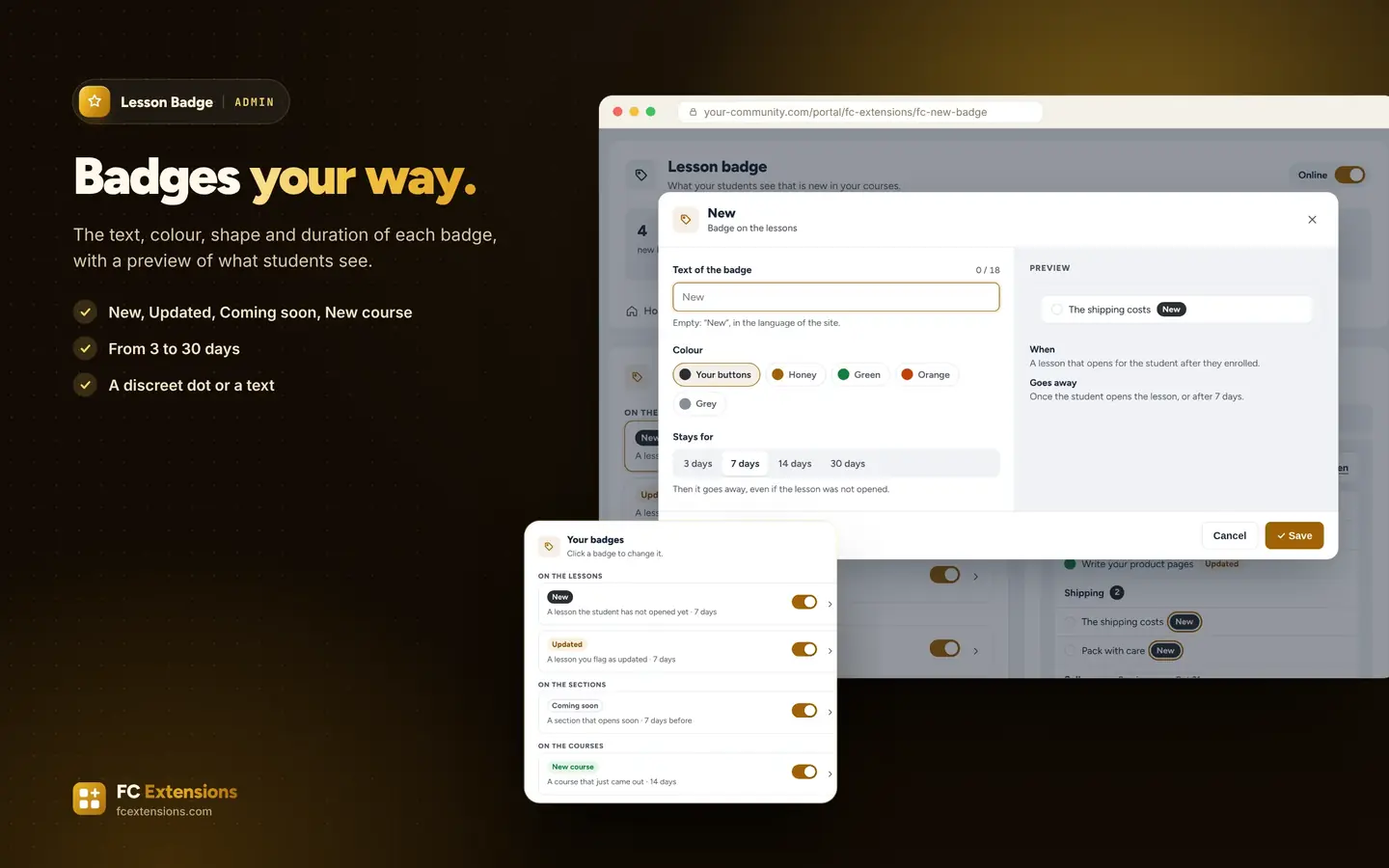
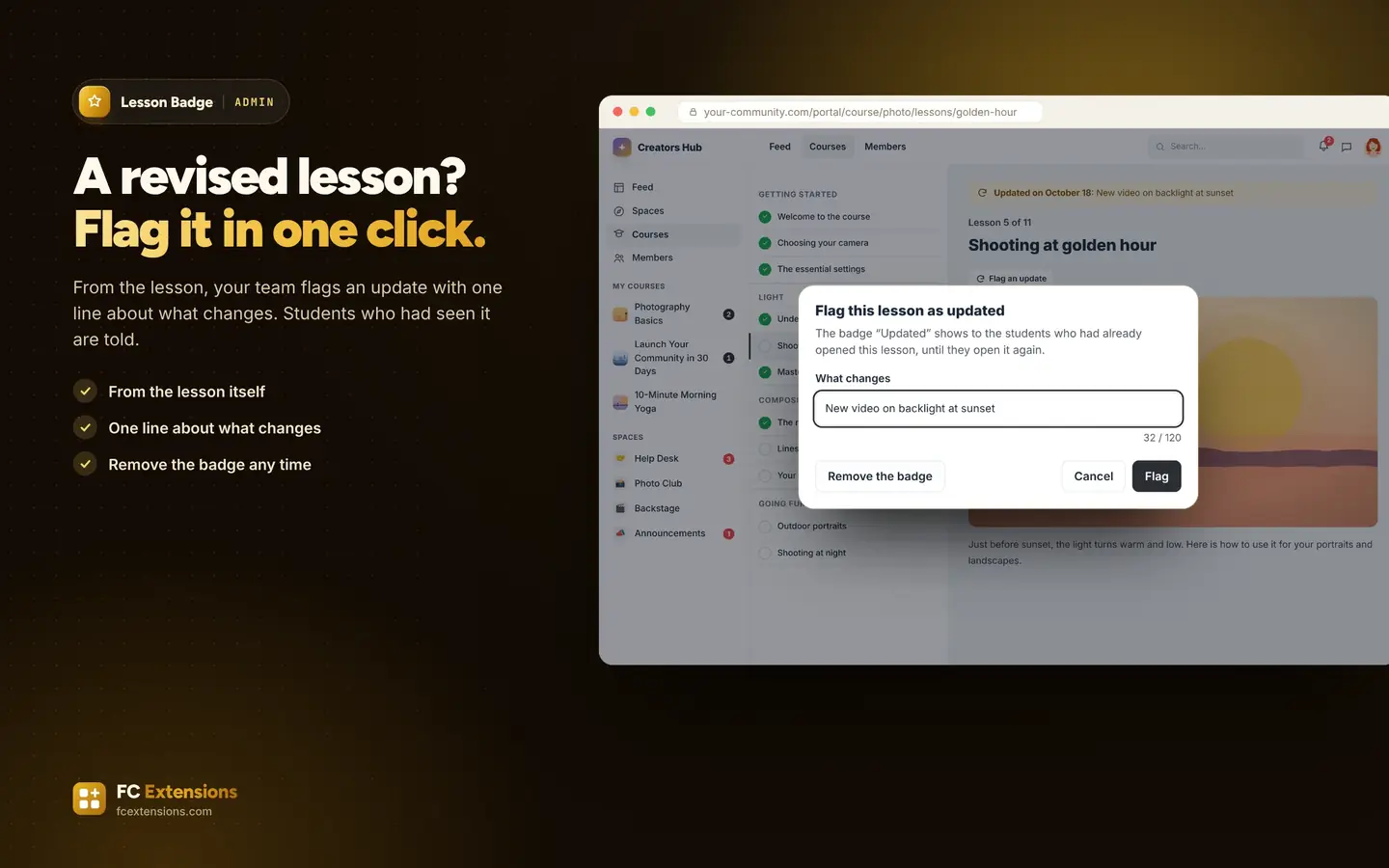
Click a visual to open it full size. Real screens of the extension, with sample data.
In detail
Everything it does for you.
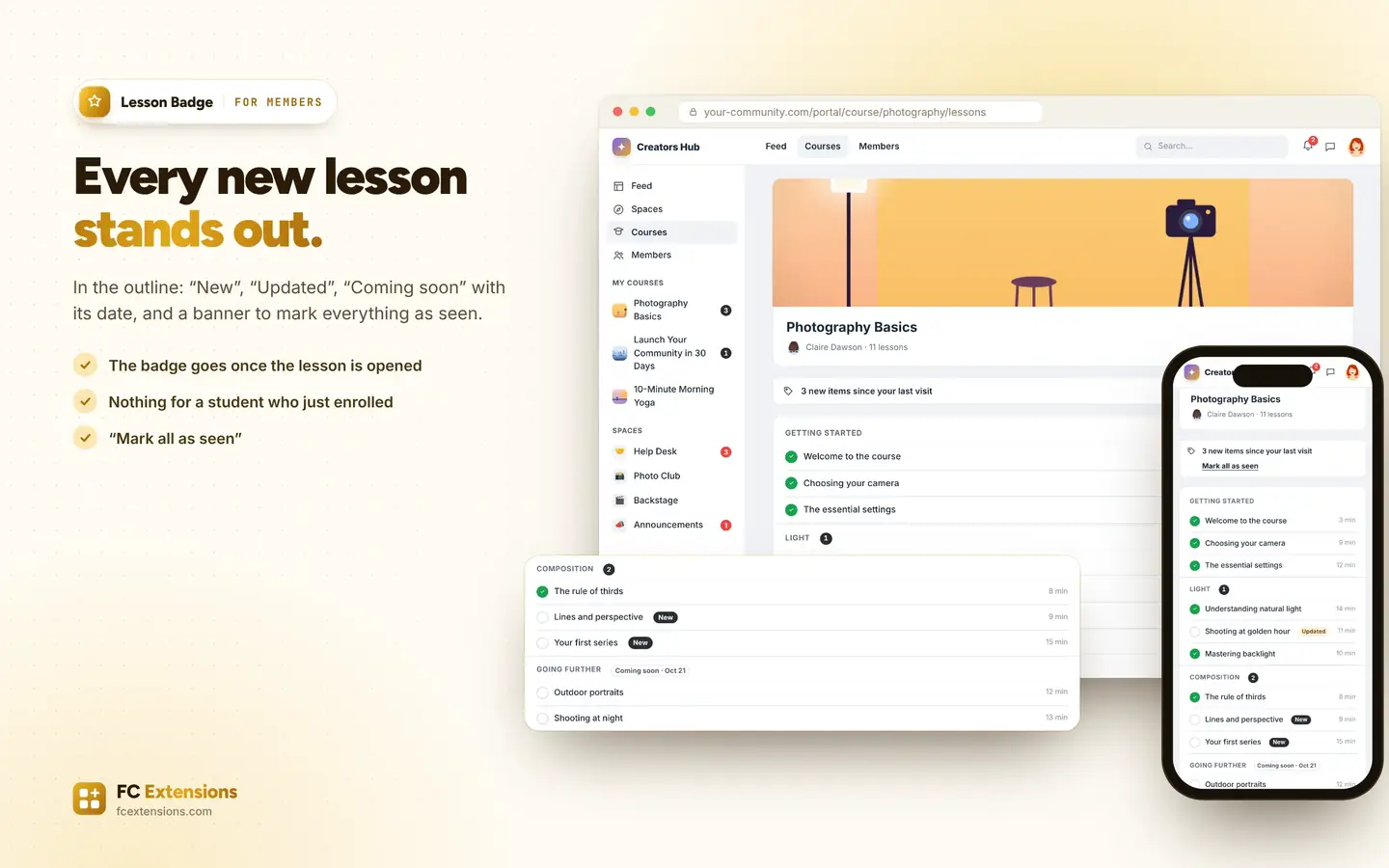
- “New” on every lesson that opened after the student enrolled. The badge goes away when they open it, or after the days you choose.
- No badge for a new student: they don’t see the whole course marked “New”.
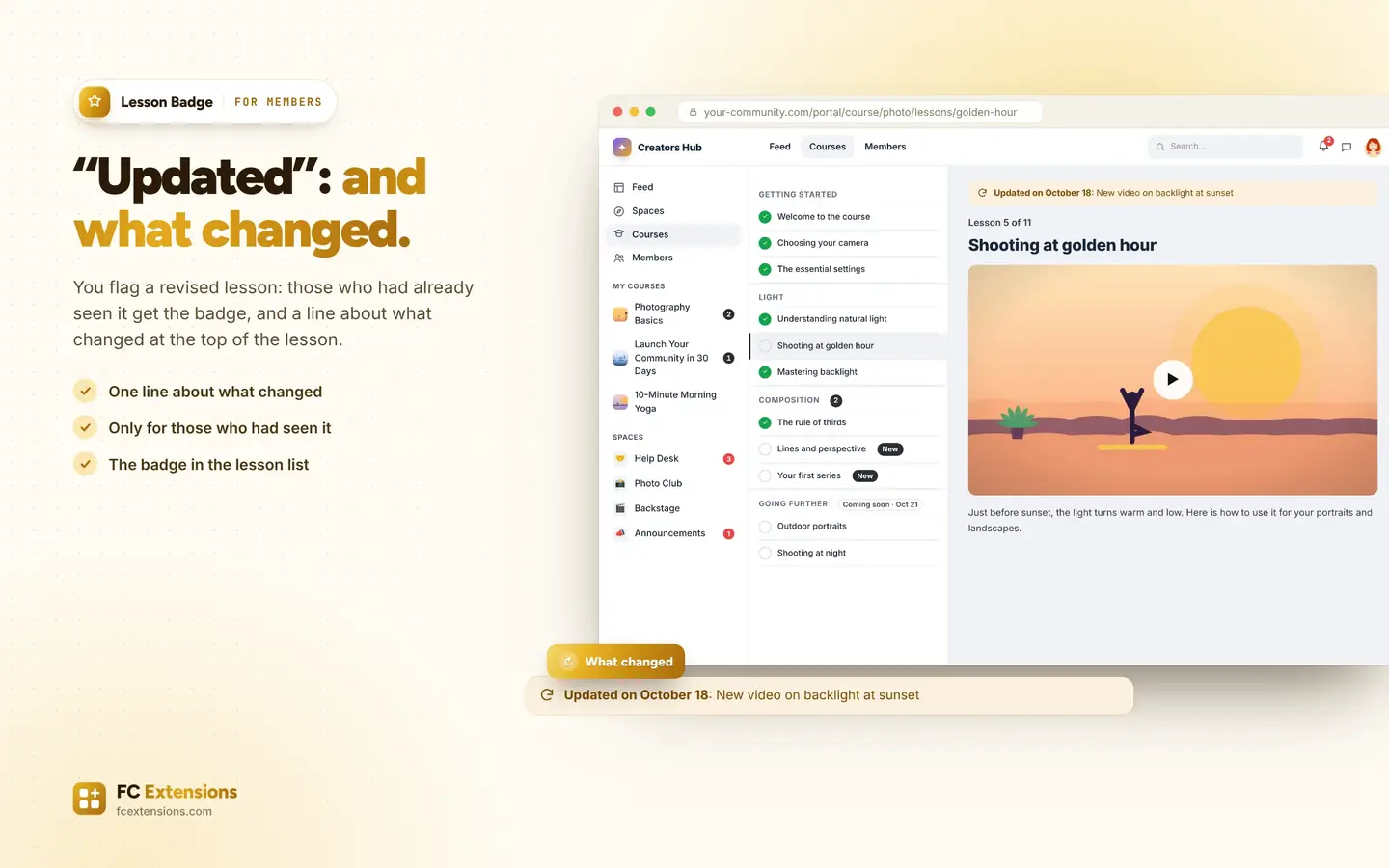
- “Updated” on a lesson you flag, with one line about what changed.
- “Coming soon” with its date on a chapter that opens later.
- “New course” on the card of a course that just came out.
- The count of new items on the course card, on each chapter and in the left column.
- “Mark all as seen” for the student who comes back after a long break.
- Text, color, shape and duration of the badges are up to you.
How to turn it on
Three steps, and you are off.
- 1Get your free key
Your first name and email are all it takes: FC Extensions and your key arrive right away.
Get my key - 2Install FC Extensions
A single WordPress plugin with everything inside. Paste your key on the License page.
- 3Turn on Lesson Badge
One switch in the Fluent Community settings, and you are ready.
In the same family
We also recommend.
More extensions from the “Teach” family, to go further.
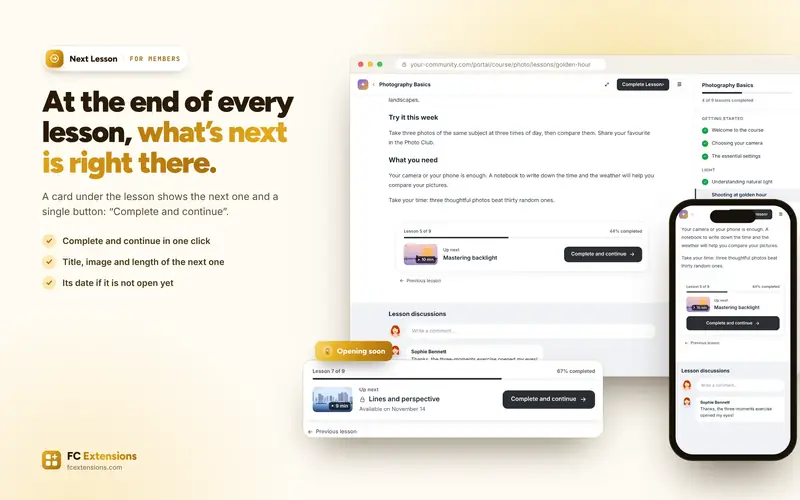
It works with
Even better with these extensions.
FC Extensions know each other: switched on together, they complete each other.
