

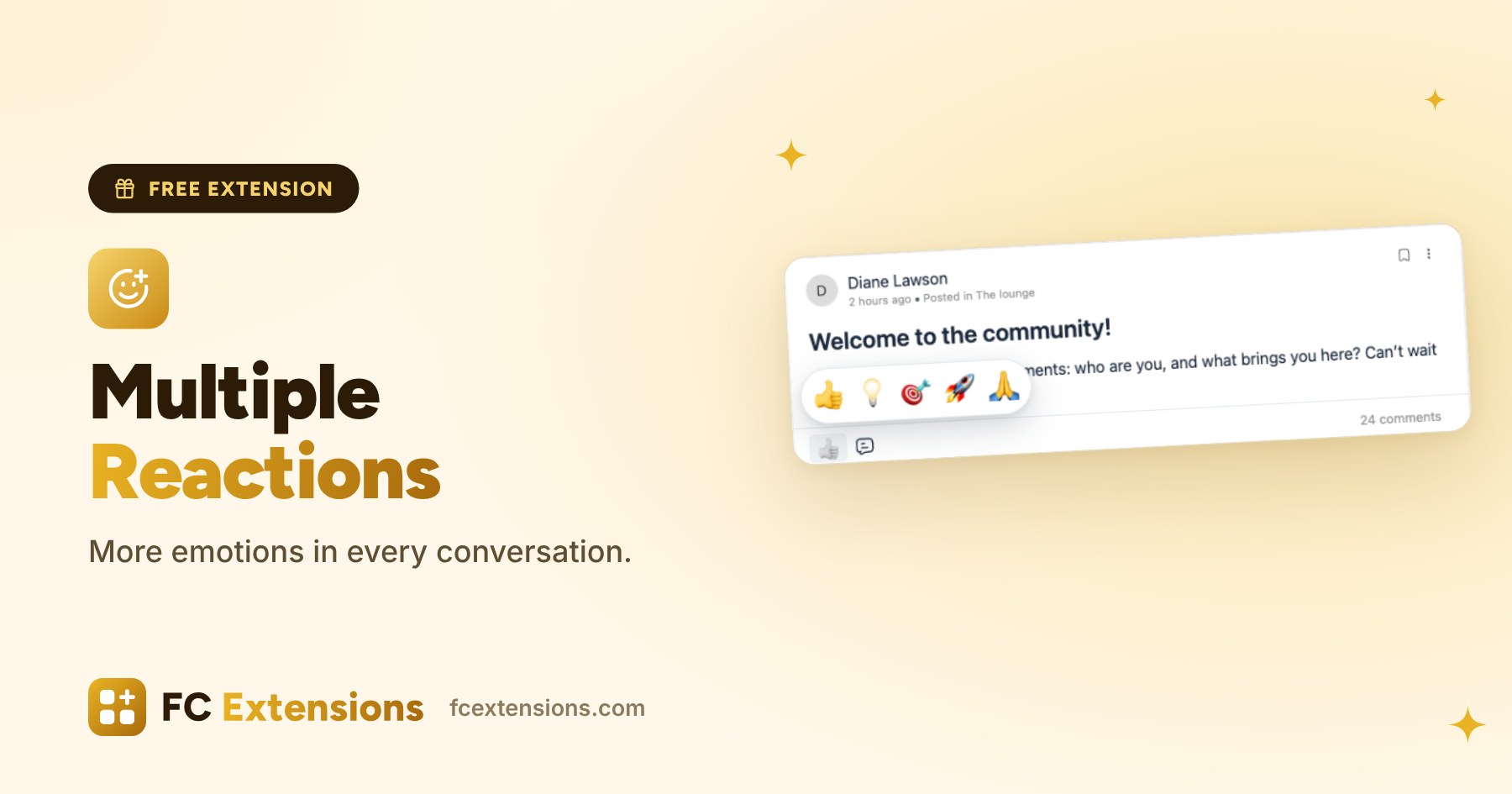
A like already says a lot. With Multiple Reactions, your members can also say well done, thank you or good idea, in a single gesture. Conversations become livelier and warmer.
In a community, every reaction counts. It is often the first step of a quiet member. The more ways they have to express themselves, the more they want to take part.
React in one gesture, everywhere
On a computer, the member hovers over the button and picks a reaction. On a phone, they press and hold, then slide a finger to the right one. With the keyboard, the up arrow opens the list. And a simple click gives the first reaction, as before.
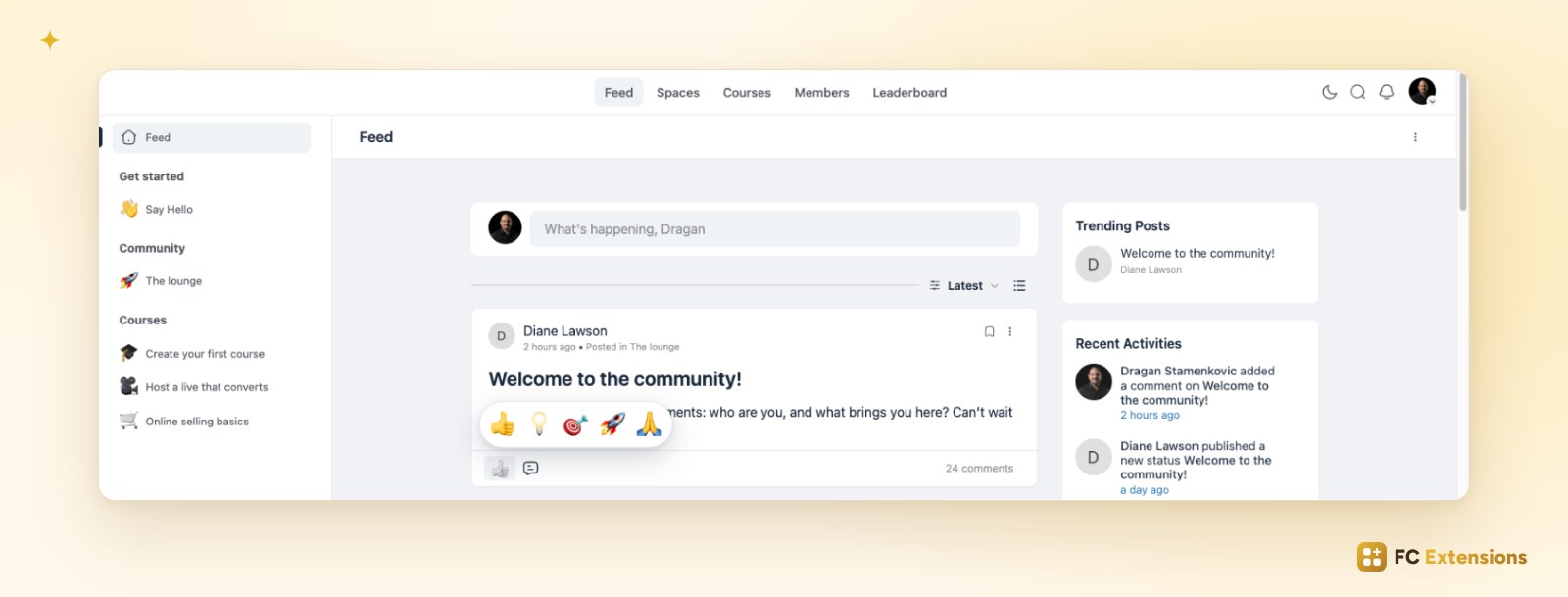
Reactions work on posts and on comments. Under each post, members see the most given reactions and their count. One click opens the list of members, sorted by reaction.
Reactions that look like your community
Four ready-made lists are waiting for you. Pick one, then fine-tune it with the live preview:
- up to eight reactions;
- any emoji, your logo or an animated GIF;
- a name and a color for each one;
- the order you like, by dragging them: the first one is the simple click.
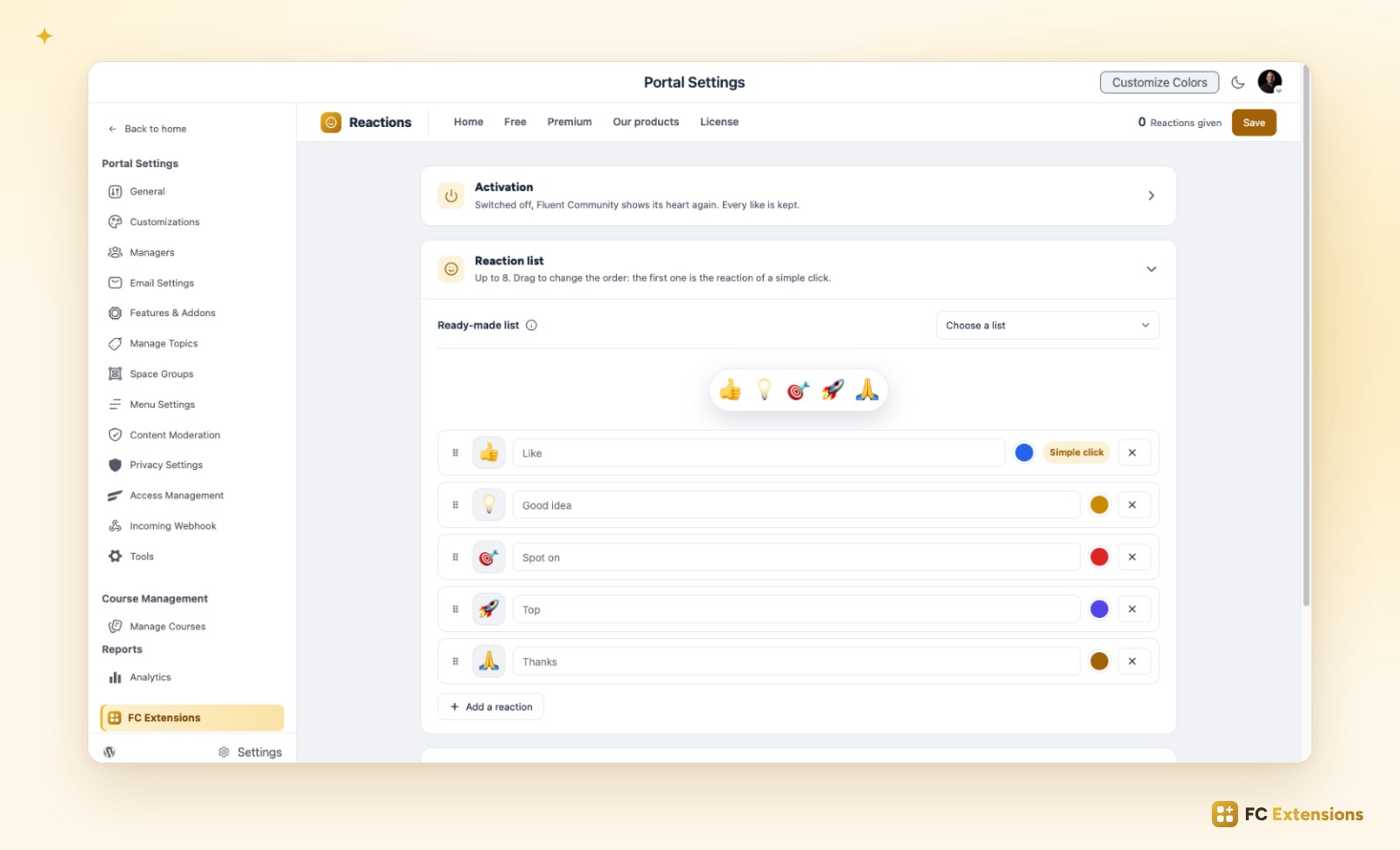
The names of the ready-made reactions follow each member’s language. An international community feels at home right away.
See what moves your members
Statistics show your members’ favorite reactions and the most appreciated posts, over the period of your choice. You know what people like, and you can offer more of it.
Fluent Community keeps running as before
Fluent Community points, notifications and counters work as before. If one day you switch the extension off, every reaction becomes a like again: nothing is lost.
Reactions also show in the FC Pulse app. Your members find their emotions everywhere, on the web and on their phone.
Free extension
More emotions, more conversations in your community
Multiple Reactions is one of the free FC Extensions. One free key, and everything opens up.
✓ Native to Fluent Community
✓ One switch to turn it on
✓ Automatic updates
✓ Free, forever
To go further, open the Multiple Reactions page, read about Account Deletion and FluentCRM Tags, or browse all the free extensions. For the premium extensions, there is the Founder offer.
An idea or a question? Come and say hello in the FC Extensions space of the Sdravobiz community, or vote for the next extensions on the roadmap.
Frequently asked questions
Do reactions work on comments?
Yes. You turn them on for posts, for comments, or for both.
Can I use my logo as a reaction?
Yes. Each reaction can be an emoji, your logo or an animated GIF, with the name and color of your choice.
What happens to reactions if I switch the extension off?
Every reaction becomes a like again. Nothing is lost.
Do Fluent Community points and notifications stay?
Yes. They work exactly as before.
Is Multiple Reactions free?
Yes, forever. It is one of the free FC Extensions. Your first name and email are all it takes to get your free key, then you turn it on with a switch.