
Letting members delete their own account is a sign of trust. With Account Deletion, they do it on their own, in a few clicks, and your community keeps every conversation.
One day, a member will want to leave. That is part of community life. The moment can stay simple and respectful, for them and for you.
Account Deletion is the first extension I built for FC Extensions. It was born for my own community, and it is yours for free.
A simple exit, without writing to you
Without the extension, a member who wants to leave has to write to you, then wait for you to delete the account by hand. With Account Deletion, they take care of it themselves, whenever they want.
In their profile settings, a Delete my account block explains clearly what will happen. One click takes them to a dedicated page:
- they can tell you why they are leaving, if they wish;
- they confirm that they understand the deletion is final;
- they receive a confirmation code by email and type it in;
- their account is deleted, they are logged out, and a confirmation page appears.
The email code prevents any deletion by mistake, or by someone else. The page and the emails speak the language the member chose in their profile.
Posts stay, conversations keep their meaning
This is the heart of the extension. Usually, when an account is deleted, everything the member wrote goes with it. The replies of others are left alone, without the question that started them.
With Account Deletion, their posts, comments and messages stay in the community, signed Deleted member. Conversations stay readable for everyone, and all the help shared over the months is preserved.
What does go: their profile, photo, settings, activity and FluentCRM contact. Their orders and invoices are kept, as the law requires.
Would you rather hand these posts over to someone on your team? It is a simple setting. And the same protection applies when you delete an account yourself from WordPress.
You stay in control of every setting
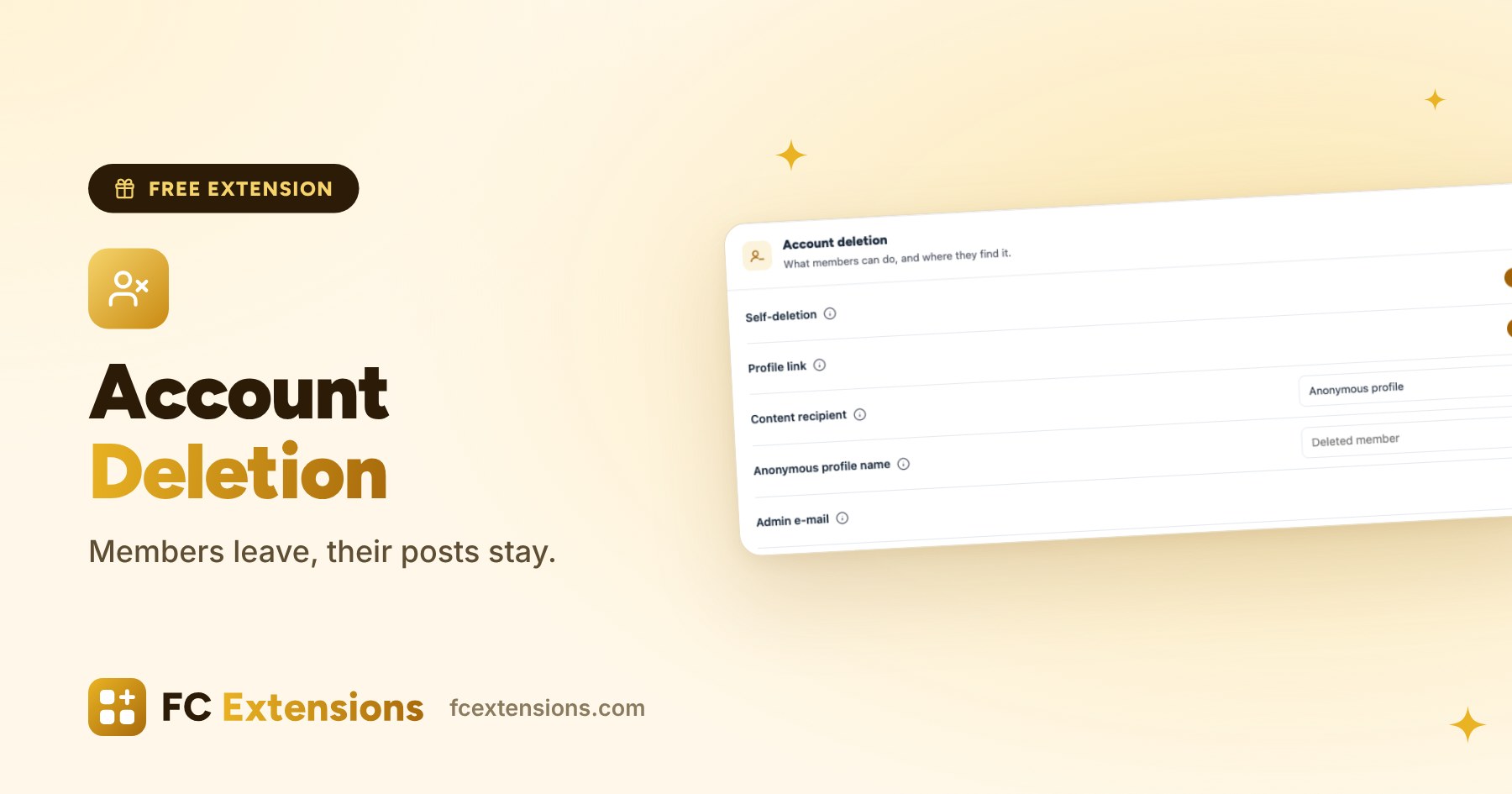
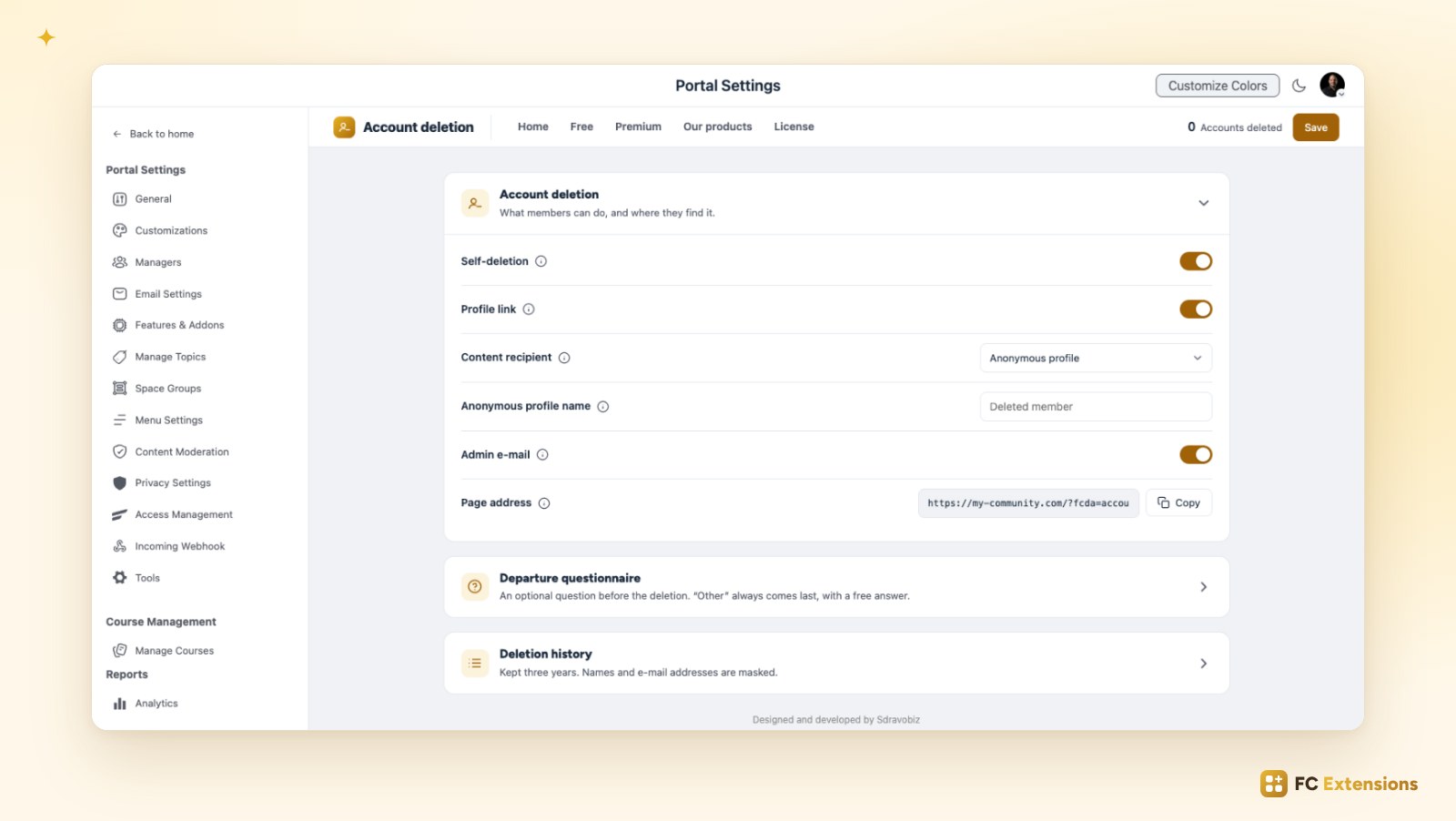
Everything is set on a single page, in your community settings:
- Self-deletion: turn it on or off with a switch.
- Profile link: the Delete my account block shows in each member profile.
- Content recipient: an anonymous profile, whose name you choose, or someone on your team.
- Admin email: you are notified each time a member leaves.
- Page address: copy it and place it wherever you like, in a menu or an email.
A subscription is still active? The page says so clearly and offers to stop it first. An installment plan is in progress? The member can delete their account after the last payment. And so that your site always keeps its administrator, an admin account cannot be deleted from the community.
Understand why a member leaves
Before confirming, the member can answer an optional question: why are you leaving? You choose the answers offered, up to eight. Other always comes last, with a free answer.
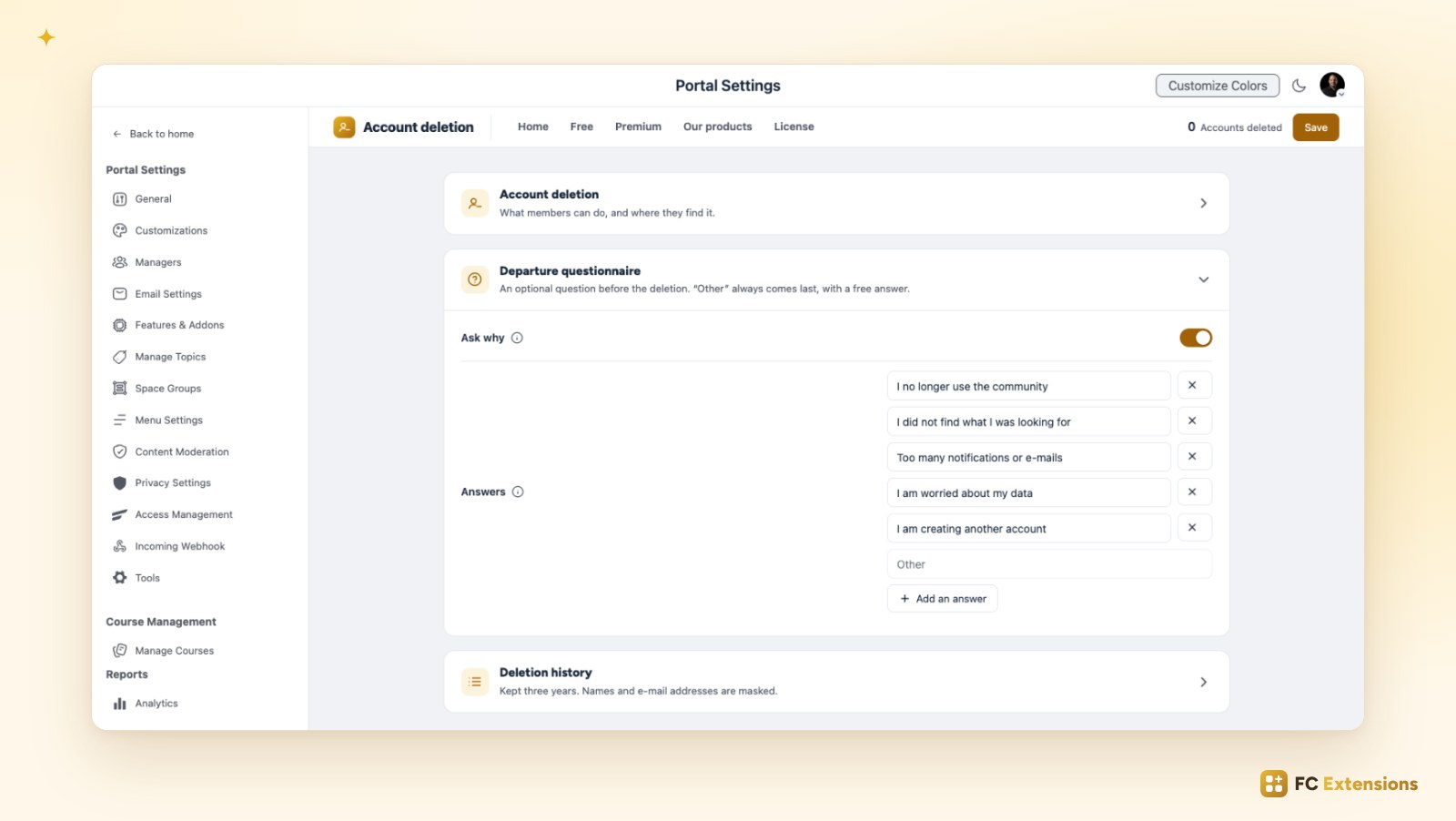
Each reason reaches you in the notification email, and in the deletion history. The history is kept for three years, with names and emails masked. You filter it by period and export it as CSV, to open in Excel or Numbers.
These answers are precious. They show you what to improve, so you can grow a community people want to stay in.
Ready for your app
Does your community have its own app with FC Pulse? Your members find Delete my account there too, and it opens the same page. Apple asks App Store apps to offer this option: with Account Deletion, it is taken care of.
Free extension
A simple exit, a community that stays whole
Account Deletion is one of the free FC Extensions. One free key, and everything opens up.
✓ Native to Fluent Community
✓ One switch to turn it on
✓ Automatic updates
✓ Free, forever
To go further, open the Account Deletion page, read about Multiple Reactions and Course Order, or browse all the free extensions. For the premium extensions, there is the Founder offer.
An idea or a question? Come and say hello in the FC Extensions space of the Sdravobiz community, or vote for the next extensions on the roadmap.
Frequently asked questions
What happens to the posts of a member who deletes their account?
They stay in the community, signed Deleted member, or handed over to the team member you chose. Conversations stay readable for everyone.
Can a member delete their account by mistake?
No. They first confirm with a checkbox, then type the code received by email. Without that code, nothing is deleted.
Are orders and invoices kept?
Yes. They stay in your store, as the law requires.
Am I notified when a member leaves?
Yes, if you wish. You receive an email with the reason for leaving, and each deletion is added to the history.
Is Account Deletion free?
Yes, forever. It is one of the free FC Extensions. Your first name and email are all it takes to get your free key, then you turn it on with a switch.