
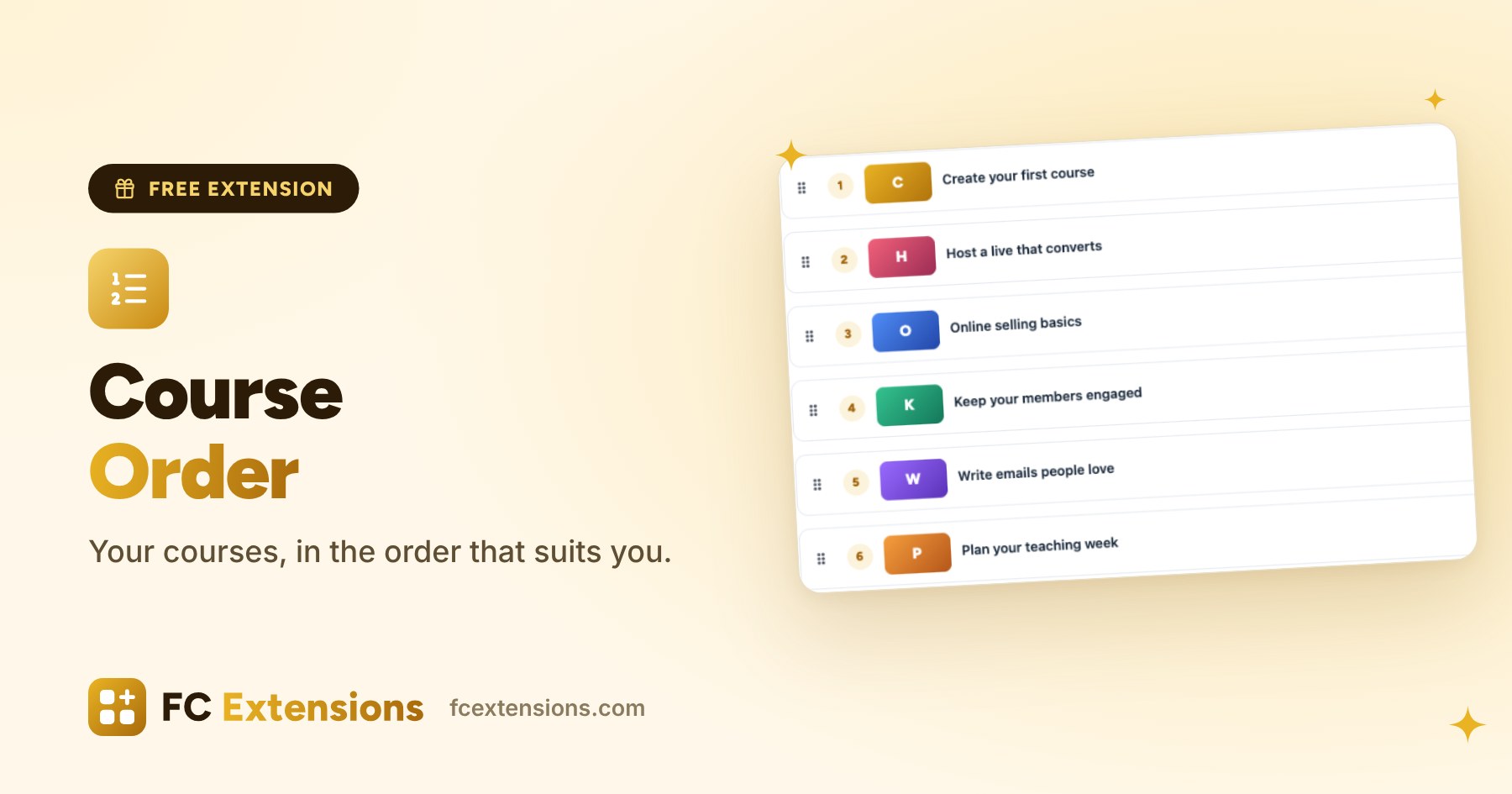
Your Courses page is the shop window of your training. With Course Order, you decide what your students see first, with a simple drag.
When I arranged my own courses on Fluent Community, I wanted one simple thing: put my getting-started course at the top of the list. Course Order was born from that need. It helps everyone who sells courses.
Your shop window, arranged the way you picture it
The order of your courses tells a story. The first course a student sees is often the one they open. With Course Order, that first look lands where you want it:
- your flagship course, the one that builds your reputation;
- the getting-started course that guides newcomers;
- your latest course, to give it the spotlight.
Drag, drop, done
In FC Extensions, the Course Order page lists all your courses, with their position and cover. Drag them into the order you want, then save. That is all.
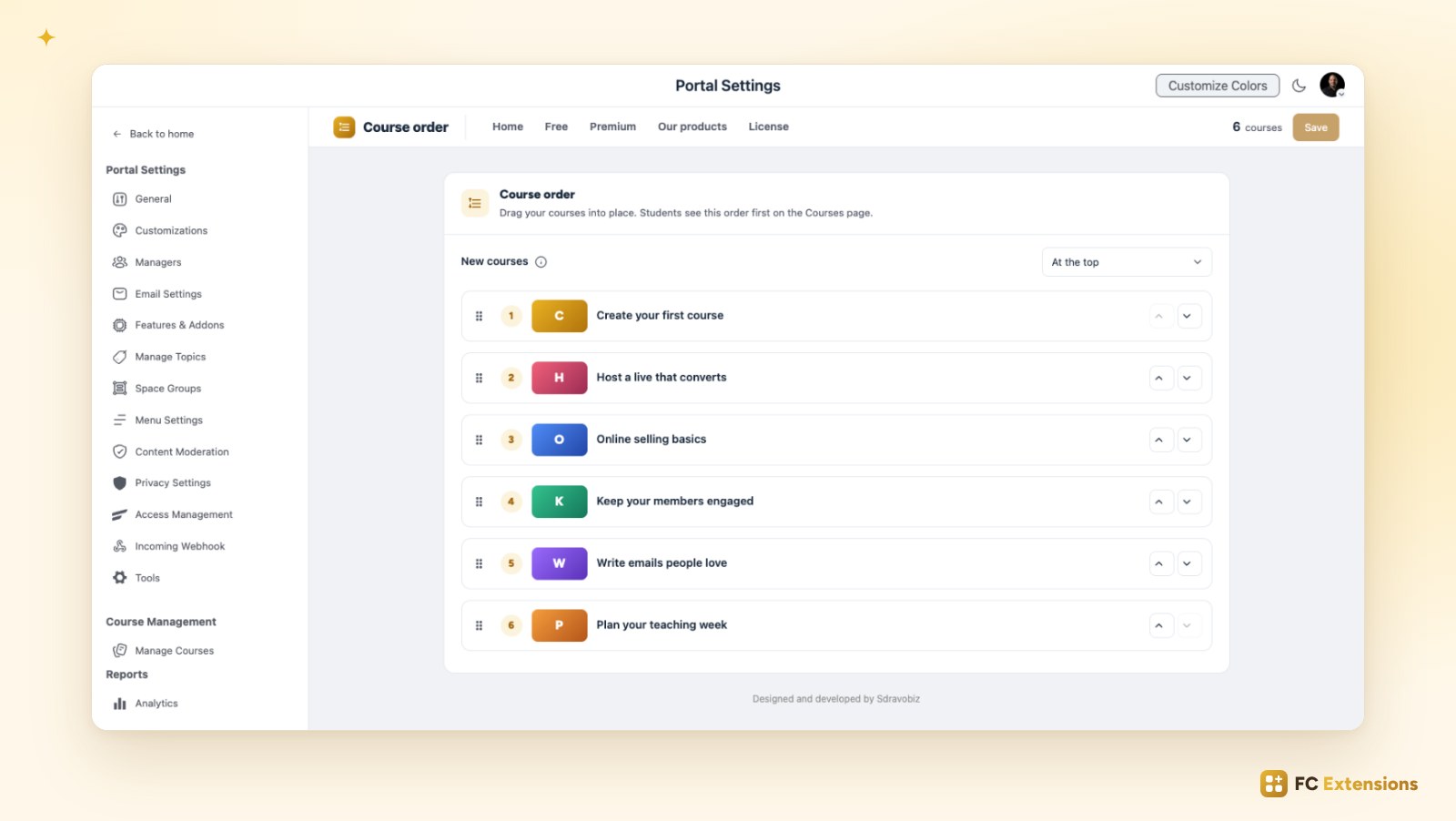
It works with the mouse, with a finger on a phone, with the up and down arrows, or with the keyboard. Courses still in draft are clearly marked, so you always know where they are.
And your next courses? The New courses setting places them at the top or at the bottom, until you arrange them.
What your students see
On the Courses page, your courses appear in your order, on every page of the list. In the sort menu, the first choice is now called Recommended. Your students keep the other two: newest and oldest first.
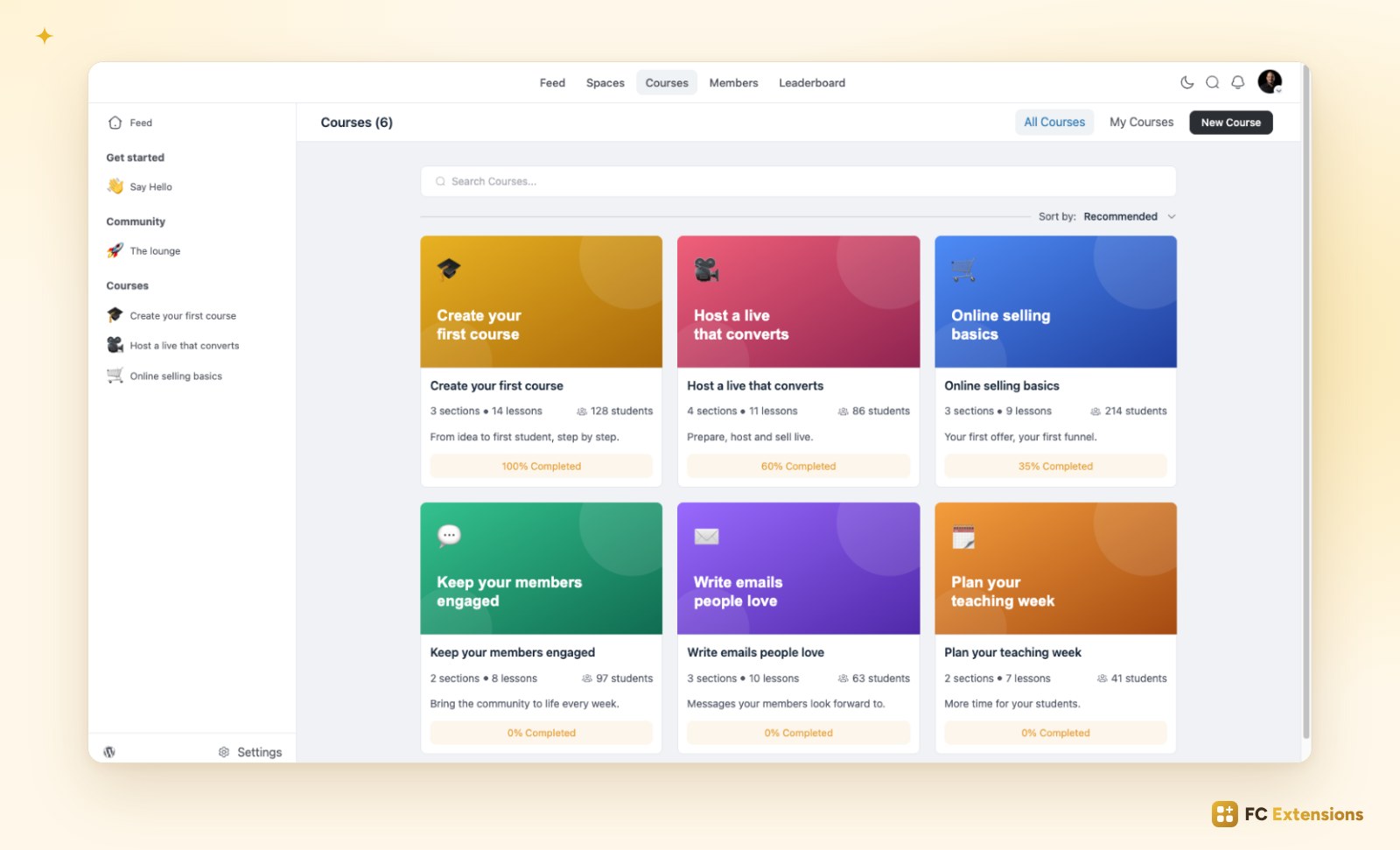
Until you save, nothing changes. You arrange things at your own pace.
Three ideas to arrange your courses well
- Start with a welcome. A short getting-started course, placed first, puts new students at ease.
- Put your flagship course right after. It is the one that makes people want to go further.
- Let your new courses shine. Put your latest course at the top during its launch, then move it to its place.
Free extension
Your courses, in the order that suits you
Course Order is one of the free FC Extensions. One free key, and everything opens up.
✓ Native to Fluent Community
✓ One switch to turn it on
✓ Automatic updates
✓ Free, forever
To go further, open the Course Order page, read about FluentCRM Tags and WooCommerce Integration, or browse all the free extensions. For the premium extensions, there is the Founder offer.
An idea or a question? Come and say hello in the FC Extensions space of the Sdravobiz community, or vote for the next extensions on the roadmap.
Frequently asked questions
Can my students still sort courses differently?
Yes. Recommended takes the place of the alphabetical sort and follows your order. Students can still show the newest or the oldest courses first.
What happens when I create a new course?
It appears at the top or at the bottom, depending on your New courses setting. You can move it whenever you like.
Can I arrange my courses from my phone?
Yes. The list can be dragged with a finger, and the up and down arrows are there too.
Does Course Order change the Spaces page?
No. The extension arranges the Courses page. The Spaces page keeps its usual sort.
Is Course Order free?
Yes, forever. It is one of the free FC Extensions. Your first name and email are all it takes to get your free key, then you turn it on with a switch.