
FC Extensions News
-
Events 2.0 for Fluent Community: prepare, sell, welcome and stay connected
The biggest Events update since launch: a visual editor, a redesigned edit window, selling for every case, tickets with QR codes, attendance certificates, reviews and richer…
-
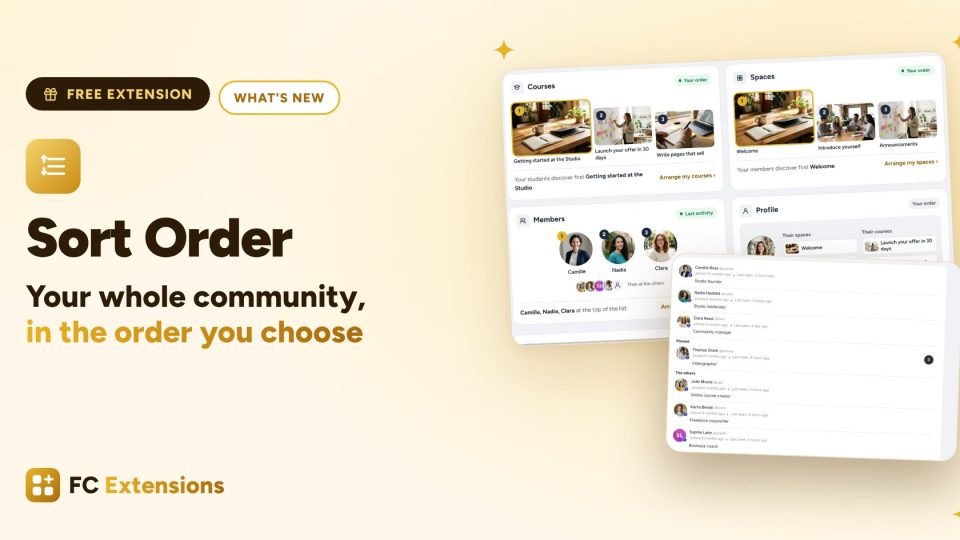
Sort Order for Fluent Community: your whole community, in the order you choose
Course Order becomes Sort Order. Your courses, your spaces, your members and each profile show up in the order you choose.
-
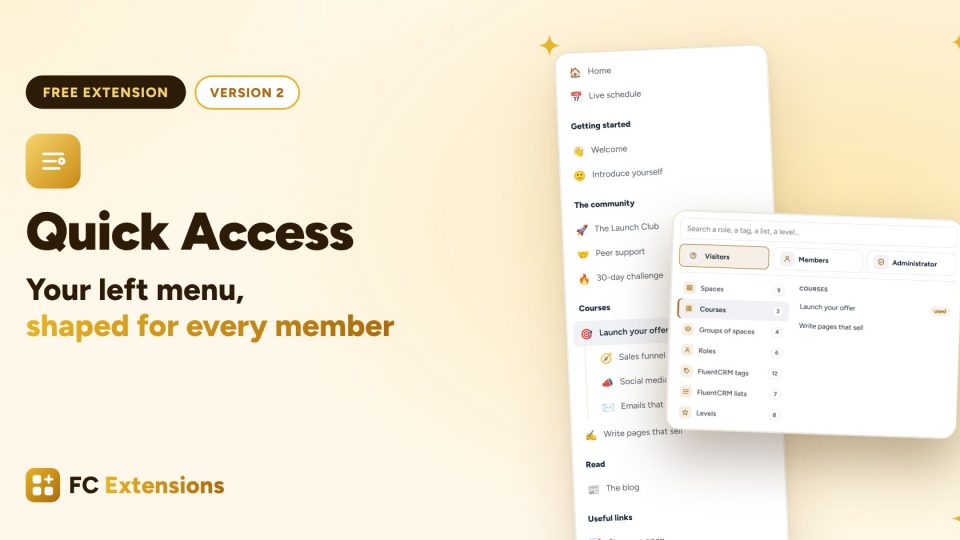
Quick Access 2: your left menu, shaped for every member
Quick Access now takes care of your left menu too: submenus, a menu for each member, scheduled links, a preview before publishing and statistics.
-
What’s coming to FC Extensions
The premium extensions in the works, what’s new on the free side, and four extensions becoming premium when the Founder offer ends.
-
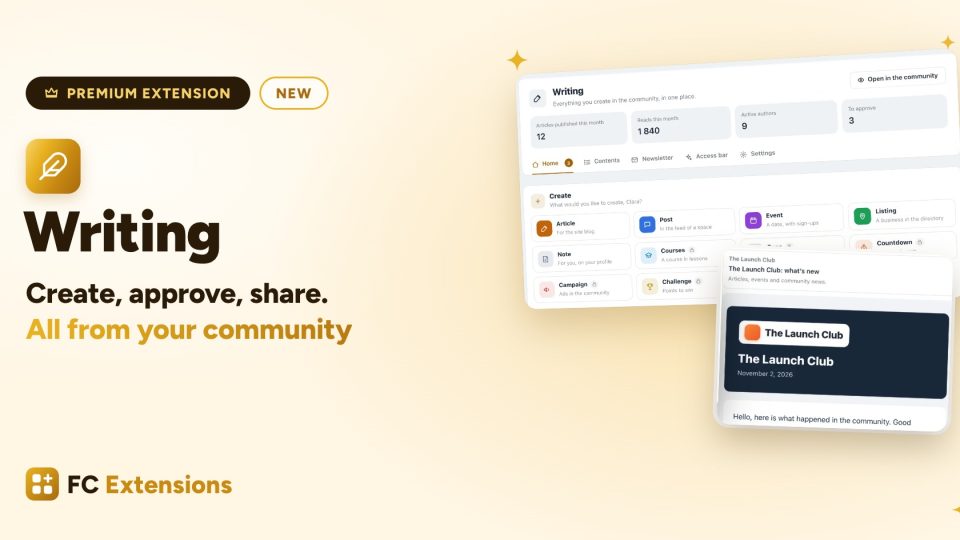
Writing: create, approve and share all your content from your community
The third premium extension of FC Extensions: everything is created, approved and shared from the community, all the way to the newsletter.
-
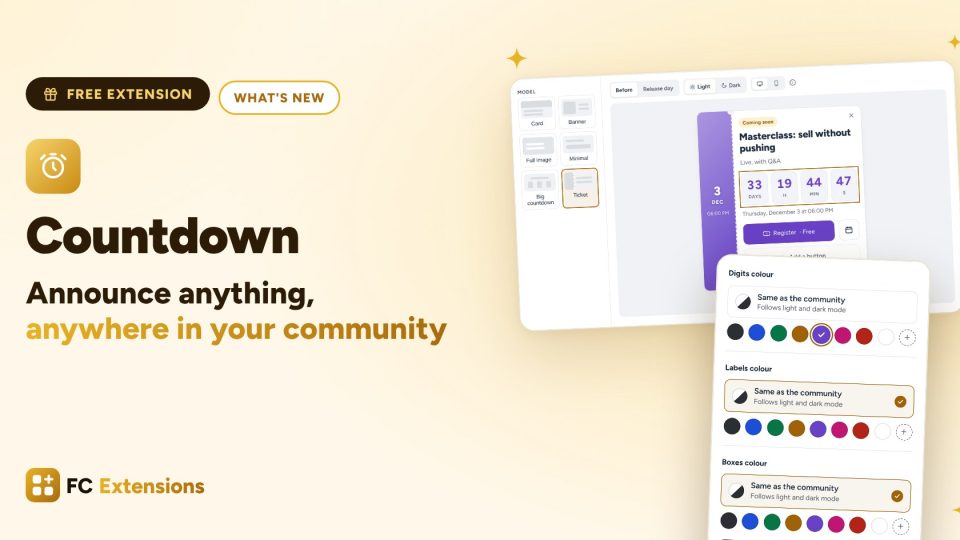
Countdown for Fluent Community: announce anything, anywhere in your community
A course, an event, an article, a product or a made-to-measure launch: every announcement gets its countdown, right where you want it, designed right on the…
-
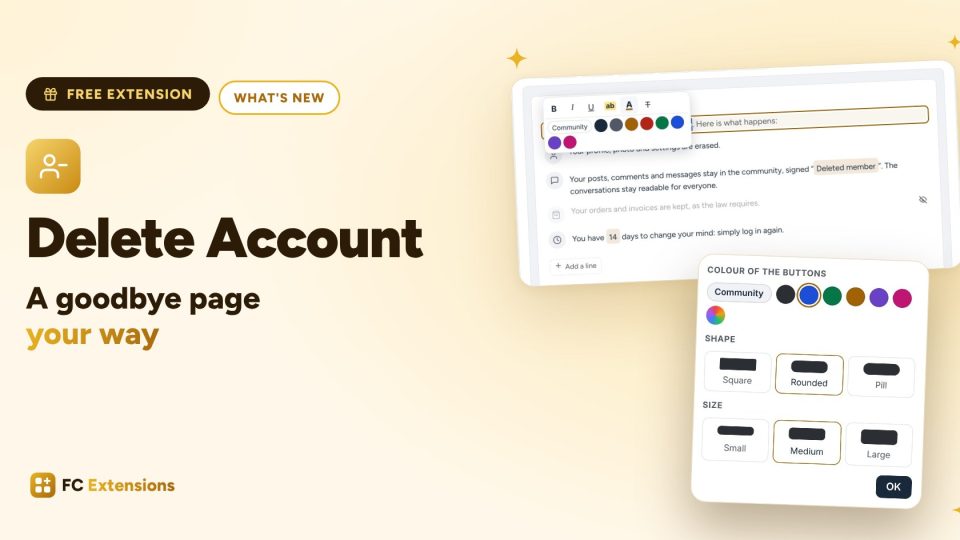
Delete Account for Fluent Community: a goodbye page your way
You write your goodbye page right on the preview, you walk through the member’s whole journey, members get time to change their mind, and the admin…
-
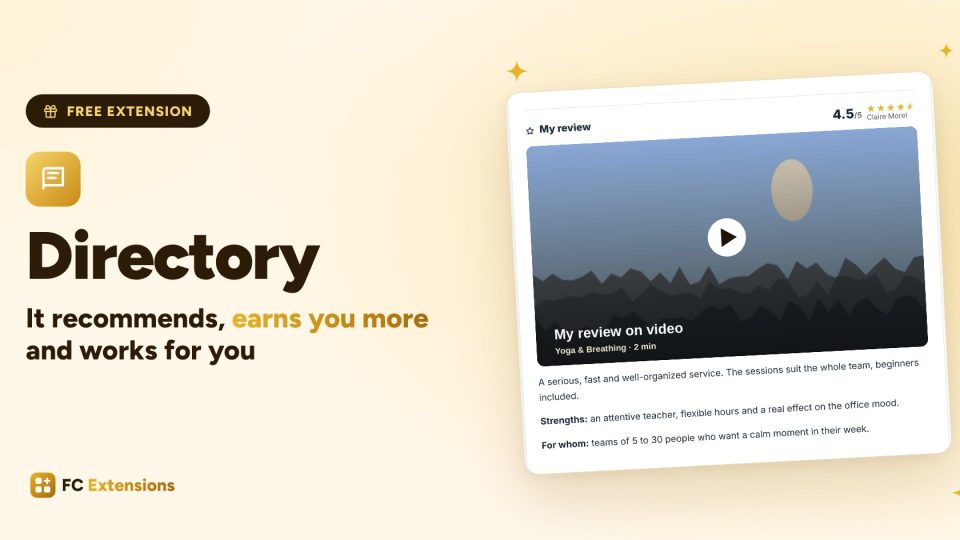
Fluent Community Directory: it recommends, earns you more and works for you
Your expert review on every listing, offers you build for professionals and for your readers, a directory connected to your tools, and a fully redesigned admin.
-

SEO / GEO: your community found on Google and recommended by AI
Your spaces, courses and conversations shown on Google with their real title, a description and a beautiful image, and a community AI can recommend.
-

Quick Access: everything your members need, one click away
The shortcut bar on computers, the top shortcuts and the action bar on phones: you build them on a single screen, and your members go straight…