

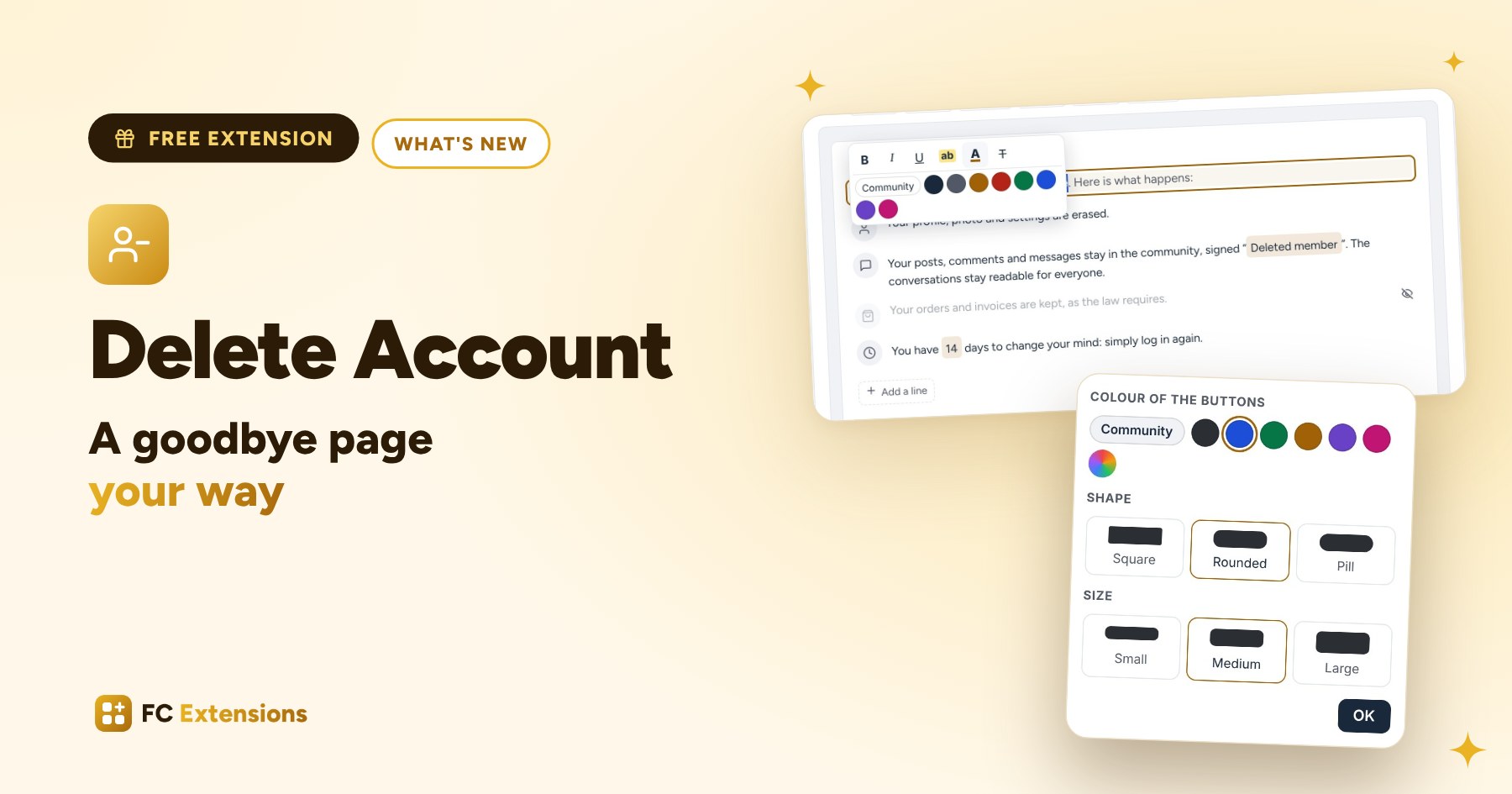
When a member wants to leave, Delete Account already let them delete their account with full clarity: their posts stay in the community, their data is erased. With this version, that page truly becomes yours.
A goodbye says a lot about a community. A clear page, in your words and your colors, leaves a great last impression. And sometimes, it makes people want to come back.
See it in action
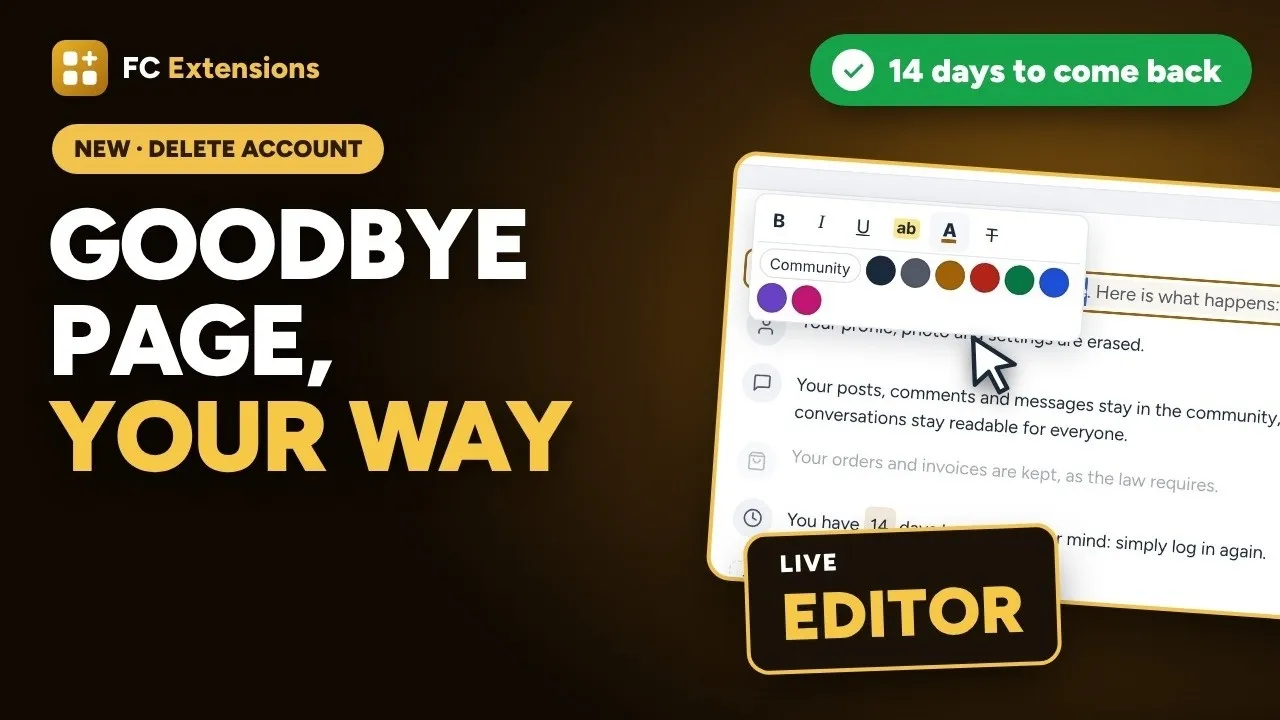
Want to see the others? Every extension is on video, family by family.
You write right on the preview
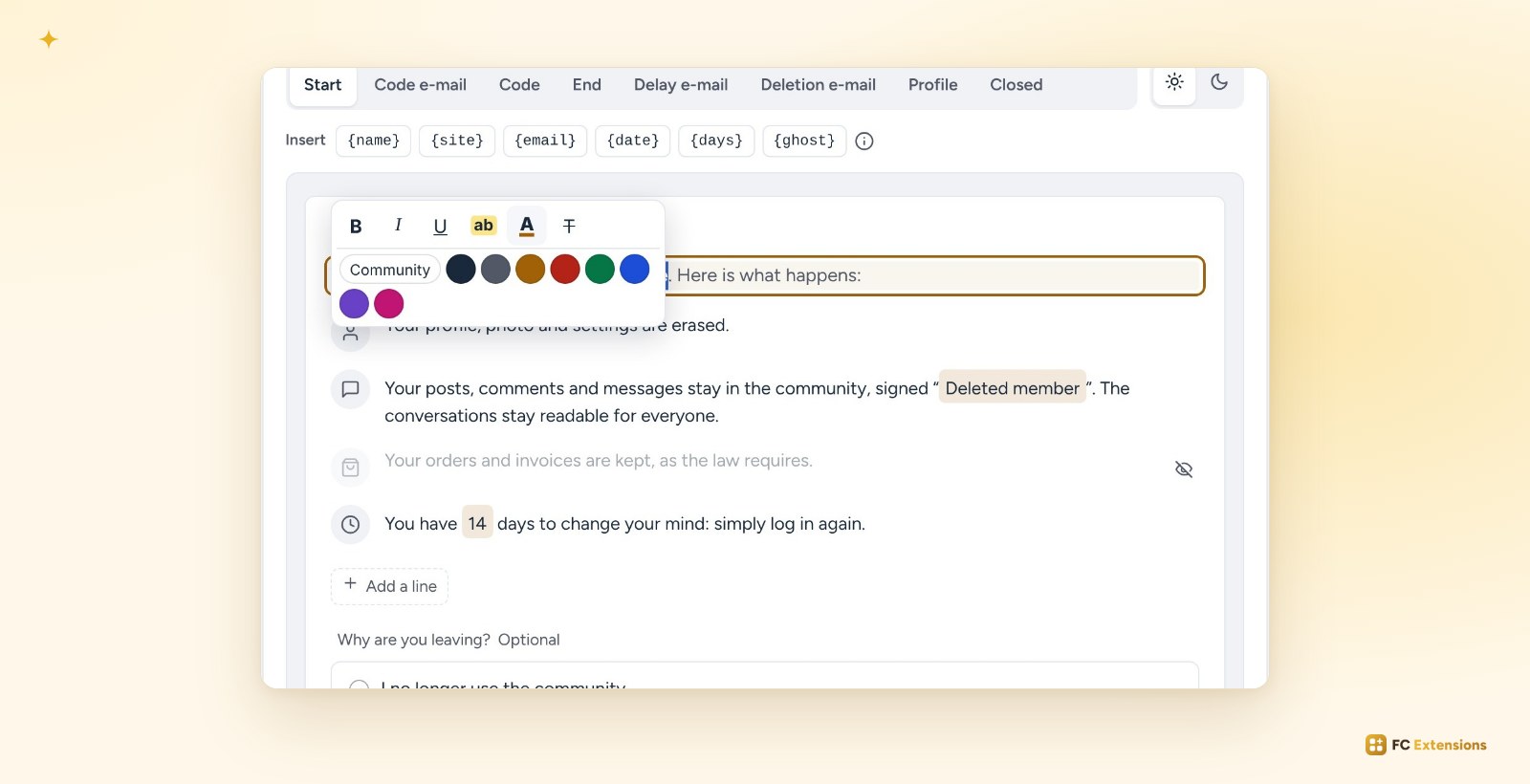
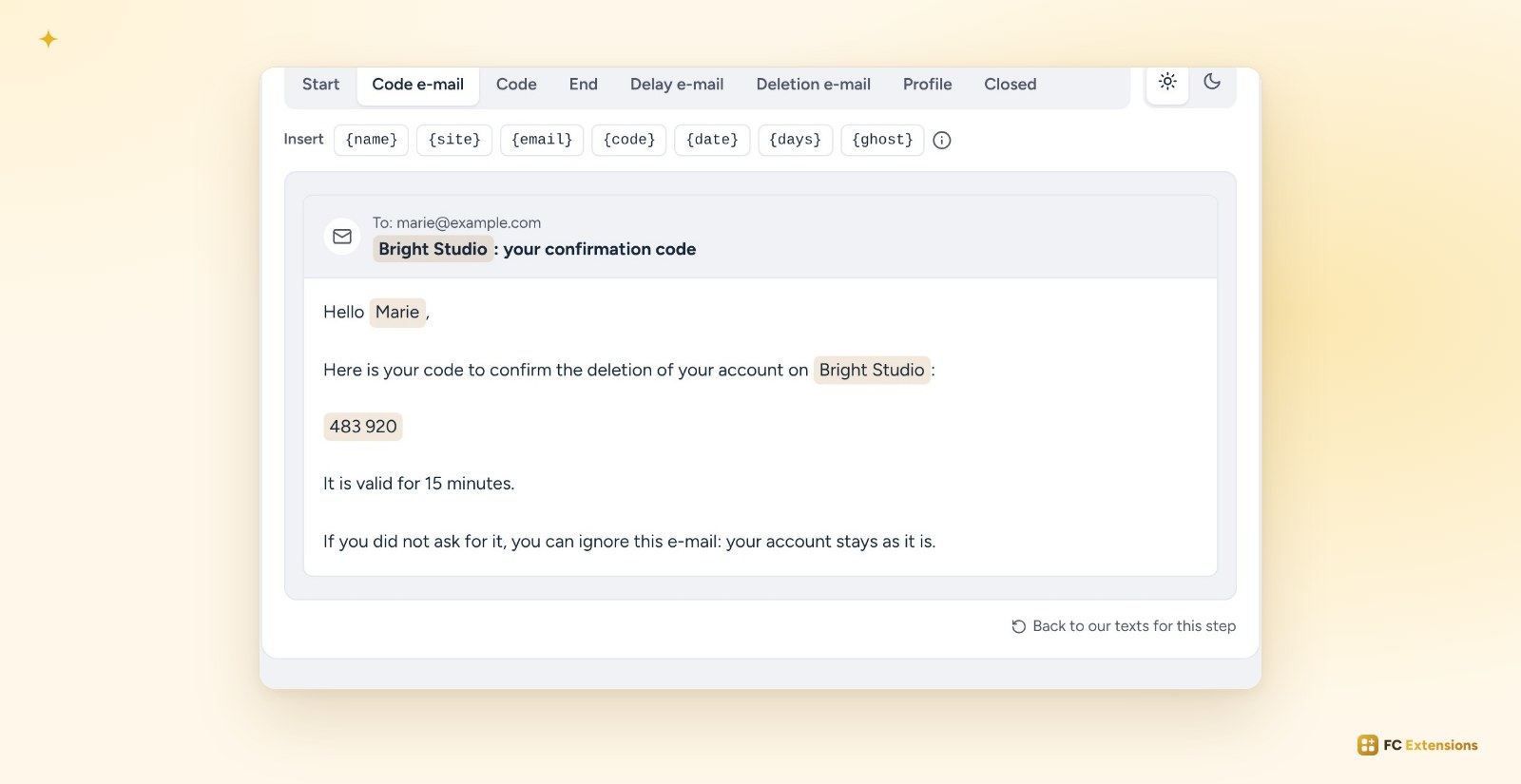
No more fields to fill in. You click a text on the preview, and you write it in place. A formatting bar appears: bold, italic, underline, highlight and color. It is the same one as in the sales window of the Directory.
The member’s first name, your community’s name or the date go in with one click. Titles and buttons stay simple, to keep the page clean.
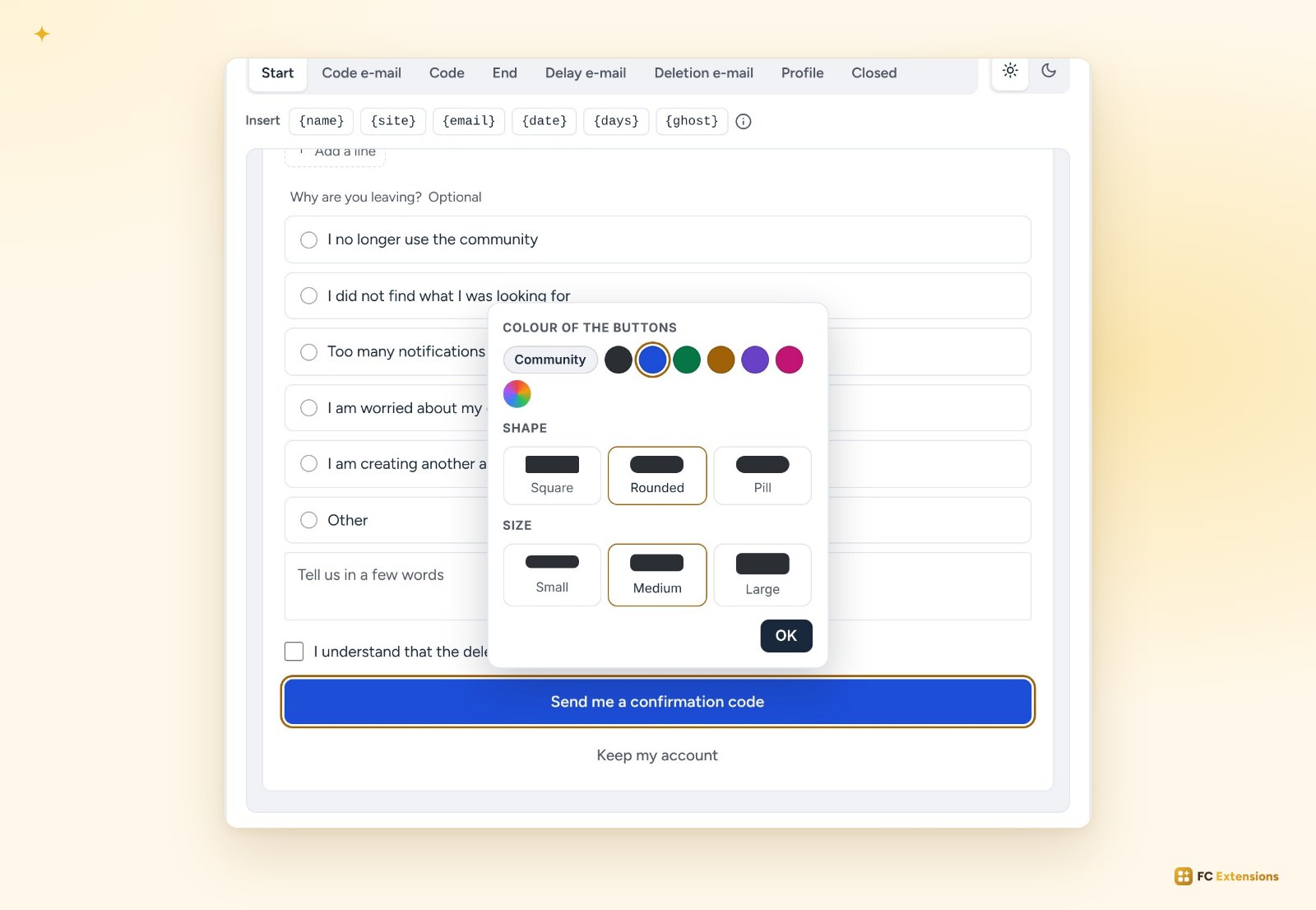
Click a button, and you choose its color, shape and size. You switch the preview to light or dark. What you see is exactly what your members will see.
You walk through the member’s whole journey
“See the page” takes you through the whole journey, as if you were the member: the first screen, the code received by email, then the end screen. A test code is already filled in. Nothing is sent, nothing is deleted.
Each email shows up at its step: the code, the grace period, the deletion. You write them the same way, on the preview. They now go out nicely formatted, with the code easy to read.
Not happy with a text anymore? “Back to our texts for this step” restores the original text.
Time to change their mind
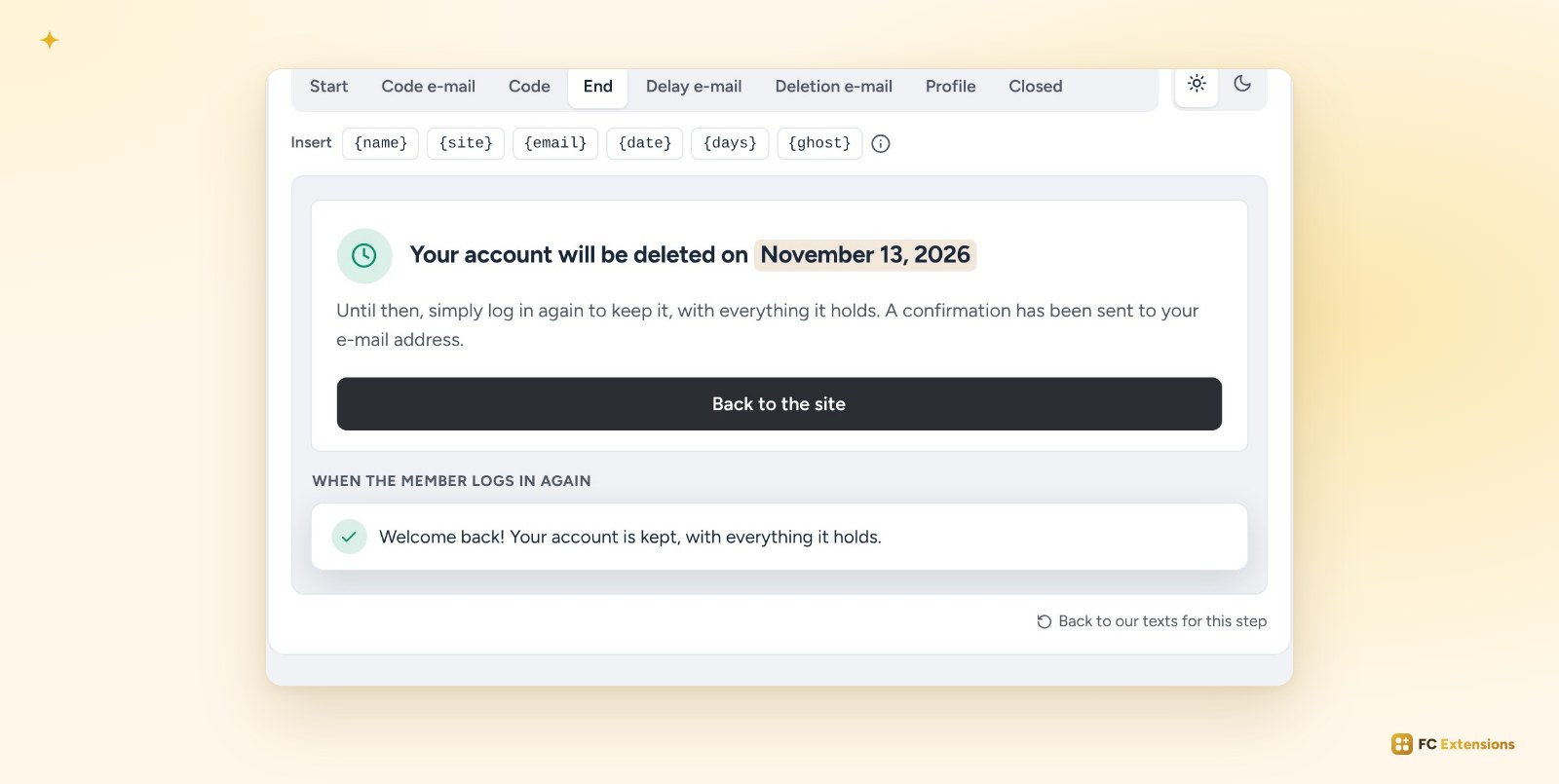
Leaving on a whim happens. You can now give your member 7, 14 or 30 days to change their mind. They receive an email with the date.
In the meantime, they keep their account simply by logging in again, with everything it holds. They are welcomed with a message: “Welcome back!”
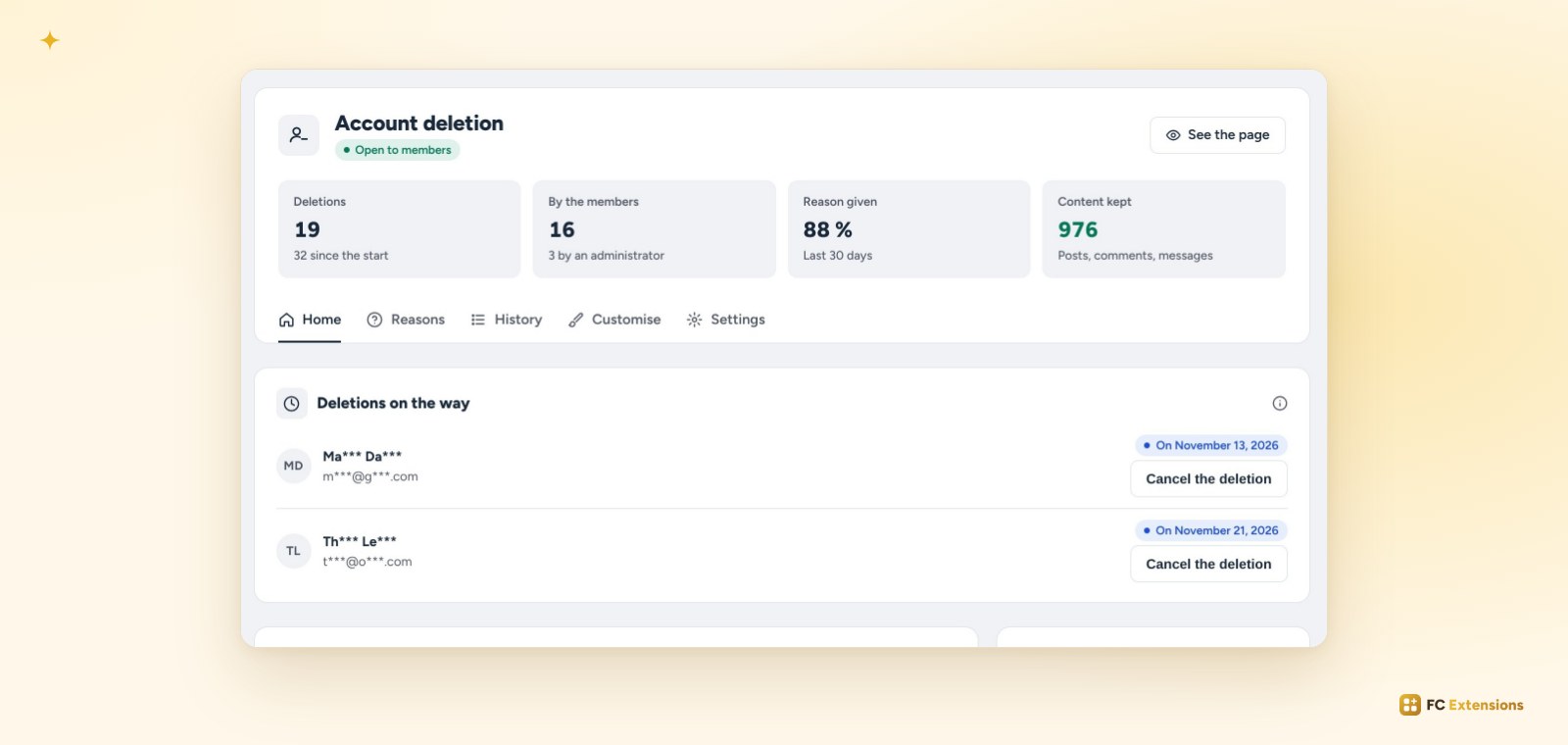
On the home screen, you see the upcoming departures. A member wrote to you? One click on “Cancel the deletion”, and their account stays.
Everything gets simpler
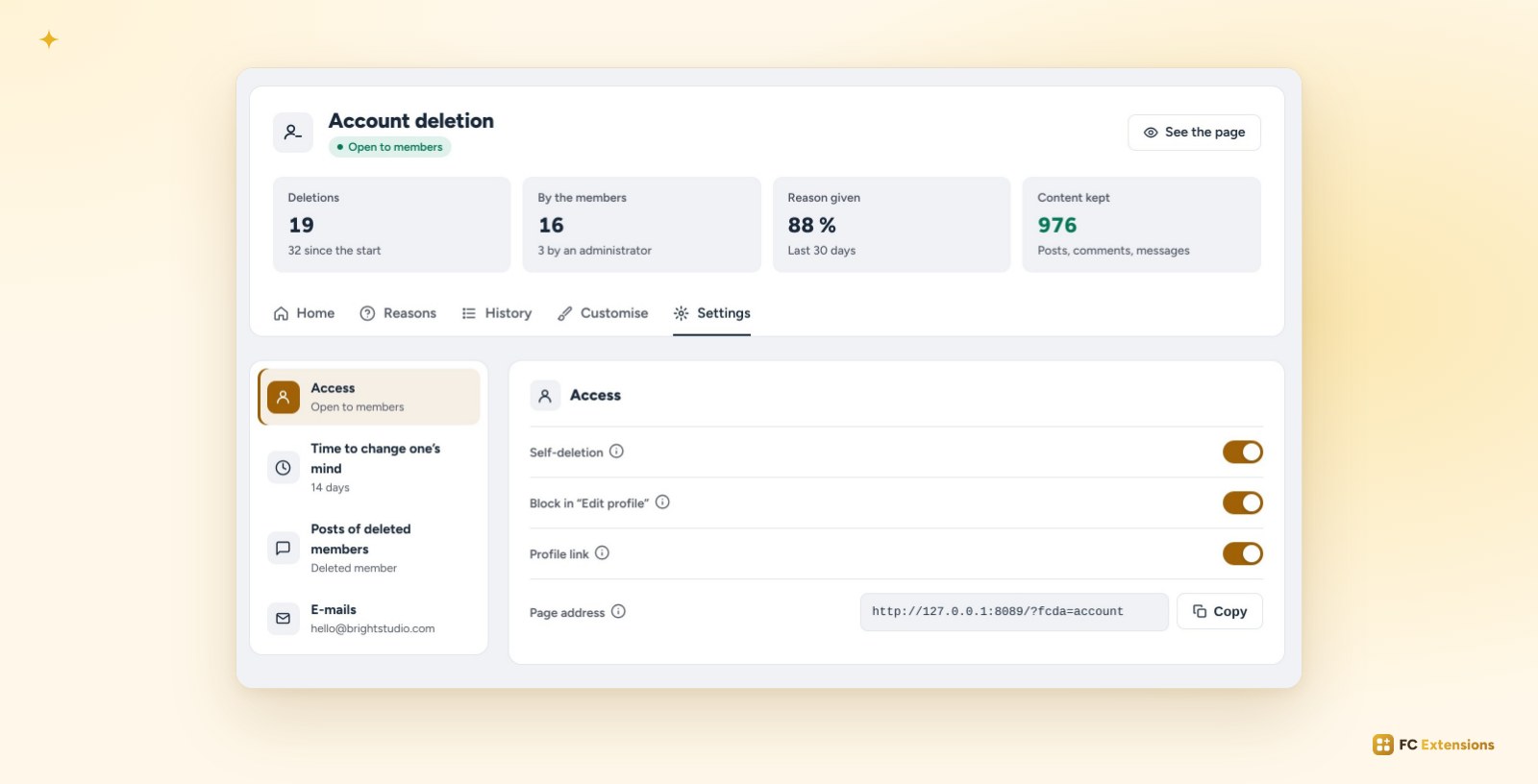
The screen has been redesigned to focus on what matters. The key figures sit at the top: deletions, departures chosen by members, reasons given and content kept. The same care as in every FC Extensions extension.
Settings are sorted into four clear parts: member access, time to change one’s mind, posts of deleted members and emails.
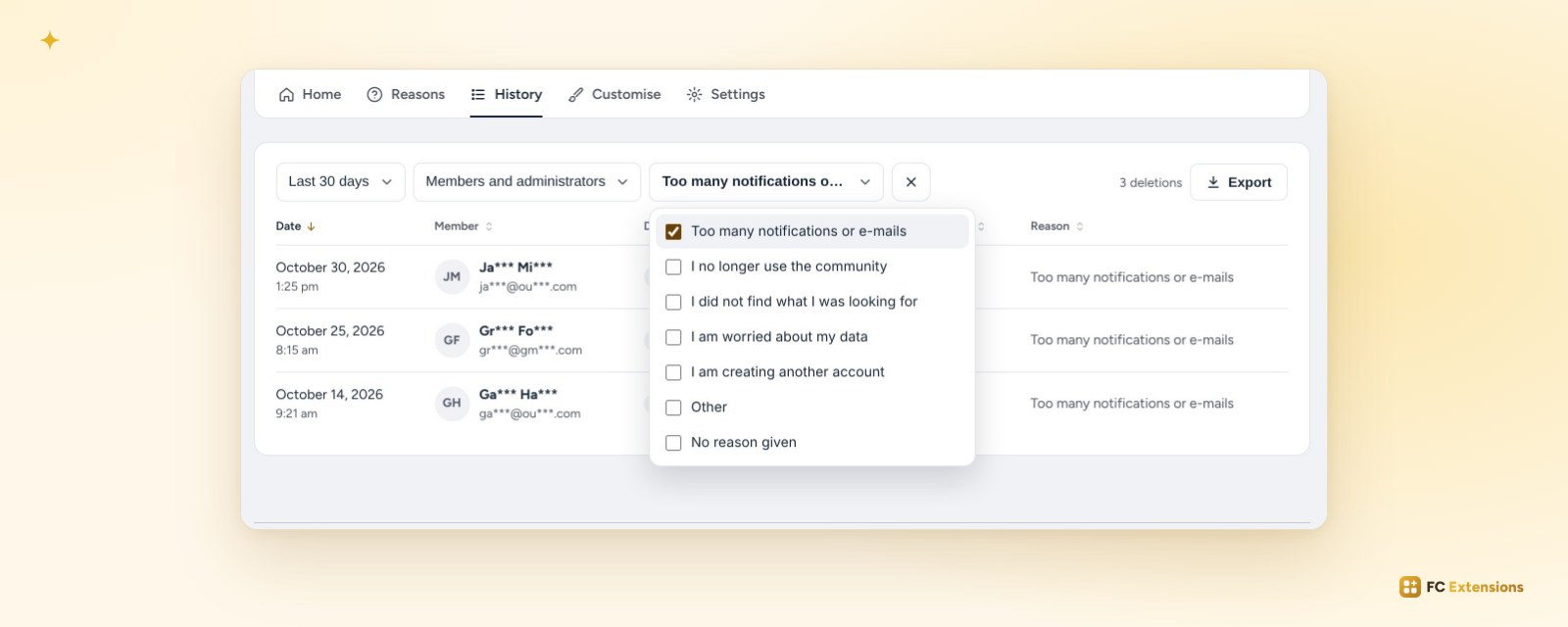
The history has its filter bar: a period, who deleted, one or more reasons. You sort every column, move from one page to the next in one click, and export the list whenever you want.
Already installed? The update arrives automatically. If the extension was already running on your site, no grace period turns on by itself: you choose.
Not installed yet? Get your free key: Delete Account joins your community in seconds, along with all the other free extensions.
Free extension
A goodbye page your way
Delete Account is one of the free FC Extensions. One free key, and everything opens.
✓ Native to Fluent Community
✓ Data erased, posts kept
✓ Automatic updates
✓ Free, forever
To go further, open the Delete Account page, watch every extension on video, or browse all the free extensions.
An idea or a question? Come and say hello in the FC Extensions space of the Sdravobiz community, or vote for the next extensions on the roadmap.
Frequently asked questions
Is Delete Account free?
Yes, forever. It is one of the free FC Extensions. Your first name and email are all it takes to get your free key.
What happens to the member’s posts?
They stay in the community, signed “Deleted member”. Conversations stay readable for everyone. Their profile, photo and settings are erased.
Is the grace period mandatory?
No. You choose: no delay, 7, 14 or 30 days. If the extension was already running on your site, nothing changes by itself: you turn it on.
Does the preview send emails?
No. You walk through the member’s whole journey, with a test code already filled in. Nothing is sent, nothing is deleted.
Can I go back to the original texts?
Yes. “Back to our texts for this step” restores the original text of the step in one click.