
A video is only useful if people see it. And your members are not always in the library: they chat, they read, they open their emails, they visit your website.
With what’s new in Videos & Podcasts, the premium extension of the Engage family, your videos and your podcasts go wherever your members are: in discussions, on the home page, in articles, in your emails, and even on your WordPress website.
What’s new at a glance
- Your videos in discussions: a Library button in posts and replies.
- Watch without leaving the page: the video opens above the discussion, with a mini player.
- Your videos in the spotlight: fifteen new blocks for the Page Builder and the Sidebar.
- Your videos in Writing: videos and episodes in your members’ articles.
- Your videos in your emails: the video shown big, with a button to watch it.
- Your videos on your WordPress website: the same blocks in the editor, members-only videos protected.
See it in action
New to Videos & Podcasts? Start with the full presentation of the extension, or watch all the extensions on video.
A quick reminder
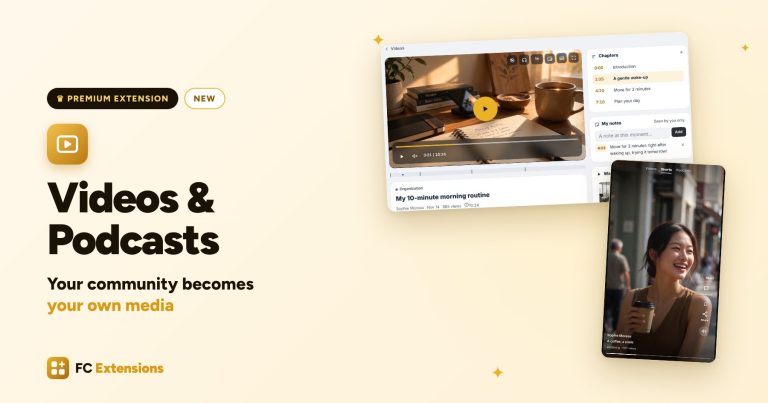
Videos & Podcasts is the place where all your videos and all your podcasts come together, at the heart of your community. You add them in a few seconds, and new ones arrive automatically. Your members watch them, listen to them, talk about them together, and pick up right where they left off. And you stay in control: you protect your content, and you can even sell it.
The full presentation of Videos & Podcasts, to see the essentials again on video. All the details are also in the presentation article.
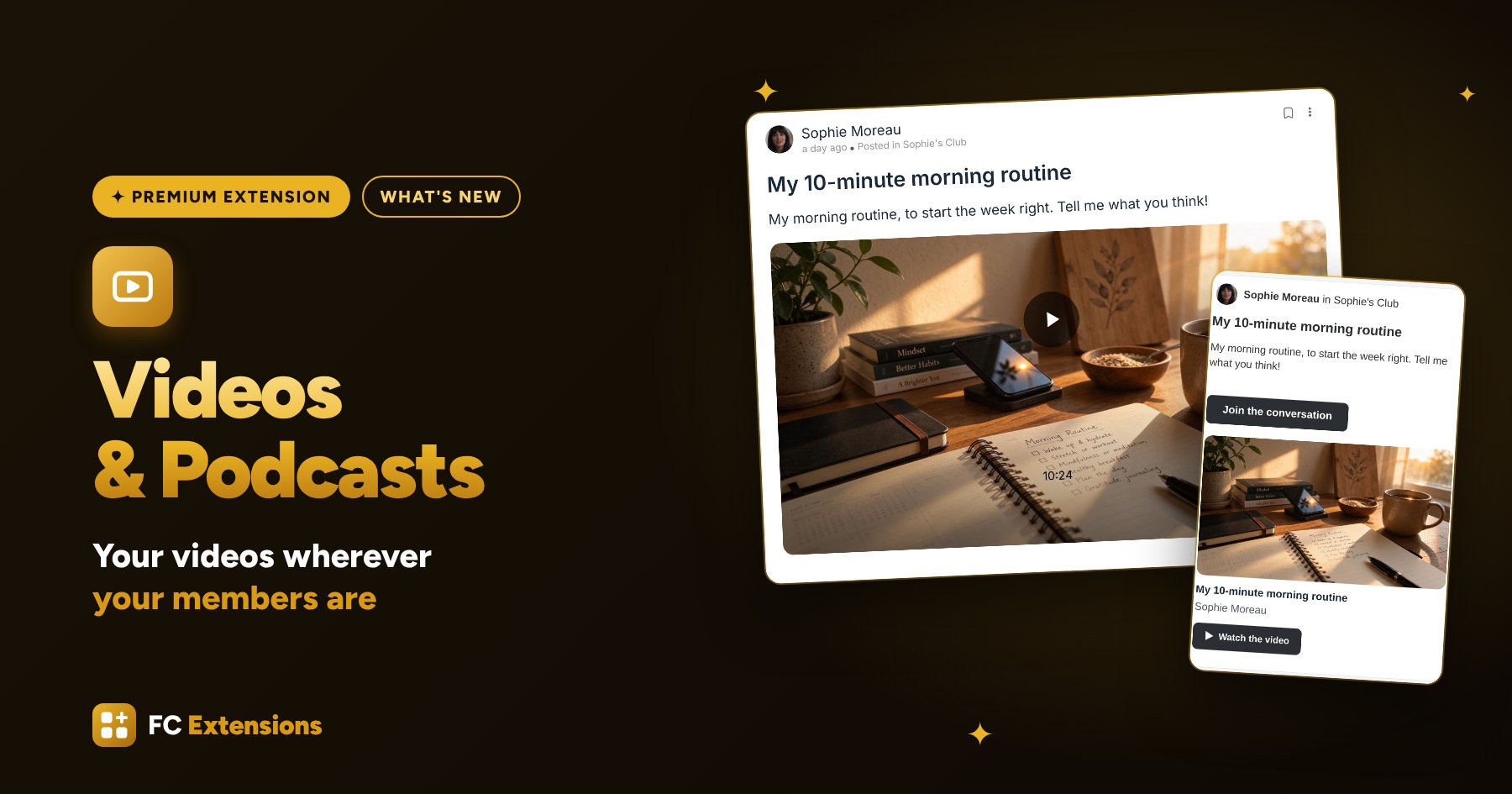
Today, we’re going even further, with a simple idea: your videos should be wherever your members are. To show you, let’s meet Sophie. She’s a coach, and she has already published lots of videos.
Your videos in discussions
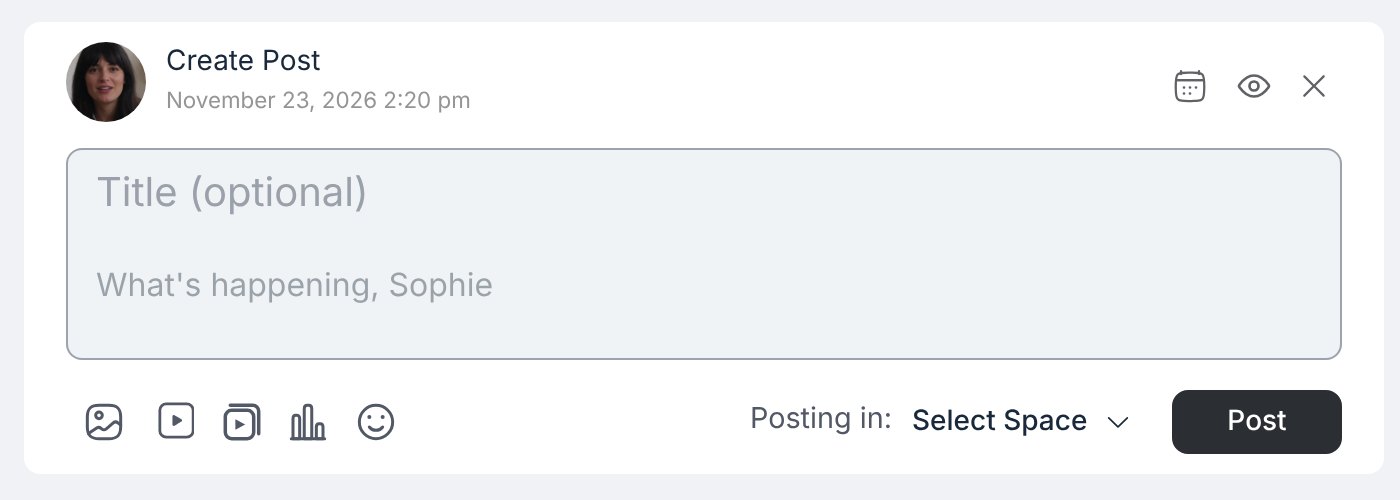
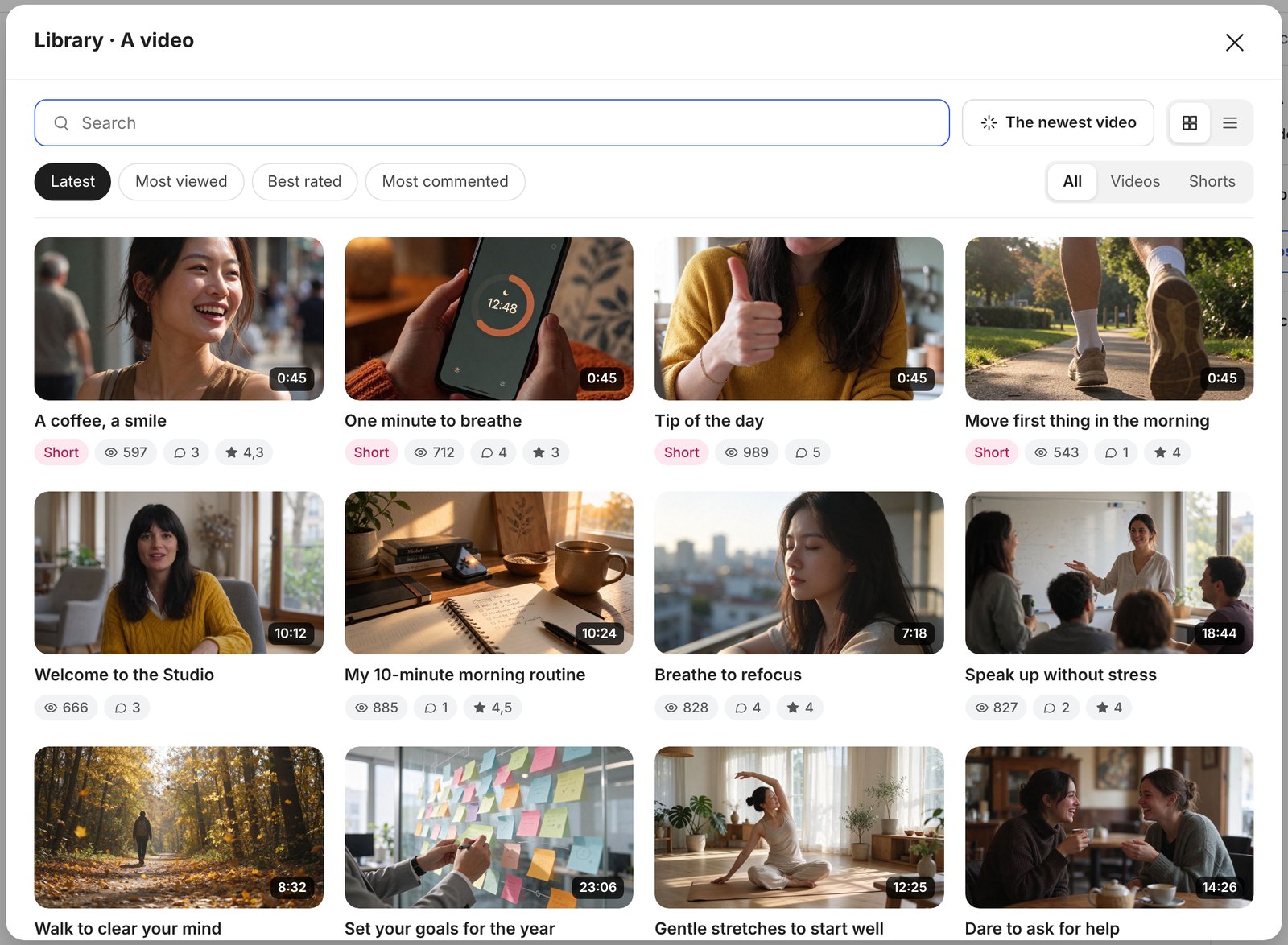
Sophie wants to share her latest video with her community. When she writes her post, she now sees a new button: Library.
She clicks, and all her videos and all her podcasts appear, with their pictures. She browses them at her own pace: the most recent, the most viewed, the best rated.
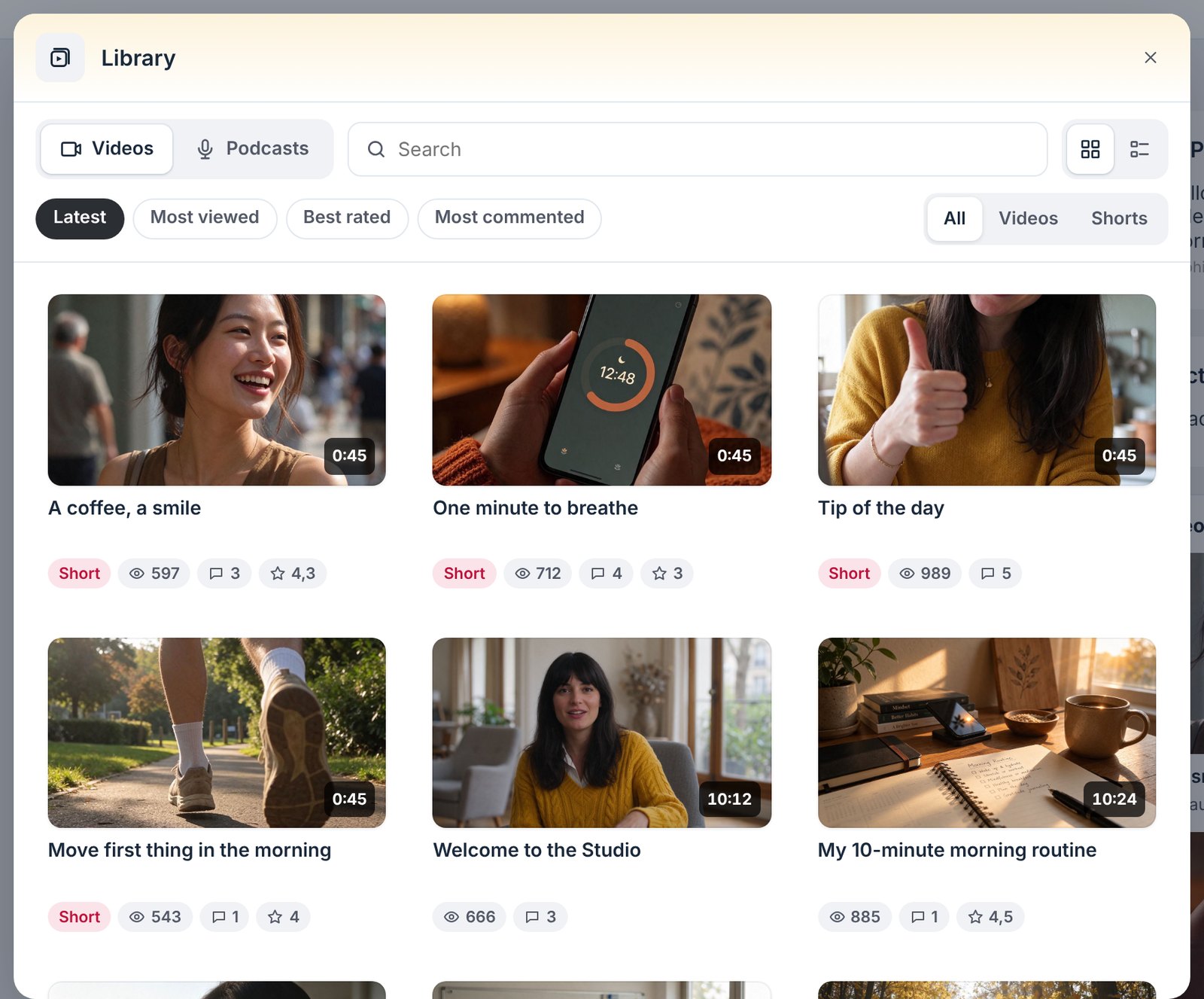
She finds the right one, watches it for a moment to be sure, and adds it.
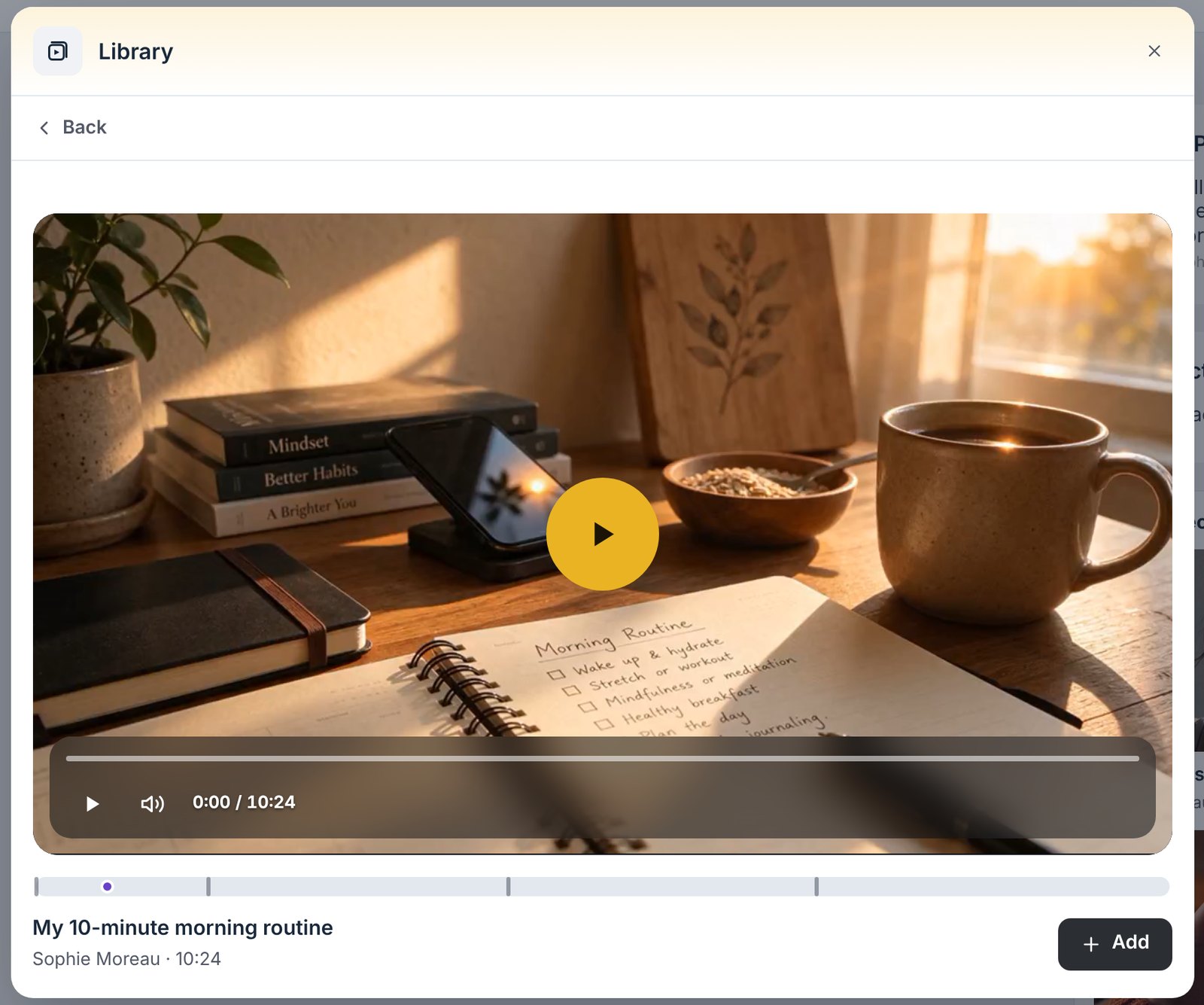
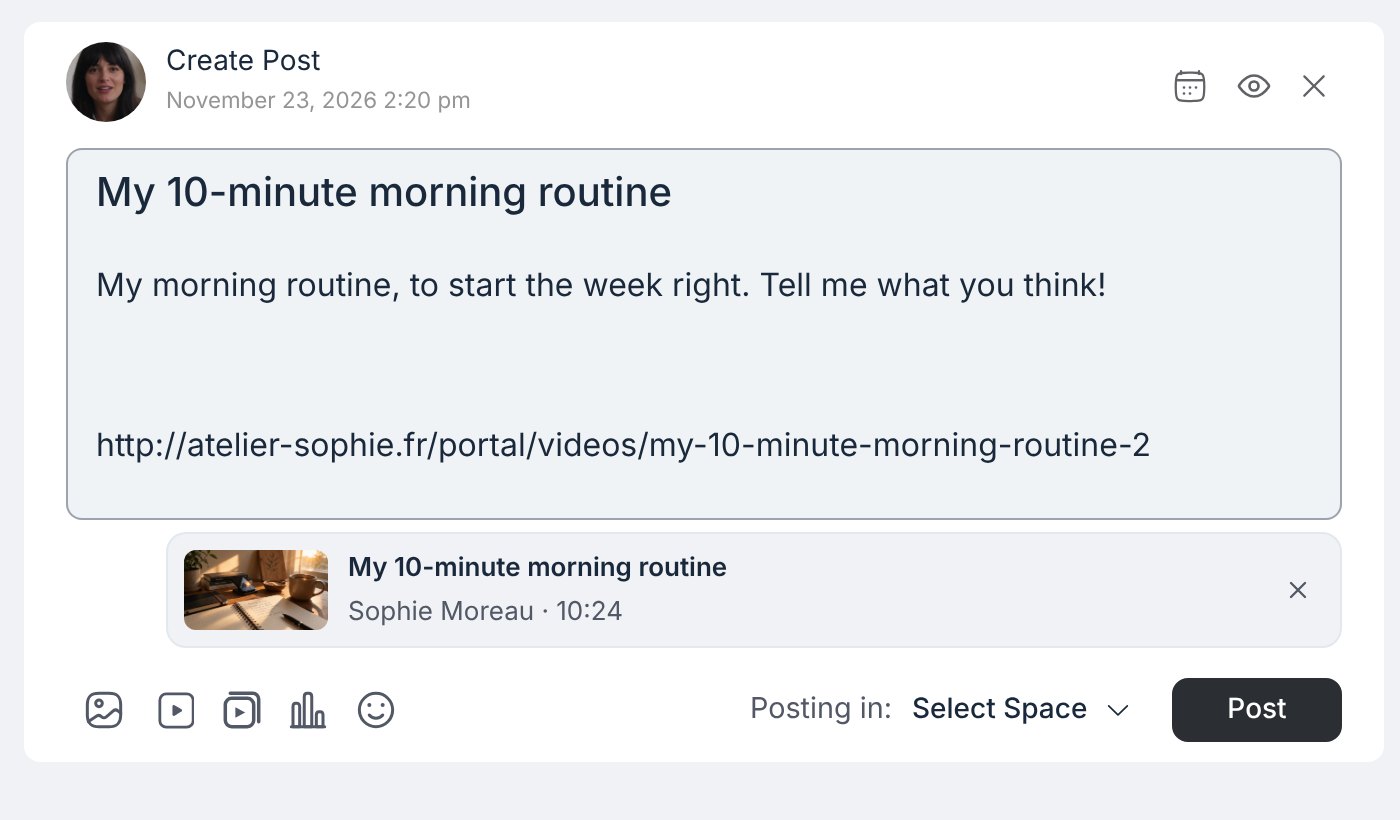
And that’s it: the video is in her post, ready to be watched. Even the title writes itself.
It also works when you reply to someone. Léa asks a question in a comment, and Sophie replies with the right video, in two clicks. Another time, an episode of her podcast is the best answer: same gesture, same simplicity.
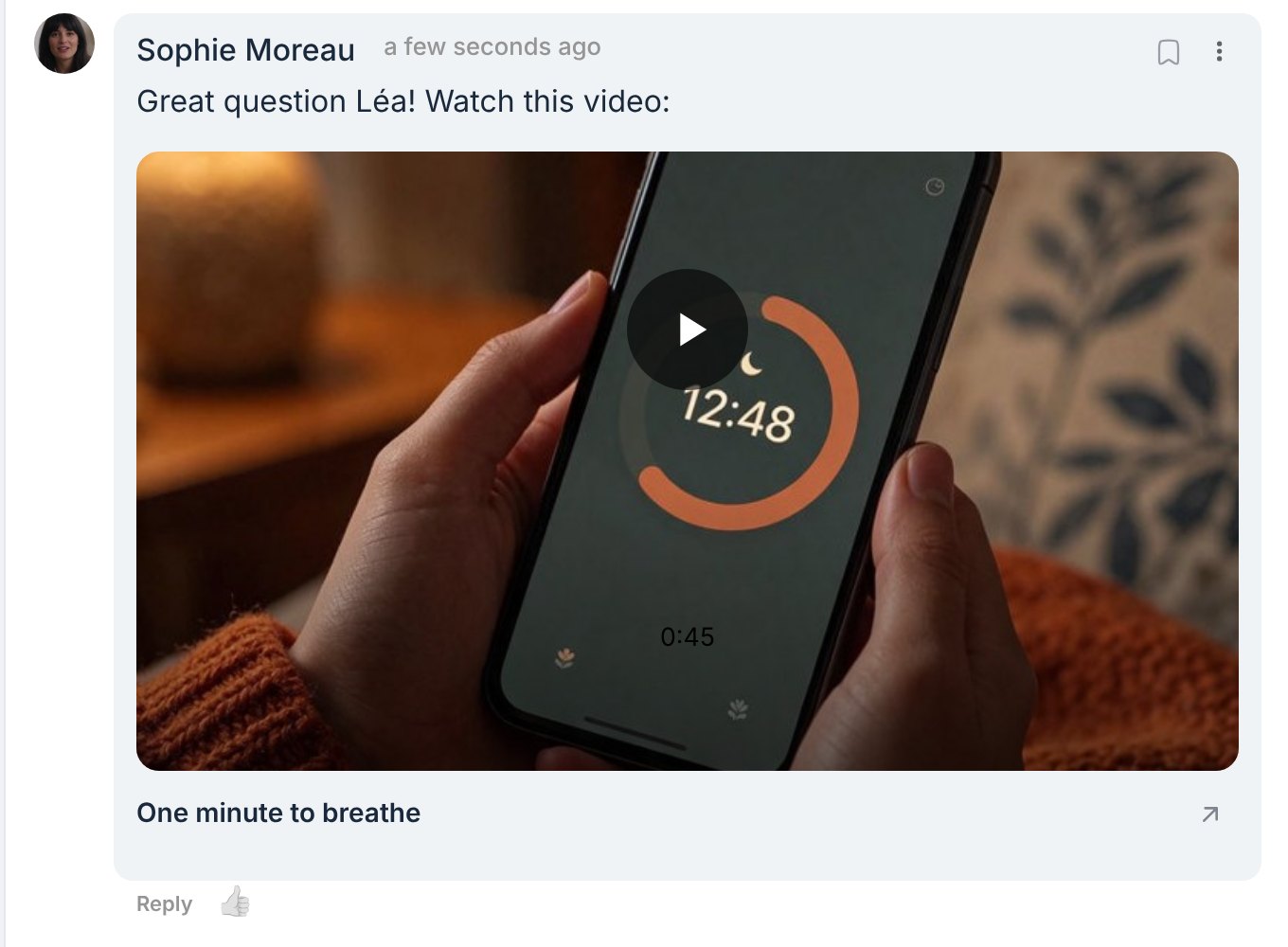
Your videos and your podcasts join the conversations. And a good answer helps everyone who comes by later.
Watch without leaving the page
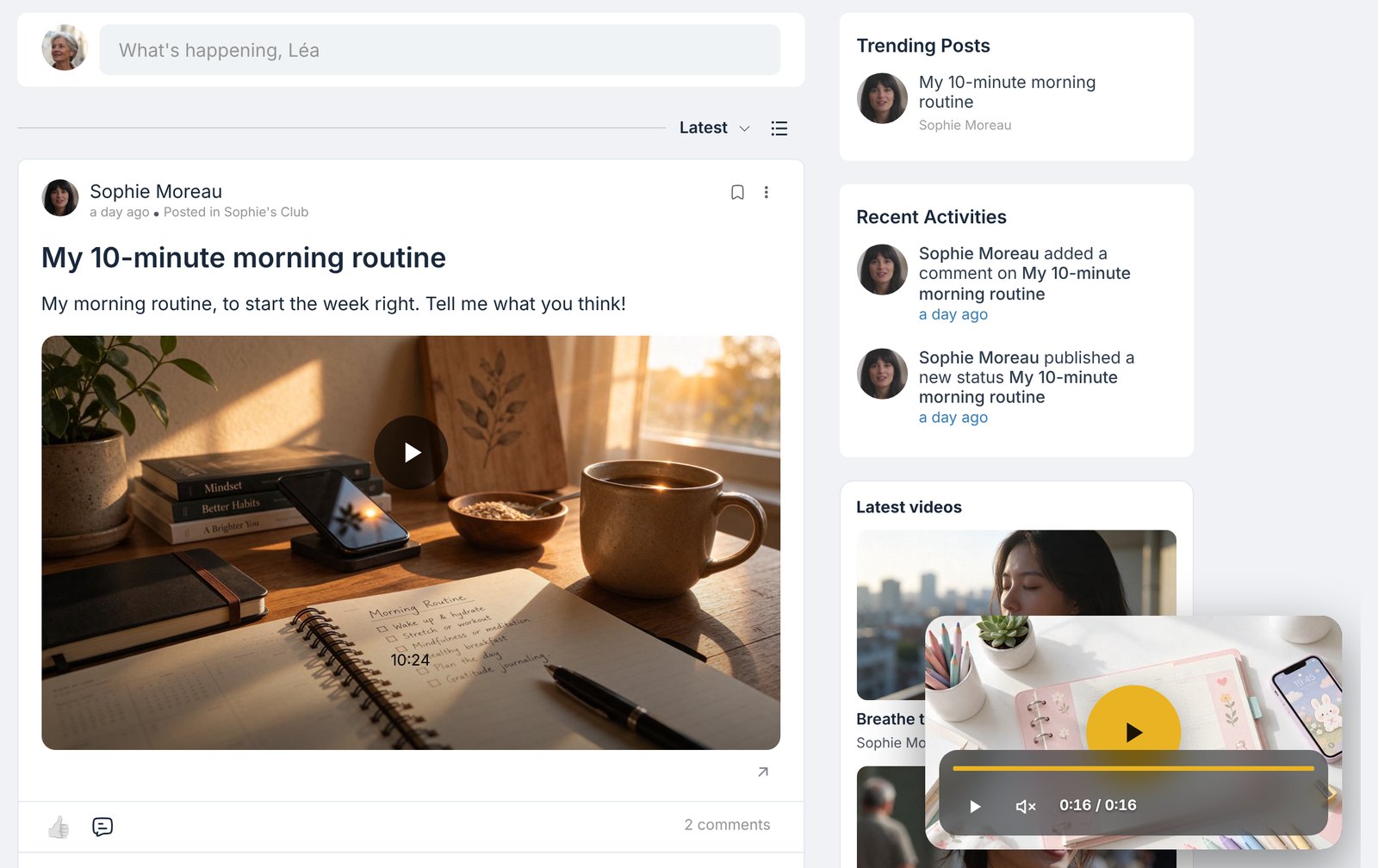
When Léa clicks on the video, it opens right above the discussion. She doesn’t change pages: she stays exactly where she was reading. And when a video ends, the next one is already waiting.
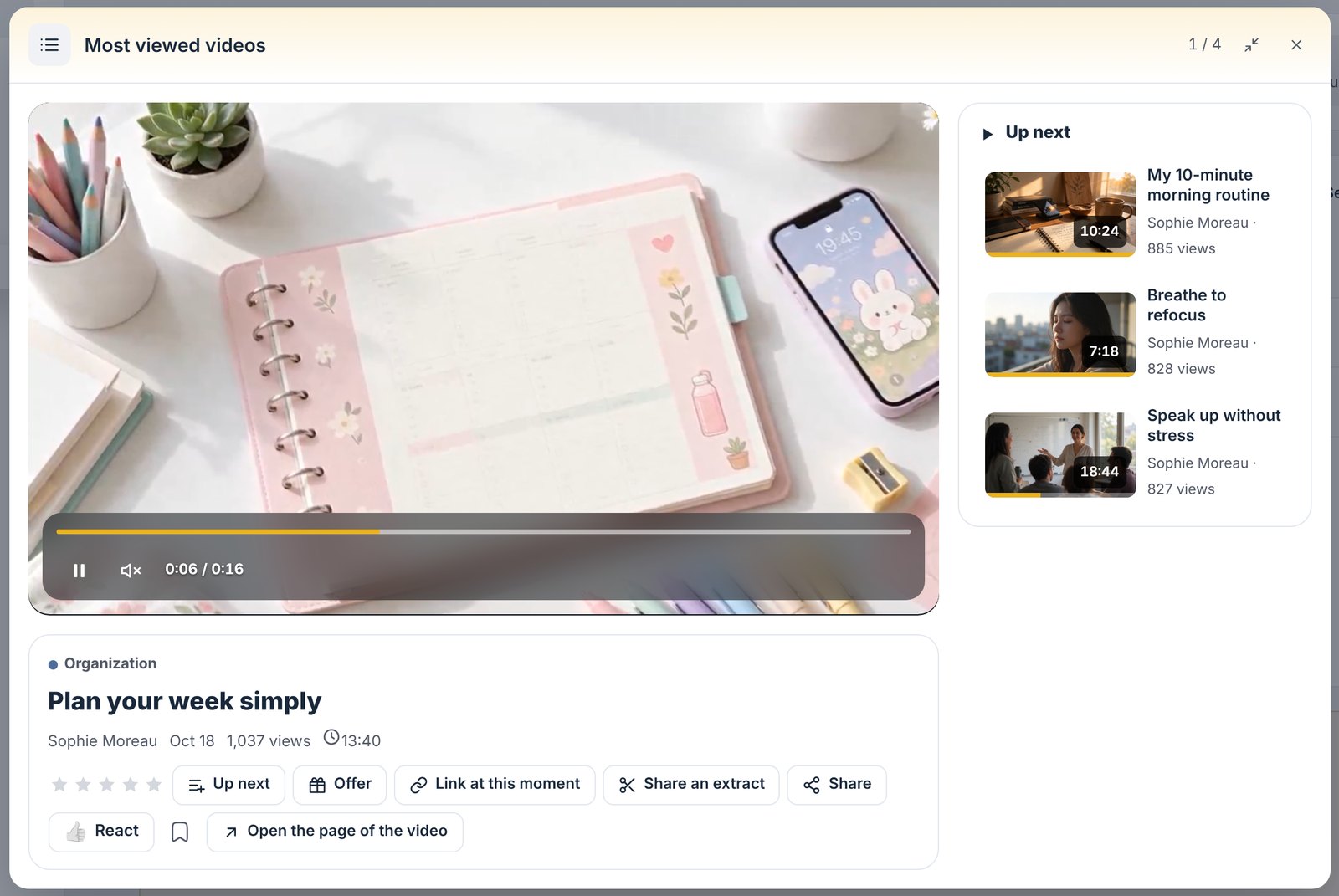
She can also switch to the mini player, at the bottom of the screen, and keep reading the messages at the same time.
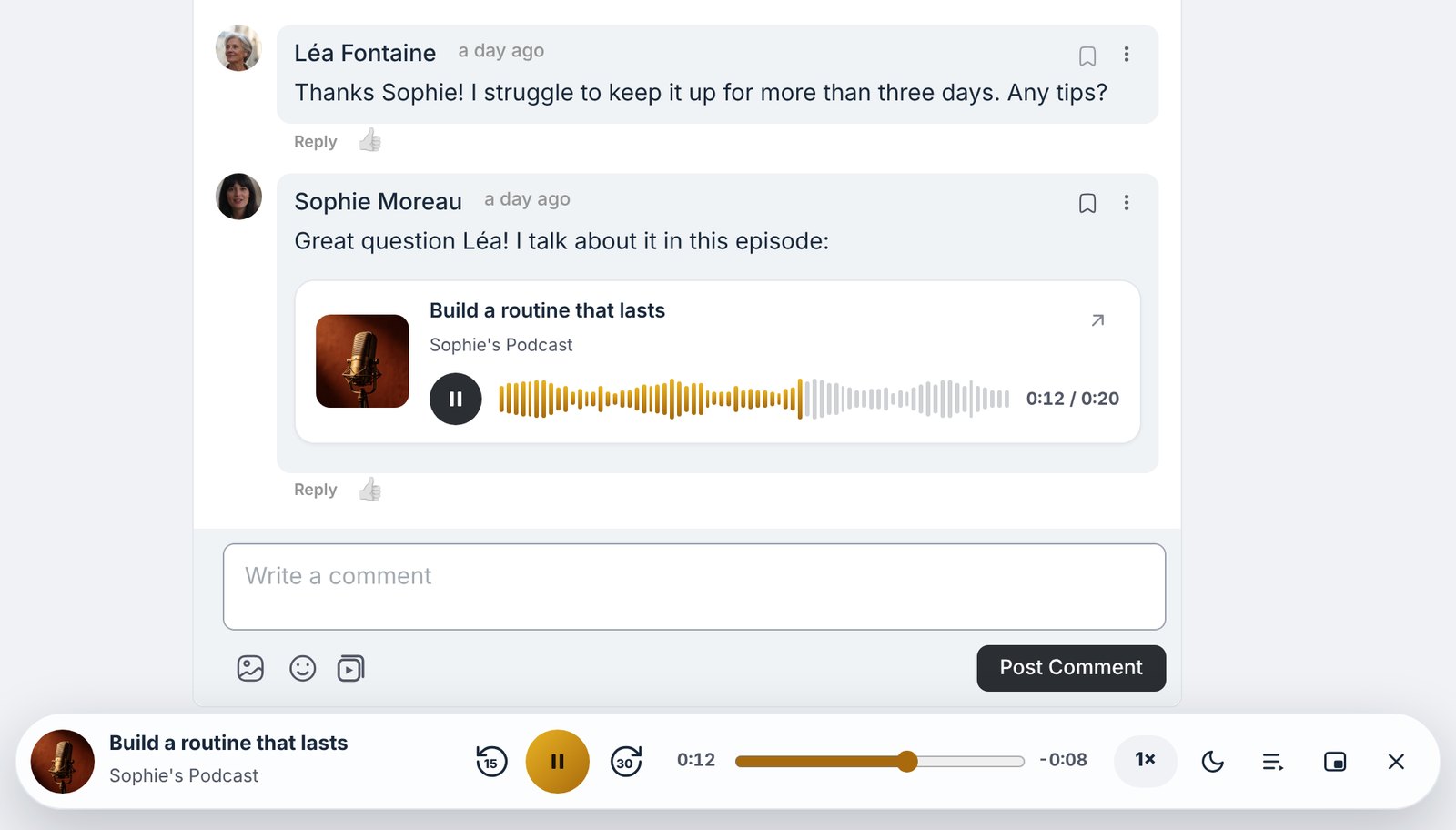
For a podcast, it’s even simpler: the episode plays right inside the post, and Léa skips wherever she wants.
The result: your members stay longer, and they always discover something new.
Your videos in the spotlight
If you use the Page Builder or the Sidebar from FC Extensions, you know it: your pages are built with blocks, like a construction set. Videos & Podcasts comes with its own blocks. Not one, not two: fifteen new blocks.
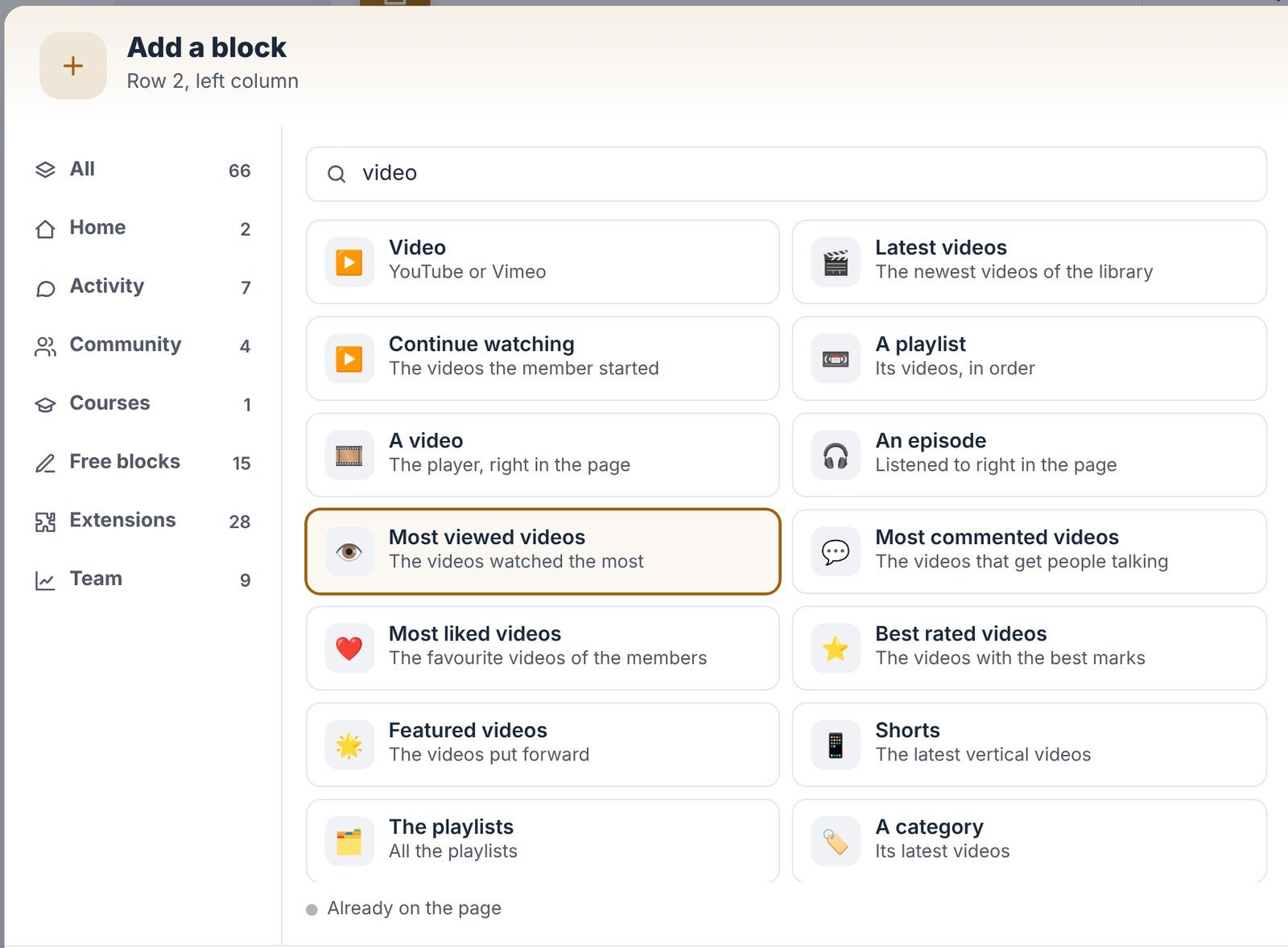
Your most viewed videos, your favorites, your podcasts, your playlists: you choose what you want to highlight. Sophie adds a few of them to her home page and to the right column. Customizing your spaces takes less than two minutes.
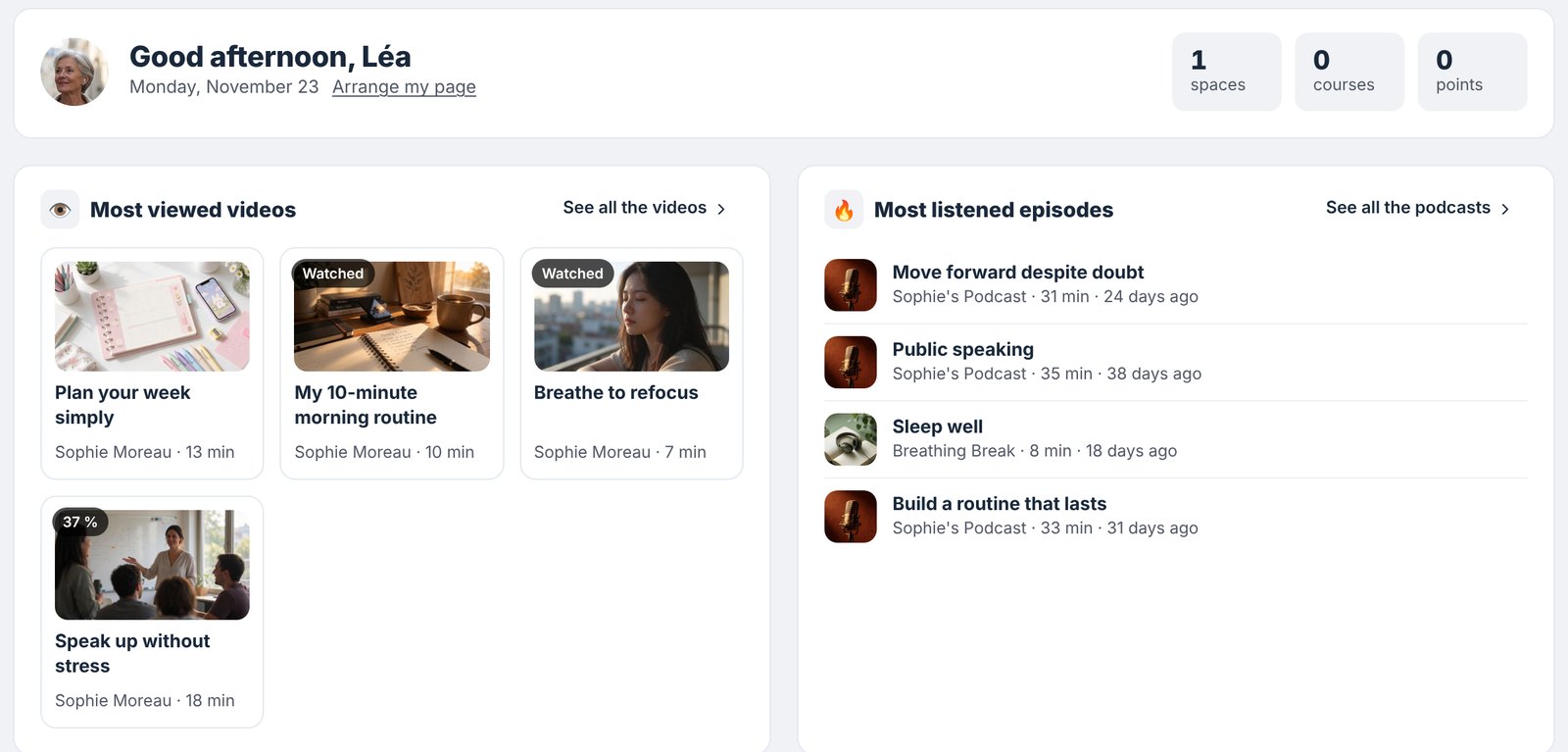
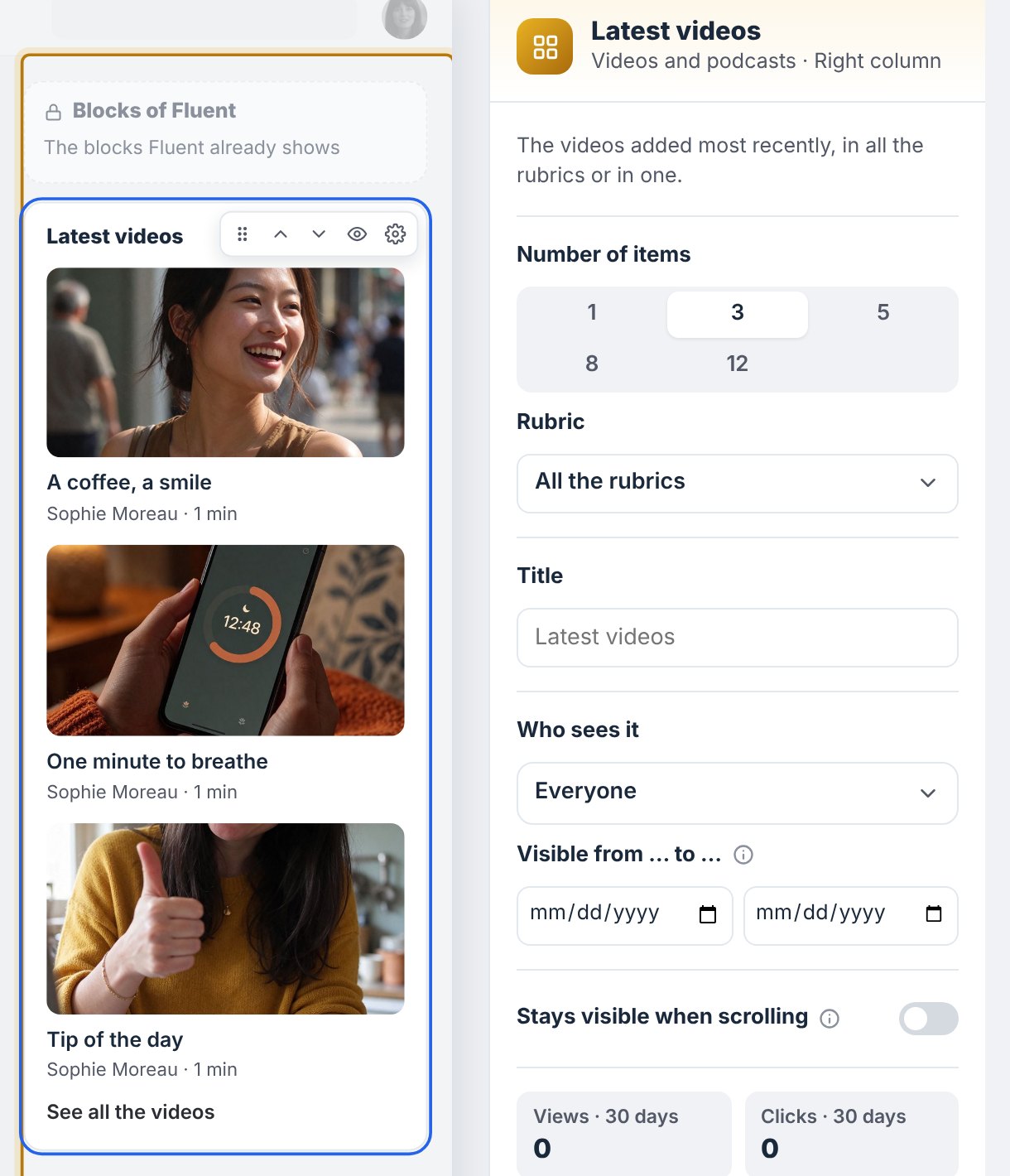
Now, as soon as a member arrives, they see right away what to watch. And your new videos no longer go unnoticed.
Your videos in Writing
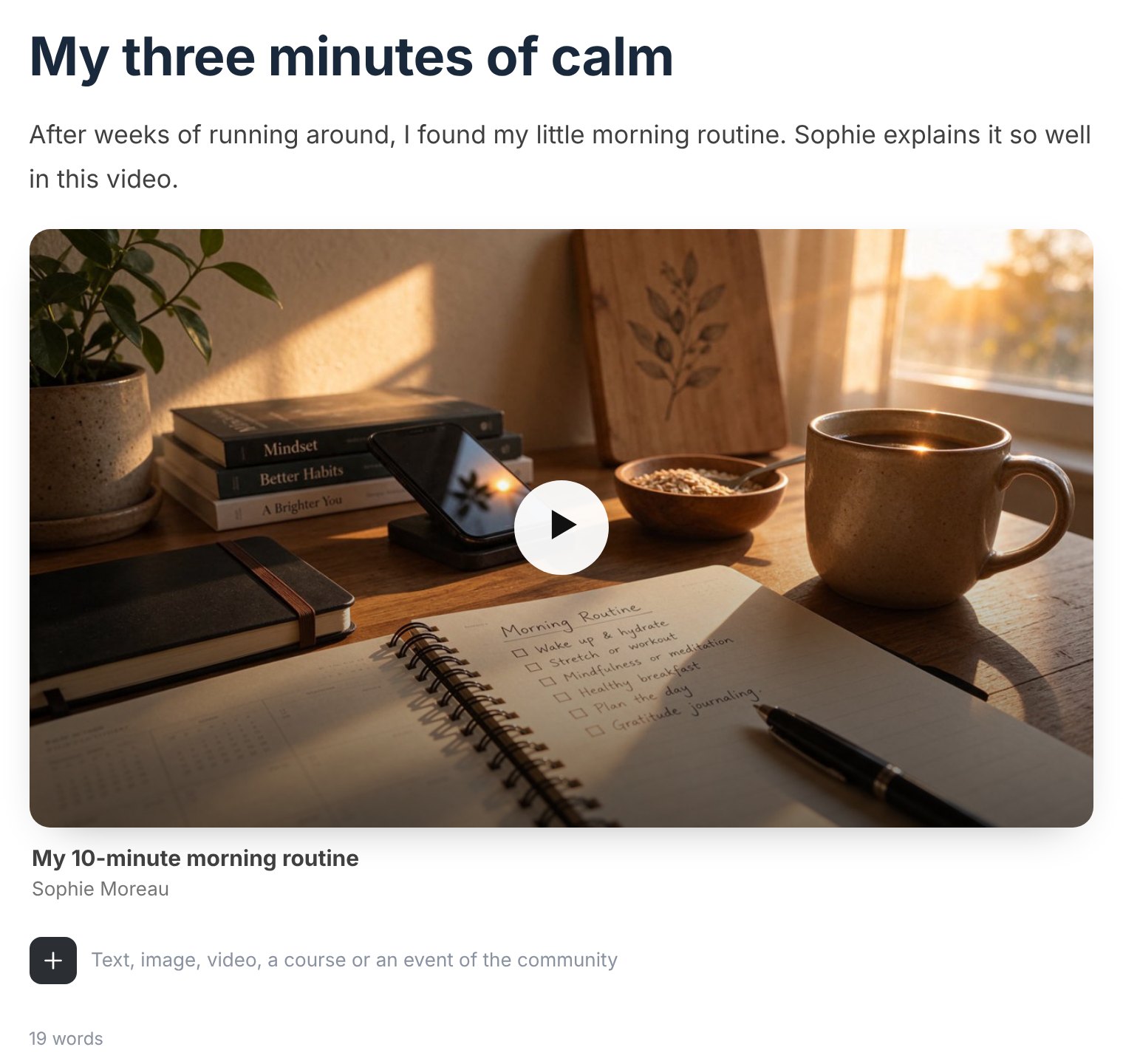
With our Writing extension, your members write real articles inside the community. And now, Videos & Podcasts fits right in. A video, an episode, or a whole selection: you pick them from the same library, just like for a post.
Léa writes about her new morning routine, and adds Sophie’s video in one click. Articles come alive, and your members share what they love.
Your videos in your emails
And what about members who don’t drop by every day? Your videos reach them. When a post shares a video, the email your members receive now shows it big: its picture, its title, and a button to watch it.
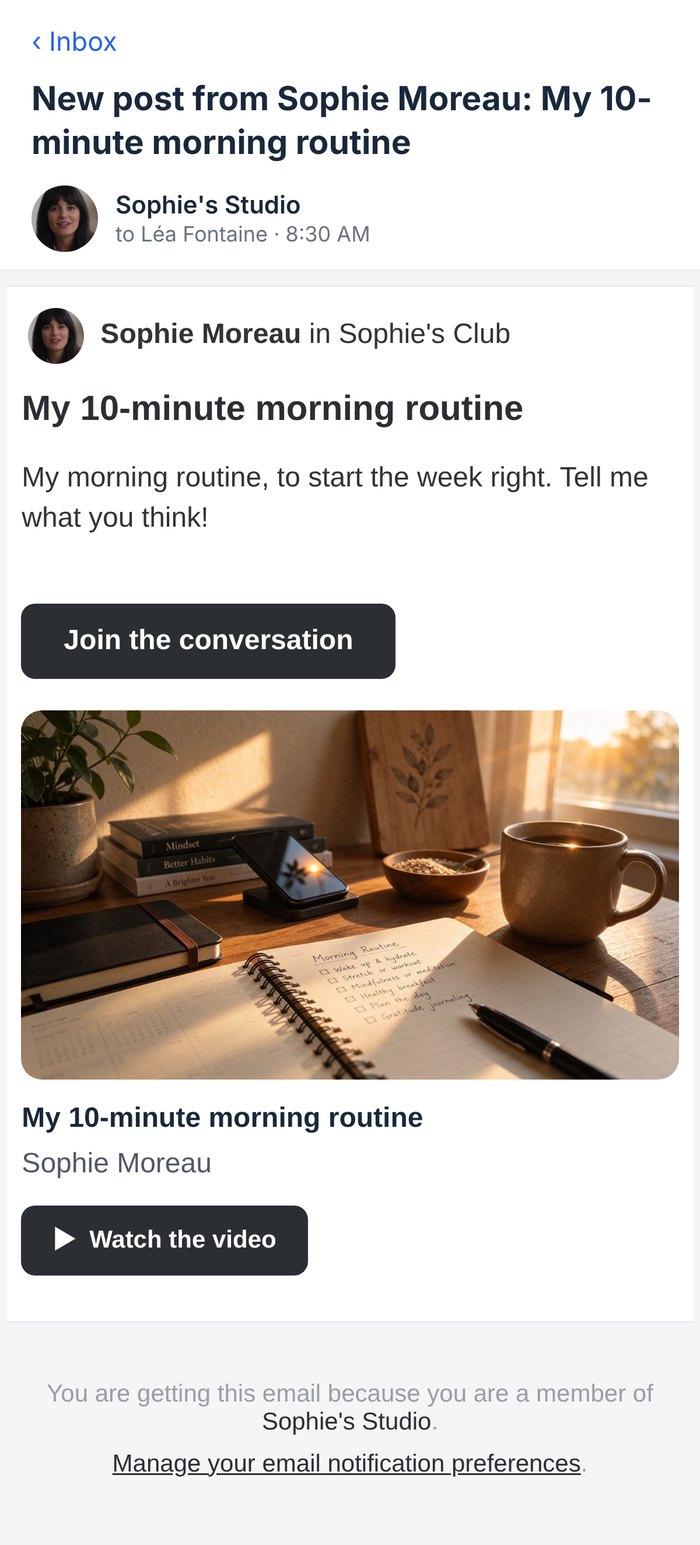
You understand right away what it’s about. One click, and you land on the video, inside the community. Your emails make people want to click, and your members come back more often.
Your videos on your WordPress website
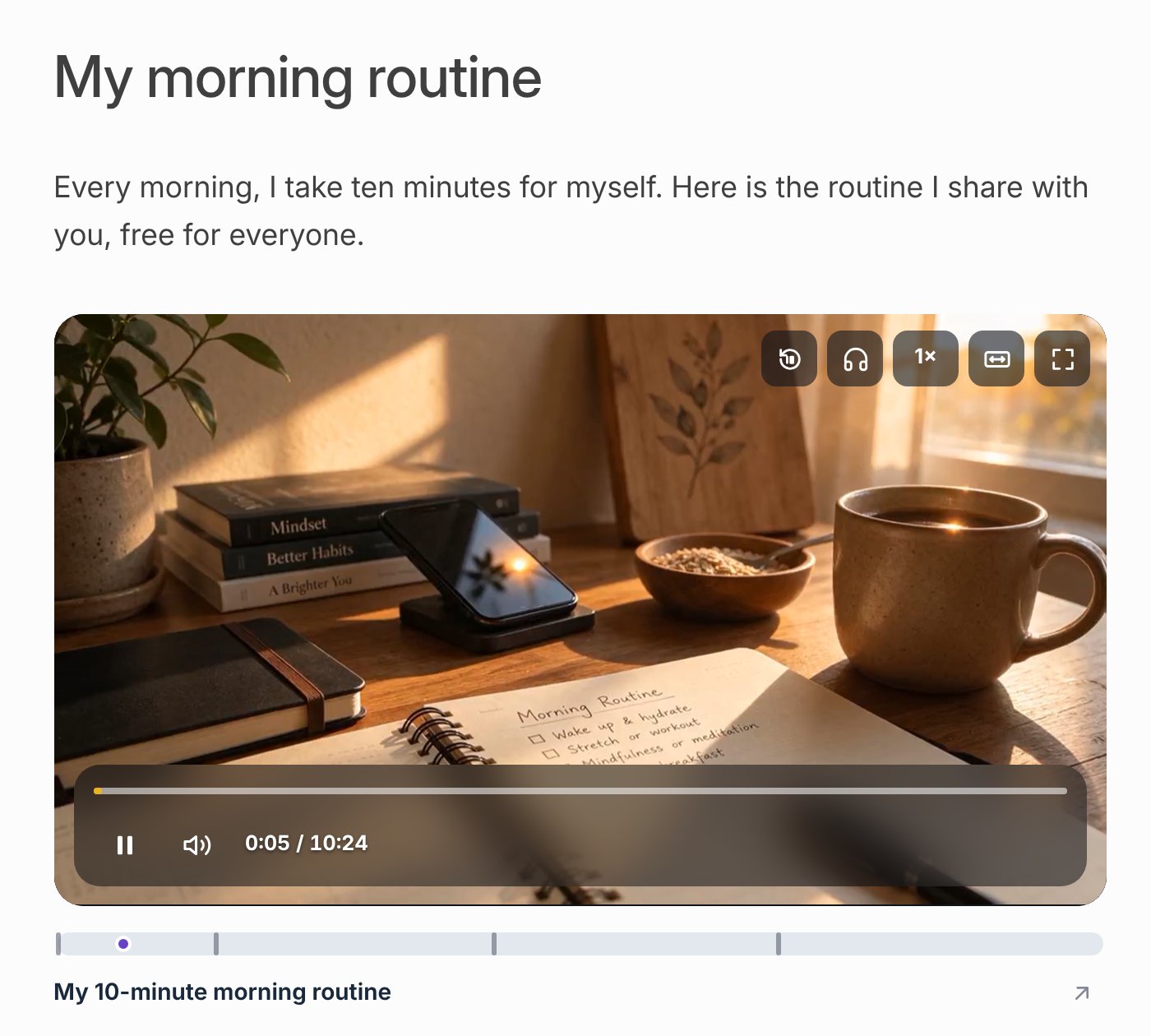
Do you also have a WordPress website? The same blocks are waiting for you in its editor. Sophie adds a video to a page of her website, in a few clicks.
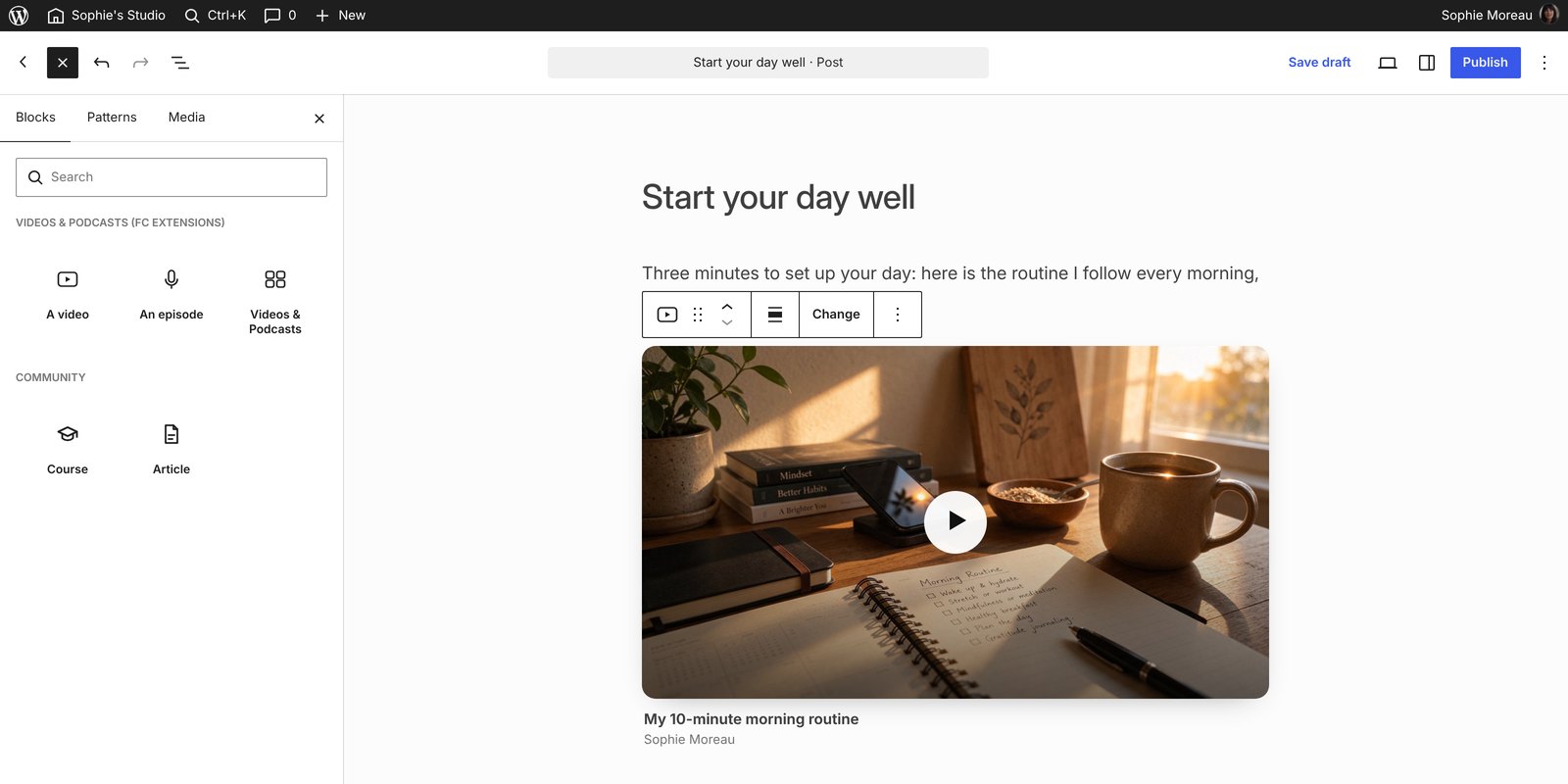
Videos open to everyone play right on the page.
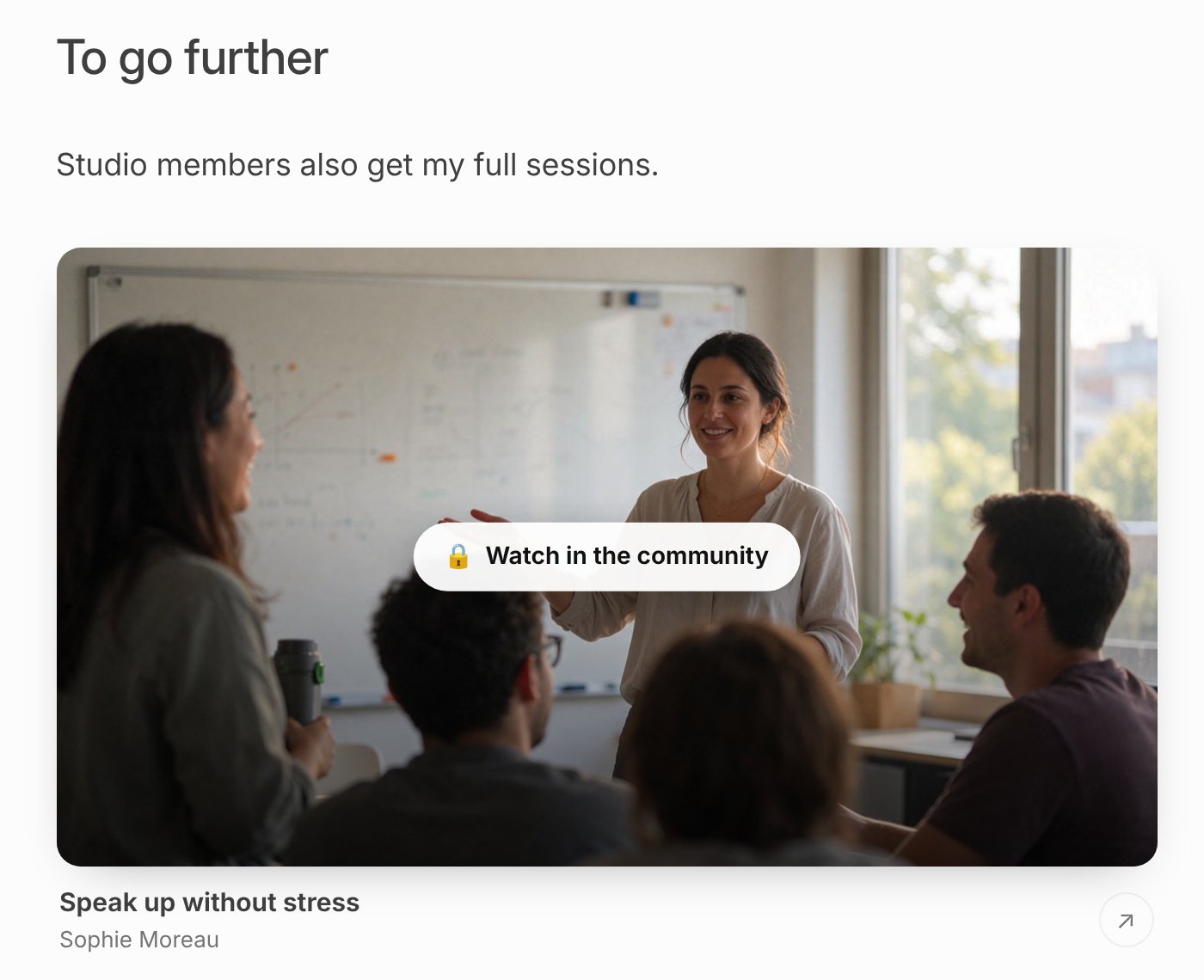
Those reserved for your members stay protected: people see their picture with a small padlock, and an invitation to join the community. Your website becomes a beautiful gateway to your community.
How to get these new features
Already using Videos & Podcasts? Update in one click from FC Extensions, and everything is there. Nothing else to set up: the Library button, the blocks and the emails are ready. Videos & Podcasts is a premium extension of FC Extensions, compatible with Fluent Community. Discover the plans to add it to your community.
Premium extension
Your videos, wherever your members are
Videos & Podcasts is one of the premium extensions of FC Extensions. One update, and your videos join your discussions, your home page, your articles, your emails and your website.
✓ Native Fluent Community
✓ Library button and mini player
✓ Fifteen new blocks
✓ Emails and WordPress website
To go further, open the Videos & Podcasts page, read the full presentation again, discover the Page Builder, the Sidebar and Writing, or browse the extension catalog.
An idea, a question? Find me in the FC Extensions space of the Sdravobiz community, or share your ideas on the roadmap.
Frequently asked questions
What’s new in Videos & Podcasts?
A Library button in posts and replies, watching above the discussion with a mini player, fifteen new blocks for the Page Builder and the Sidebar, videos in Writing articles, emails that show the video big, and the same blocks on your WordPress website.
How do I share a video in a post?
Click the Library button in the post editor, pick the video or the episode, watch the preview if you like, then click Add. The video is attached with its picture, and the title fills itself in.
Do my members leave the discussion to watch?
No. The video opens above the page, and can switch to a mini player at the bottom of the screen. Podcast episodes play right inside the post.
Do I need the Page Builder or the Sidebar for the new blocks?
The blocks go into the Page Builder and the Sidebar from FC Extensions. On your WordPress website, they are in the block editor, with no other extension.
Do members-only videos stay protected on my website?
Yes. On the website, a members-only video only shows its picture with a padlock and an invitation to watch it in the community.
How do I get these new features?
If you already have Videos & Podcasts, update in one click from FC Extensions. Videos & Podcasts is a premium extension: discover the plans on fcextensions.com.