
PremiumAvailable
Sidebar
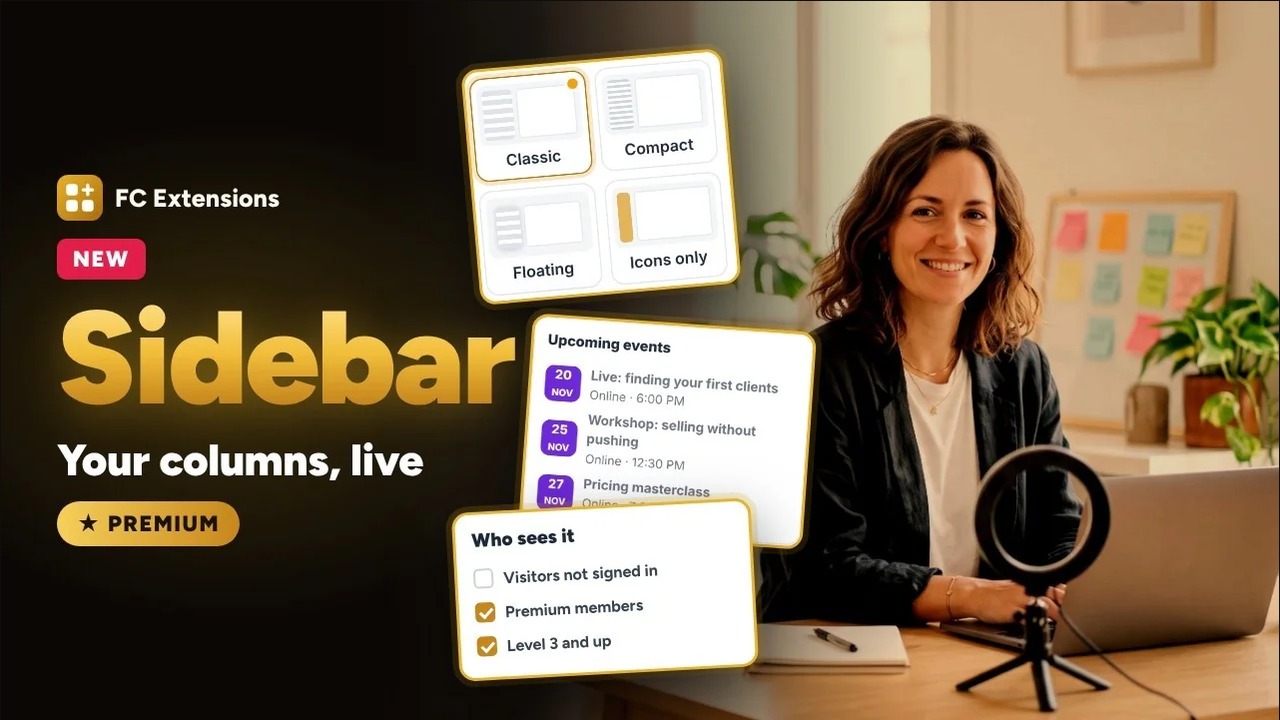
The two columns of your community, with blocks from all your extensions.
Watch it in action4:42
What it brings you
Sidebar, for you and your members.
The left and right columns of your community are the same for everyone, and every extension adds its links its own way. Sidebar lets you build both columns on a preview of your community, page by page and audience by audience, then publish when everything is ready.
- Both columns, set in one place
- Every line and every block for the right audience
- Blocks from all your extensions
In detail
Everything it does for you.
- Left column: four layouts, Classic, Icons only, Double column or Collapsible.
- Links, extension pages, titles, separators and groups, moved with the mouse.
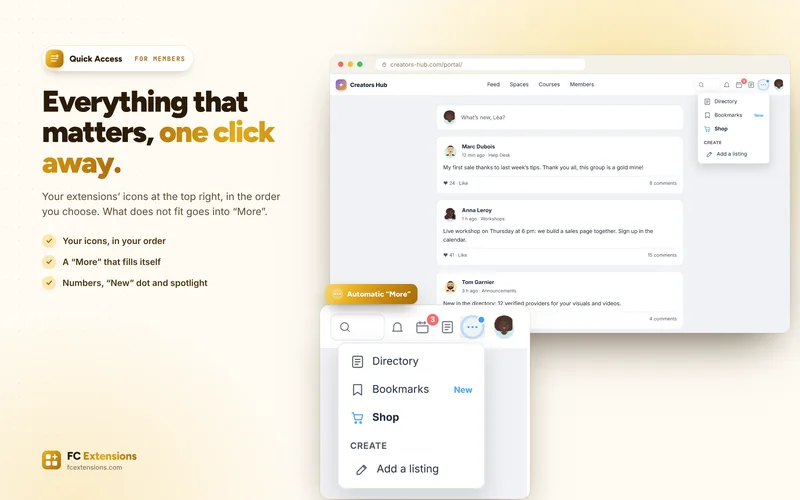
- For each line: a name, an icon, a “New” dot, a spotlight and display dates.
- Right column: set page by page, for the feed, spaces, courses and profiles.
- Ready-made blocks: image, text, banner, button, video, quick links, new members, latest discussions, and the blocks of your extensions.
- Blocks that rotate one at a time, or stay visible as you scroll.
- Who sees it: visitors, members, roles, spaces, courses, levels, FluentCRM tags, Gamification badges or purchased offers.
- “View as…”: your columns as seen by a specific member or a profile.
- Everything stays a draft until you publish.
- On phones, the left column becomes a drawer and the right blocks move below the content.
How to turn it on
Three steps, and you are off.
- 1Become a Founder
A lifetime license unlocks every premium extension.
Become a Founder - 2Install FC Extensions
A single WordPress plugin. Paste your Founder key on the License page.
- 3Turn on Sidebar
One switch in the Fluent Community settings, and you are ready.
In the same family
We also recommend.
More extensions from the “Customize” family, to go further.
It works with
Even better with these extensions.
FC Extensions know each other: switched on together, they complete each other.
