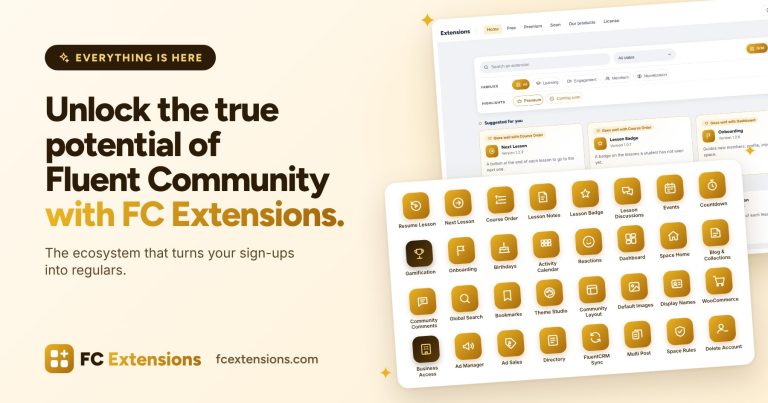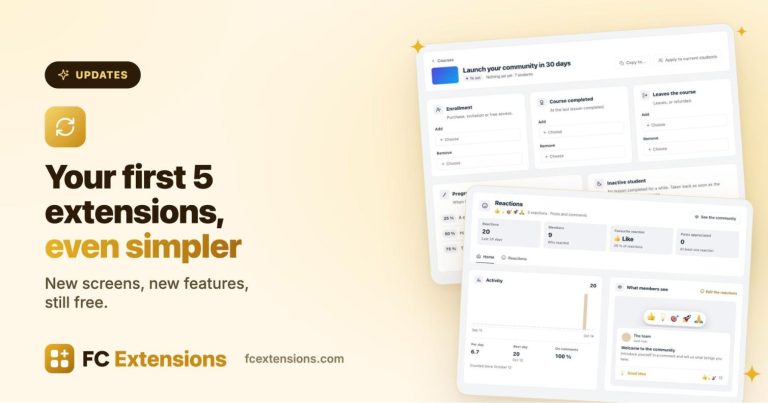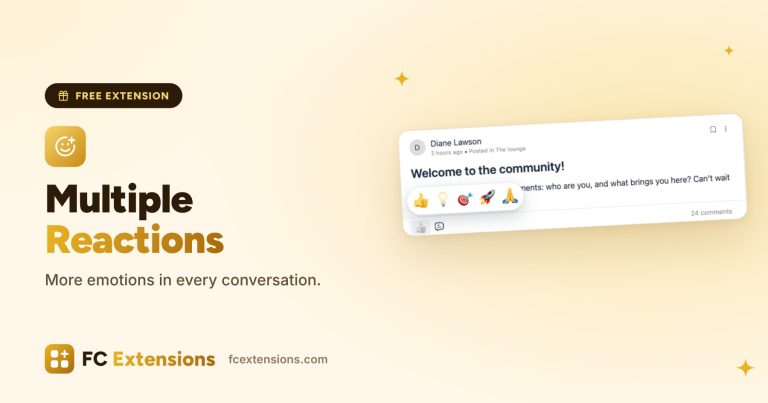

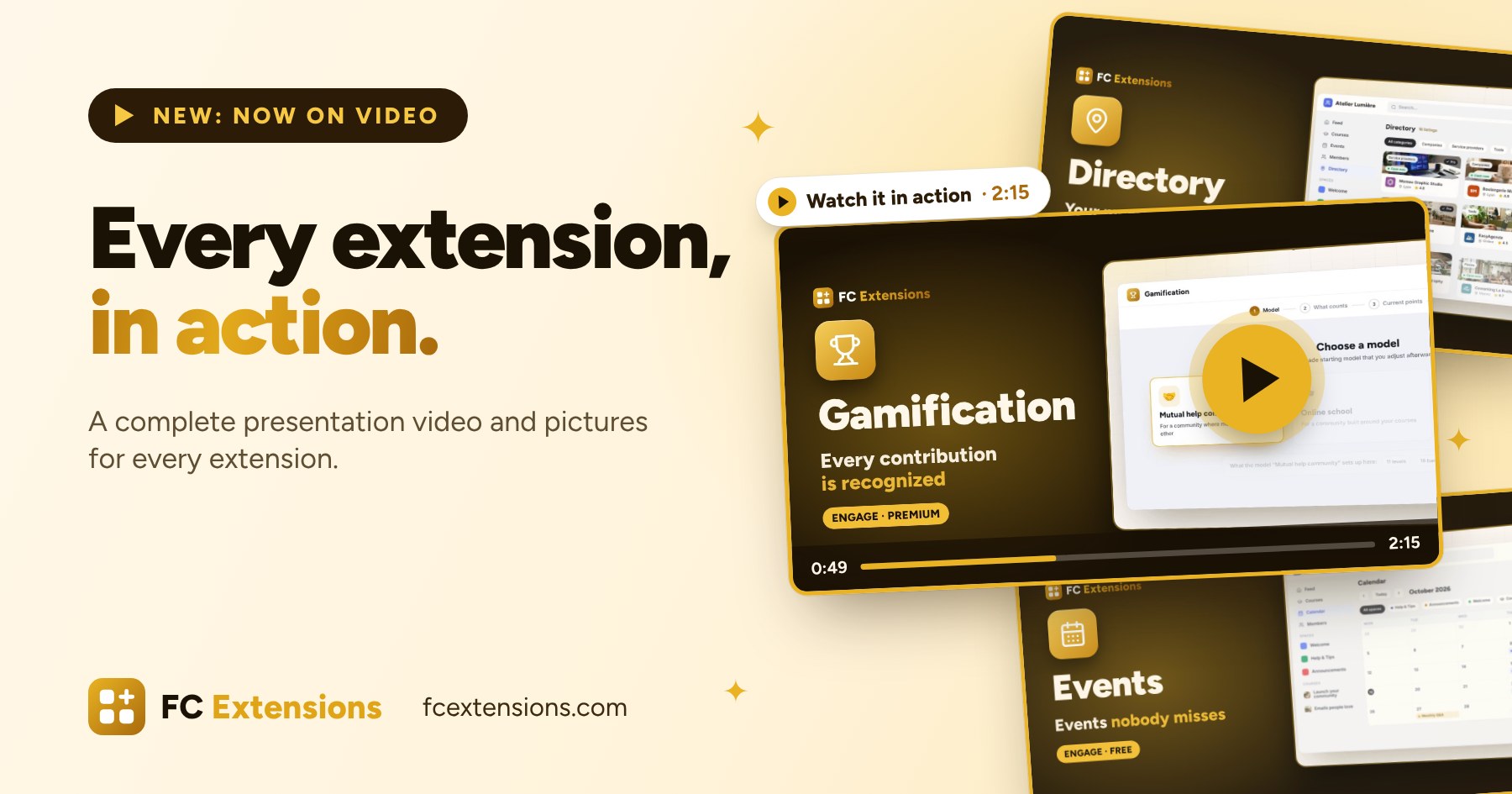
Since the launch, one question keeps coming up in your messages: “What does it actually look like?” And you are right. I can describe an extension as well as I want, nothing beats the moment you see it at work. So over the last few days, I put a lot of work into the site, and I have good news to share: every extension now has its own complete presentation video.
It is the last step of a series of updates to the site: first the pictures, then a video to discover FC Extensions in two minutes, and today a video for every extension. Let me tell you all about it.
See it in action
Open the page of any available extension: the video is waiting for you at the very top, large, right under its name, with “Watch it in action” and its length. On desktop, it fills almost the whole screen. On mobile, it sits under the title, just before the buttons.

To give you an idea, here is the Gamification one:
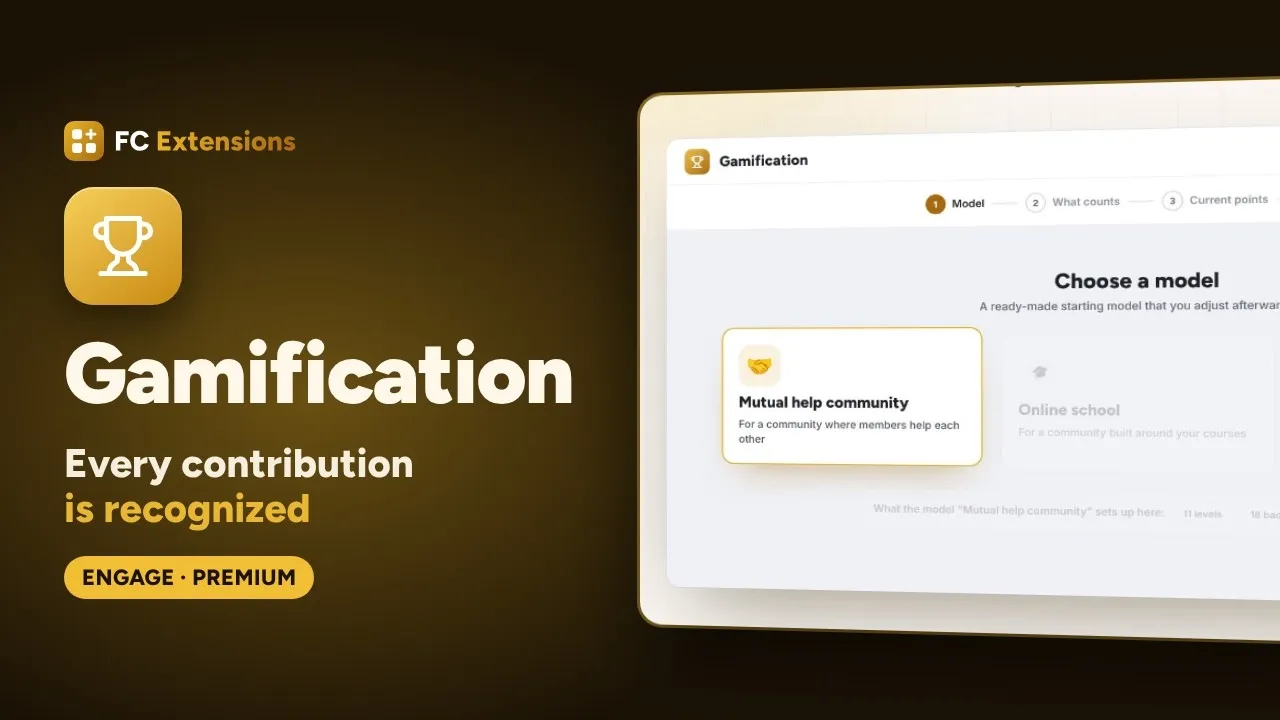
Each video runs from a minute and a half to a little over two minutes. Enough to understand what the extension is for, see how you use it, and know whether it belongs in your community. No more, because I know your time matters.
How I designed them
I wanted videos that really teach you something, not ads. Each one follows the same path: what your community needs, then the extension that answers it, shown step by step, on the members’ side and on the admin side.
The screens are the extension’s own, with its real labels, in a sample community. And I held on to one simple rule: everything you see really exists. Every feature shown was checked in the extension itself, and what is optional is presented as such. The levels, badges or rewards you spot are examples, which you adapt to your community.
Here, for example, is the Directory, from the listing a member submits all the way to your approval:
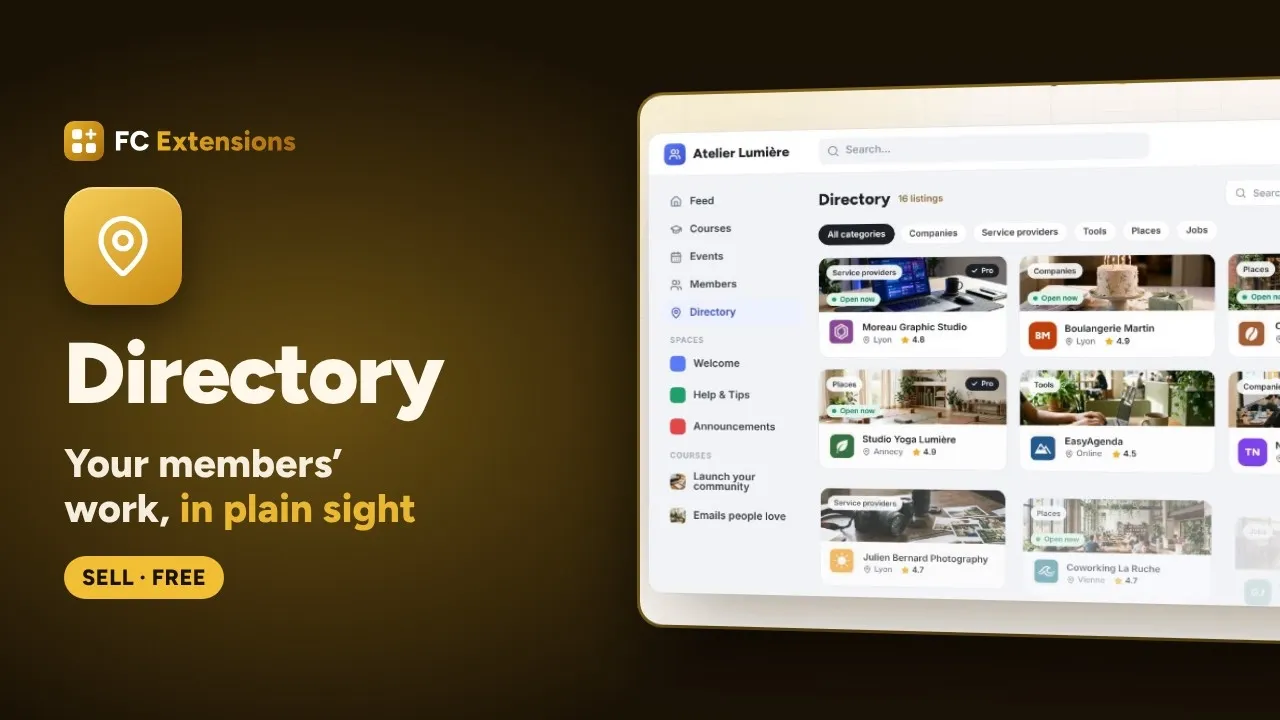
The videos are in English on the English site, and in French on the French site. They play through Fluent Player, in FC Extensions colors, so they look right at home on the site.
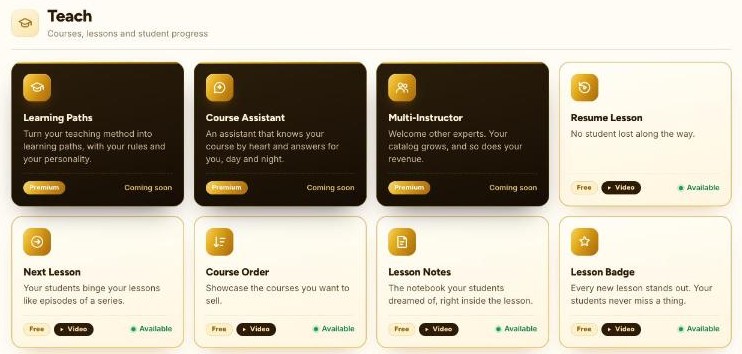
To spot them at a glance, every card in the catalog now carries a “Video” badge. The articles that already present an extension, like Account Deletion or Multiple Reactions, also got their video, right after the introduction.
Every extension, in pictures too
Before the videos came the pictures. Under the video, every page has its “In pictures” section, with two tabs: “Public side”, to see what your members experience, and “Admin side”, to see what you set up on your end.
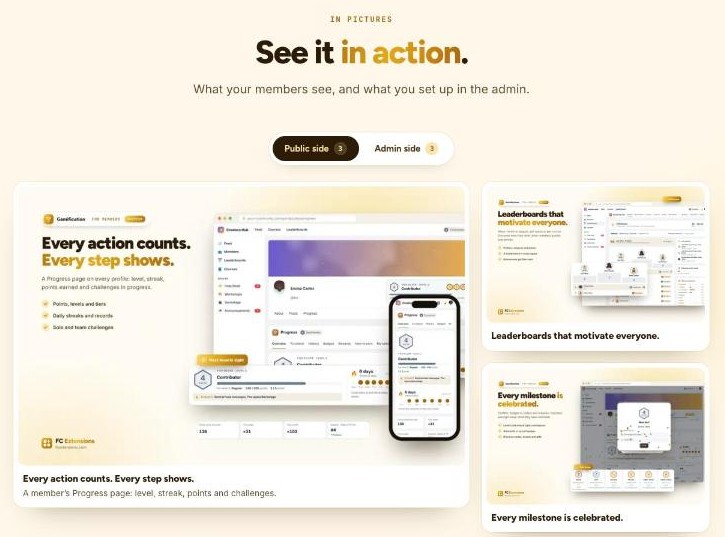
A click on a picture opens the viewer: you move from one picture to the next with the arrows, you zoom in on what interests you, and every picture has its caption. On mobile, just swipe. It is the quickest way to tour an extension when your sound is off, or when you are looking for a specific detail.
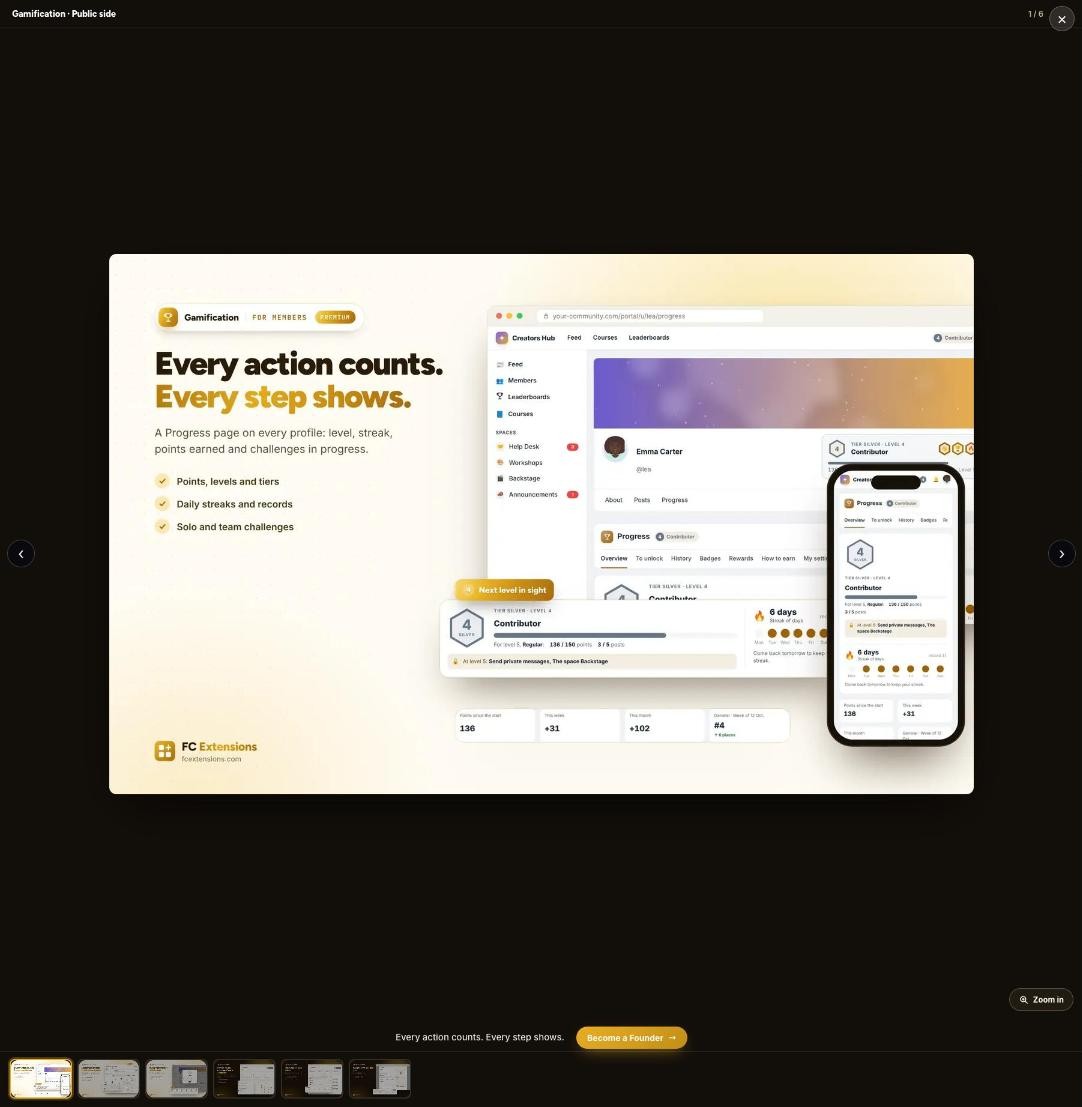
Video to understand, pictures to look closely: the two go hand in hand, and you choose what suits you best.
FC Extensions in two minutes
If you are discovering FC Extensions, start here. On the home page and on the page of all the extensions, a two-minute video presents the whole ecosystem: what it brings to Fluent Community, how the extensions work together, and how everything installs from one single place.
Then all you have to do is open the pages of the extensions that speak to you, watch their video, and make up your own mind.
The premium ones, before you decide
The videos are there for the premium extensions too. You can see Gamification and Business Access in action, from the first setup to what your members experience, before you even get your hands on them.
Here is the Business Access one:
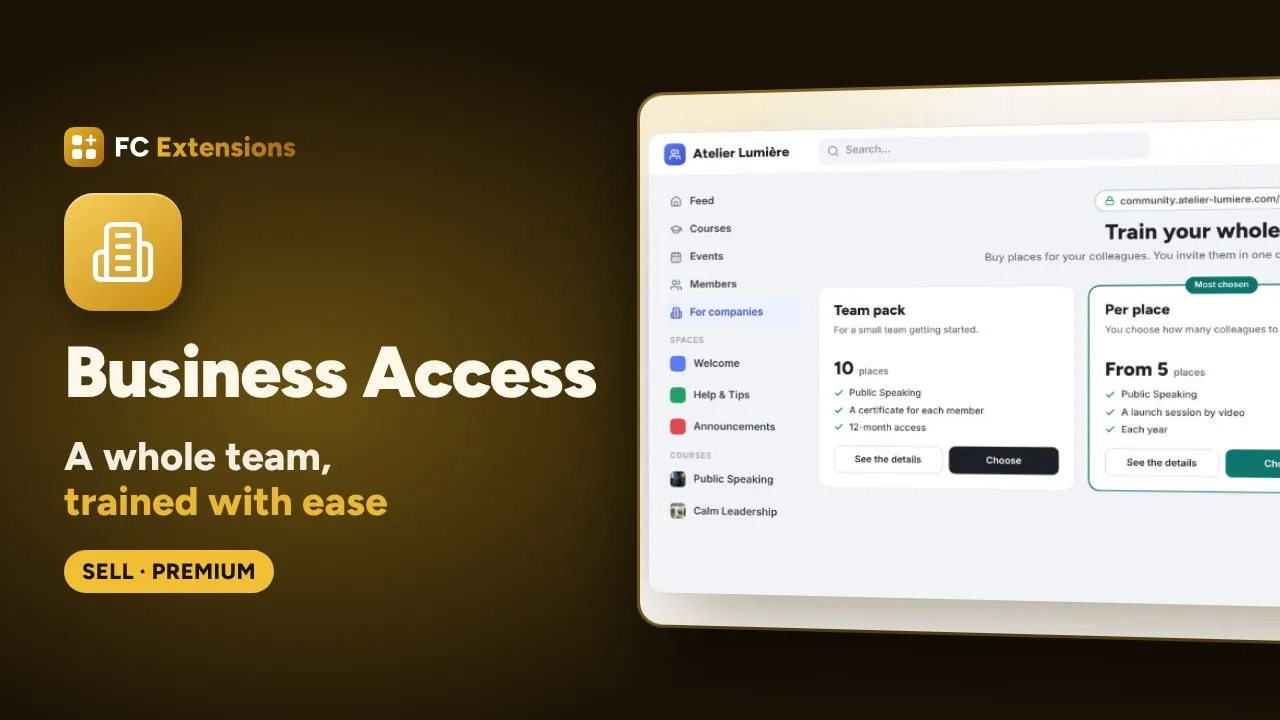
They are included in the Founder offer, along with every premium extension still to come. The launch price runs until Sunday, October 25 at 11:59 pm, Romania time. If the ecosystem speaks to you, now is the right time to support the project. If not, no worries: your free extensions stay yours, forever.
Thank you
These videos took a lot of care, and I am proud of them. If you watch one and a detail escapes you, or if you would like to see a feature up close, tell me in the FC Extensions community. Your feedback helps me make every presentation clearer.
Thank you to everyone who has followed the project from the start. Enjoy watching!
The FC Extensions ecosystem
You have seen it in action. Now try it.
One free key opens every free extension, with its updates.
✓ Native to Fluent Community
✓ Built to work together
✓ Installed and updated in one click
✓ Free, forever
Frequently asked questions
Where do I find an extension’s video?
At the very top of its page, right under its name. In the catalog, the extensions that have their video carry the “Video” badge.
Are the videos in English?
Yes. On the English site, every video is in English, with English screens. On the French site, they are in French.
Does everything shown in the videos really exist?
Yes. Every feature shown was checked in the extension itself, and what is optional is presented as such. Only the community is an example: the members, levels or badges you see are set up your way.
Do I need an account to watch the videos?
No. The videos and pictures on every page are open to everyone, on desktop as well as on mobile.
Will upcoming extensions get their video too?
Yes. Every new extension will get its video and its pictures when it is released.